








Paid time off management rarely feels urgent, until it becomes a problem.
At first, a spreadsheet works. Then your team grows. Requests overlap. Accrual policies get complicated. Someone’s balance is wrong. Payroll has different numbers than HR. Managers approve time off in Slack, but nothing is recorded centrally.
By 2026, most companies have realized that proper PTO tracking is not a luxury. It is operational infrastructure.
The real question is no longer whether you need a PTO tracker. It is how much you should pay for one.
In this guide, we take a deep look at the most affordable PTO tracking software options available in 2026, compare their cost per user, evaluate what you actually get for that price, and explain why one platform stands out clearly above the rest.

What “Affordable” Really Means in 2026
Affordability is not just about the lowest sticker price. It is about:
Cost per employee per month
What features are included at the base price
How pricing scales as your team grows
Whether you are paying for unnecessary HR modules
How much time the system saves
Many HR platforms advertise low starting rates, but once you add required modules, reporting features, or integrations, the cost per user climbs quickly.
For companies with 50, 100, or 300 employees, even a difference of two or three dollars per user per month can mean thousands of dollars annually.
That is why this comparison focuses specifically on dedicated PTO tracking value.
Day Off: The Most Cost-Efficient PTO Tracker in 2026
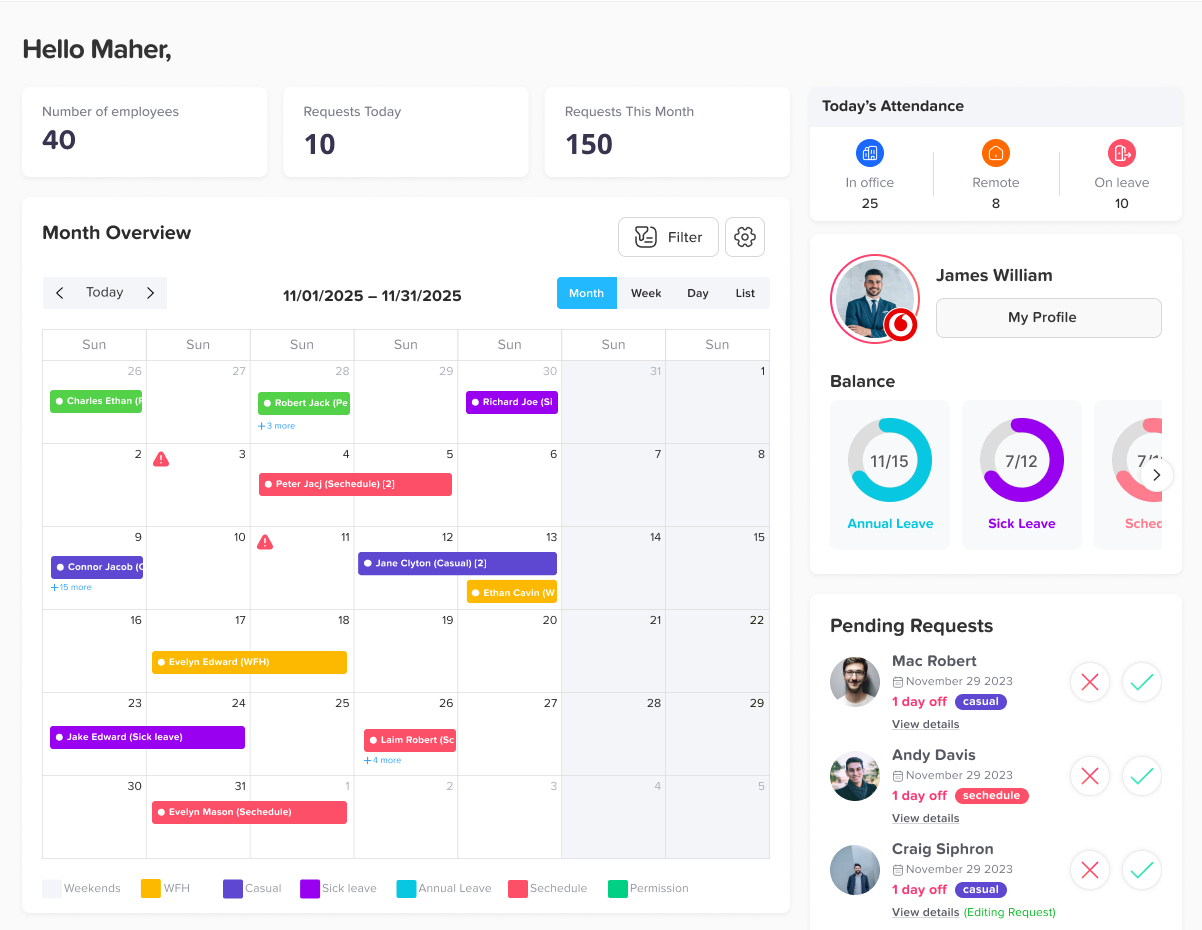
When businesses evaluate leave management software, the real comparison isn’t just about price; it’s about cost per user relative to functionality delivered. In that equation, Day Off consistently comes out ahead.
Many HR platforms bundle leave tracking into broader systems filled with features companies may never use. While those platforms can be powerful, they often come with significantly higher per-user costs and added complexity.
Day Off takes a different approach: it focuses exclusively on leave management, and it does it exceptionally well.
Pricing Overview
Day Off typically starts at around $1–$2 per user per month, with a free plan available for smaller teams.
In 2026, that positions it as one of the most affordable dedicated PTO and leave management systems on the market.
Instead of inflating pricing through bundled HR modules, Day Off maintains a focused feature set centered entirely on time-off management. That specialization allows the product to stay:
Clean and intuitive
Operationally efficient
Cost-effective at every stage of growth
Companies aren’t paying for recruiting modules, payroll add-ons, or performance systems they don’t need. They’re paying only for what they use, a robust leave management solution.
What You Actually Get
Affordability does not mean compromise.
Even at its lower price point, Day Off includes a comprehensive set of features designed to handle real-world operational needs:
Automated leave accrual tracking
Custom leave types (PTO, sick leave, parental leave, unpaid leave, etc.)
Flexible, multi-level approval workflows
Shared team calendar visibility to prevent scheduling conflicts
Holiday management across regions and offices
Slack and Microsoft Teams integrations
Mobile apps for managers and employees
Multi-location and multi-policy support
Importantly, it does not feel like a stripped-down or “lite” version of a larger platform. The system feels complete, purposeful, and refined, built specifically for leave management rather than adapted from a broader HR tool.
Ease of Use and Implementation
One of the most overlooked costs in software adoption is time.
Complex systems often require:
Lengthy onboarding
Training sessions
Process redesign
Ongoing support from HR
Those indirect costs can easily exceed the subscription fee itself.
Day Off minimizes this entirely.
Most teams can fully implement the system in a single afternoon. Employees intuitively understand how to request leave immediately. Managers can review and approve requests in seconds. HR teams can generate reports instantly, without manipulating spreadsheets or building custom exports.
This simplicity reduces operational friction and shortens the path to full adoption. In practical terms, that ease of use directly contributes to the platform’s overall affordability.
Scalability Without Pricing Surprises
Day Off scales smoothly from small teams of 10 employees to organizations of 300 or more.
Because pricing is structured on a straightforward per-user model, companies avoid being pushed into expensive enterprise bundles as they grow. Costs remain predictable and transparent.
This makes it particularly attractive for:
Startups
Remote and distributed teams
Growing companies expanding across regions
Organizations that want a focused PTO system without investing in full HR infrastructure
Calamari: Structured, Compliance-Ready, But Higher Total Cost
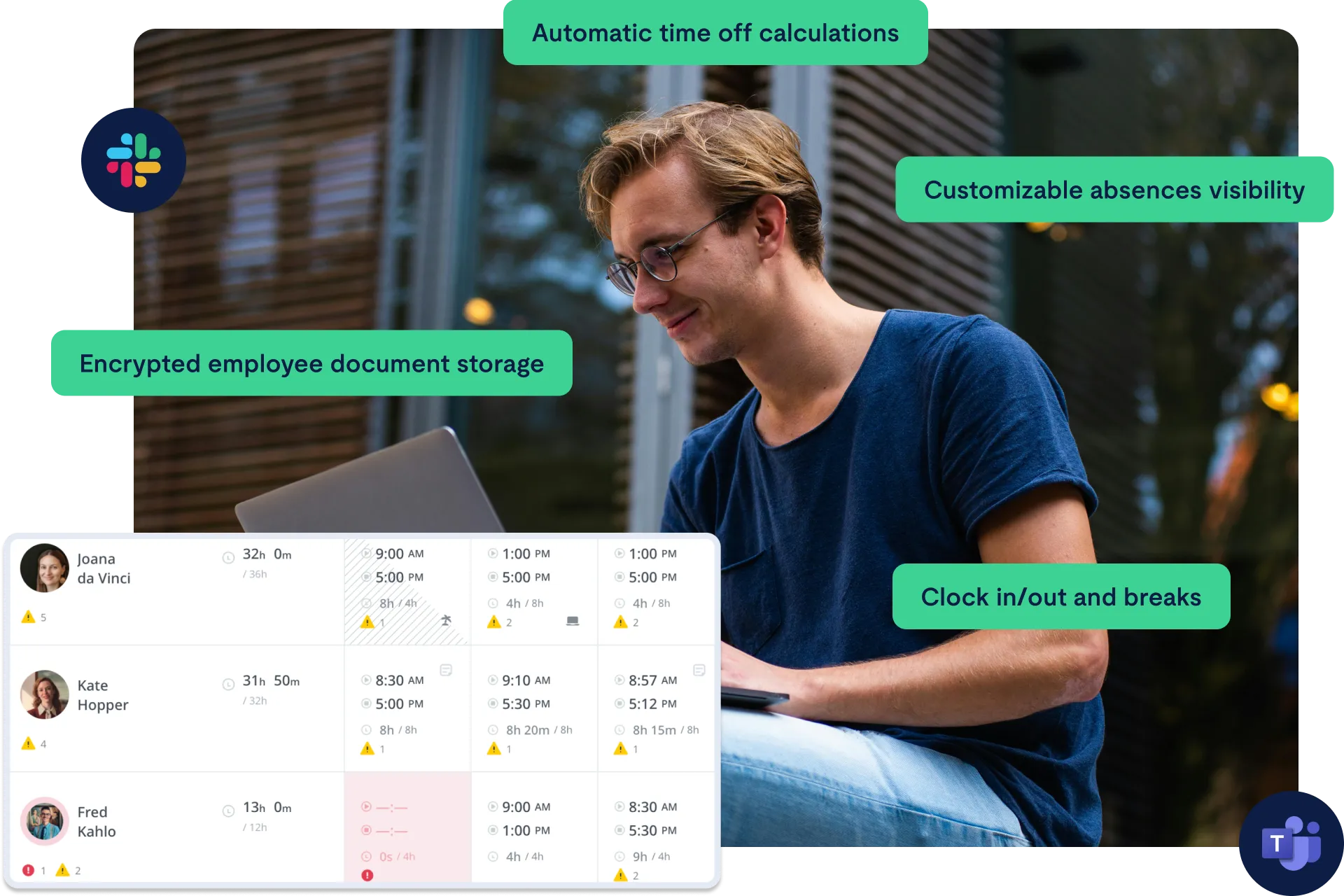
Calamari has built a strong reputation as a structured HR solution, particularly for companies operating across multiple countries with complex compliance requirements.
Pricing Overview
Calamari’s leave management module typically starts at $2–$3 per user per month, which appears competitive at first glance.
However, the platform follows a modular pricing model. Companies frequently add:
Attendance tracking
Time tracking
Additional integrations
As more modules are activated, the effective per-user cost increases. Over time, many businesses find that their actual spend exceeds the initial advertised rate.
Strengths
Calamari excels in areas such as:
Multi-country leave compliance
Advanced policy configuration
Payroll and HR system integrations
Structured reporting
For organizations managing employees across jurisdictions with varying labor laws, this compliance focus is particularly valuable.
Where It Falls Behind in Cost Efficiency
For companies that only require PTO tracking, Calamari can feel more structured, and more complex, than necessary.
While pricing is fair for the functionality offered, it does not lead the market in affordability. When comparing pure cost per user for leave management alone, it does not outperform Day Off.
Buddy Punch: Strong for Hourly and Field-Based Teams
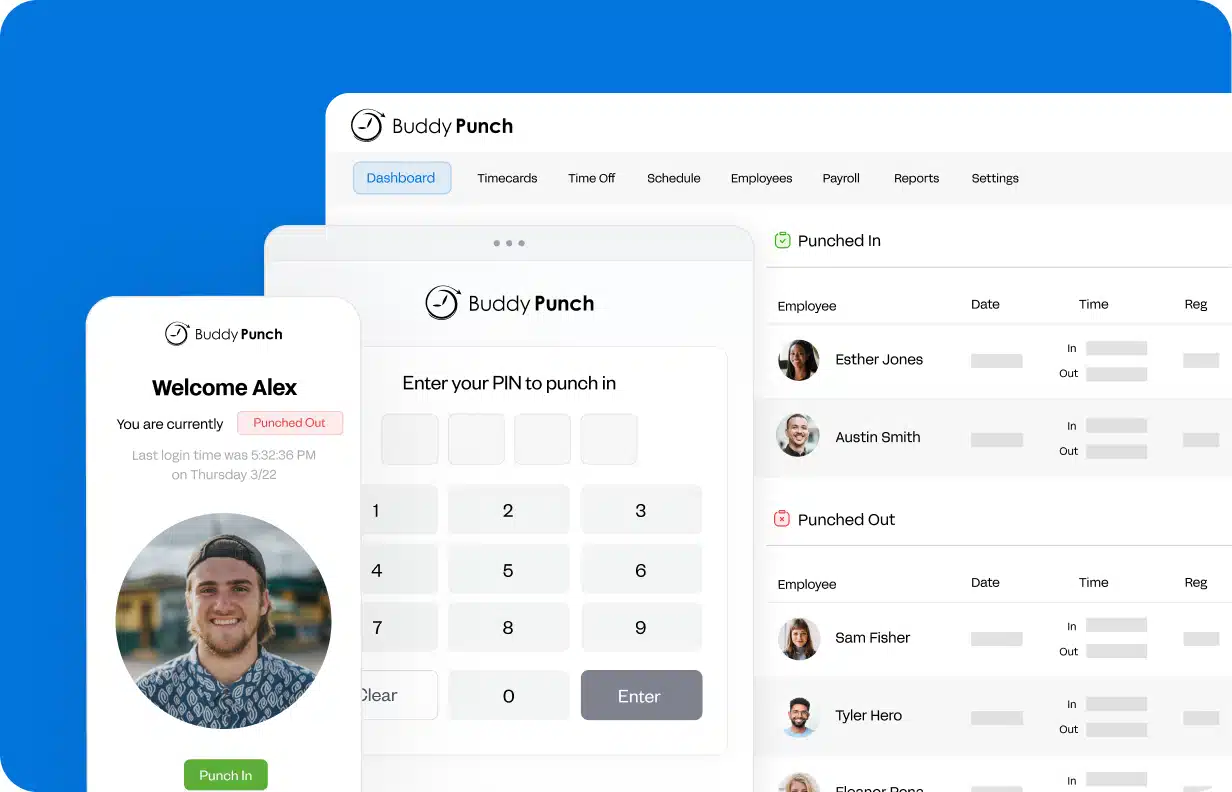
Buddy Punch is fundamentally a time tracking platform that includes PTO functionality as part of its broader workforce management system.
Pricing Overview
Plans typically start around $3–$4 per user per month.
The PTO features are integrated within the time tracking system rather than offered as a standalone leave solution.
Best Use Case
Buddy Punch is especially well suited for:
Construction companies
Field service teams
Hourly or shift-based workforces
Businesses requiring GPS tracking or clock-in/clock-out functionality
For operational environments where time tracking is mission-critical, Buddy Punch delivers strong value.
Cost Consideration
If your organization already needs robust time tracking, the bundled PTO functionality can be efficient.
However, if PTO management is your primary requirement, you are effectively paying for features, such as GPS monitoring and advanced time clocks, that may not be necessary.
From a strict cost-per-user perspective for leave tracking alone, it sits at a higher price tier.
Vacation Tracker: Optimized for Slack and Teams Workflows
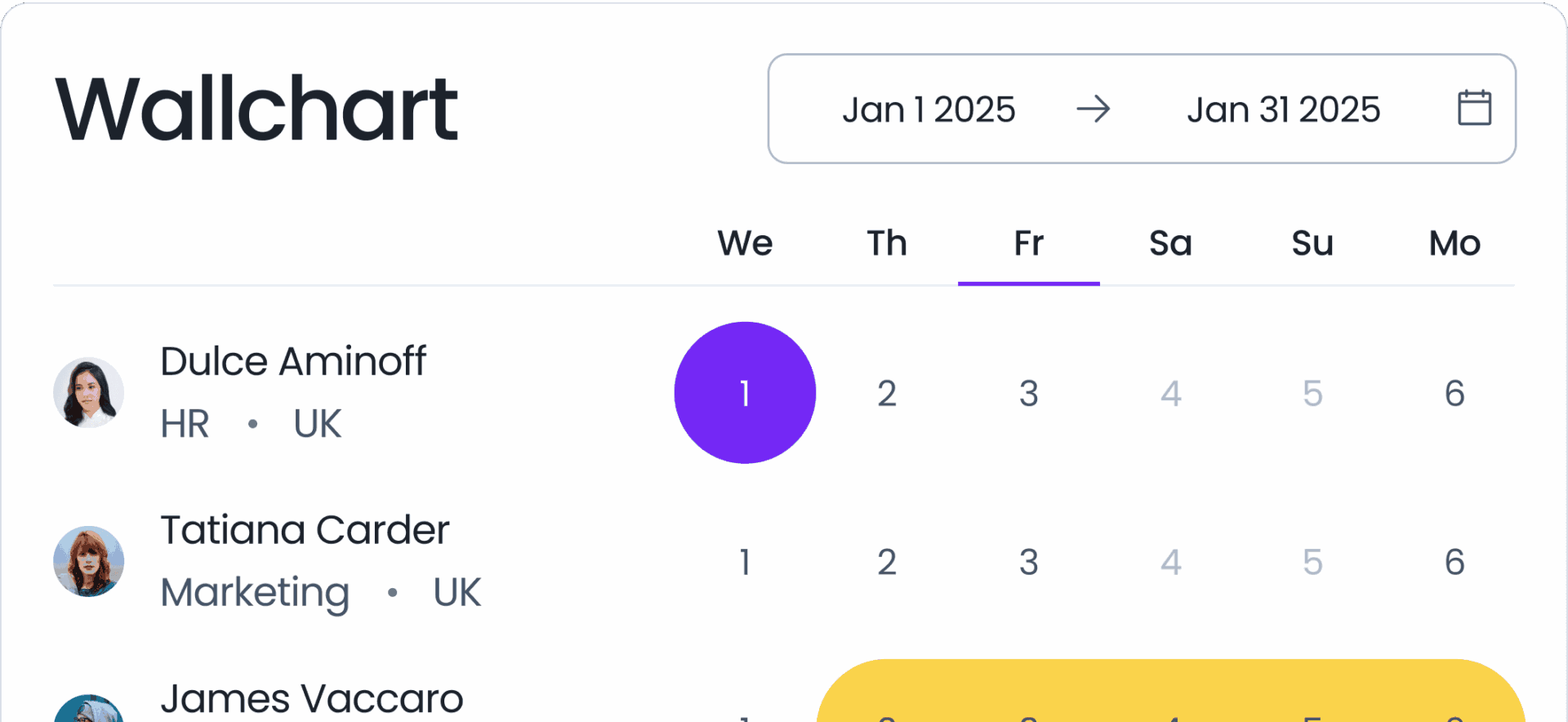
Vacation Tracker is designed around communication platforms, embedding leave management directly into Slack and Microsoft Teams environments.
Pricing Overview
Pricing generally falls between $3–$5 per user per month, positioning it toward the higher end of the dedicated PTO category.
What Makes It Appealing
Its strongest advantages include:
Leave requests submitted directly within Slack
Approvals completed inside chat
Minimal setup and fast deployment
For companies operating heavily inside Slack or Microsoft Teams, this approach feels seamless and intuitive.
Limitations
Because the product is centered around chat integrations, standalone dashboards, advanced reporting, and deep customization may feel lighter compared to dedicated PTO systems.
From a pure cost-per-user standpoint, it is noticeably more expensive than Day Off for comparable core leave management functionality.
Connecteam: Broad Workforce Platform, Not PTO-Focused
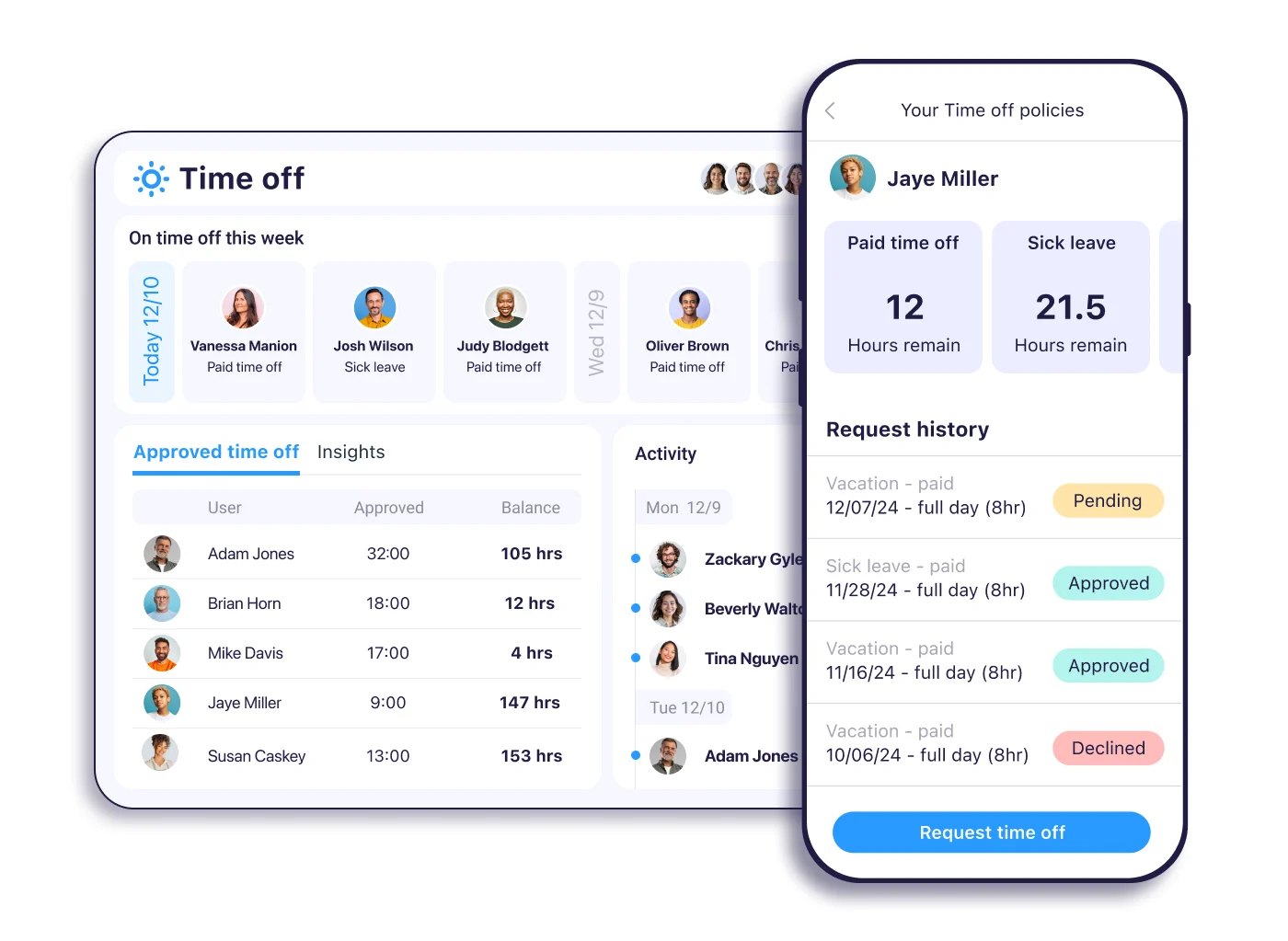
Connecteam offers a wide workforce management suite, including:
Scheduling
Employee communication
Task management
HR documentation
PTO tracking
Pricing Overview
PTO tracking is bundled within larger packages, with effective per-user pricing typically starting at $4 or more per month.
When It Makes Sense
Connecteam provides value when a company needs an all-in-one operational platform, especially for deskless or distributed teams.
If your organization requires:
Shift scheduling
Internal communication tools
Task management
Centralized HR documentation
Connecteam can consolidate multiple systems into one.
Cost Efficiency Analysis
However, for companies seeking only PTO tracking, Connecteam is not the most cost-efficient option. You are investing in a comprehensive workforce suite rather than a focused leave solution.
Long-Term Cost Comparison at Scale
Why Small Pricing Differences Become Big Financial Decisions
At first glance, a difference of two or three dollars per user per month may not seem significant. For a small team of 10 employees, it barely registers in the monthly budget. But as organizations grow, that gap widens quickly and becomes a meaningful financial consideration.
For a 200-employee company:
$2 per user per month = $4,800 per year
$4 per user per month = $9,600 per year
$5 per user per month = $12,000 per year
The gap between $2 and $5 per user equals $7,200 annually.
Over five years, that difference grows to $36,000.
For leadership teams managing tight operational budgets, $36,000 is not minor. It could fund new equipment, support a marketing initiative, contribute to salary increases, or offset rising software costs elsewhere in the business.
The Compounding Effect of Growth
The financial impact becomes even more pronounced when factoring in headcount growth. A company planning to scale from 200 to 400 employees within a few years effectively doubles the pricing gap.
What looks affordable today may become disproportionately expensive tomorrow.
This is why cost-per-user efficiency must be evaluated not only at current size, but at projected scale. Subscription software compounds quietly over time. Even small pricing inefficiencies multiply.
Similar Core Functionality, Different Long-Term Cost
Another critical consideration is feature parity. Many PTO systems offer similar foundational capabilities: leave requests, approval workflows, balance tracking, and reporting.
If core functionality is largely comparable across platforms, long-term subscription cost becomes a decisive differentiator.
This is where Day Off stands out. Its lower per-user pricing creates predictability and protects companies from unnecessary budget expansion as they grow. The savings are not just theoretical, they accumulate year after year.
Key Features Every Affordable PTO Tracker Should Include
Affordability should never mean sacrificing functionality. A system that costs less but creates operational inefficiencies is not truly economical. Hidden time costs, manual corrections, and payroll errors can quickly erase subscription savings.
Below are the essential features that define a truly cost-effective PTO solution.
Automated Accrual Calculations
Accrual tracking is one of the most error-prone aspects of leave management. Employees accrue time at different rates. Policies may vary by tenure, location, or employment type. Some plans include rollover limits or annual caps.
Without automation, HR teams are forced to track balances, often using spreadsheets manually. This increases the risk of miscalculations and compliance issues.
A modern PTO tracker must automatically calculate accruals based on predefined policy rules. Automation reduces administrative workload and protects the organization from costly errors.
Custom Leave Policies
Organizations rarely operate under a single, simple leave structure. Some employees may have unlimited PTO. Others accrue leave monthly. Executives may operate under different policies than hourly staff.
A capable system should allow full customization of leave types and rules. Companies should not have to redesign internal policies to match software limitations.
Flexibility ensures the tool supports the organization’s structure, not the other way around.
Multi-Location Holiday Management
Distributed teams are now standard. Many organizations operate across multiple states or countries with distinct public holidays.
Without location-specific holiday calendars, leave balances can become inaccurate. Employees may accidentally request leave on official public holidays, or managers may struggle to understand regional scheduling differences.
A reliable PTO tracker should automatically account for holidays based on employee location. This reduces confusion and ensures fair, accurate tracking across regions.
Structured Approval Workflows
As companies grow, informal approval methods no longer work. Email threads and chat messages create ambiguity. It becomes difficult to verify who approved what and when.
Structured approval workflows introduce accountability and clarity. Managers can review team calendars before approving leave, preventing staffing conflicts. HR retains visibility for auditing purposes.
A well-designed workflow system prevents overlapping absences and protects operational continuity.
Real-Time Balance Transparency
Employees should have immediate access to their leave balances. Requiring HR to respond to balance inquiries wastes time and slows planning.
Real-time balance visibility empowers employees to plan responsibly while reducing administrative burden.
Transparency also builds trust. When balances are clearly displayed and automatically updated, disputes become rare.
Exportable and Audit-Ready Reporting
PTO data is not just operational, it is financial. Leave balances impact payroll, budgeting, and liability calculations.
An affordable PTO tracker must generate exportable reports compatible with payroll and accounting systems. Without seamless reporting, HR teams may resort to manual data transfers, increasing error risk.
Reporting functionality is essential for long-term efficiency.
Mobile Accessibility and Remote Access
Modern workforces are mobile. Managers approve requests between meetings. Employees submit leave from home or while traveling.
A PTO system without reliable mobile functionality restricts usability and slows approvals.
Mobile accessibility ensures that leave management continues smoothly, regardless of location.
When evaluating affordability, companies must assess whether these features are included at the base price. A low subscription cost without essential capabilities creates indirect costs elsewhere.
Day Off includes all of these core features within its competitive pricing model, which reinforces its value position in the 2026 market.
Dedicated PTO Software vs. Full HR Platforms: The 2026 Strategic Shift
The Rise of Specialized Tools
In previous years, many companies gravitated toward comprehensive HR suites. The logic was simple: consolidate everything into one platform to improve efficiency.
Over time, however, organizations realized that consolidation often meant paying for tools they rarely used.
Common bundled modules include:
Performance management systems
Applicant tracking systems
Benefits administration tools
Payroll processing modules
While these tools are valuable in certain contexts, they are not always necessary for every organization.
The Hidden Cost of Bundled Platforms
All-in-one HR platforms frequently bundle PTO tracking within broader pricing tiers. Even if a company only needs leave management, it may be forced to subscribe to a higher-tier package to unlock the necessary features.
This structure increases overall subscription cost and reduces flexibility.
Additionally, comprehensive platforms often require longer onboarding periods and more complex configuration, which translates into higher implementation effort.
Why Focused Solutions Make Financial Sense
Dedicated PTO software offers a different approach. By concentrating exclusively on leave management, these systems eliminate feature bloat and streamline user experience.
The benefits include:
Faster implementation
Higher employee adoption rates
Reduced training requirements
Lower recurring subscription costs
Organizations can integrate specialized PTO tools with existing payroll or HR systems without committing to an entire software ecosystem.
The Competitive Advantage of Focus
Day Off exemplifies this focused strategy. By specializing in PTO tracking rather than expanding into every HR function, it maintains simplicity and cost efficiency.
Companies are not locked into unnecessary modules. They retain flexibility while keeping operational costs under control.
In 2026, the shift toward specialization reflects a broader trend in business technology: efficiency through precision rather than expansion.
For organizations prioritizing financial discipline, scalability, and operational clarity, dedicated PTO software represents a smarter long-term investment.
Frequently Asked Questions (FAQ)
How long does it take to implement a PTO tracking system?
For most small and mid-sized teams, implementation takes anywhere from a few hours to a few days. If your leave policies are already clearly defined, setup is usually straightforward: upload employee data, configure policies, and activate approval workflows. Larger organizations with multiple locations or complex accrual rules may need slightly more time, but the process is still relatively fast compared to full HR systems.
Is PTO tracking software secure enough for employee data?
Yes, reputable PTO providers use encrypted data storage, secure authentication methods, and role-based access controls to protect employee information. While PTO systems primarily store leave balances and request history rather than highly sensitive payroll data, security standards still matter. It is always advisable to review a provider’s data protection policies before implementation.
Can PTO software handle different countries, holidays, and leave laws?
Most modern PTO platforms allow you to create separate leave policies for different countries, departments, or employee groups. This includes configuring regional public holidays, accrual structures, and carryover rules. Companies with international teams should ensure the system supports multi-location setups to avoid compliance or tracking issues.
What happens to existing PTO balances when switching systems?
Most providers allow bulk imports through spreadsheets or CSV files. You can upload current leave balances and, if needed, historical records to maintain continuity. A careful data migration ensures that employees start using the new system with accurate balances from day one.
Is dedicated PTO software better than using an all-in-one HR platform?
It depends on your organization’s needs. If you require payroll, recruiting, and performance management tools in one system, an all-in-one platform may make sense. However, if your primary goal is efficient and affordable leave management, a focused solution like Day Off can reduce costs and simplify operations without unnecessary complexity.
Does affordable PTO software limit scalability?
Not necessarily. Many dedicated PTO systems are built to scale from small teams to several hundred employees. The key is choosing a provider with a transparent per-user pricing model so costs remain predictable as your company grows.
Conclusion
Choosing a PTO tracking system in 2026 is no longer just an HR decision. It is a financial and operational one.
As teams grow and workplaces become more distributed, leave management directly affects payroll accuracy, workforce planning, compliance, and employee satisfaction. What once felt like a minor administrative task has become core infrastructure.
When comparing today’s most affordable PTO trackers, the differences are not just about features. They are about long-term cost efficiency, scalability, and simplicity. Many platforms offer solid functionality, but pricing structures vary significantly, especially as headcount increases.
