




For small businesses, managing paid time off (PTO) often starts informally, a shared spreadsheet, a Slack message, or a note in someone’s calendar. That may work for a while. But as soon as your team grows to 5–10 employees, manual tracking begins to create problems:
PTO balances don’t match payroll
Two employees book the same critical day off
Managers forget who approved what
No one has a clear overview of remaining leave

A free PTO tracker helps small teams stay organized without adding HR overhead or extra costs. Below is a detailed breakdown of the 10 best free PTO trackers for small businesses with up to 10 employees, including what they offer and where they may fall short.
Day Off
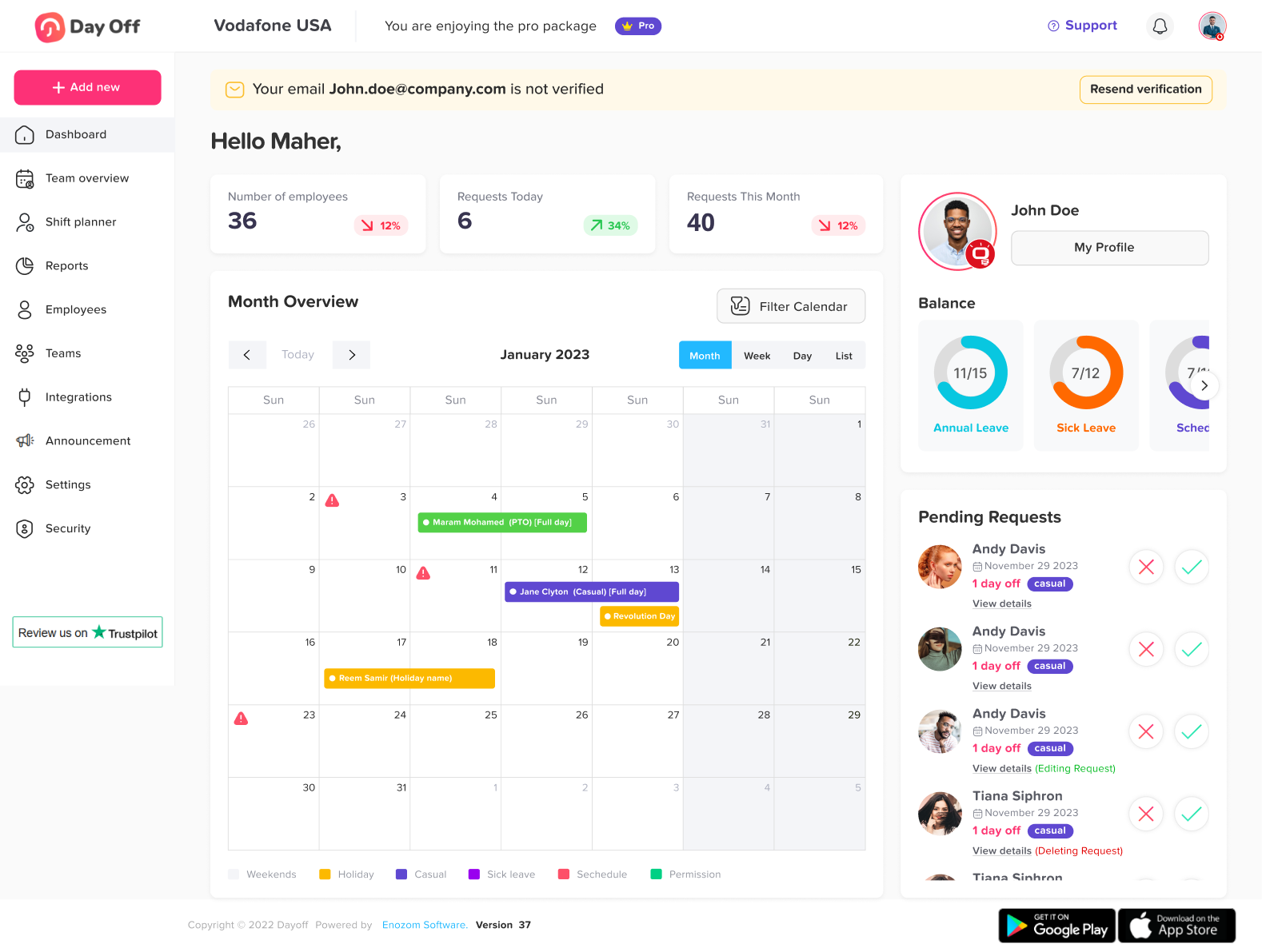
Day Off is a dedicated leave and PTO tracking system designed specifically for small and mid sized teams. Unlike broad HR suites, it focuses entirely on time off management.
Free Plan Highlights
PTO balance tracking with automatic accrual calculations
Custom leave types (Vacation, Sick, Remote Work, Unpaid, etc.)
Multi level approval workflows
Shared company leave calendar
Mobile apps (iOS & Android) and web platform
Multi location & multi policy configuration
Advanced Capabilities
Accrual rules (monthly, yearly, anniversary based)
Carryover limits and expiry rules
Department level leave policies
Exportable reports
Strengths
Extremely easy setup (minutes, not days)
Clean interface with minimal learning curve
Designed specifically for PTO, not overloaded with unrelated HR tools
Connecteam
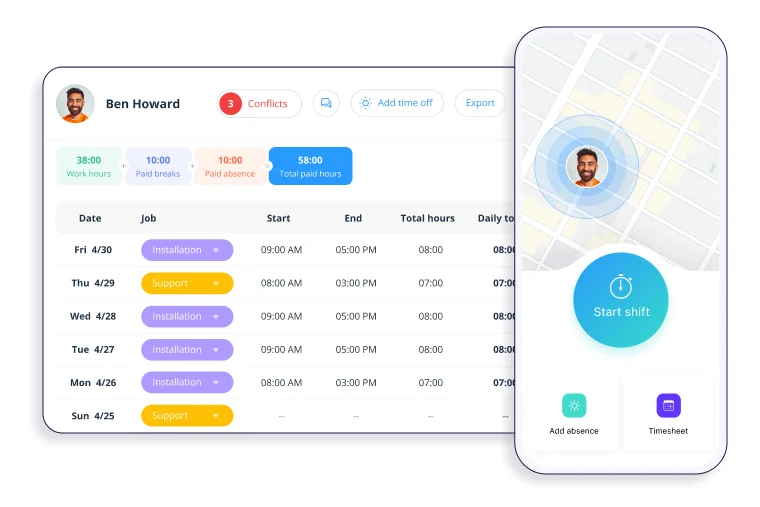
Connecteam offers a free Small Business Plan for up to 10 users and includes leave tracking as part of a larger workforce platform.
Free Plan Highlights
Time off request submission
Manager approvals
Team scheduling tools
Built in chat and updates
Mobile first experience
Additional Features
Task management
Time clock
Checklists and workflows
Strengths
Great for deskless teams
Combines communication, scheduling, and PTO
Zoho People
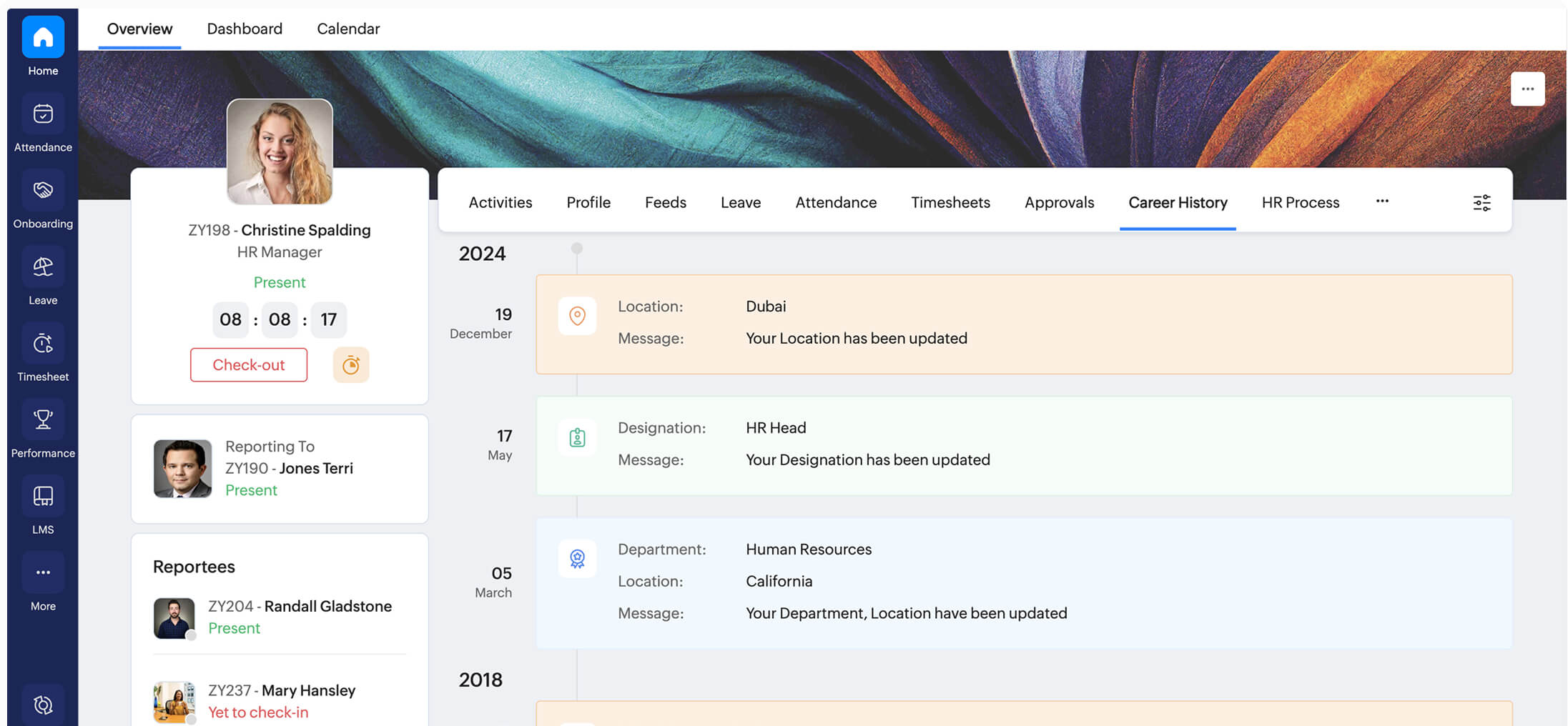
Zoho People provides a limited free tier designed for small businesses.
Free Plan Highlights
Basic leave tracking
Employee self service portal
Leave reports
Integration with Zoho ecosystem
Additional Capabilities
Attendance tracking
Document management
Performance management (paid tiers)
Strengths
Strong integration with Zoho CRM, Zoho Books, etc.
Good reporting tools
Freshteam
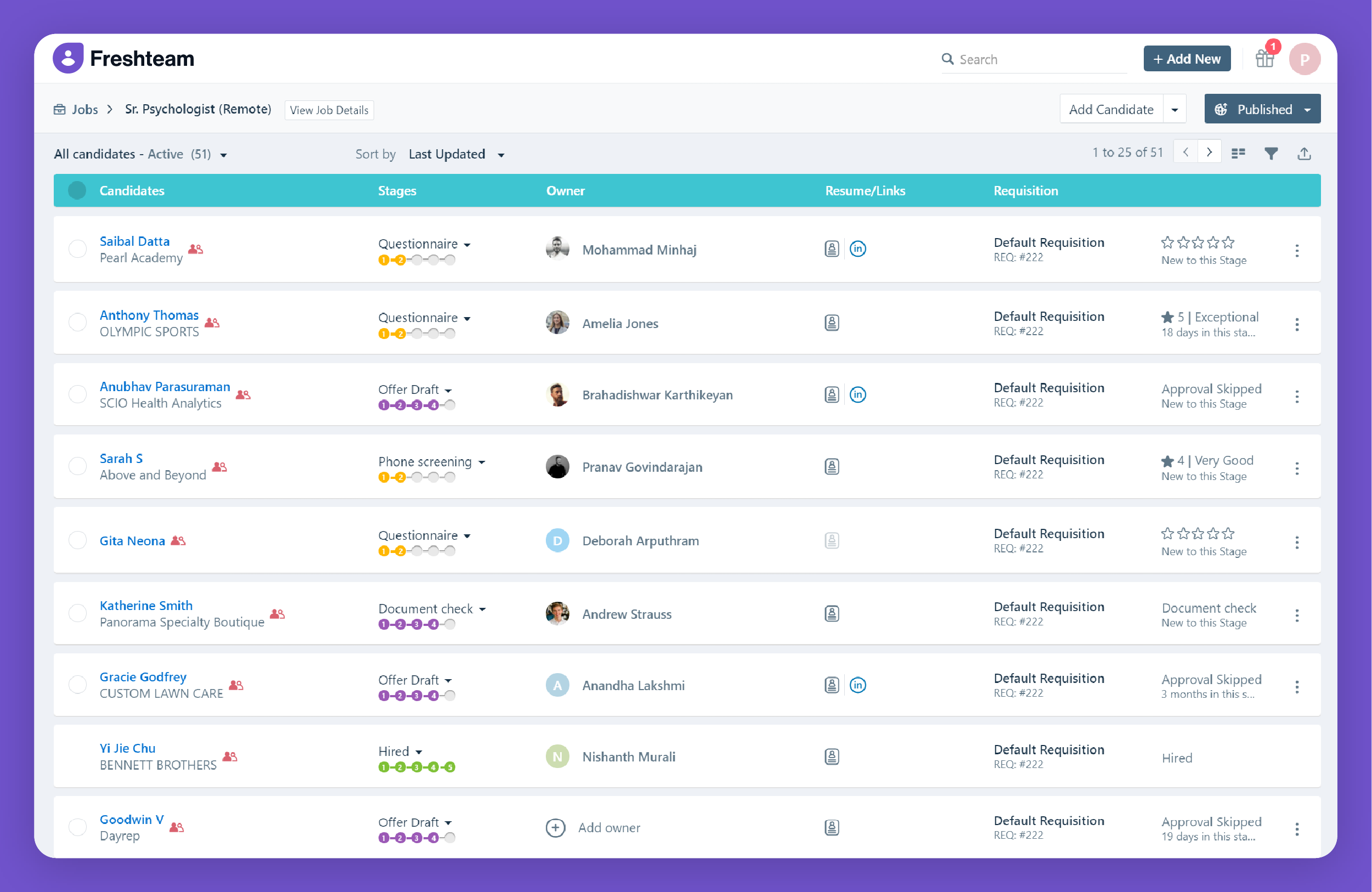
Freshteam is part of the Freshworks ecosystem and includes HR features for small teams.
Free Plan Highlights
Leave request management
Employee records
Basic onboarding
Simple approval workflows
Additional Features
Advanced reporting
Recruitment tools
HR analytics
Strengths
Clean UI
Combines hiring + HR + PTO
Homebase
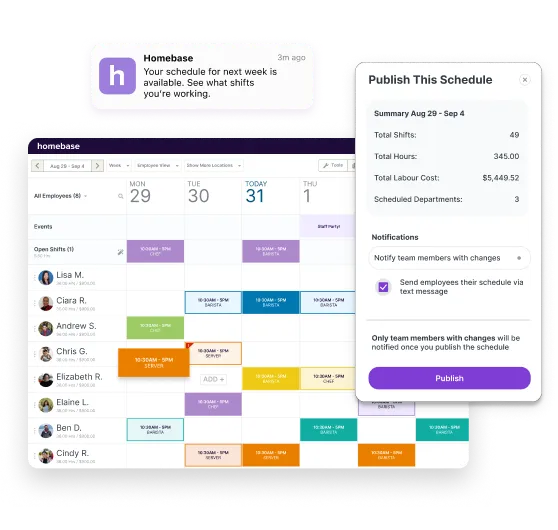
Homebase is especially popular among retail and hospitality businesses.
Free Plan Highlights
Leave and availability tracking
Employee scheduling
Time clock integration
Messaging
Additional Capabilities
Labor cost controls
Shift swapping
Hiring tools
Strengths
Strong scheduling integration
Designed for hourly workers
Clockify
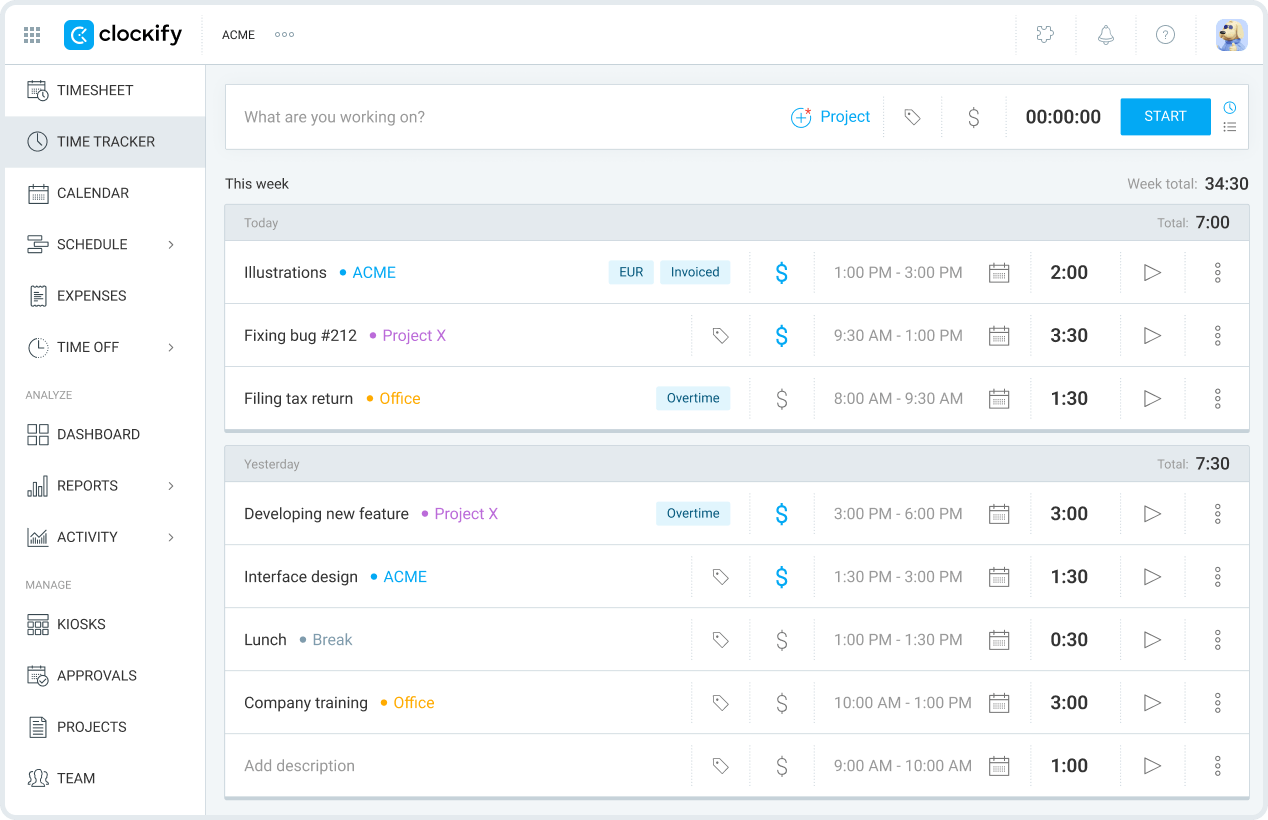
Clockify is primarily a time tracking tool but includes PTO tracking functionality.
Free Plan Highlights
Leave tracking
Public holiday tracking
Timesheets
Team reports
Additional Capabilities
Project tracking
Budget monitoring
Strengths
Completely free core features
Ideal if time tracking is already required
OrangeHRM
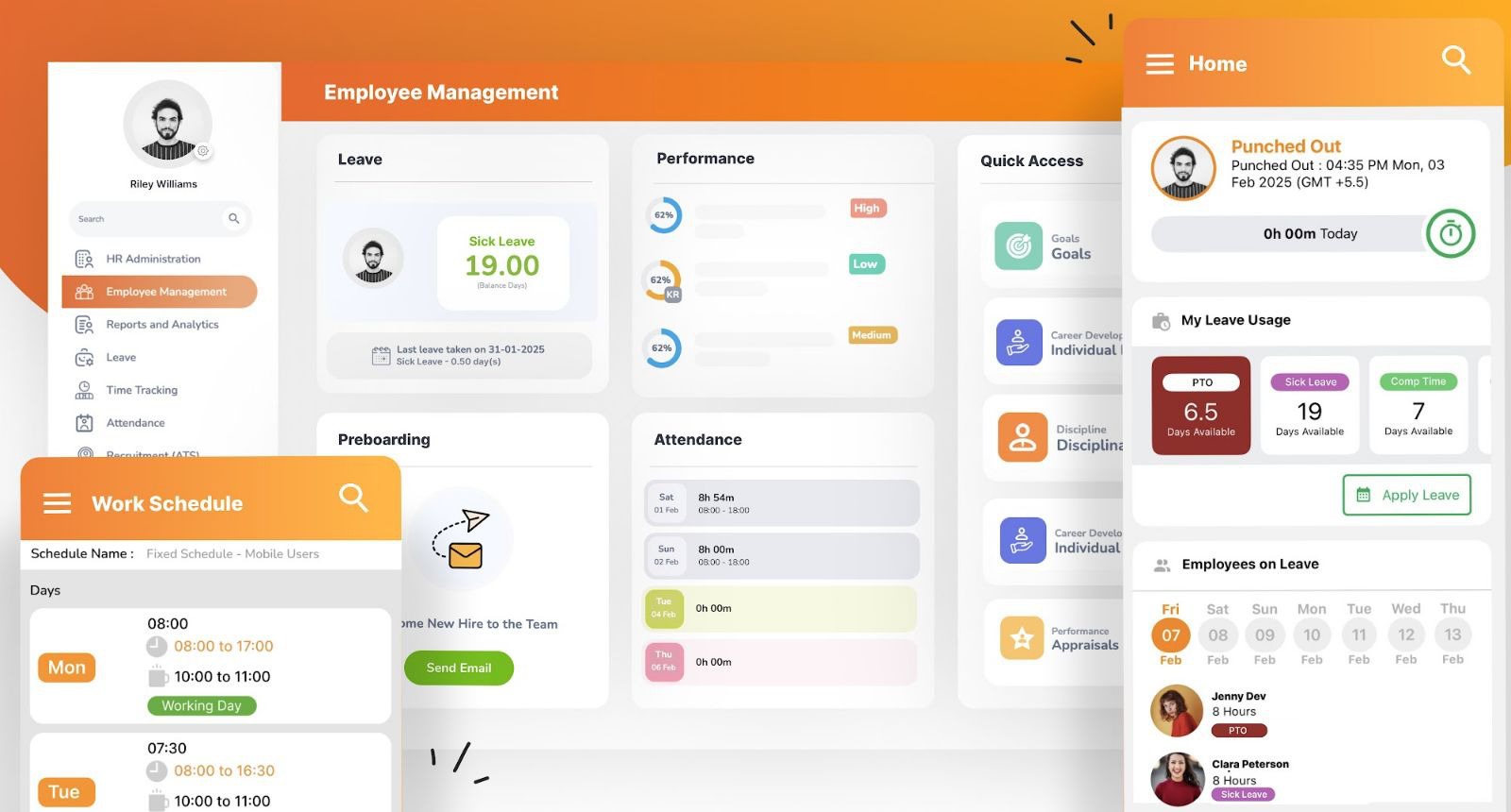
OrangeHRM provides a community edition with customizable HR modules
Free Version Highlights
Leave policy management
Leave tracking
Employee records
Additional Capabilities
Performance reviews
Recruitment (enterprise tiers)
Strengths
Highly customizable
No subscription fees (self hosted)
Bitrix24
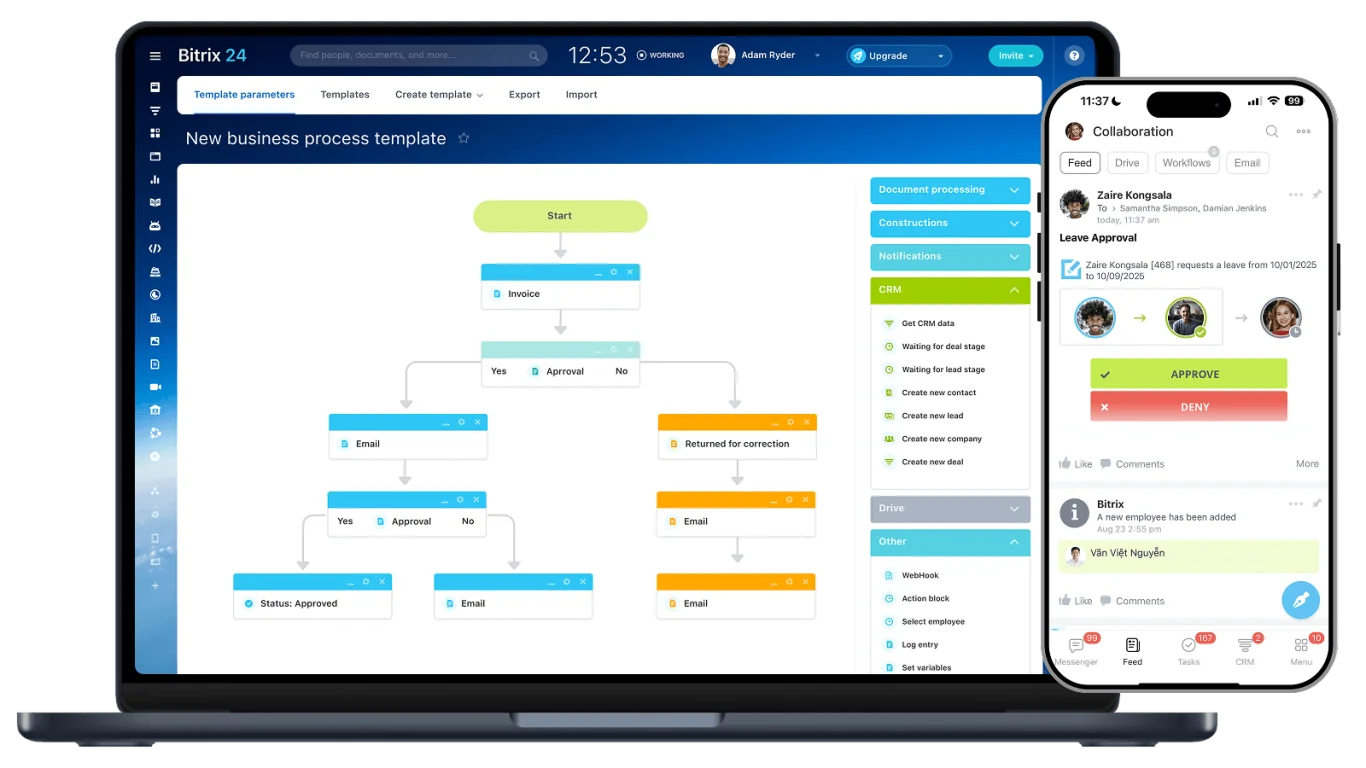
Bitrix24 is a comprehensive business management suite.
Free Plan Highlights
Leave requests
Task and project management
CRM features
Communication tools
Strengths
All in one platform
Free tier supports multiple tools
LeaveBoard
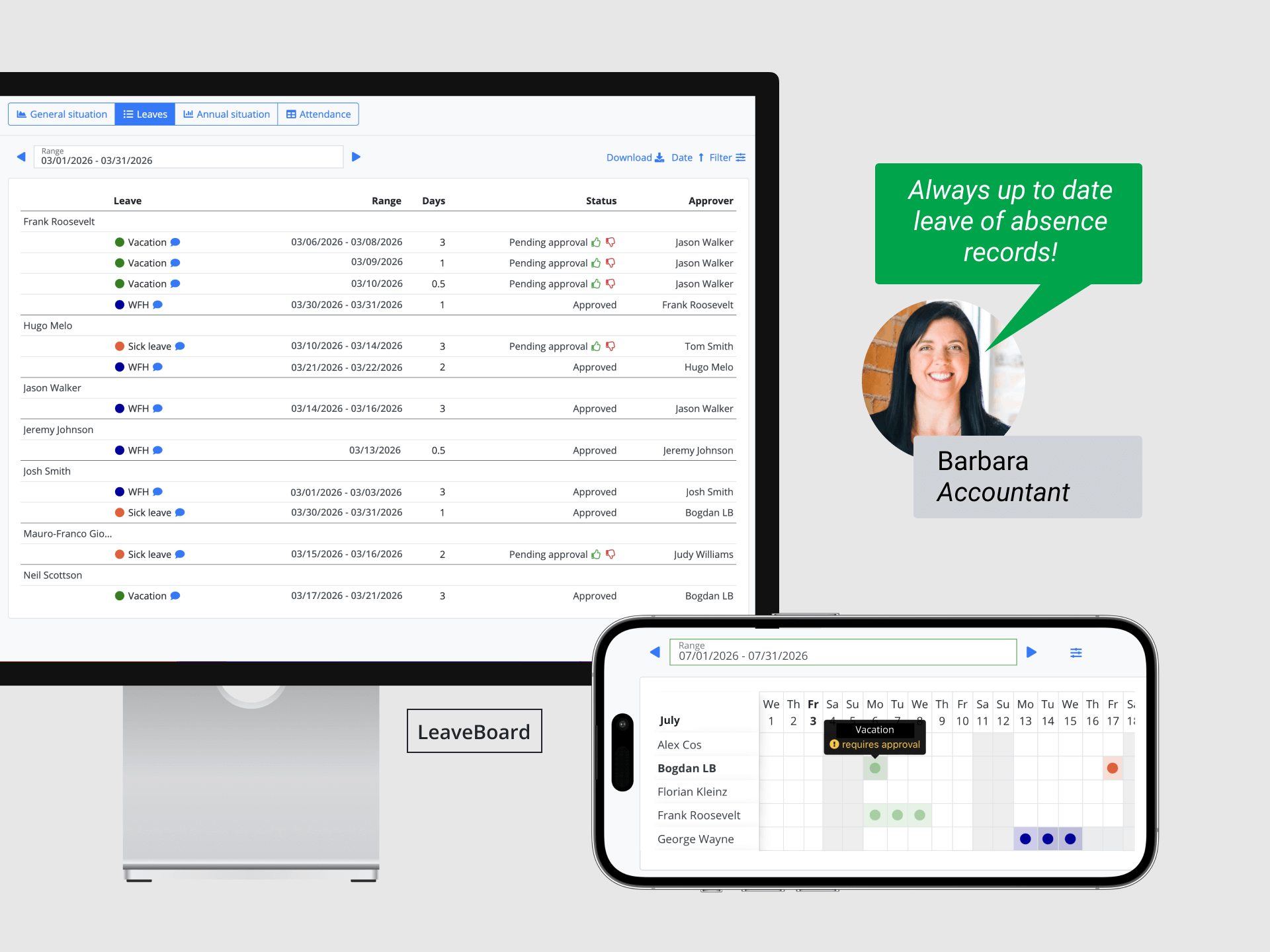
LeaveBoard offers a straightforward leave management experience.
Free Plan Highlights
PTO tracking
Leave balance calculations
Shared team calendar
Basic reporting
Additional Features
Advanced reporting
Integration options
Strengths
Easy to navigate
Quick setup
Jibble
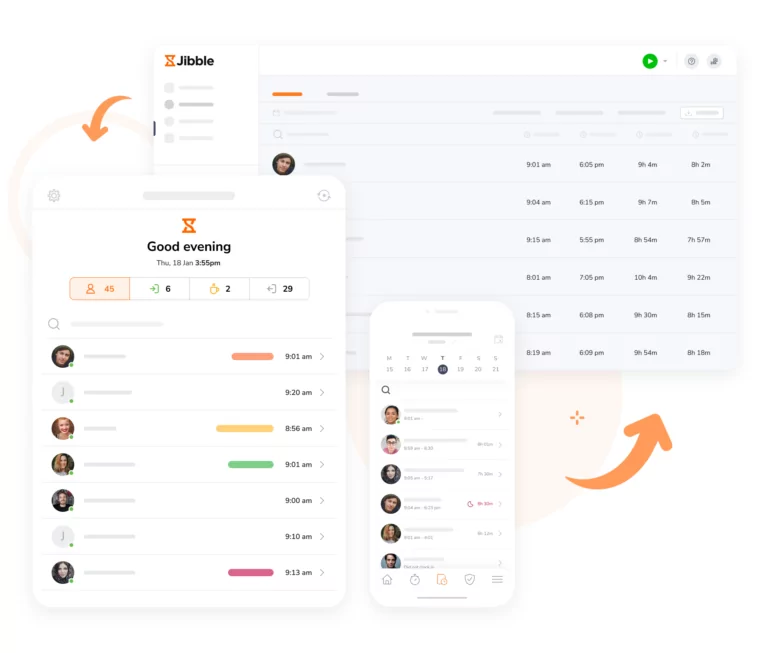
Jibble is primarily known for attendance tracking but includes leave management.
Free Plan Highlights
Time off requests
Attendance tracking
GPS based clock in (optional)
Mobile apps
Strengths
Strong attendance monitoring
Good for remote or field teams
How to Choose the Right Free PTO Tracker
For teams under 10 employees, decision making should focus on:
Simplicity
You shouldn’t need HR training to manage PTO.
Automation
Automatic accruals reduce payroll mistakes.
Transparency
Shared calendars prevent overlapping absences.
Scalability
Choose a tool that won’t require migration in 6 months.
FAQ
What is a free PTO tracker?
A free PTO tracker is a software tool that allows businesses to manage employee time off without paying a subscription fee. These tools typically include features like leave requests, approval workflows, PTO balance tracking, and a shared team calendar. Most free plans are designed for small teams and may include user limits or feature restrictions.
Are free PTO trackers really free?
Yes, but with limitations. Most platforms offer a permanent free plan for small teams (often up to 5–10 users) or a limited feature free tier. Always check employee caps, reporting restrictions, policy customization limits, and integration availability. As your team grows, you may need to upgrade.
Can a small business rely entirely on a free PTO tracker?
For teams with up to 10 employees and simple leave policies, yes. Free PTO trackers are usually sufficient if you have one location, straightforward leave policies, and no advanced compliance reporting requirements. Once you introduce multiple policies, international teams, or complex accrual rules, a paid plan may be necessary.
How many employees can use a free PTO tracker?
It depends on the provider. Many free plans are built specifically for startups, micro businesses, and small teams under 10 users. Some tools allow unlimited users but restrict advanced features instead.
Do free PTO trackers calculate accruals automatically?
Some do, some don’t. More advanced tools offer monthly accrual calculations, yearly allocations, anniversary based accruals, and carryover rules. Lighter tools may only track manually assigned leave balances without automation.
Are free PTO trackers secure?
Reputable platforms use encrypted data transmission, role based access permissions, and secure authentication methods. However, advanced security features like audit logs or single sign on (SSO) may be limited in free plans.
Why not just use spreadsheets for PTO tracking?
Spreadsheets create hidden risks such as manual calculation errors, lack of approval history, version control issues, no real time visibility, and increased payroll mistakes. Even for a 5–10 person team, automation reduces confusion and saves time.
What features should a small business prioritize?
For a team under 10 employees, prioritize clear PTO balance tracking, simple approval workflows, a shared leave calendar, mobile access, and easy setup. Small teams typically don’t need enterprise level HR complexity, just clarity and automation.
When should a small business upgrade from a free plan?
You may need to upgrade when your team exceeds the free user limit, you require multiple leave policies, you need detailed reporting for payroll or compliance, or you operate across multiple locations or countries. Choosing a scalable platform from the start makes upgrading easier later.
Conclusion
For small businesses with up to 10 employees, PTO management doesn’t need to be complicated, but it does need to be organized.
Free PTO trackers offer a practical step up from spreadsheets by introducing structure, visibility, and automation without adding cost. Even a small team benefits from:
Clear leave balances
Documented approvals
A shared calendar to prevent overlap
Reduced payroll errors
Better transparency between employees and managers
The right solution depends on your priorities. If you want a focused, dedicated leave management system, choose a tool built specifically for PTO tracking. If you also need scheduling, communication, or HR features, an all in one platform may make more sense.