




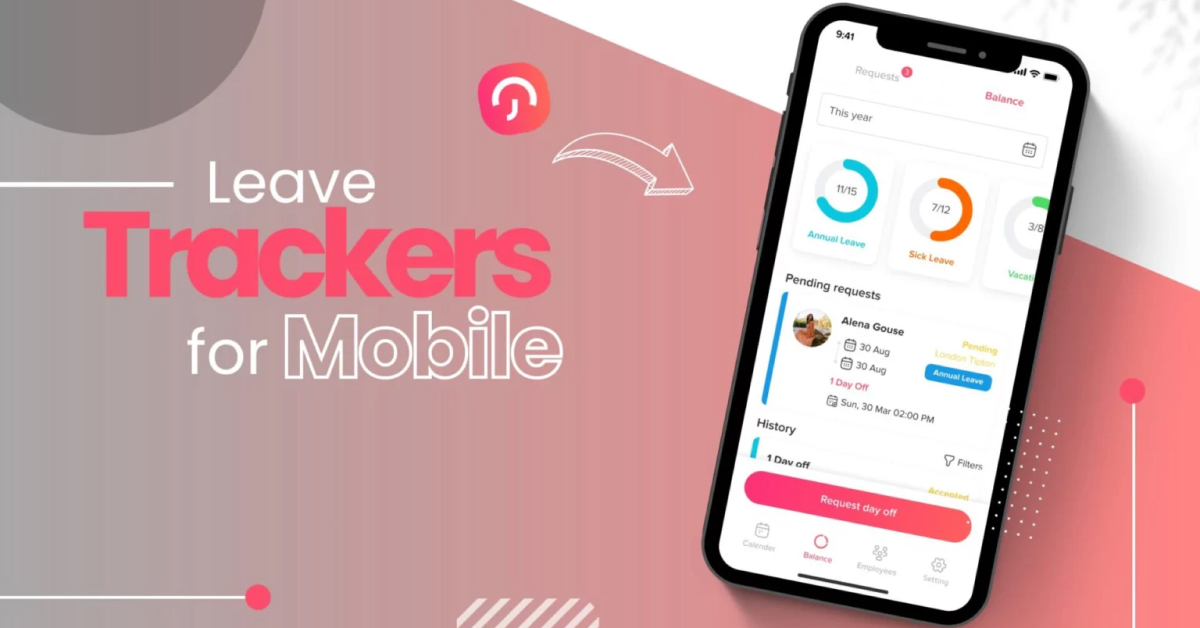
Managing time off for deskless teams, whether they’re field technicians, healthcare staff, retail associates, construction crews, delivery drivers, or hospitality workers, comes with unique challenges. These employees aren’t tied to desks or laptops, which means traditional, desktop-first HR systems simply don’t work for them.
What they need is a fast, intuitive mobile experience that allows them to request leave, check balances, receive approvals, and stay informed, anytime, anywhere. For organizations with deskless workforces, mobile functionality isn’t a bonus feature; it’s essential.

Below are the Top 5 Leave Trackers with the Best Mobile Apps for Deskless Workers, ranked based on:
Mobile usability and design
Speed and ease of requesting leave
Real-time notifications
Team visibility and approval workflows
Integrations with payroll and HR systems
Day Off: Best Overall Leave Tracker for Deskless Teams
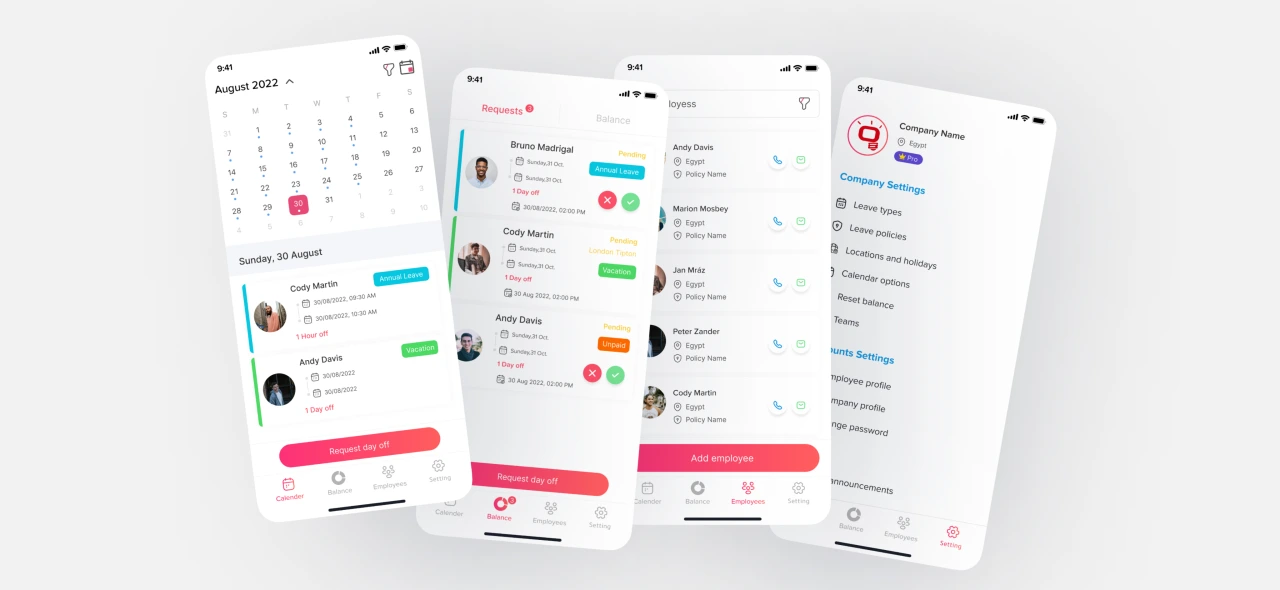
When it comes to simplicity, speed, and mobile-first design, Day Off stands out as the top leave management solution for deskless teams. Unlike traditional HR systems that are built primarily for office-based employees working on desktops, Day Off is optimized for employees who are constantly on the move.
For industries like construction, healthcare, logistics, retail, hospitality, and field services, employees rarely sit behind a desk. They need a leave management app that works instantly, loads quickly, and requires minimal steps to complete tasks. Day Off delivers exactly that.
Why Day Off Ranks #1 for Deskless Teams
Day Off is intentionally designed with a clean, distraction-free mobile interface. There are no unnecessary modules, no complicated dashboards, and no HR-heavy workflows. Every feature is structured around speed and clarity.
In real-world environments such as job sites, hospital floors, warehouses, factories, and retail stores, employees don’t have time to navigate complex menus. They need to request leave in seconds and receive updates immediately. Managers need instant visibility into staffing without logging into bulky systems.
Day Off makes this possible by focusing entirely on streamlined leave management built for mobile-first usage.
Key Mobile Features
One-Tap Leave Requests
Employees can submit leave requests in seconds directly from their smartphone. The interface is intuitive and requires minimal input, reducing friction and encouraging adoption across the workforce.
Shared Team Calendar
The mobile-friendly shared calendar gives employees and managers a clear overview of who is off and when. This visibility is critical in deskless environments where staffing gaps can immediately impact operations.
Instant Approval Notifications
Managers receive real-time push notifications when leave is requested. Approvals can be completed instantly from a mobile device, keeping processes fast and preventing scheduling delays.
Real-Time Leave Balance Tracking
Employees can check their available leave balance at any time. This reduces HR inquiries and empowers staff to plan responsibly without waiting for manual confirmations.
Multi-Location & Multi-Policy Support
For companies operating across multiple branches, regions, or countries, Day Off supports different leave policies and public holiday calendars. This ensures accurate tracking for distributed deskless teams.
Secure Login with Role-Based Access
Security is essential, especially for companies managing large frontline workforces. Day Off provides secure authentication and role-based access controls, ensuring that managers and employees only see what is relevant to them.

What Makes It Ideal for Deskless Workers
Day Off excels because it removes complexity. The platform is:
Extremely lightweight and fast
Easy to learn with minimal training required
Designed for quick interactions on mobile devices
Clear in displaying team availability
Compatible with both iOS and Android
For small to mid-sized companies managing frontline employees, speed and clarity matter more than feature overload. Day Off focuses on delivering powerful leave tracking in a way that fits naturally into fast-paced, real-world work environments.
Jibble: Best for Time Tracking + Leave Combined
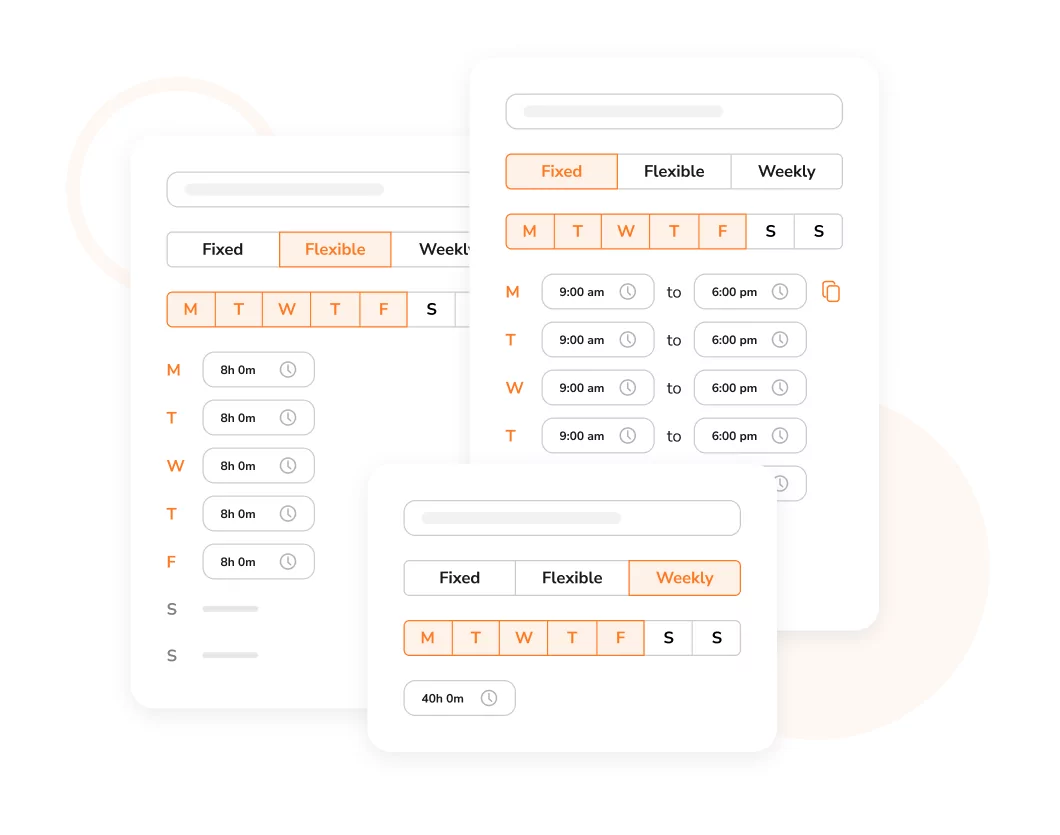
Jibble is widely recognized as a powerful time tracking solution, but it also includes built-in PTO and leave management within its mobile-first platform. This makes it especially appealing to deskless businesses that need both attendance monitoring and time off tracking in a single system.
Rather than separating time tracking and leave management into different tools, Jibble combines them, helping managers maintain full visibility over workforce availability and working hours.
Why It Works for Deskless Teams
Jibble is designed with frontline and hourly employees in mind. Its mobile app is simple, fast, and practical for workers who clock in and out from job sites, retail floors, warehouses, or field locations.
Key advantages include:
Built specifically for frontline and shift-based teams
Clean and straightforward mobile interface
Optional GPS tracking for location-based attendance
Facial recognition for secure clock-ins (optional)
Leave management integrated with attendance records
Because time off data is connected directly to timesheets, managers can easily see how approved leave affects staffing and scheduling in real time.
Best For
Jibble is ideal for companies that want time tracking and leave management combined into one lightweight, easy-to-use platform. It works particularly well for industries with hourly workers, rotating shifts, and location-based teams.
However, businesses looking for more advanced leave policy customization or deeper leave-focused planning tools may prefer a dedicated leave management system.
Deputy: Best for Shift-Based Businesses
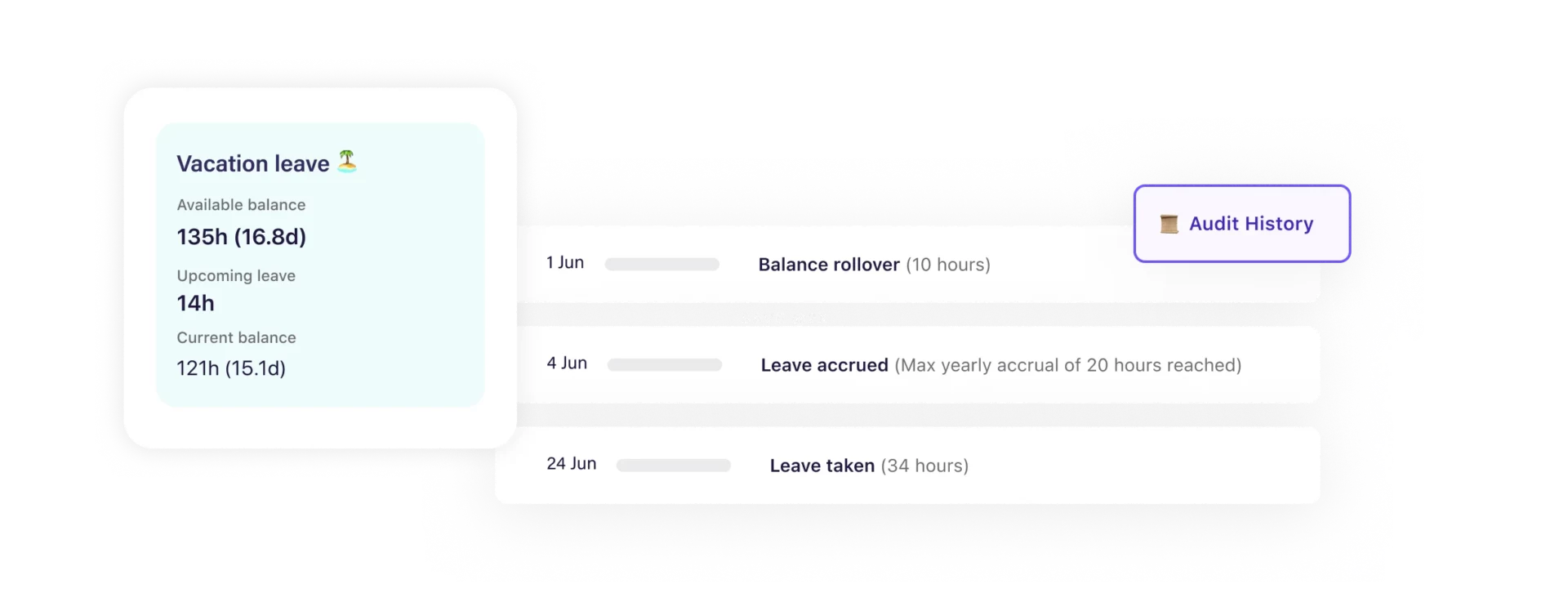
Deputy is a workforce management platform built specifically for shift-based industries such as retail, hospitality, healthcare, and service businesses. While it includes leave management features, its core strength lies in employee scheduling and shift coordination.
For companies managing rotating rosters and hourly staff, Deputy connects leave requests directly to scheduling, helping managers avoid understaffed shifts.
Strengths
Deputy stands out because it tightly integrates scheduling and leave management into one system.
Strong scheduling and leave integration, ensuring approved time off automatically updates rosters
Easy shift swaps, allowing employees to exchange shifts with manager approval
Real-time mobile notifications for schedule changes and leave updates
Built specifically for shift workers and hourly teams
This integration reduces manual adjustments and prevents common staffing conflicts caused by unrecorded leave or last-minute changes.
Consideration
While Deputy includes PTO tracking, it is primarily a scheduling platform. Businesses looking for highly customizable leave policies, detailed accrual configurations, or advanced leave analytics may find it more scheduling-focused than leave-focused.
Best For
Deputy is ideal for restaurants, retail chains, healthcare providers, and service-based teams managing rotating shifts. If scheduling efficiency is your top priority and leave management needs to align closely with workforce planning, Deputy is a strong choice.
Calamari: Best for Simplicity & Integrations
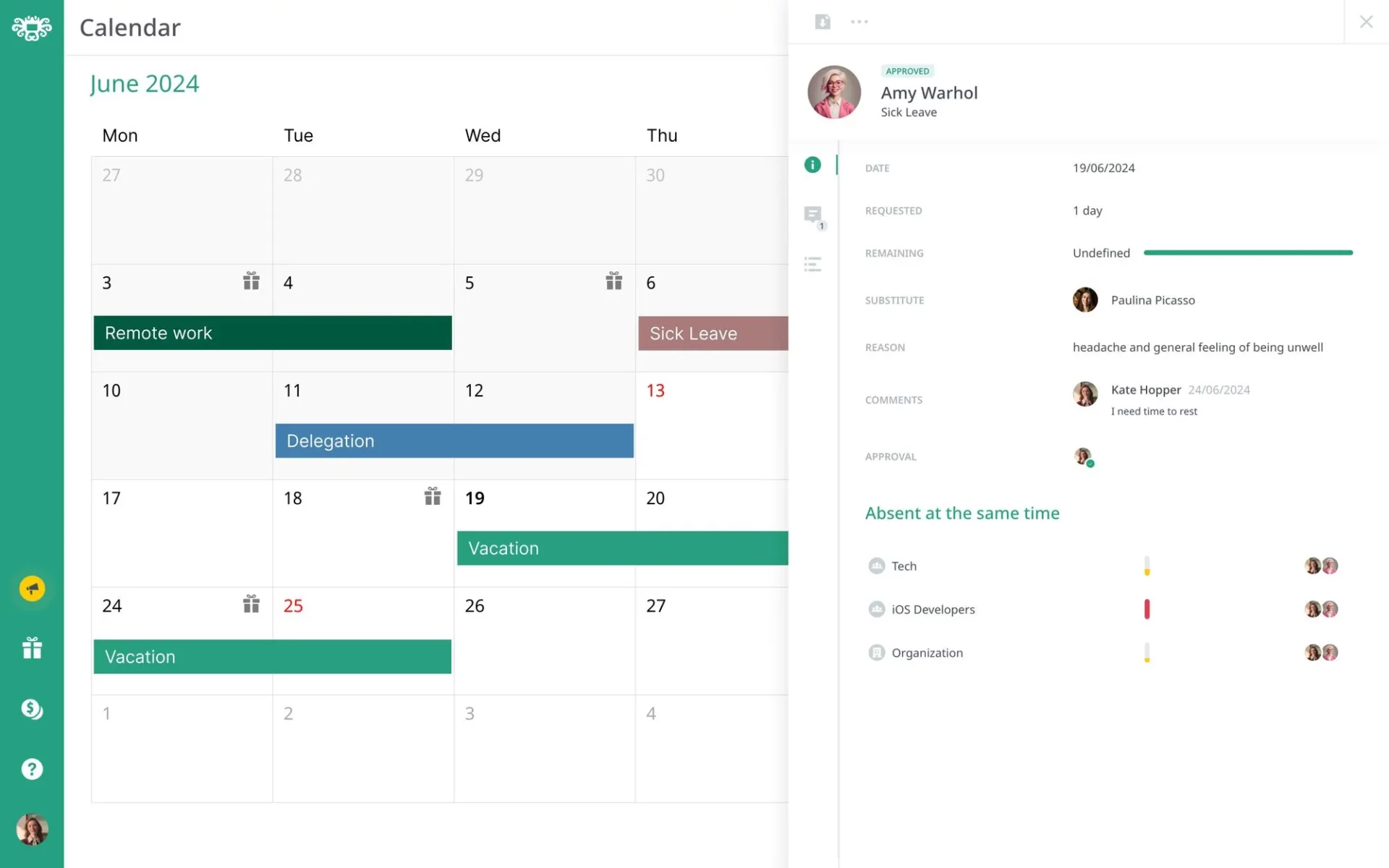
Calamari is a straightforward absence management solution designed for companies that value simplicity and strong collaboration tool integrations. It offers a clean mobile interface and focuses on making leave requests and approvals fast and accessible, especially within the platforms teams already use daily.
Rather than forcing managers to log into a separate system, Calamari integrates directly with communication tools, streamlining the approval process.
Why It’s Strong
Calamari stands out for its balance between usability and integration.
Easy leave approvals with a simple request and review workflow
Slack and Microsoft Teams integrations, allowing leave requests and approvals directly inside collaboration platforms
Multi-location support with different holiday calendars and leave policies
Clean, mobile-friendly design for quick access on the go
These integrations reduce friction and make adoption easier, particularly for remote or hybrid teams that rely heavily on messaging platforms.
Best For
Calamari is ideal for teams that use Slack or Microsoft Teams extensively and want leave approvals to happen within those tools. It works well for distributed teams that prioritize collaboration-first workflows and want absence management to fit naturally into their daily communication channels.
Buddy Punch: Best for Hourly & Field Workers
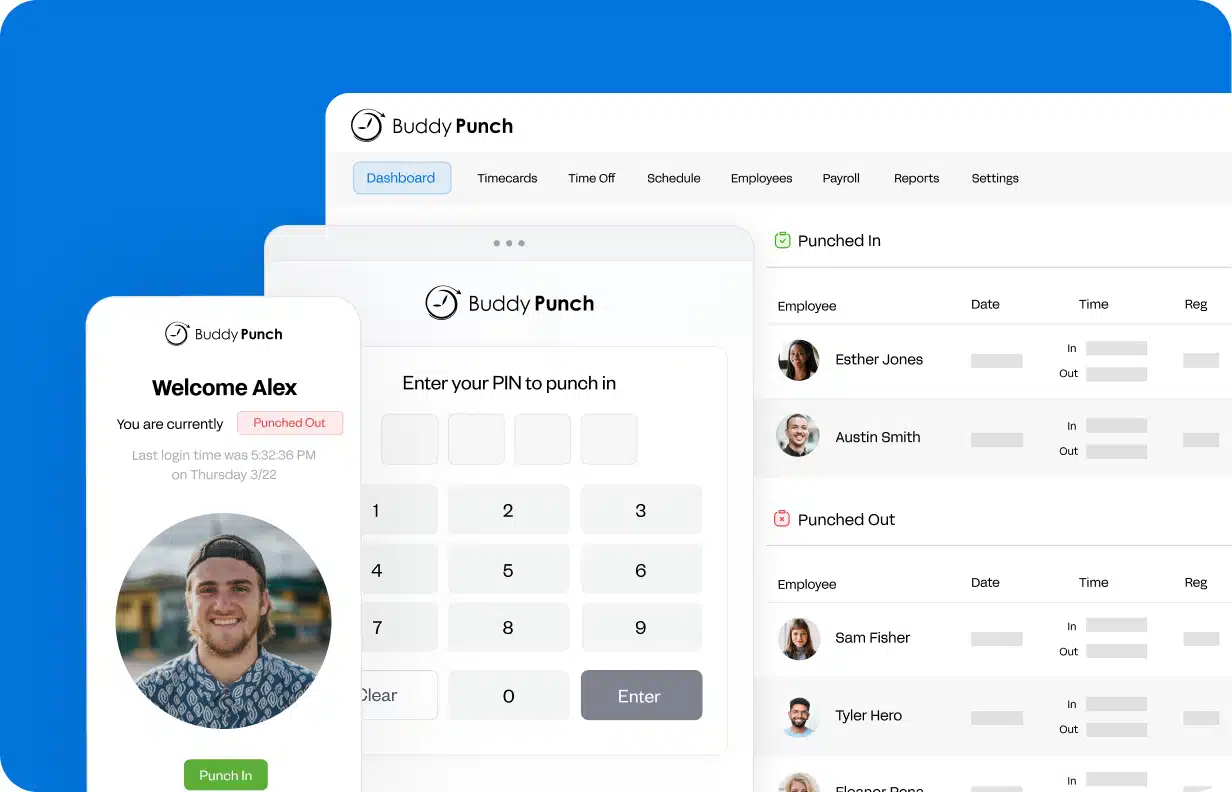
Buddy Punch is primarily a time clock and attendance tracking system, but it also includes built-in PTO tracking features. This makes it a practical solution for businesses that want to manage both employee work hours and time off within a single platform.
Designed with simplicity in mind, Buddy Punch helps managers track when employees clock in and out while keeping leave balances and requests organized.
Highlights
Simple mobile clock-in and clock-out functionality for employees working in the field
PTO tracking included with basic accrual and approval workflows
GPS tracking and geofencing to ensure employees clock in from approved job locations
Easy manager approvals for both timecards and leave requests
By combining attendance and PTO management, Buddy Punch gives supervisors better visibility into workforce availability and reduces manual record-keeping.
Best For
Buddy Punch is best suited for field service teams, construction crews, and mobile workforces that need reliable attendance tracking alongside basic leave management. Companies operating across multiple job sites can benefit from its GPS-based controls while still keeping PTO processes simple and organized.
| Tool | Best For | Mobile Experience | Time Tracking | Shift Scheduling | Multi-Location | Ideal Team Size |
|---|---|---|---|---|---|---|
| Day Off | Dedicated leave management for deskless & office teams | Excellent (Mobile-First) | No | No | Yes | All Company Sizes |
| Jibble | Time tracking + leave combined | Very Good | Yes | Limited | Yes | Small to Mid-Sized |
| Deputy | Shift-based businesses | Very Good | Yes | Yes | Yes | Mid-Sized & Growing |
| Calamari | Slack & Teams integrations | Good | No | No | Yes | Small to Mid-Sized |
| Buddy Punch | Hourly & field workers | Very Good | Yes | No | Yes | Small Teams & Field Crews |
Frequently Asked Questions (FAQ)
What is the best leave management app for deskless workers?
The best leave management app for deskless workers is one that is mobile-first, fast, and easy to use. It should allow employees to request leave, check balances, and receive approvals directly from their smartphones. Solutions like Day Off are specifically designed for frontline teams that do not work at desks.
Why don’t traditional HR systems work well for deskless teams?
Most traditional HR systems are desktop-first and built for office environments. Deskless employees often don’t have regular access to laptops, so complex dashboards and multi-step workflows create friction. Mobile-optimized apps are essential for fast adoption and daily use.
What features should deskless businesses look for in a leave tracker?
Deskless businesses should prioritize mobile usability, real-time notifications, simple approval workflows, clear team calendars, multi-location support, and integration with payroll or scheduling systems. Speed and simplicity are critical for frontline environments.
Can leave management apps integrate with scheduling tools?
Yes. Some platforms, like Deputy, integrate leave directly with shift scheduling. Others, like Jibble and Buddy Punch, connect leave with time tracking. Integration helps managers avoid understaffed shifts and scheduling conflicts.
Is mobile access really that important for leave management?
For deskless teams, mobile access is essential. Employees need to request leave and receive updates while on job sites, hospital floors, delivery routes, or retail stores. Without mobile functionality, adoption rates often drop and processes slow down.
Are these tools suitable for small businesses?
Yes. Many leave tracking apps are designed specifically for small to mid-sized companies. They offer lightweight setups, affordable pricing, and minimal training requirements, making them ideal for growing teams with frontline workers.
How do deskless employees request leave if they don’t have company email?
A mobile-first leave tracker solves this by allowing employees to submit requests directly in the app using their phone number, work ID, or secure login, without relying on email threads. Requests are logged automatically, routed to the right manager, and tracked in one place, so nothing gets lost.
What’s the difference between PTO tracking and shift scheduling software?
PTO tracking focuses on leave balances, accrual rules, requests, approvals, and holiday policies. Shift scheduling tools focus on building rosters and assigning shifts. Some platforms (like Deputy) combine both, but if your priority is clean leave tracking and policy control, a dedicated leave management tool is usually easier to manage.
Can these leave trackers handle multiple locations, teams, or departments?
Yes. Many tools support multi-location setups, different holiday calendars, and separate leave policies by region, department, or role. This is especially important for deskless organizations with multiple sites, branches, or job locations.
How do leave trackers help reduce staffing gaps and last-minute surprises?
Because managers can see team availability in a shared calendar, they can spot overlapping requests before approving them. Real-time notifications, clear approval workflows, and visibility into who’s off and when help teams plan coverage early and avoid understaffed shifts.
Conclusion
Managing leave for deskless workers requires more than just basic PTO tracking. Field technicians, nurses, retail associates, construction crews, drivers, and hospitality staff need a system that works instantly on mobile devices, requires minimal steps, and keeps both employees and managers informed in real time.
The best solution depends on your operational priorities. If you need time tracking and leave combined, Jibble or Buddy Punch may be a strong fit. If scheduling and shift coordination are central to your business, Deputy offers powerful roster integration. If collaboration tool integration is your priority, Calamari provides seamless Slack and Microsoft Teams workflows.
However, if your goal is a clean, mobile-first leave management app built specifically for speed, simplicity, and clarity, Day Off stands out as the best overall leave tracker for deskless teams. It removes unnecessary complexity while delivering powerful features that scale with growing organizations.
