








Hybrid work models, multi location teams, complex accrual rules, and compliance requirements have made PTO tracking far more demanding than it was a few years ago.
What once worked in a spreadsheet now creates approval delays, balance disputes, payroll corrections, and constant back and forth between managers and HR.
In 2026, the question is no longer whether you need a PTO tracking tool, it’s which one actually reduces HR workload instead of adding another system to manage.

The right platform should automate accruals, prevent overlapping absences, enforce policies automatically, and provide real time visibility without constant manual oversight. But not all tools deliver the same level of efficiency.
In this guide, we compare five leading PTO tracking tools for 2026 and evaluate them based on one key factor: how much time they truly save HR teams.
Day Off
Best for:
Startups, mid sized or an enterpirse, multi location teams, and companies needing flexibility without complexity
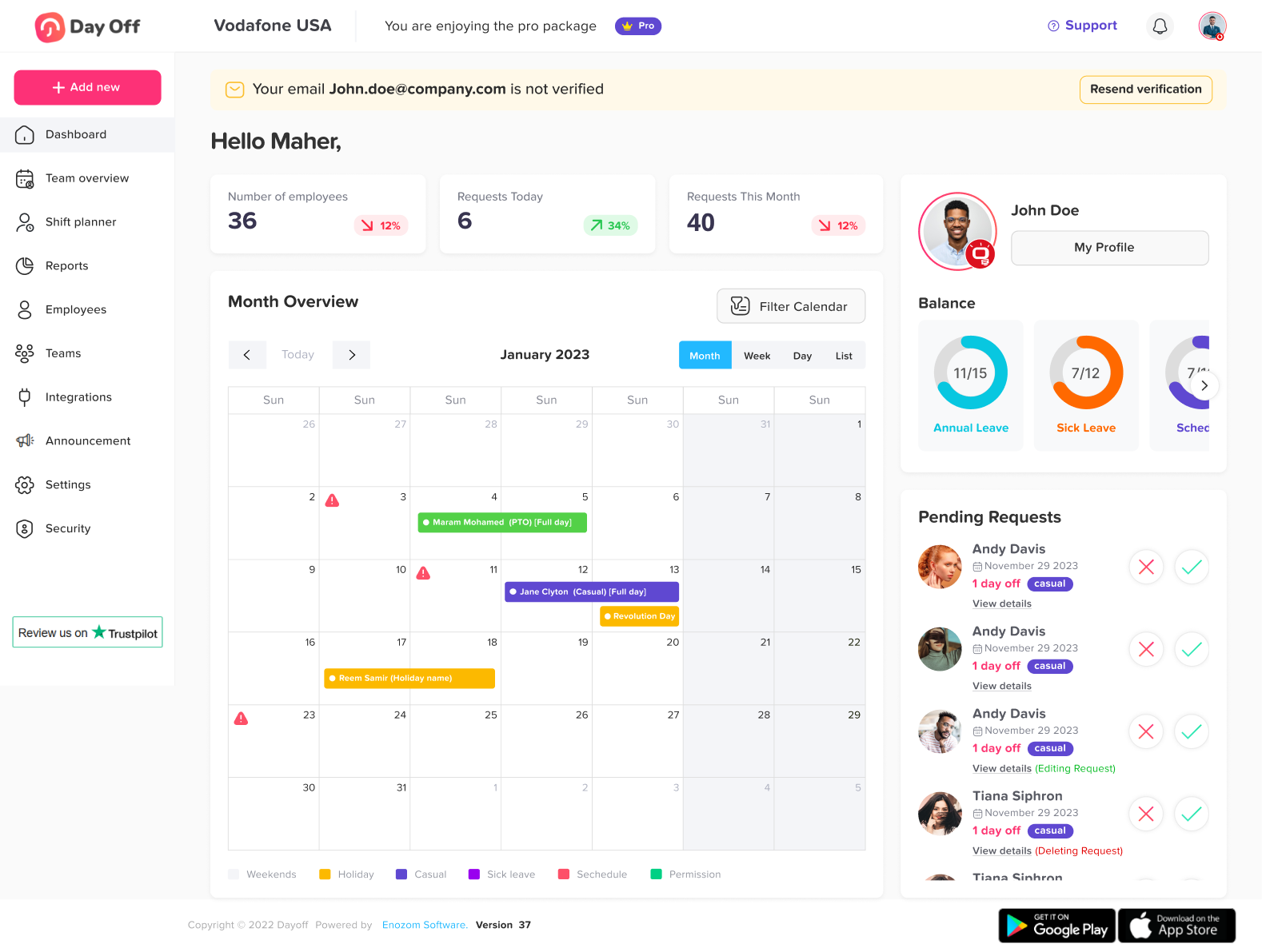
Day Off is designed to remove friction from PTO management. It focuses specifically on leave tracking rather than trying to be a full HR suite, which keeps it lightweight and efficient.
Why it saves HR time
Automated PTO accrual calculations
Custom leave policies per location or team
Blackout period enforcement
Rotating and flexible work schedules
Real time shared leave calendar
Mobile apps for iOS and Android
Multi tenant support (users in multiple companies)
Unlike bloated HR systems, Day Off allows HR managers to configure policies quickly without needing technical support. Leave balances update automatically, and approvals happen in seconds.
The platform also handles:
Hour based leave tracking
Shift based deductions
Carryover rules
Role based permissions
Where it stands out
HR teams that previously spent hours reconciling spreadsheets typically reduce PTO admin time dramatically because approvals, balances, and reporting are automated in one place.
If your main pain point is manual PTO administration, Day Off is purpose built to eliminate it.
BambooHR
Best for:
Companies wanting an all in one HR system
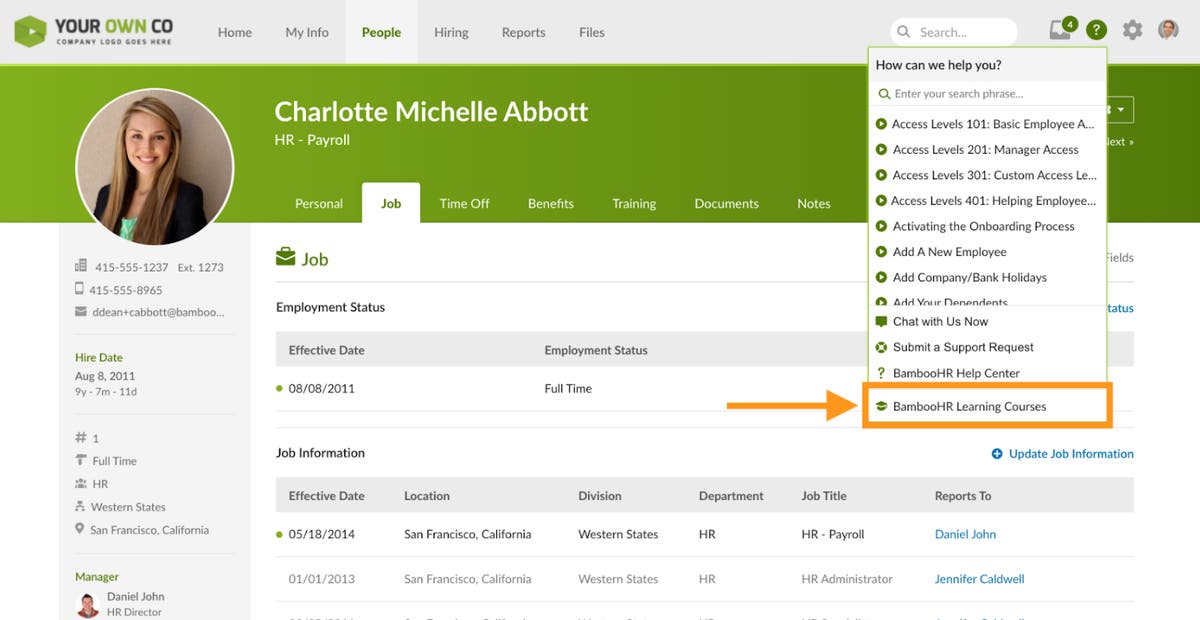
BambooHR offers PTO tracking as part of a larger HR management platform that includes hiring, onboarding, and performance management.
Why it saves HR time
Integrated PTO within employee records
Automatic accrual calculations
Built in approval workflows
Payroll integrations
Limitations
Because it’s part of a larger HR suite:
Customization can be limited
Advanced leave logic may require workarounds
It may feel heavier than necessary if you only need PTO tracking
BambooHR saves time for companies that want everything centralized, but may be overkill for teams that only need strong leave management.
Factorial
Best for:
Fast growing companies needing automation
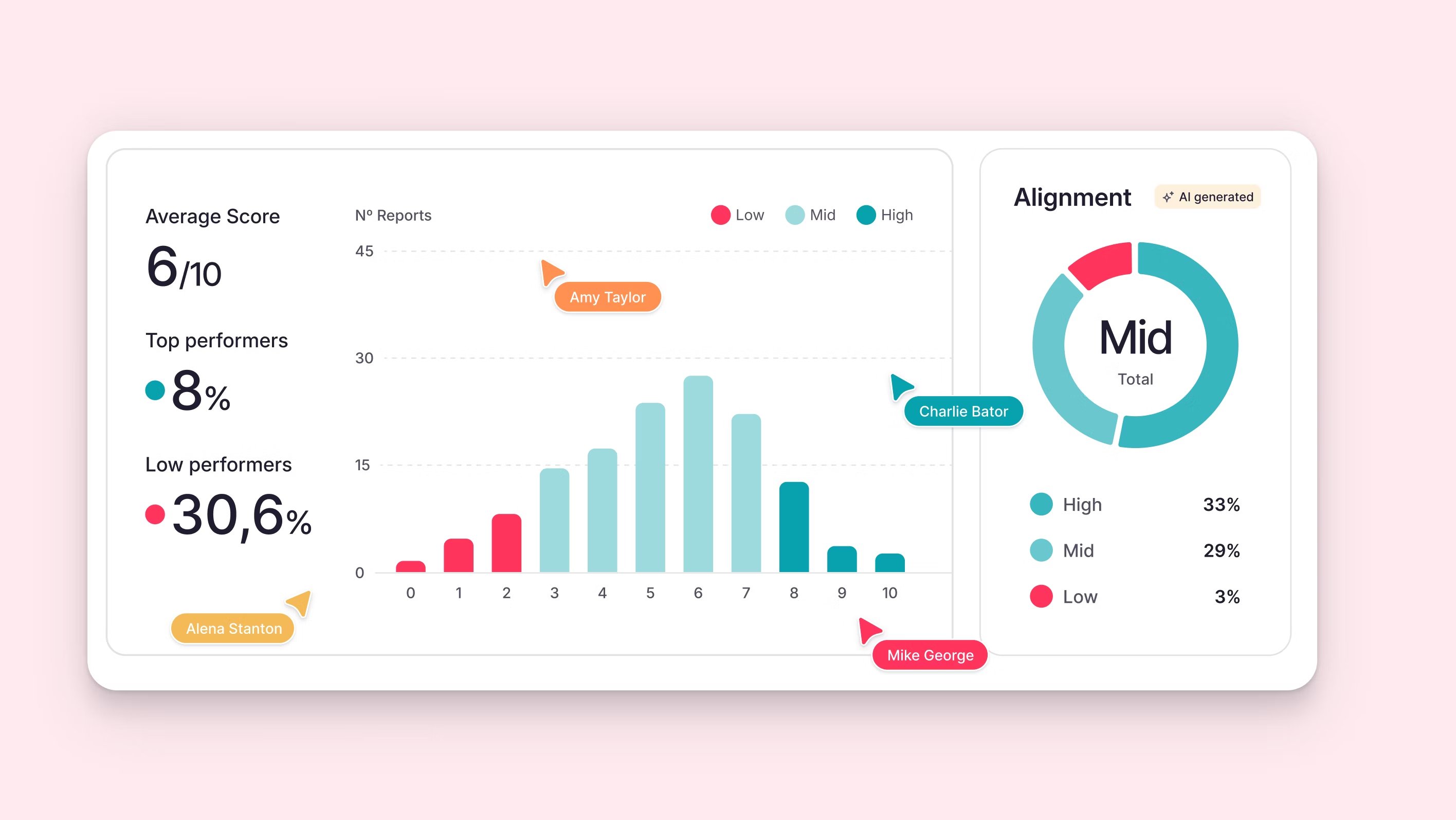
Factorial is popular among scaling companies that want structured HR processes.
Time saving features
Automated leave accrual
Team visibility calendar
Policy based approvals
Integration with payroll tools
Where it may cost time
Setup can be more complex
Feature heavy interface
Pricing tiers may limit functionality unless upgraded
It’s powerful, but the configuration stage may require more HR involvement upfront.
Zoho People
Best for:
Companies already using Zoho ecosystem
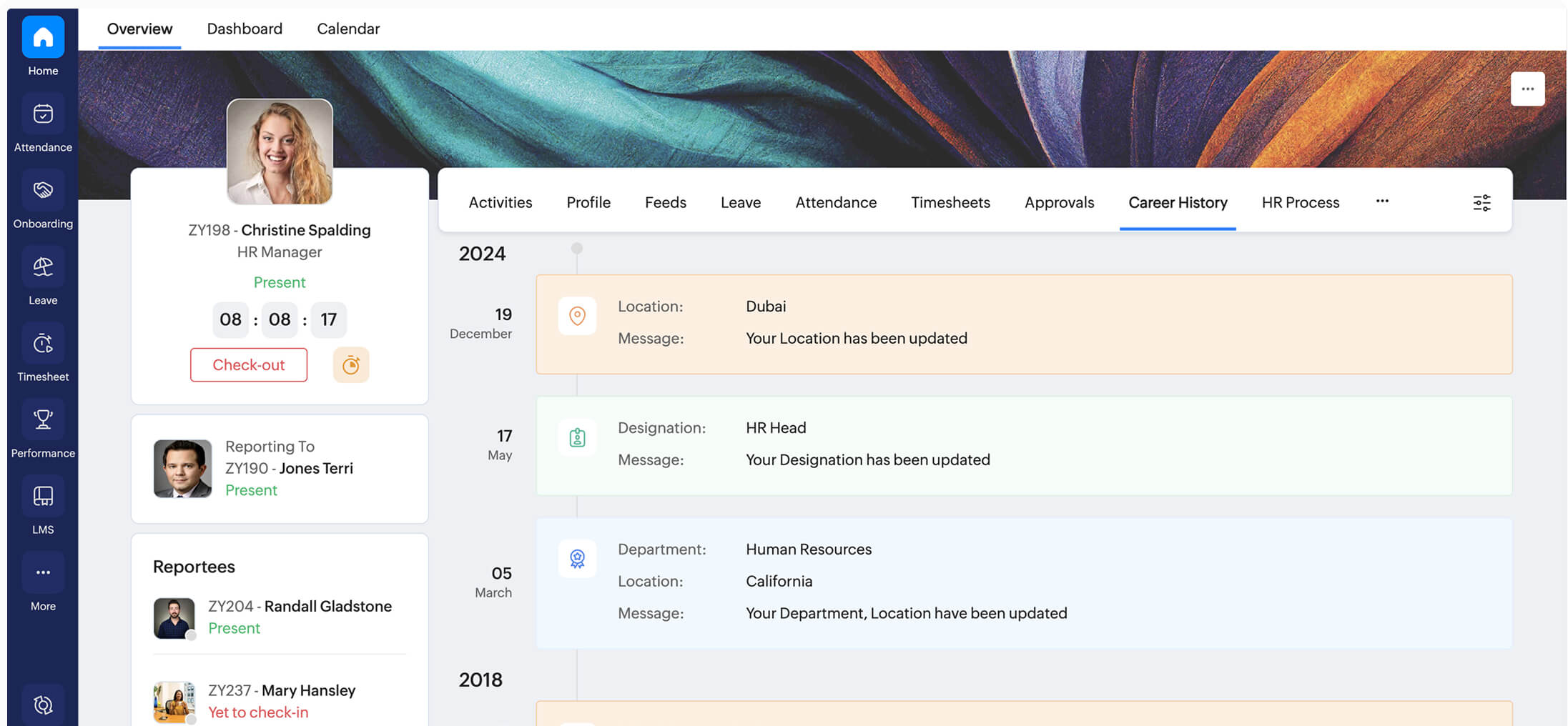
Zoho People integrates well with other Zoho products and provides a structured leave management module.
Time saving advantages
Custom leave types
Automated balance tracking
Attendance + PTO combination
Reporting tools
Considerations
Interface can feel less intuitive
Advanced configurations require admin knowledge
Best experience comes when used alongside other Zoho apps
Zoho People works well for ecosystem users but may require more administrative maintenance compared to simpler PTO first tools.
Rippling
Best for:
Enterprises seeking full workforce automation
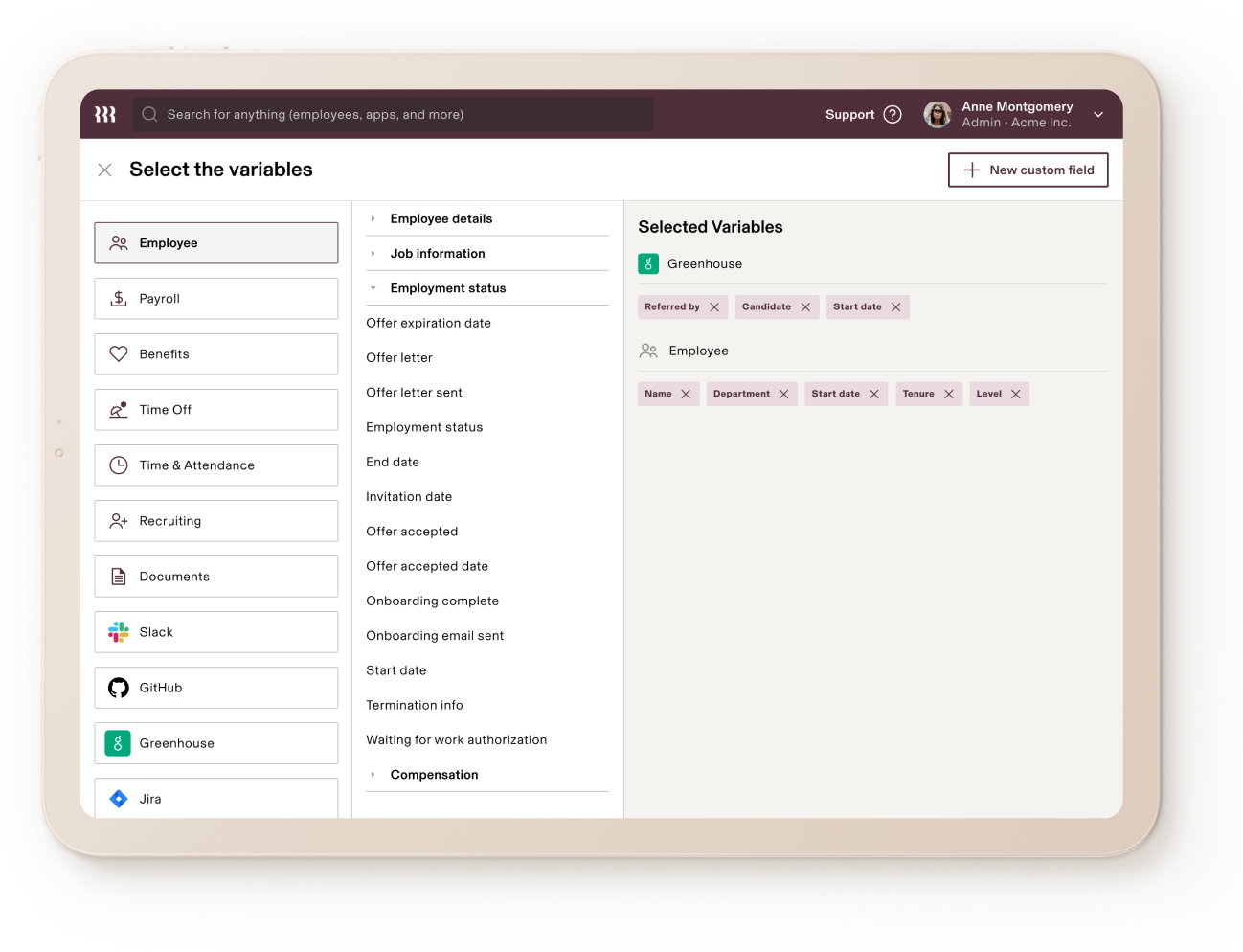
Rippling combines HR, IT, payroll, and device management in one system.
Time saving strengths
PTO synced with payroll automatically
Global workforce compliance features
Automation across HR and IT workflows
Trade offs
More complex system
Higher pricing tiers
PTO is one module within a larger ecosystem
Rippling saves time at scale, especially for distributed global teams, but may feel excessive for smaller businesses.
Which PTO Tool Actually Saves HR the Most Time?
The answer depends on what “time saving” means for your team.
If your biggest issue is:
Manual calculations
Spreadsheet errors
Approval confusion
Overlapping leave
Then a focused PTO system like Day Off will likely reduce administrative hours the fastest.
If your goal is:
Centralized HR records
Payroll synchronization
Hiring + performance management
Then BambooHR, Factorial, or Rippling may align better.
Key Time Saving Features to Look for in 2026
Regardless of vendor, here’s what truly saves HR time:
Automated accrual calculations
Customizable leave policies
Blackout period enforcement
Role based approval workflows
Shared real time team calendars
Mobile accessibility
Multi location policy management
Detailed exportable reports
If a PTO tool lacks these, HR will still be doing manual work behind the scenes.
FAQ
What is a PTO tracking tool?
A PTO tracking tool is software that automates how companies manage paid time off. It handles leave requests, approvals, accrual calculations, balance tracking, and reporting, eliminating the need for spreadsheets and manual tracking.
How does a PTO tracking tool save HR time?
The biggest time savings come from automation. Modern tools:
Automatically calculate accruals
Update balances in real time
Prevent overlapping leave conflicts
Enforce company policies
Generate instant reports
Instead of reconciling spreadsheets or correcting payroll errors, HR teams can focus on strategic work.
Is a PTO tracker necessary for small teams?
Yes, especially as teams grow beyond 5–10 employees. Even small companies benefit from:
Centralized leave visibility
Clear approval workflows
Automated balance tracking
Manual systems tend to break once multiple managers and locations are involved.
What features should we look for in 2026?
In 2026, a time saving PTO tool should include:
Automated accrual rules
Multi location policy management
Role based permissions
Shared team calendars
Blackout period configuration
Mobile access
Exportable reporting
Without these features, HR may still end up doing manual corrections behind the scenes.
Can PTO tracking tools handle different work schedules?
Yes. Advanced tools support:
Fixed working days
Flexible hour based schedules
Rotating shifts
Part time employee configurations
This ensures leave is deducted accurately based on real working hours, not generic assumptions.
Do PTO tools integrate with payroll?
Many platforms offer payroll integrations. This helps ensure leave deductions are reflected accurately in salary calculations and reduces payroll discrepancies.
Are PTO tracking tools secure?
Reputable platforms provide:
Role based access control
Data encryption
Audit logs
Two factor authentication (2FA)
Always review a vendor’s security practices before implementation.
How long does it take to implement a PTO tracking system?
Implementation time depends on the complexity of your policies. For small and mid sized teams, setup can often be completed within a few days. Larger organizations with multiple policies and locations may require more structured configuration.
What’s the biggest mistake companies make when choosing a PTO tool?
Choosing a system that is either:
Too complex for their needs
Not flexible enough for their policies
The best tool isn’t necessarily the one with the most features, it’s the one that removes the most manual work from HR.
Conclusion
In 2026, the most efficient PTO tracking tool is the one that:
Automates calculations completely
Eliminates spreadsheet dependency
Reduces back and forth emails
Adapts to company policy changes easily
For companies that want a lightweight, flexible, and mobile friendly system focused purely on leave management, Day Off stands out as the most time efficient option.
For organizations seeking full HR ecosystem consolidation, BambooHR, Factorial, Zoho People, or Rippling may be more appropriate.