





Per-Leave-Type Balance Reset
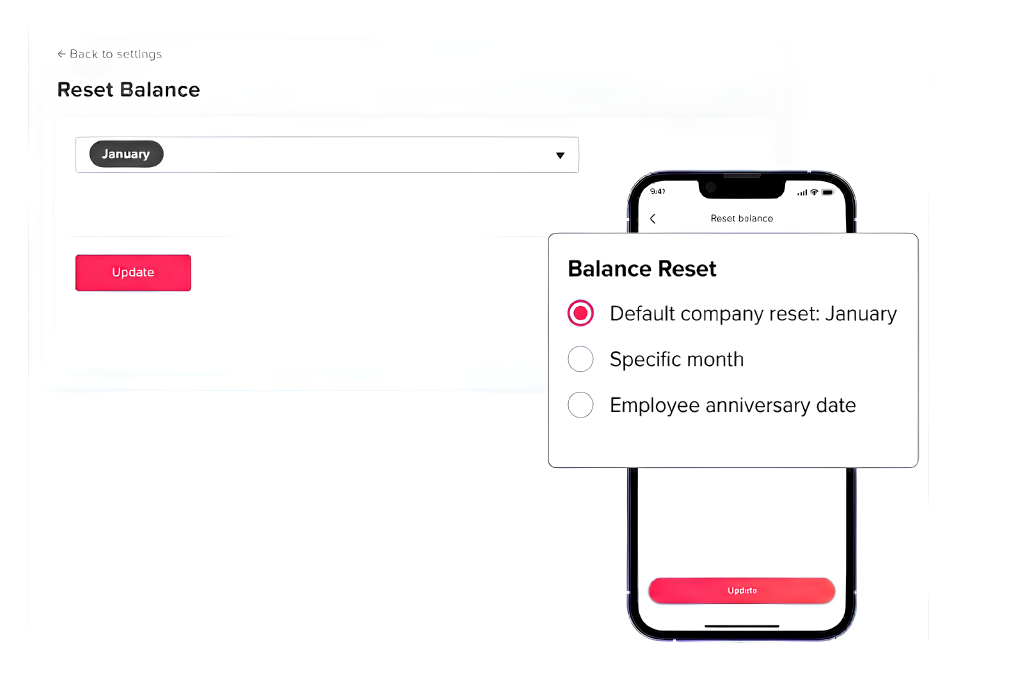
Balance Reset offers flexibility in managing leave balances by allowing admins to choose a specific month for resetting balances or to reset them based on employees’ anniversaries.
Fixed Date
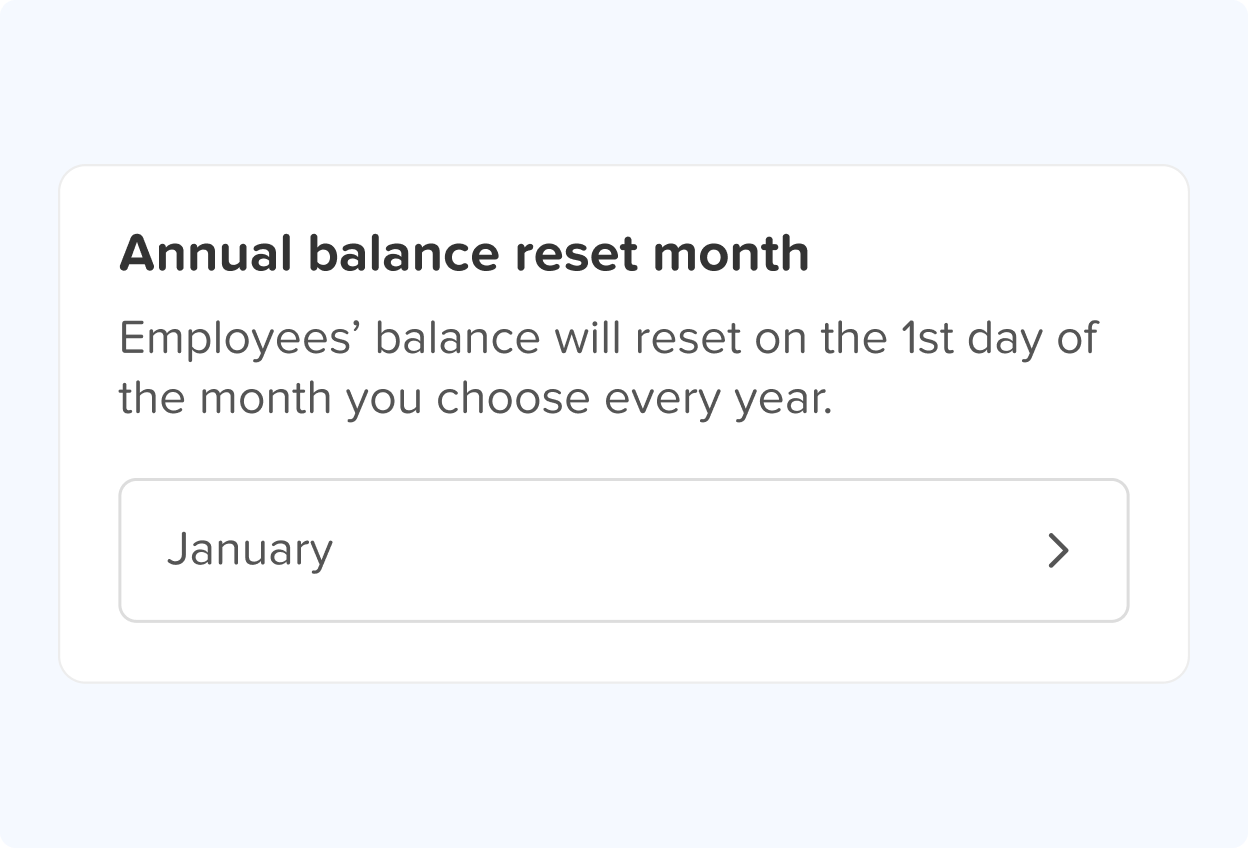
You can easily choose a specific month for your employees’ balances to reset. For instance, if you select January, all employees’ balances will reset on January 1st. This reset marks the beginning of a new working year and accrual cycle.
Anniversary Date
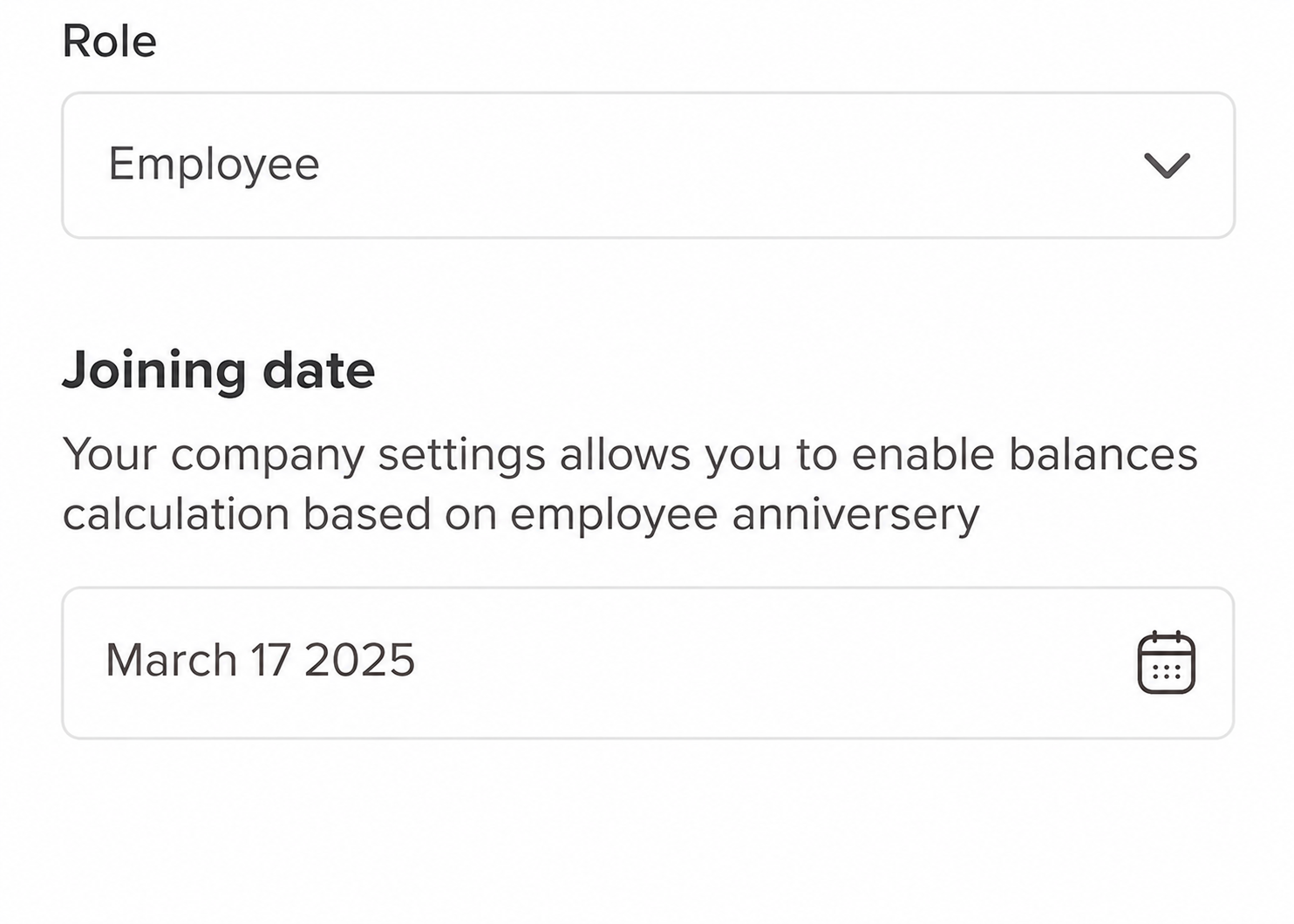
For employees whose leave resets based on their joining date, you can enable this option in the POlicy settings, where you can select the reset date of each leave leave type individually. This ensures each employee’s balance and working year automatically reset on their anniversary, simply enter their joining date to activate it.
Balance Reset Options
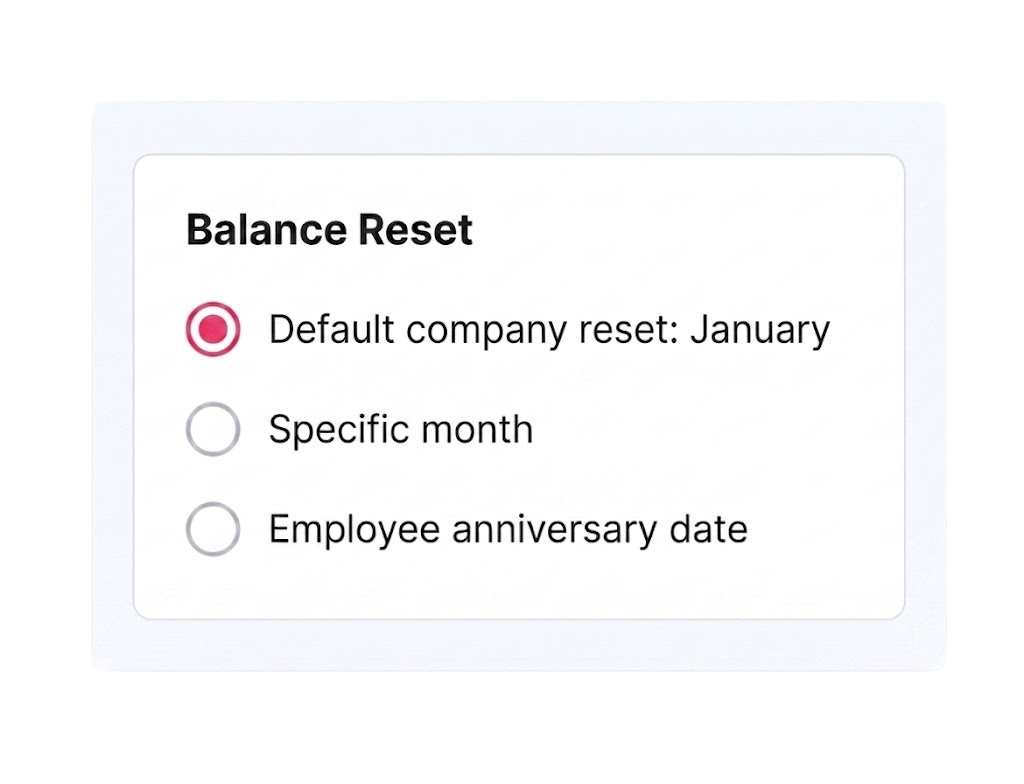
Choose when employee balances automatically reset, with the flexibility to set different reset schedules for each leave type. For example, vacation time can reset on January 1, while sick leave can reset based on each employee’s anniversary date. You can use the company default reset month, select a specific month, or choose the employee anniversary date.