







Manage PTO for employees used to be simple. A shared spreadsheet, a few email approvals, and basic manual tracking were often enough. But as workplaces evolved with remote teams, flexible schedules, and more complex leave policies manual processes quickly became inefficient and error prone.
This is where time off tracking software comes in. It transforms how organizations manage employee leave, making the process faster, more accurate, and far more transparent.

What Is Time Off Tracking Software?
Time off tracking software is a digital solution designed to help organizations manage employee leave, including vacation days, sick leave, public holidays, and other types of absences.
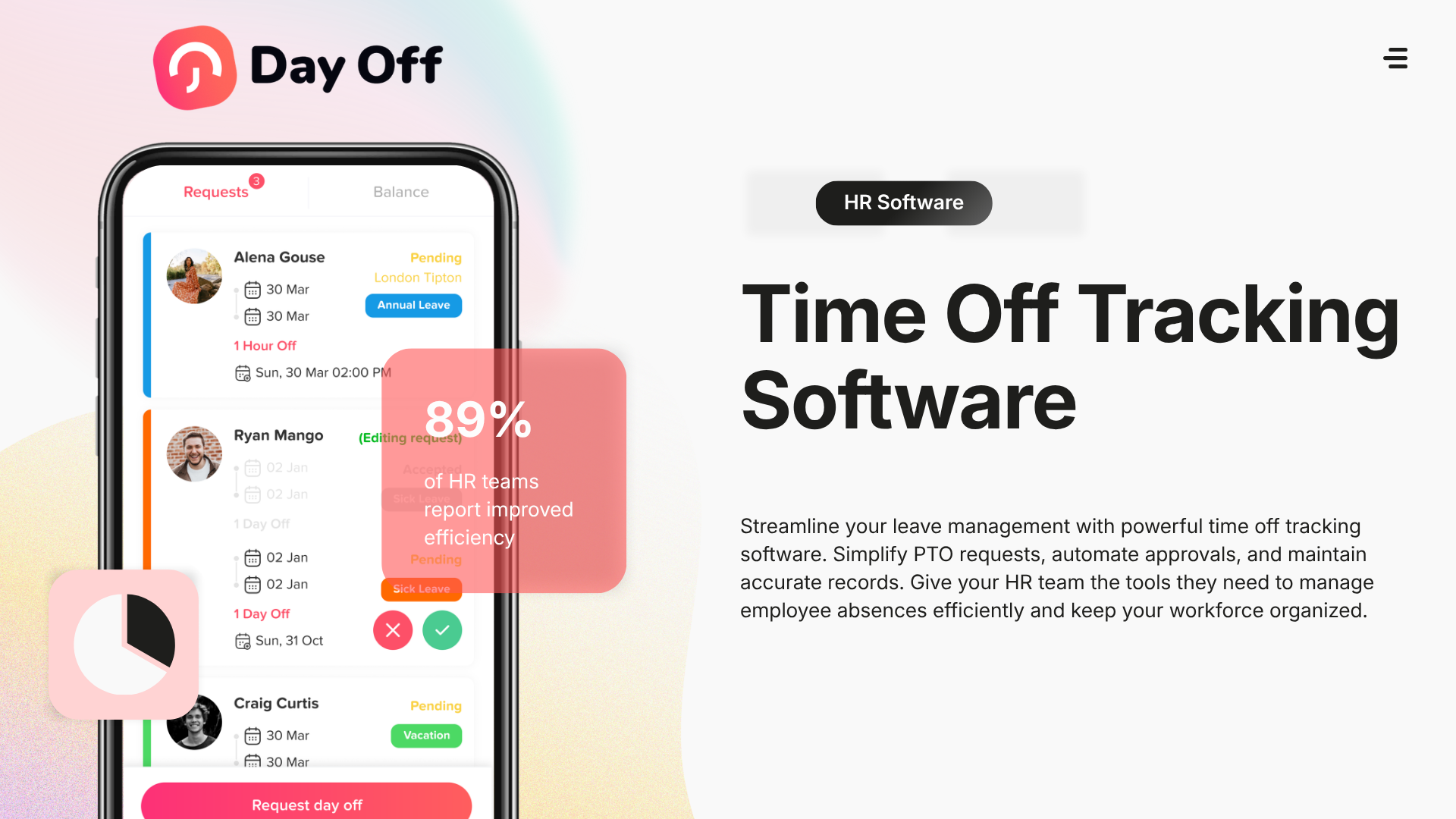
Instead of relying on manual tracking methods, these tools automate the entire process from requesting time off to approvals, balance calculations, and reporting. Employees can easily submit requests, while managers gain full visibility into team availability.
Why Time Off Tracking Software Matters
Eliminates Manual Errors
Manual tracking often leads to miscalculations, especially when dealing with accrual policies, carryovers, or different leave types. Software ensures accuracy by automating these calculations.
Saves Time for HR Teams
HR professionals spend less time handling repetitive administrative tasks. Instead of updating spreadsheets or responding to balance inquiries, the system does it automatically.
Improves Employee Experience
Employees no longer need to ask, “How many days do I have left?” They can instantly check their balances, submit requests, and track approvals in real time.
Enhances Team Visibility
Managers can easily see who is off and when, helping prevent scheduling conflicts and ensuring proper team coverage.
Supports Compliance
Many countries and organizations have specific leave regulations. Time off tracking software helps ensure policies are applied consistently and correctly.
Key Features of Time Off Tracking Software
Automated Leave Management
The system automatically calculates leave balances based on company policies, including accruals, prorations, and carryovers.
Easy Request and Approval Workflow
Employees submit requests in seconds, and managers can approve or reject them with a click whether on desktop or mobile.
Shared Team Calendar
A centralized calendar shows all approved and pending leave, making it easy to plan ahead and avoid overlaps.
Multiple Leave Types
From PTO and vacation to sick leave and public holidays, the software supports various leave categories tailored to company policies.
Notifications and Reminders
Automatic alerts ensure that no request or approval is missed, keeping everyone informed.
Reporting and Analytics
Detailed reports help HR track trends, monitor absenteeism, and make data driven decisions.
Integrations
Many tools integrate with platforms like Slack, Google calendar, Outlook calendar and Microsoft Teams, streamlining workflows across the organization.


Types of Leave Managed by These Systems
Time off tracking software typically supports a wide range of leave types, including:
- Paid Time Off (PTO)
- Vacation Leave
- Sick Leave
- Public Holidays
- Parental Leave
- Unpaid Leave
- Compensatory Time (Comp Off)
This flexibility allows companies to customize policies based on their unique needs.
Benefits for Organizations
Improved Accuracy
Automated calculations eliminate human error, ensuring employees are always paid and tracked correctly.
Time Savings
HR teams can save hours each week by reducing manual work and focusing on strategic tasks.
Better Workforce Planning
Managers can plan projects more effectively with clear visibility into team availability.
Enhanced Employee Trust
Transparency in leave balances and approvals builds trust and reduces misunderstandings.
Scalability
As organizations grow, the system scales with them without adding complexity.
Real World Use Cases
Remote and Hybrid Teams
Distributed teams need visibility into who is available across different time zones. Time off software provides a unified view, improving coordination.
Fast Growing Startups
Startups often outgrow spreadsheets quickly. Implementing software early helps maintain structure as the team expands.
Enterprises with Complex Policies
Large organizations with multiple departments and regions benefit from automation and customization features.
Challenges Solved by Time Off Tracking Software
Without a proper system, organizations often face:
- Overlapping leave during critical business periods
- Confusion about leave balances
- Delayed approvals and missed requests
- Difficulty enforcing company policies
- Lack of reliable data for decision making
Time off tracking software addresses all these issues by providing a structured and automated approach.
How to Choose the Right Solution
Selecting the right software depends on your organization’s needs.
User Experience
The platform should be intuitive for both employees and administrators to ensure high adoption.
Customization Capabilities
Look for tools that allow you to tailor policies, workflows, and leave types.
Mobile and Remote Access
Ensure the software supports mobile devices for flexibility.
Integration Options
Choose a solution that integrates with your existing tools and systems.
Pricing and Value
Evaluate whether a free plan is sufficient or if advanced features are worth the investment.
| Core features | Free | Pro |
|---|---|---|
|
Number of employees |
10 |
Unlimited |
|
Customize leave types |
|
|
|
Calendar view |
|
|
|
Management reports |
Basic |
|
|
One step approval |
|
|
|
Multi approvers |
|
|
|
Sub teams |
|
|
|
Hours balance unit
|
|
|
|
Multi locations |
|
|
|
Multi policies |
|
|
|
Accruals |
|
|
|
Carryover |
|
|
|
Blockout dates |
|
|
|
Integrations
|
|
|
The Role of Automation in Modern HR
Automation is transforming HR operations. Time off tracking software is a key part of this shift, enabling organizations to move from reactive management to proactive planning.
Platforms like Day Off app emphasize simplicity and efficiency, helping teams manage leave without unnecessary complexity. By automating routine tasks, organizations can focus on improving employee engagement and productivity.
Future Trends in Time Off Management
The future of time off tracking software is evolving rapidly. Some emerging trends include:
- AI driven insights to predict leave patterns
- Increased focus on employee wellness and burnout prevention
- Deeper integrations with HR and payroll systems
- Enhanced mobile experiences
- Greater personalization of leave policies
These innovations will continue to make leave management smarter and more strategic.
Frequently Asked Questions (FAQ)
What is the difference between PTO tracking and time off tracking software?
PTO tracking is a feature within time off tracking software. While PTO specifically refers to paid leave, time off tracking software covers all types of absences, including sick leave, unpaid leave, and public holidays.
Is time off tracking software suitable for small businesses?
Yes, many tools are designed specifically for small teams and even offer free plans. Solutions like Day Off app are particularly popular among startups and small businesses due to their simplicity and affordability.
Can employees access time off tracking software on mobile devices?
Most modern tools provide mobile apps for iOS and Android, allowing employees to request leave, check balances, and receive notifications anytime.
How does time off tracking software handle leave accruals?
The software automatically calculates leave accruals based on company policies, such as monthly or yearly allocations, tenure based increases, or prorated balances.
Can the software support different leave policies for different teams?
Yes, advanced systems allow organizations to create multiple leave policies and assign them to different departments, locations, or employee groups.
Is time off tracking software secure?
Reputable platforms use secure cloud infrastructure, data encryption, and role based access controls to ensure that employee data is protected.
How long does it take to implement time off tracking software?
Implementation can take anywhere from a few minutes to a few days, depending on the complexity of your organization’s policies. Simple tools can be set up almost instantly.
Can managers override or adjust leave requests?
Yes, most systems allow administrators and managers to approve, reject, or modify requests when necessary, ensuring flexibility in exceptional situations.
Why should companies switch from spreadsheets to time off tracking software?
Spreadsheets are prone to errors, lack automation, and do not scale well. Time off tracking software provides accuracy, efficiency, and real time visibility, making it a far more reliable solution.
Conclusion
Time off tracking software is no longer just a convenience it’s a necessity for modern organizations. It simplifies processes, improves accuracy, enhances transparency, and supports better decision making.
By replacing manual systems with automated solutions, companies can create a more efficient workplace while improving the overall employee experience.
In an era where flexibility and efficiency are key, investing in the right time off tracking software is one of the smartest decisions an organization can make.