


Day off Vs Timetastic
Timetastic is a leave management tool that helps businesses track employee vacations, PTO, and absences using a simple team calendar, while allowing employees to request time off easily and managers to see team availability.
Get started for free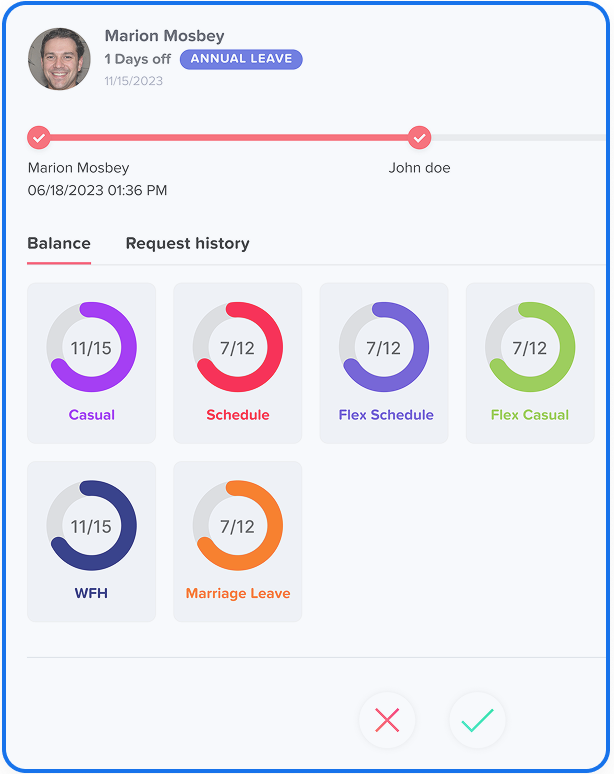
Day Off
Timetastic
Pick The Better Leave tracker Software
At first glance, you might place Day Off and Timetastic within the same bracket. Let’s try to change that.

Day Off simplifies PTO and absence management by providing customizable leave policies, real-time leave balances, and automated approval workflows. It also integrates with tools like Slack, Microsoft Teams, and Google Calendar to improve communication and visibility across teams.
vs
Timetastic is designed to simplify time off management by automating leave requests, approvals, and balance tracking. With integrations like Google Calendar, Outlook, Slack, and Microsoft Teams, it helps teams stay informed and coordinate schedules more efficiently.
Discover how the easy-to-use Day Off platform outshines Timetastic.

Shared Team Calendar
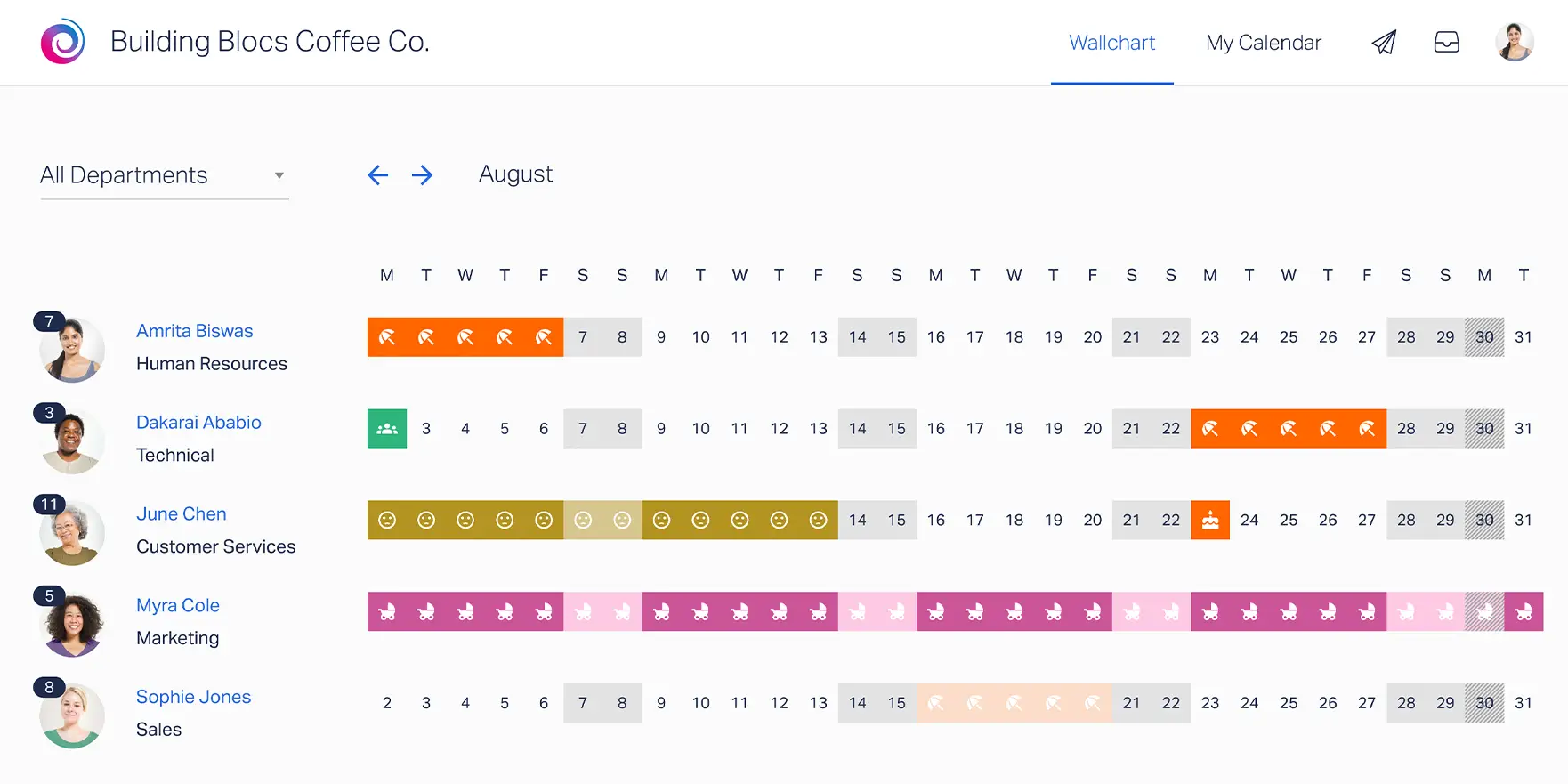
Timetastic provides a shared calendar that shows when employees are on leave, helping teams easily view availability and avoid scheduling conflicts.

Simple Leave Request Process
Employees can submit time off requests through the system, and managers can quickly review, approve, or reject them.

Flexible Leave Categories
Organizations can create and manage different leave types such as vacation, sick leave, or unpaid leave according to company policies.

Calendar Synchronization
Timetastic integrates with tools like Google Calendar and Outlook so approved leave automatically appears in team calendars.

Automatic Notifications
The platform sends alerts when leave requests are submitted, approved, or updated, keeping everyone informed.

Leave Tracking Reports
Managers can generate reports to monitor employee absences, leave balances, and overall leave usage trends.
Pick The Better Leave tracker Software
At first glance, you might place Day Off and Timetastic within the same bracket. Let’s try to change that.
| Name Of The Feature | |
|
|---|---|---|
| Allow Negative Leave Balance | ✗ | ✗ |
| Auto Approval Rules | ✗ | ✗ |
| Automated PTO Accrual | ✗ | ✗ |
| Blockout Dates | ✗ | ✗ |
| Custom Leave Policies | ✗ | ✗ |
| Custom Leave Types (Annual, sick,etc) | ✗ | ✗ |
| Employee Self-Service | ✗ | ✗ |
| Free Plan Available | ✗ | ✗ |
| Free Trial | ✗ | ✗ |
| Google / Outlook Calendar Sync | ✗ | ✗ |
| Half day Leave Requests | ✗ | ✗ |
| Leave Balance Visibility | ✗ | ✗ |
| Leave Request Submission | ✗ | ✗ |
| Manager Dashboard | ✗ | ✗ |
| Microsoft Teams Integration | ✗ | ✗ |
| Multi-Level Approvals | ✗ | ✗ |
| Notice Period Before Leave | ✗ | ✗ |
| Notifications & Alerts | ✗ | ✗ |
| Official Holidays Management | ✗ | ✗ |
| Probation Period Restrictions | ✗ | ✗ |
| Prorated Leave Balance | ✗ | ✗ |
| PTO Carryover Rules | ✗ | ✗ |
| Reports & Analytics | ✗ | ✗ |
| Slack Integration | ✗ | ✗ |
| Sub-Teams & Department Rules | ✗ | ✗ |
| Team Leave Calendar | ✗ | ✗ |
| Track Time Off in Hours | ✗ | ✗ |
| Web Dashboard | ✗ | ✗ |
| Work Schedule Configuration | ✗ | ✗ |
Trusted by Early Adopters. Backed by Top Investors.
Day Off is built to suit different business types, and for every HR manager to plan, track and manage employees’ leaves and PTO.

50%
Less time spent on leave administration

“ Day Off completely changed how we manage PTO. What used to take hours every week now takes minutes. “
Sarah M.
HR Manager, Tech Startup
40%
Fewer HR back-and-forth messages
99.9%
No spreadsheets. No mistakes. Always up to date.
40%
Fewer HR back-and-forth messages