





Multi Locations
Customize multi locations easily: set unique working days and holidays. Effortlessly tailor schedules for multiple locations in one go!
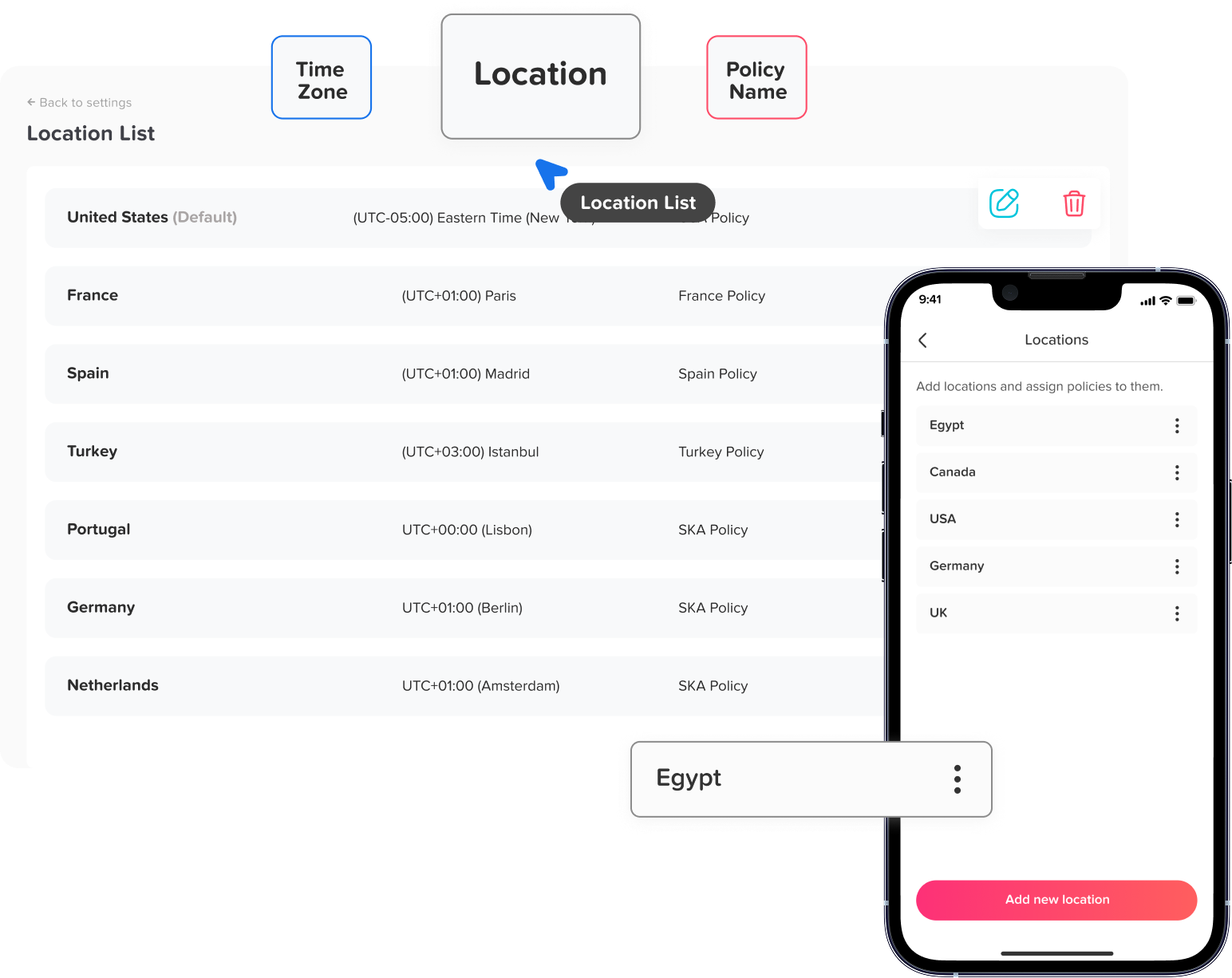

Multiple locations
This applies to different countries as well as multiple offices or branches, by setting up each location with its own settings, Day Off enables accurate tracking of employee balances based on where they work.
Location Settings
Creating a location is simple, just enter the location name, select the time zone, and choose the date format; you can also assign a specific leave policy so all employees under that location follow the same rules for more efficient management.

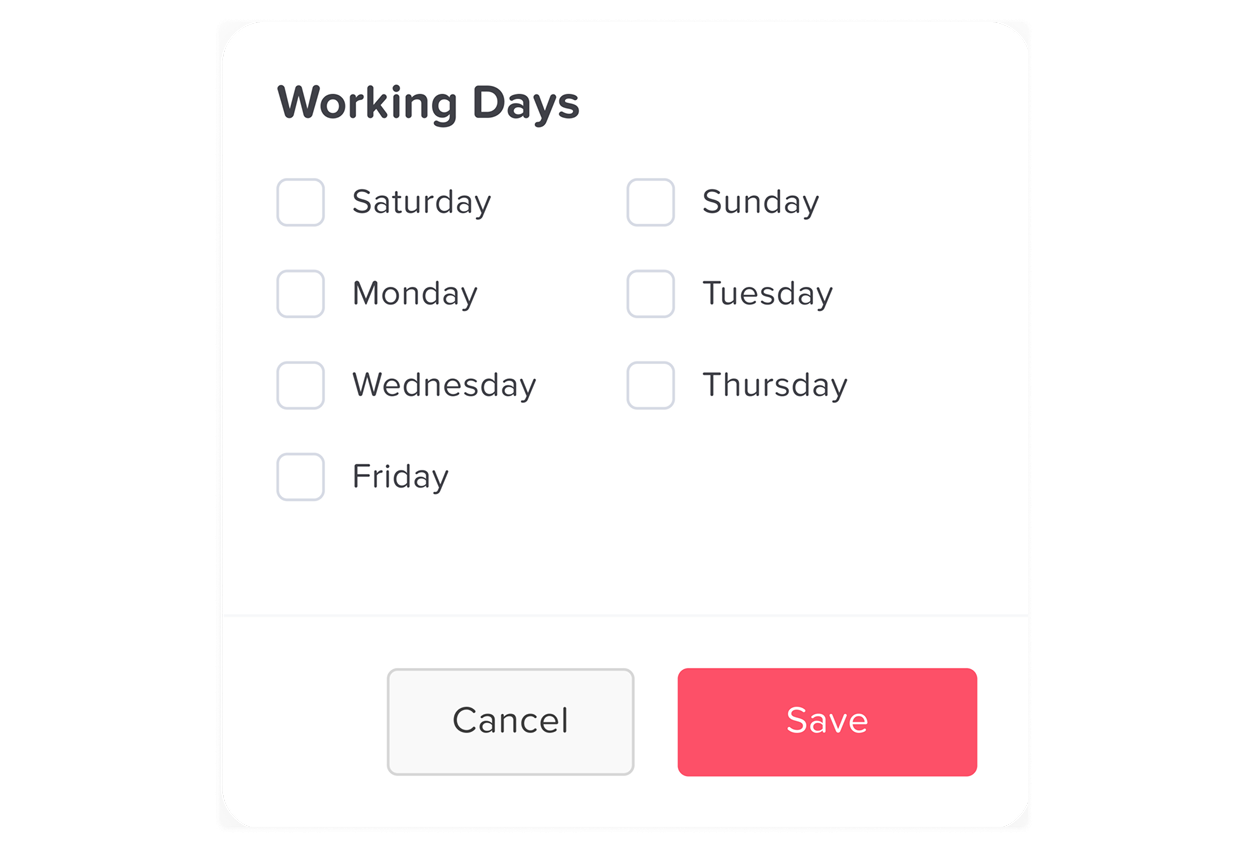
Different working days and holidays
Each location can have its own working schedule, set the start of the week, define working days and weekends, and import official holidays to ensure accurate and localized leave management.