






Help Center
Day Off Knowledge Base
Here for the first time? Here’s some general to help you get better acquainted with Day Off.
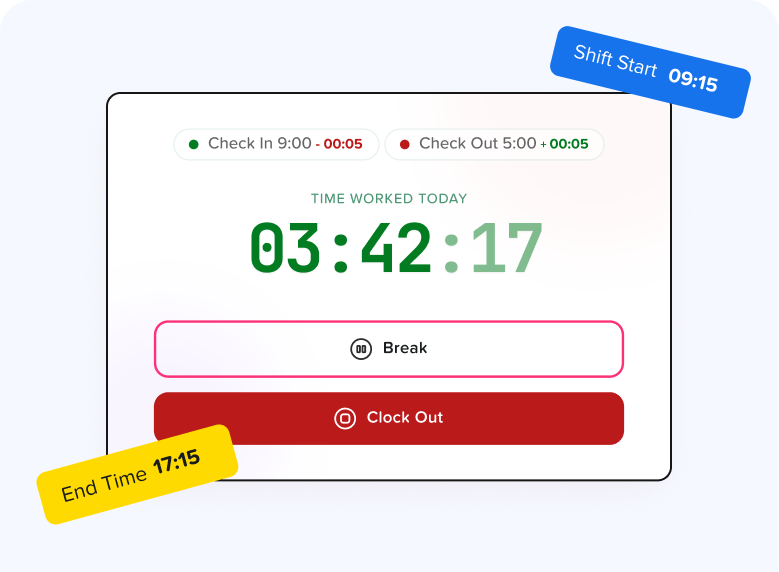
Learn how to track work hours, manage timesheets, and monitor employee time accurately with Day Off.
- Admin. How to Create a New Task
- Admin. How to Find a Specific Task in a Long List
- Can I see just my own time report instead of the whole company's?
- Can I view my employees' tracked time or time worked on a specific project
- Employee. How Can I Add a Task?
- Employee. How to See What Tasks You've Been Assigned
- Employee. Why Can't I Find a Certain Project in the Tracker's "Select Project" List?
- How Do I Filter A Report By Employee, Client, Project, Task, Team, Location, or Description?
The leave types section lets you set up and manage the different kinds of time off available to employees.
Set up and manage the rules that control employee leave, including balances, accruals, and how requests are handled.
- Can employees view their leave policy details?
- Can I set carryover rules for unused leave?
- How do accrual rules work in a leave policy?
- How do I create a leave policy?
- How do I edit or update an existing leave policy?
- How do I set a request period for leave requests?
- How to Allow Compensation for a Leave Type?
- How to Create a Leave Type with No Balance
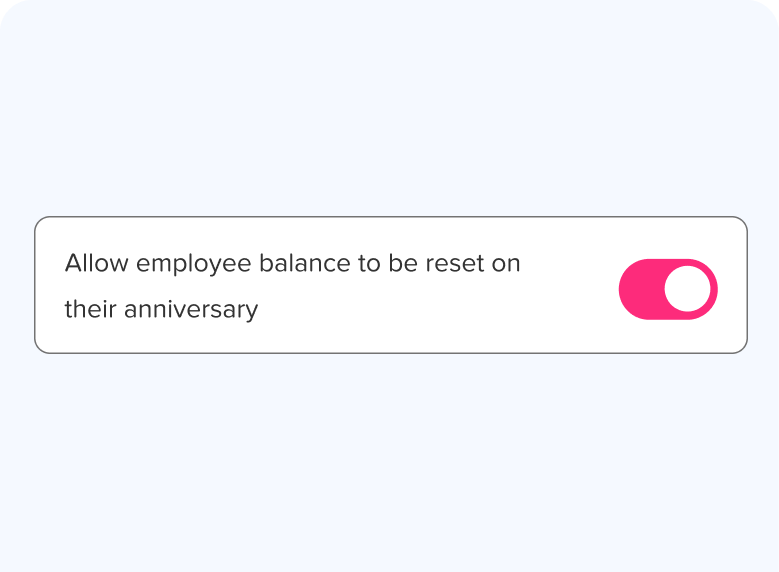
Automatically reset your leave balance based on your selected cycle or anniversary date, keeping your time off tracking accurate and up to date.
- Can I reset leave balances on anniversary dates instead of calendar /fisical year?
- Can I select a reset date for each leave type individually, for instance vacation to reset in January and sick leave to reset on the employee's anniversary?
- What is a leave balance reset?
- Will my leave balance automatically update after the reset?
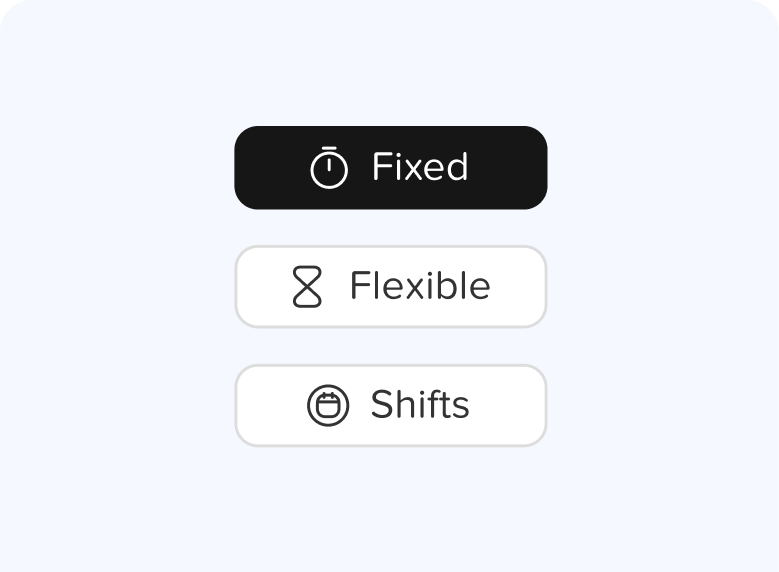
Set working days, hours, and rotating shifts, and assign each employee to a schedule that fits their role.
- Can I customize schedules for part-time or remote employees?
- Can I temporarily edit an employee's work schedule?
- How do I set working days and weekends?
- How to set a flexible hours schedule?
- How to set a shift-based schedule?
- How to set different working days for different employees?
- How to set the working hours?
- What are work schedules in Day Off?
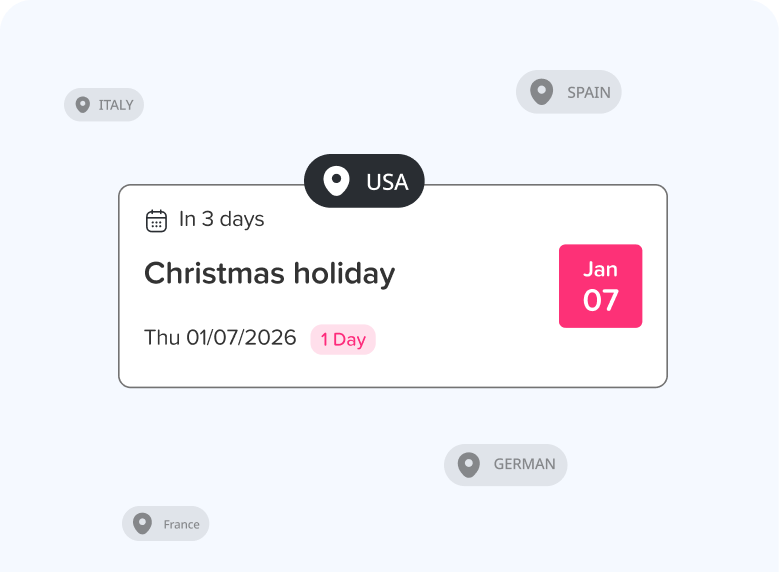
Add and manage location settings, including time zones, date formats, leave policies, and official holidays for each office.
Create and manage sub-teams to organize your members by departments, roles, or specializations.
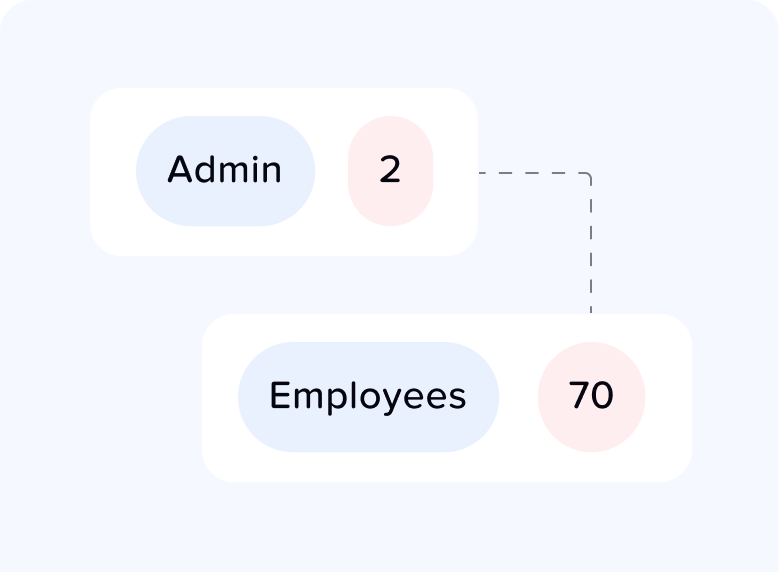
Define security roles and assign access rights to keep your team organized, controlled, and secure.
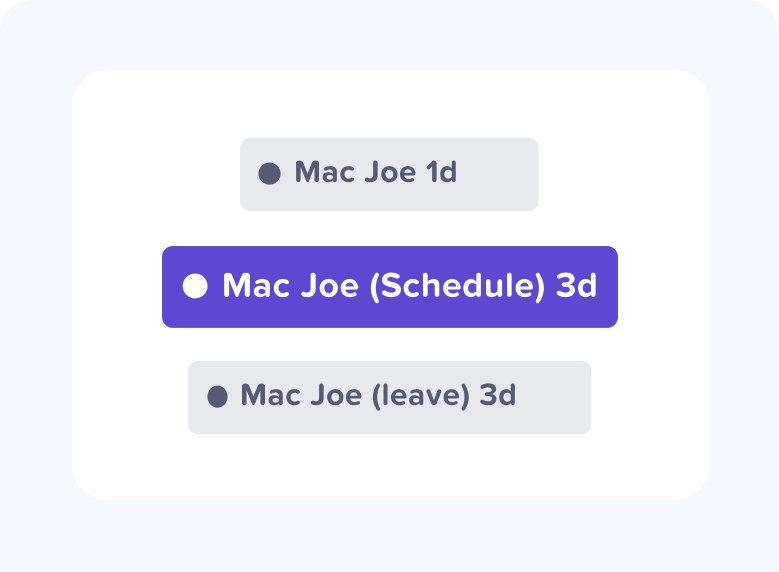
Control what information is shown on employees’ calendars, including leave, holidays, and availability.
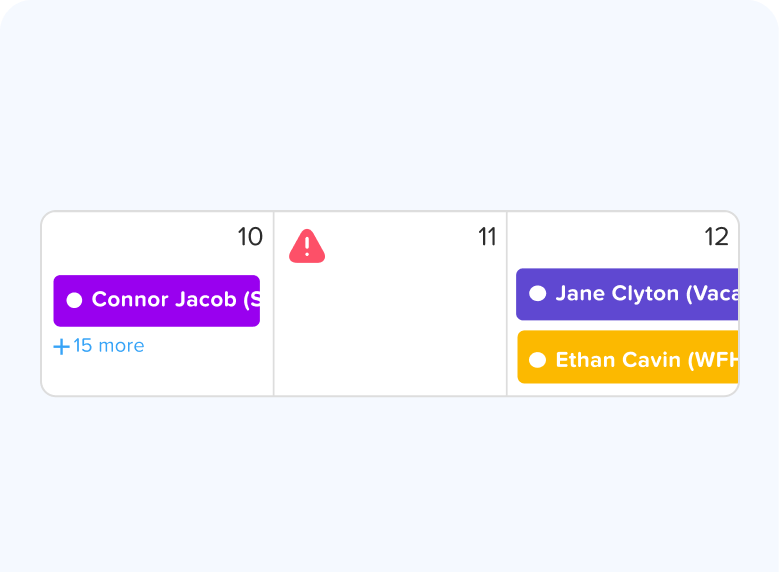
Block specific dates to prevent time off during peak periods and keep operations running smoothly.
- Can admins override blockout dates?
- Can employee request time off during blockout dates?
- Can I apply blockout dates to specific teams or departments?
- How can I check blockout dates in the Day Off app?
- How do blockout dates work?
- How do I set blackout dates in Day Off?
- How to prevent overlapping holidays/leave requests?
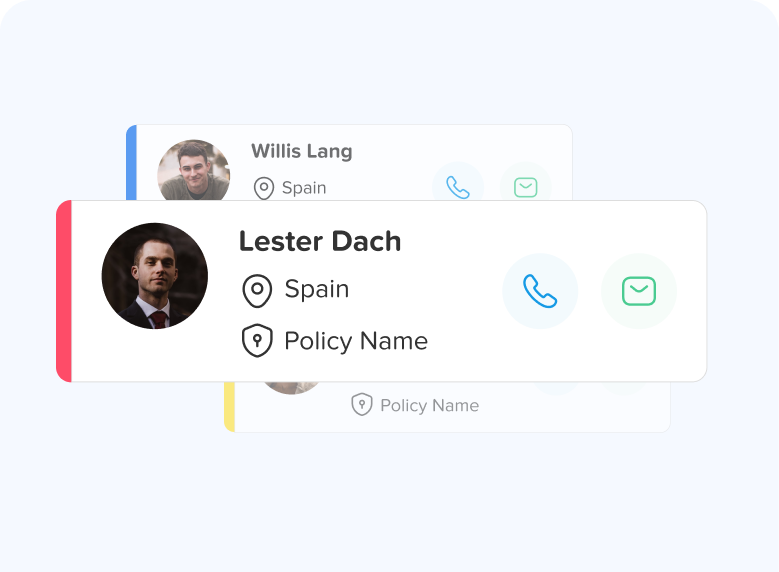
Access and manage your profile, leave requests, balances, and personal settings in one place.
- Can I request leave for past dates?
- How can I check my leave balance?
- How can I check the status of my request?
- How do I change my password?
- How do I check public holidays and weekends?
- How do I update my personal information?
- How do I upload or update my profile picture?
- How do I view my leave history?
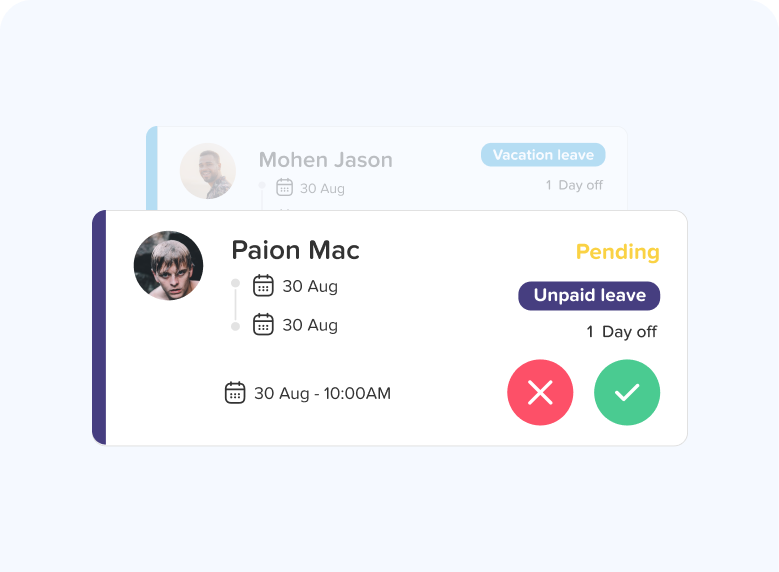
Create, manage, and track leave requests, including edits, approvals, and different request types like half days, hourly, and comp time.
- Can employees edit /delete an approved request?
- Can employees edit/delete a pending request?
- How can an admin edit/delete a request of an employee?
- How can I add a day off request for an employee?
- How can I request a half day?
- How can I request an hourly?
- How can I request comp/time off?
- How do I submit a leave request?
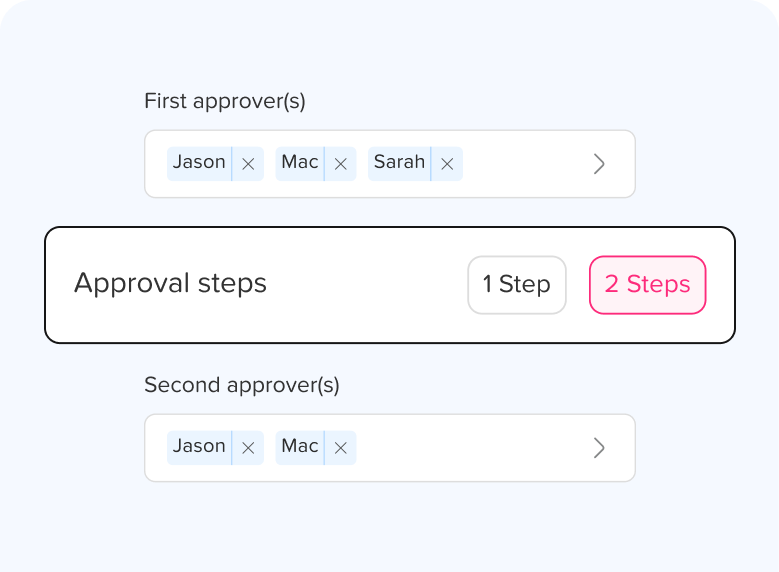
Assign approvers to review and manage leave requests, ensuring a smooth and consistent approval workflow across your team.
- How can I assign approvers for an employee?
- How many approvers can I set per employee?
- How to set up "Auto Approval" for specific leave types (e.g., Bereavement)?
- What happens to a request if the designated approver is also on leave?
- What level of authority is assigned to an approver’s role?
- Whats the difference between 2 steps approvals and multi approvers in single step?
- Whats the difference between approvers and watchers?
View detailed insights into balances, usage, accruals, and carryovers, with clear reports to help you track and manage time off.
Integrate Day Off with external tools like Slack or Microsoft Teams to automate notifications and streamline communication.
Manage permissions, single sign-on (SSO), and custom domain settings to secure access and protect your workspace.
Manage your subscription, billing details, and view your invoices and billing history in one place.
Customize the email notifications sent to employees and control sender settings, ensuring clear communication across your team.
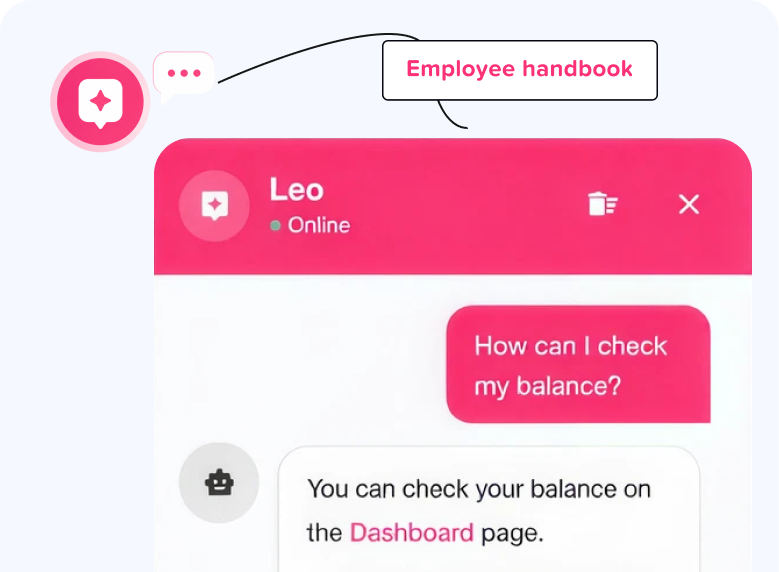
Explore Day Off AI tools designed to simplify leave management, automate tasks, and improve everyday HR workflows.
- Can I clear or delete my chat history with Leo?
- Can I customize or remove sections from the handbook?
- Can I upload my own handbook PDF instead of generating one with AI?
- How can I access the AI Tools section?
- How do I add a custom section to the handbook?
- How do I close the AI chat window?
- How do I generate an employee handbook using AI?
- How do I open the AI chat assistant?