


Employees List
Day Off’s Employee List makes it simple to keep track of your team with easy to use filters, and you can manage multiple employees at once using bulk actions to save time.
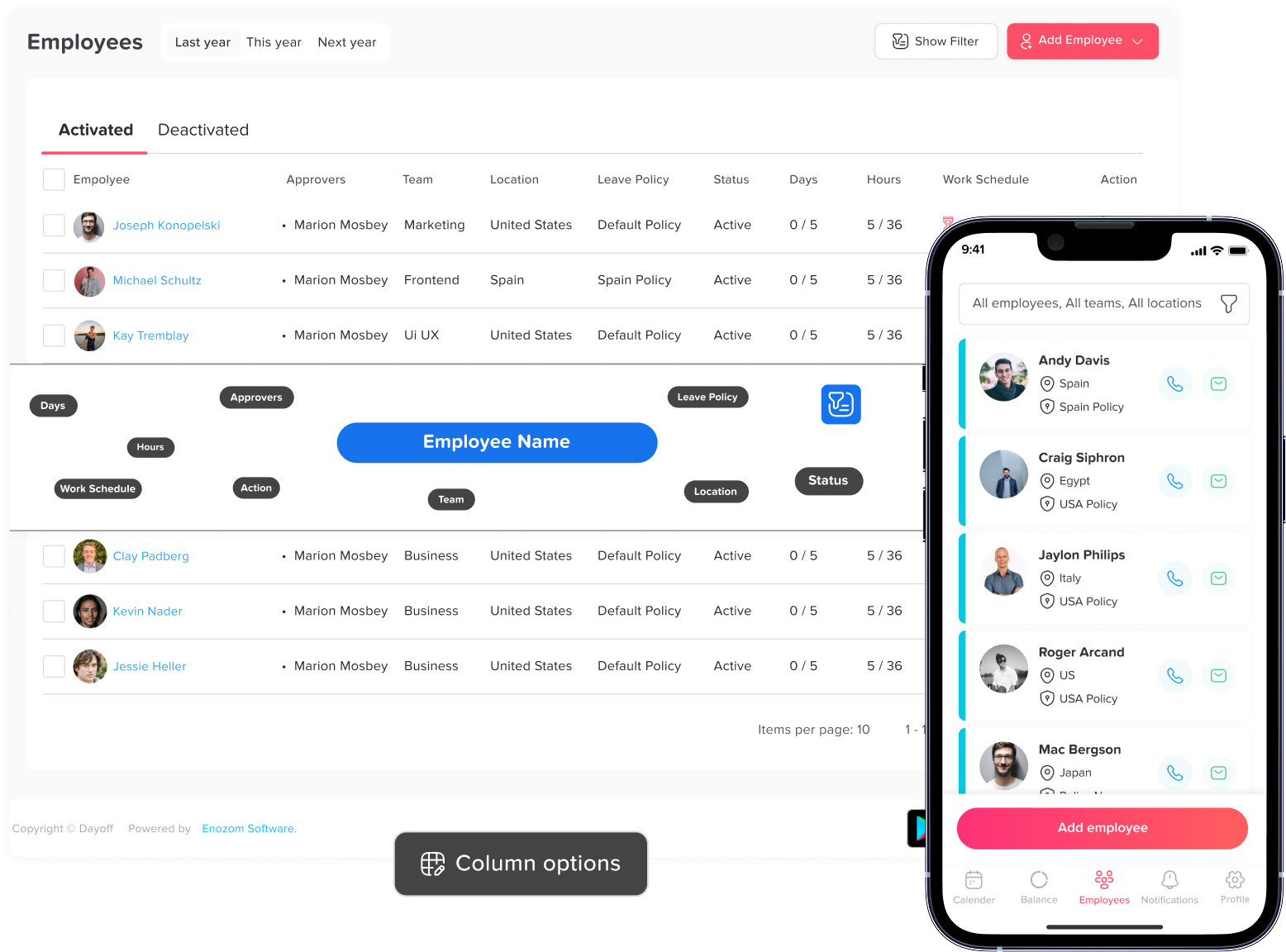
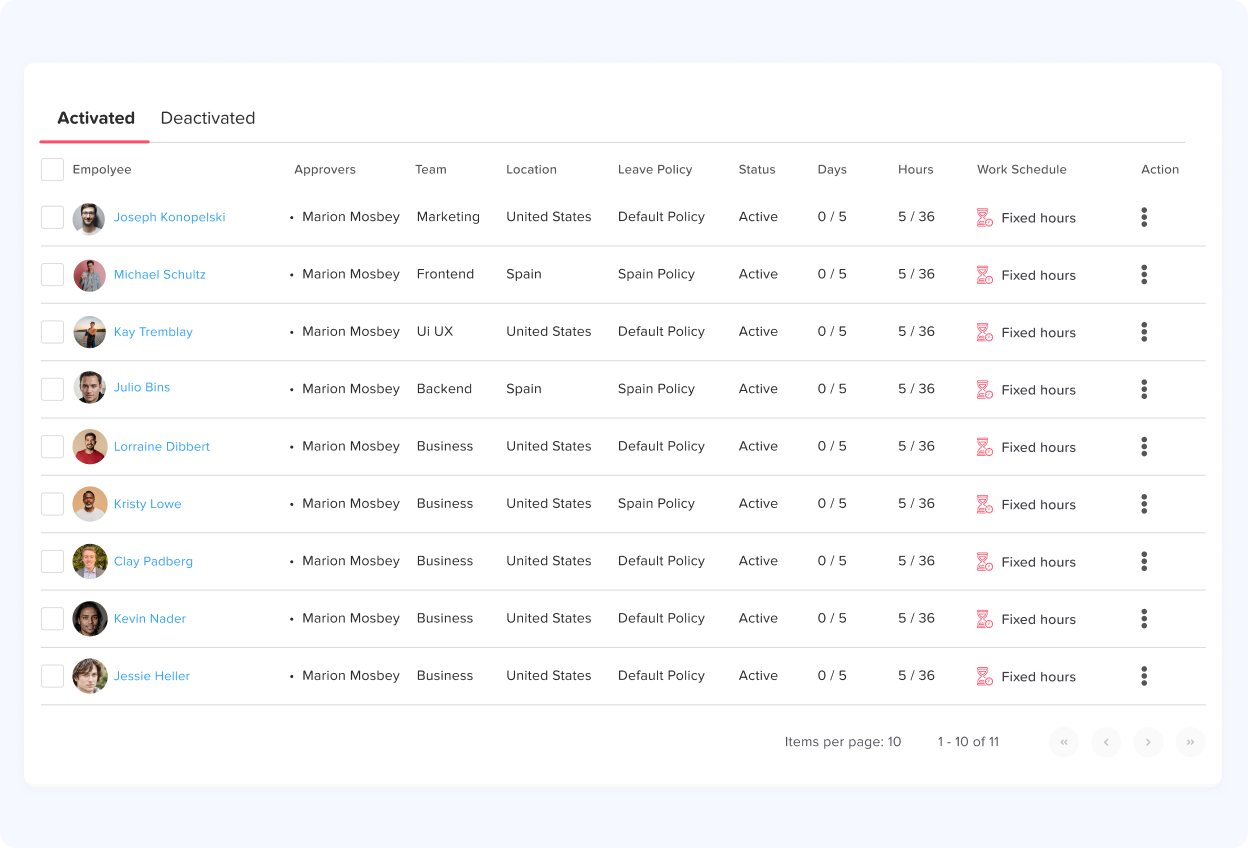
Employees list
You’ll have a clear overview of your employees, including their photo, name, work year dates, approver, assigned location, work schedule, and team, and the leave policy they follow, all in one place for easy management.
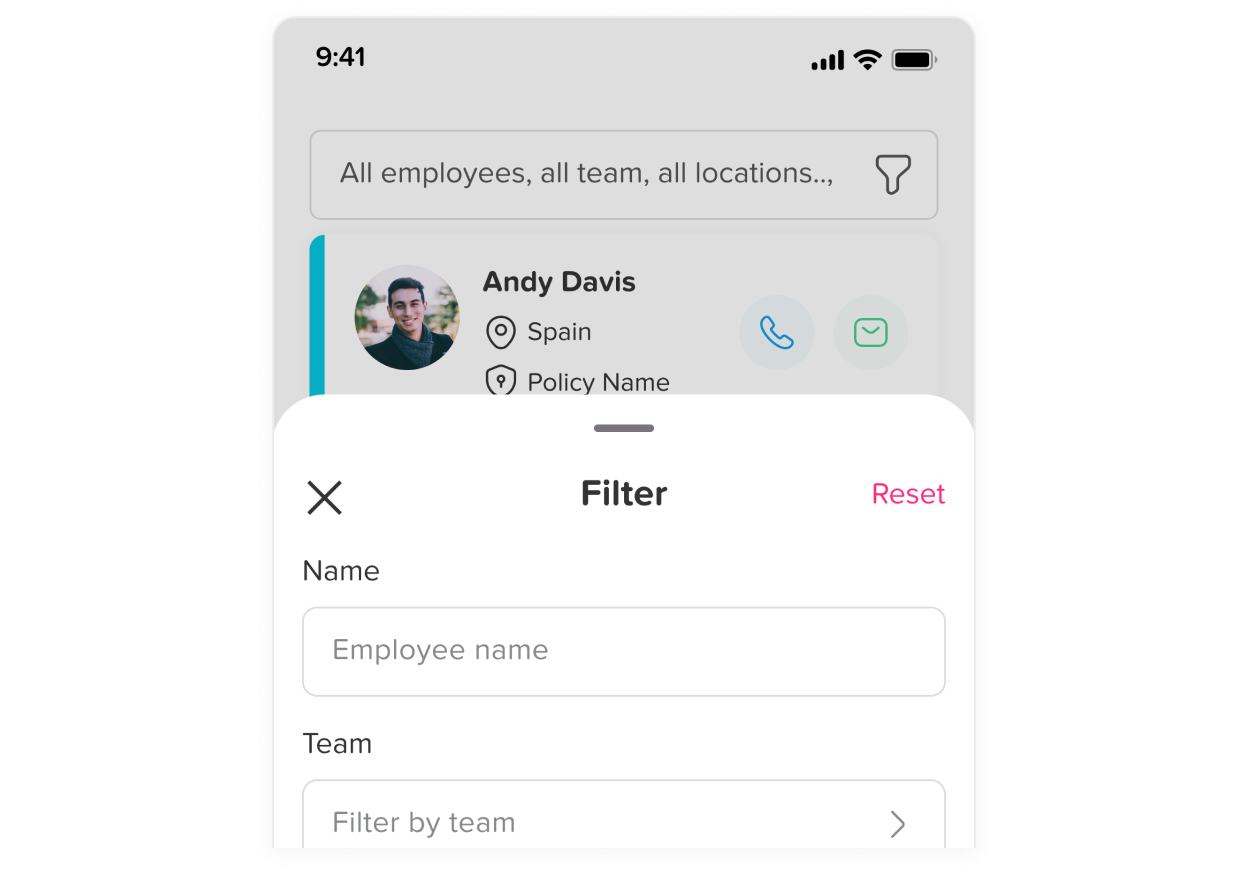
Filters
You have the option to filter this list for more detailed information. You can narrow it down by selecting a particular employee’s name to save time. Alternatively, you can choose a specific team, and all the team members will be displayed. Similarly.
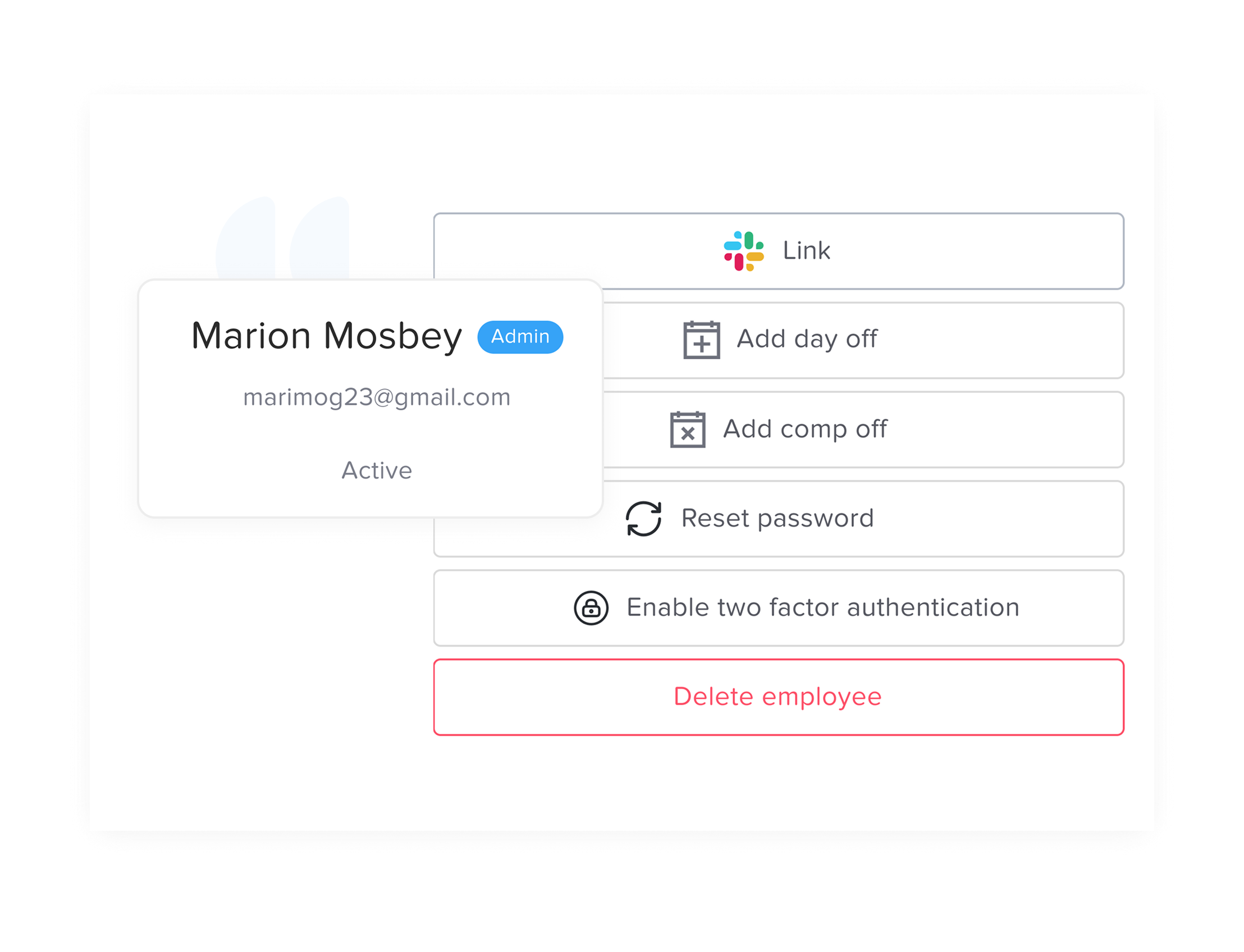
Actions
These actions can be performed directly from the employees list, allowing you to quickly manage employee accounts, such as adding time off, resetting passwords, enabling two-factor authentication, or deleting an employee, without needing to open each profile individually.