


Dashboard Calendar
Easily manage employee requests by approving, editing, or deleting them, all while having access to detailed reports for full visibility and control!
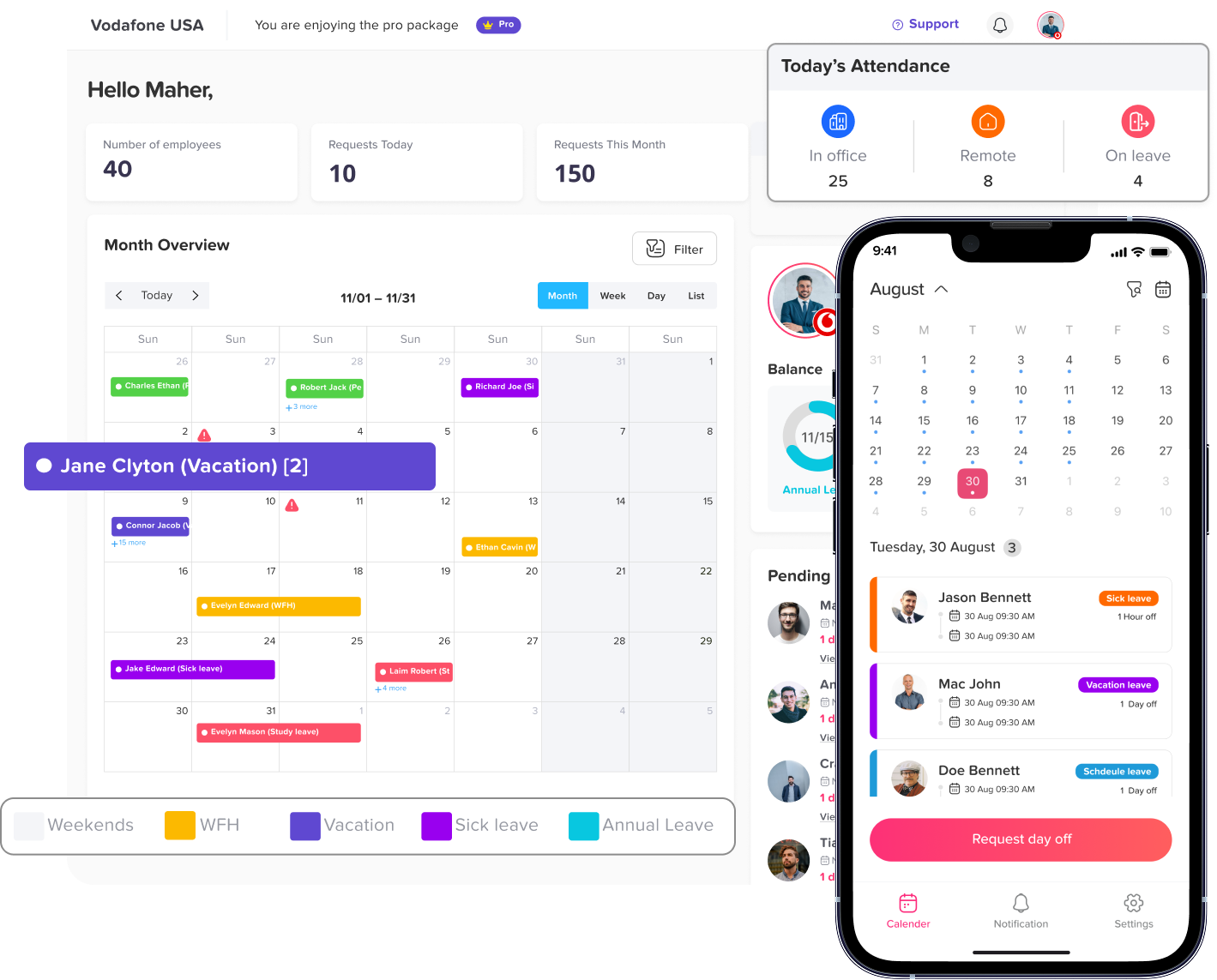
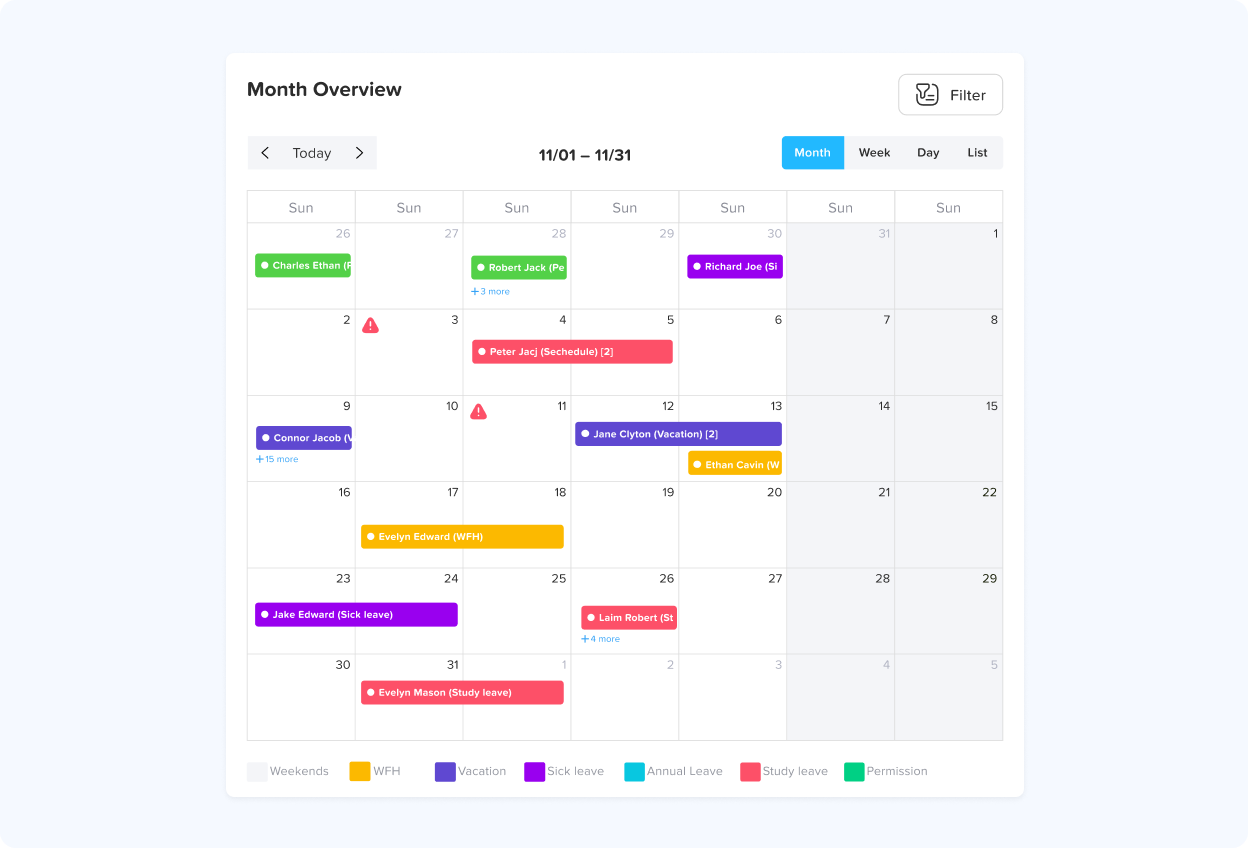
Calendar view
The calendar will display both official holidays and the accepted requests to make you aware of your team’s availability ( you can include the pending requests as well). You can choose to view it every month to see who took time off in any given month and
Calendar filters
You have the option to narrow down your calendar view by selecting a specific team, allowing you to see the approved requests of individual team members. Similarly, you can filter the calendar by location to find out who is on leave and when they will be
Requests
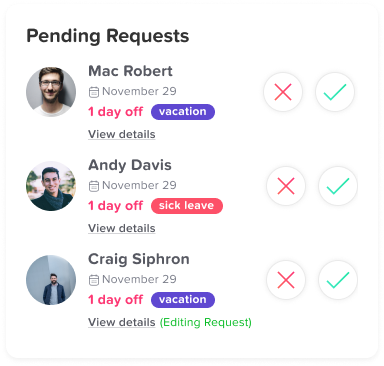
If several employees request the same day off, you can easily see this by clicking on the day, which will display a “+4” or the total number of employees taking time off. If you wish to access more details about each request, click on it.
Blockout dates
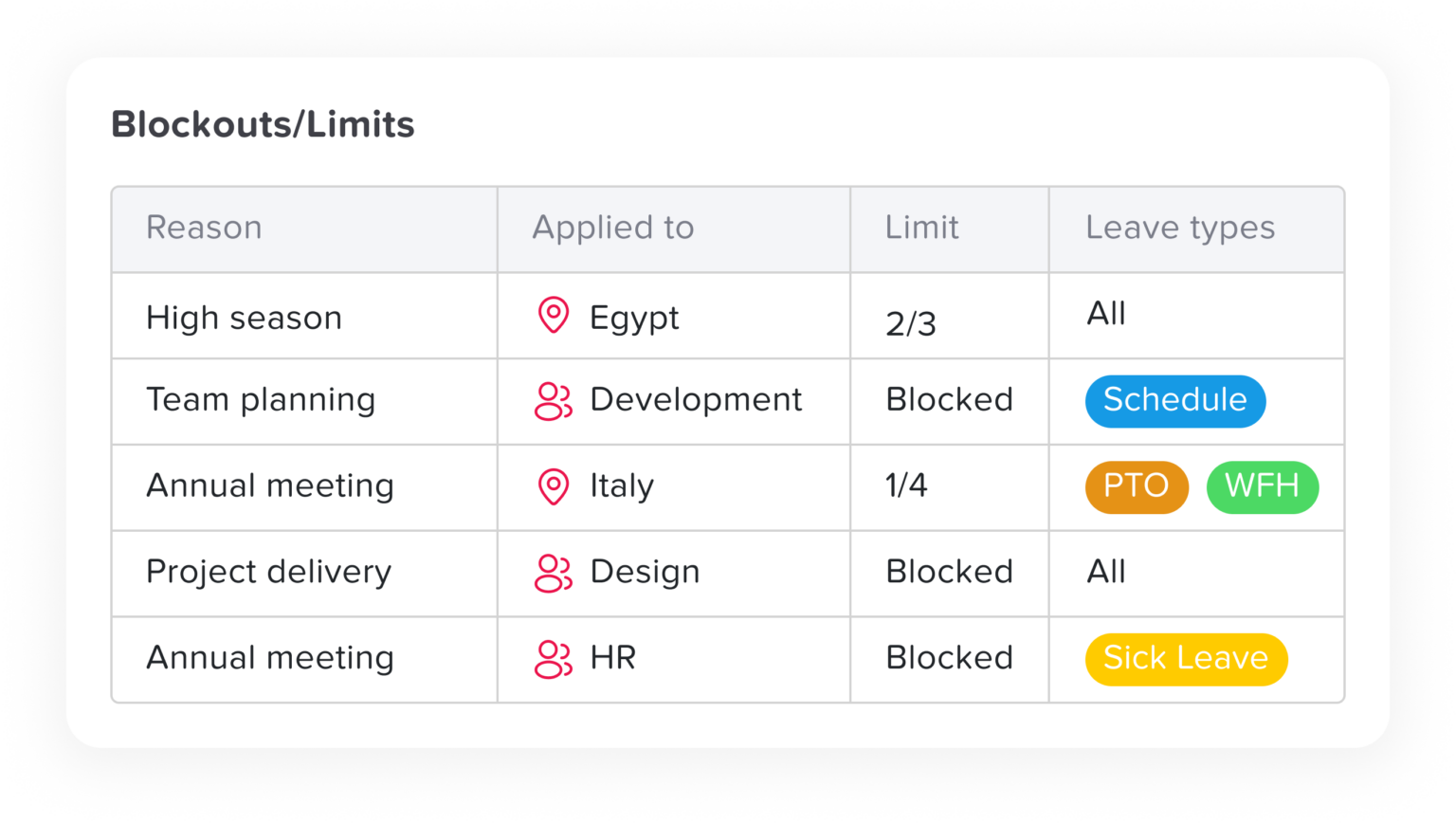
If you set up a blockout, it will also be displayed on the calendar. The limited blockout will appear as a third triangle icon. You can see whether it applies to the entire company, a specific team, or a particular location by clicking on it.