


Employee Handbook
Generate a customised employee handbook PDF with AI using your company information, workplace details, and leave policies to create a clear, professional handbook tailored to your organisation.
Open the tool
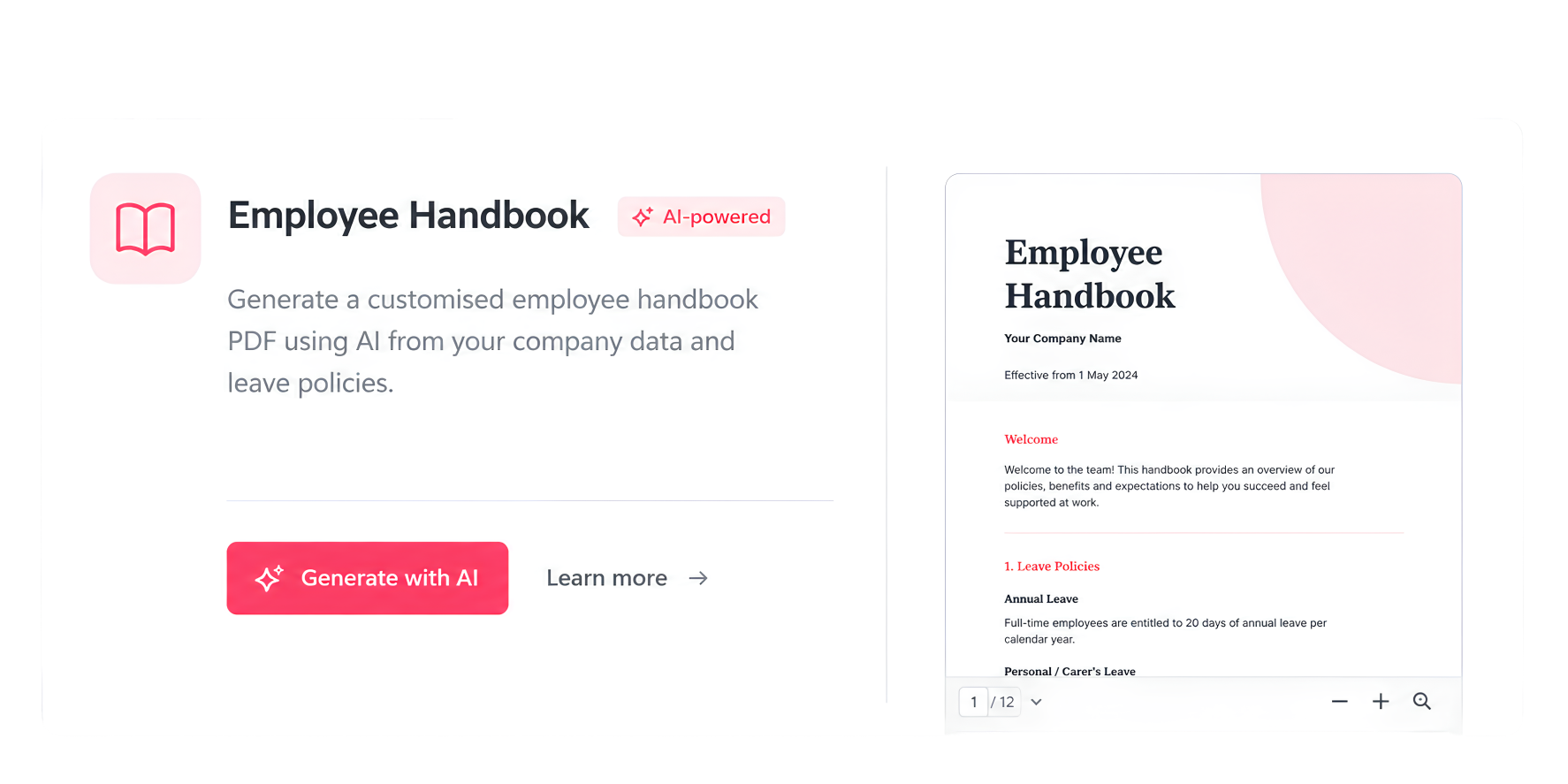
Click “AI Tools” in the left sidebar and select the Employee Handbook card, which generates a customised handbook PDF using AI from your company data and leave policies. There’s also a pinned “Employee Handbook” shortcut at the bottom of the sidebar for faster access later.
Set up your sections
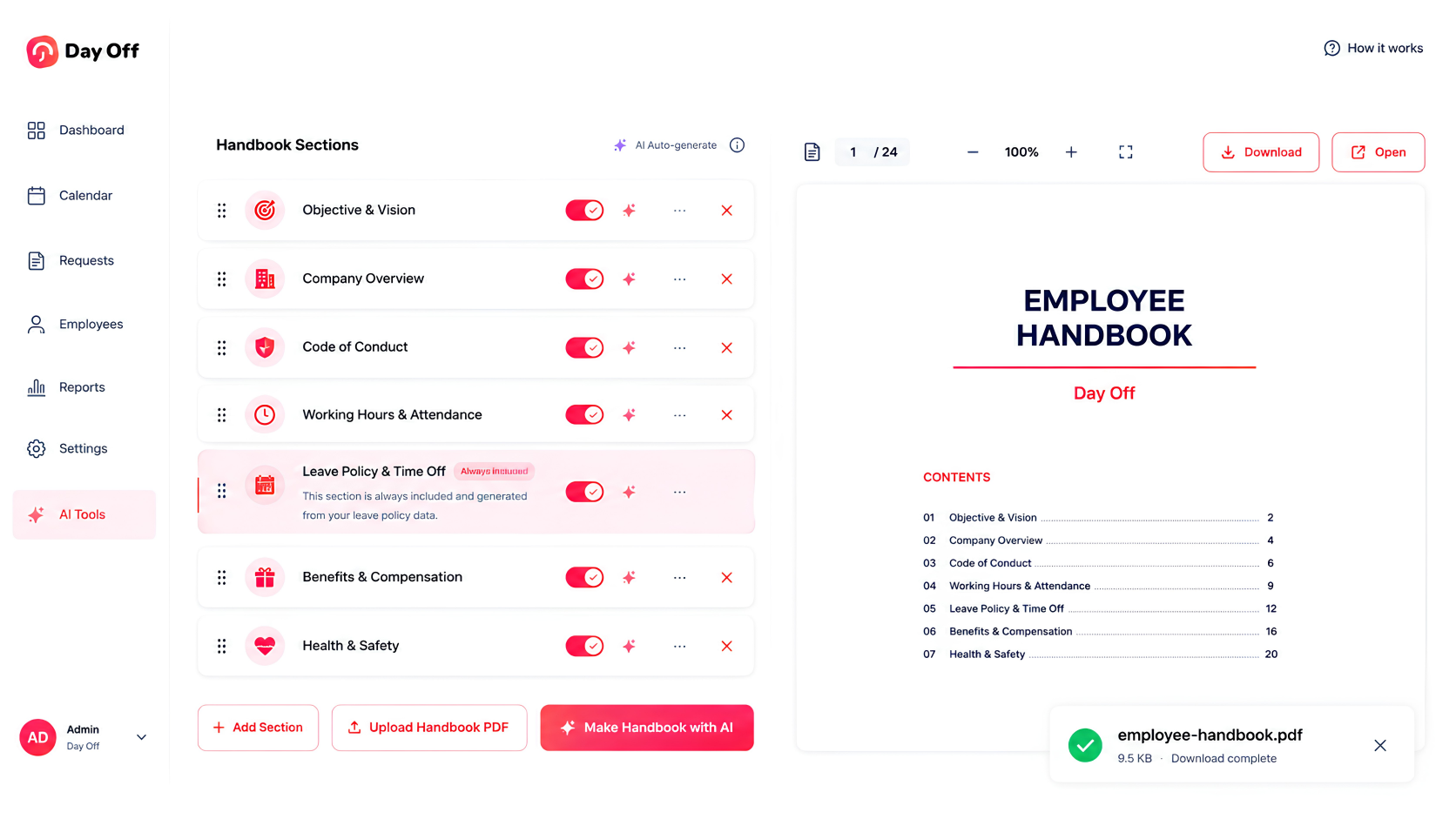
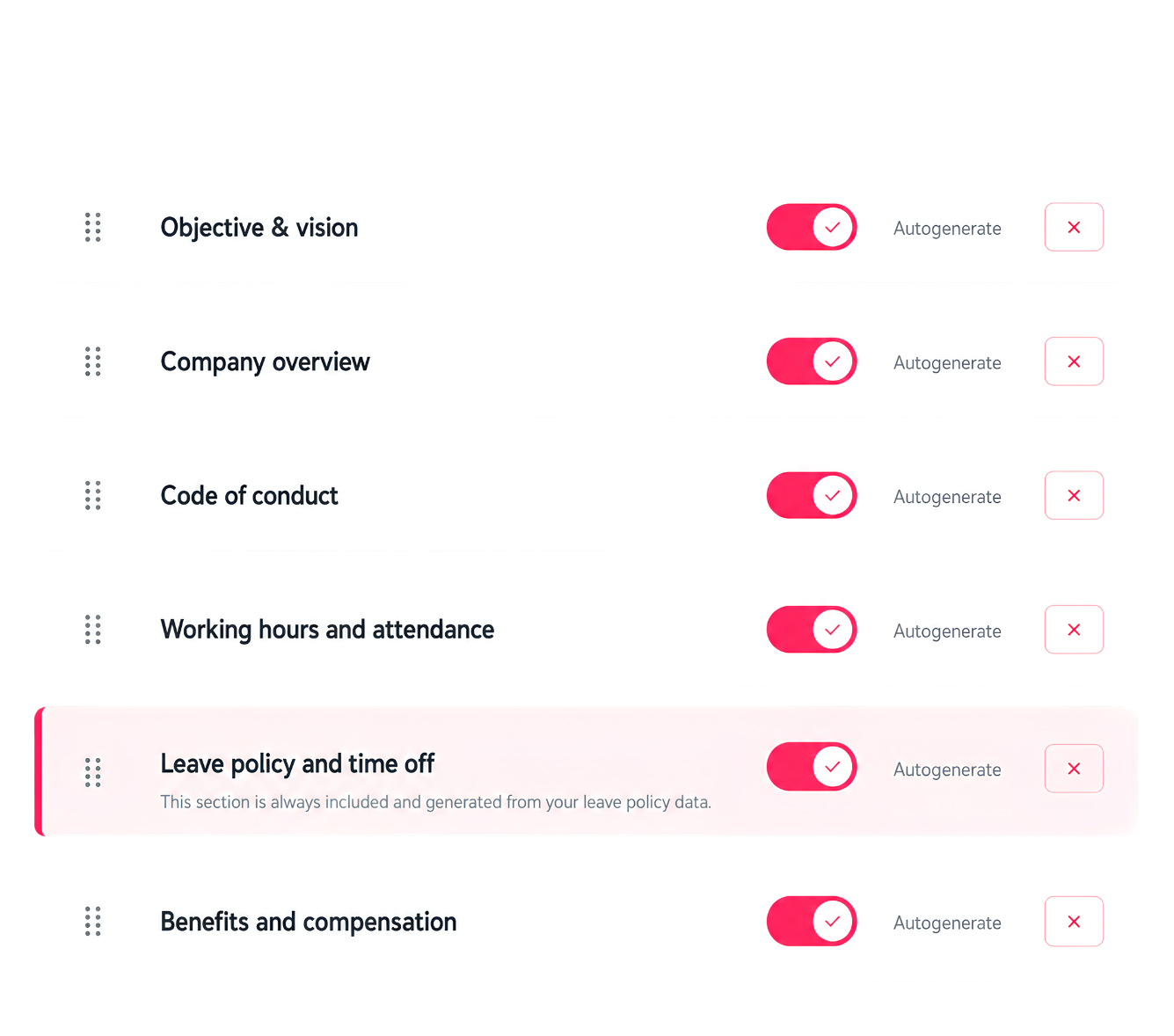
The builder loads a ready-made outline covering objective and vision, company overview, code of conduct, working hours, leave policy, benefits, and health and safety. You can drag rows to reorder them, rename any title, delete ones you don’t need, or click “+ Add section” to insert your own. The leave policy section is the exception, it’s always included and pulled straight from your existing leave data.
Choose AI writing or your own wording
Each section has an Autogenerate toggle that’s on by default, letting the AI draft the content for you. Turning it off switches that section to “Custom text” and opens a box where you paste your exact wording, which is used as written with no AI changes.
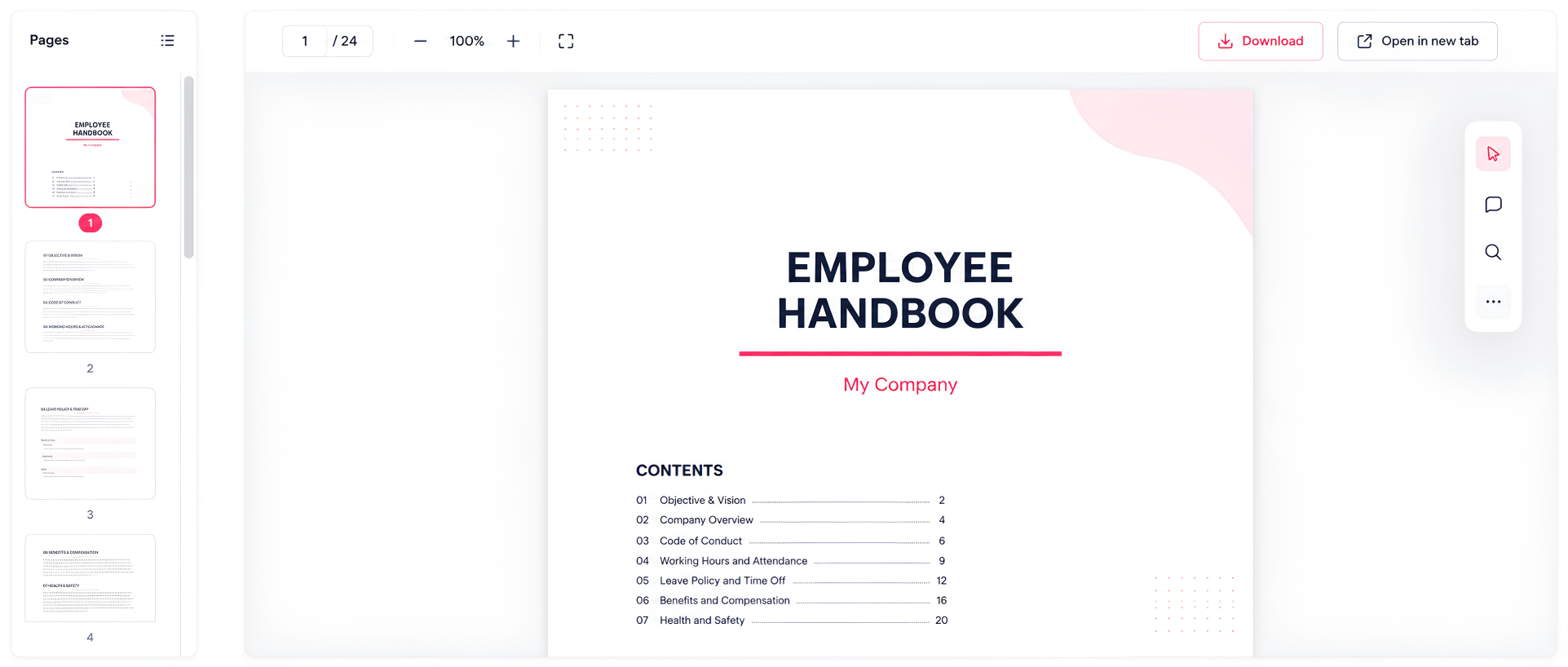
Generate, review, and share
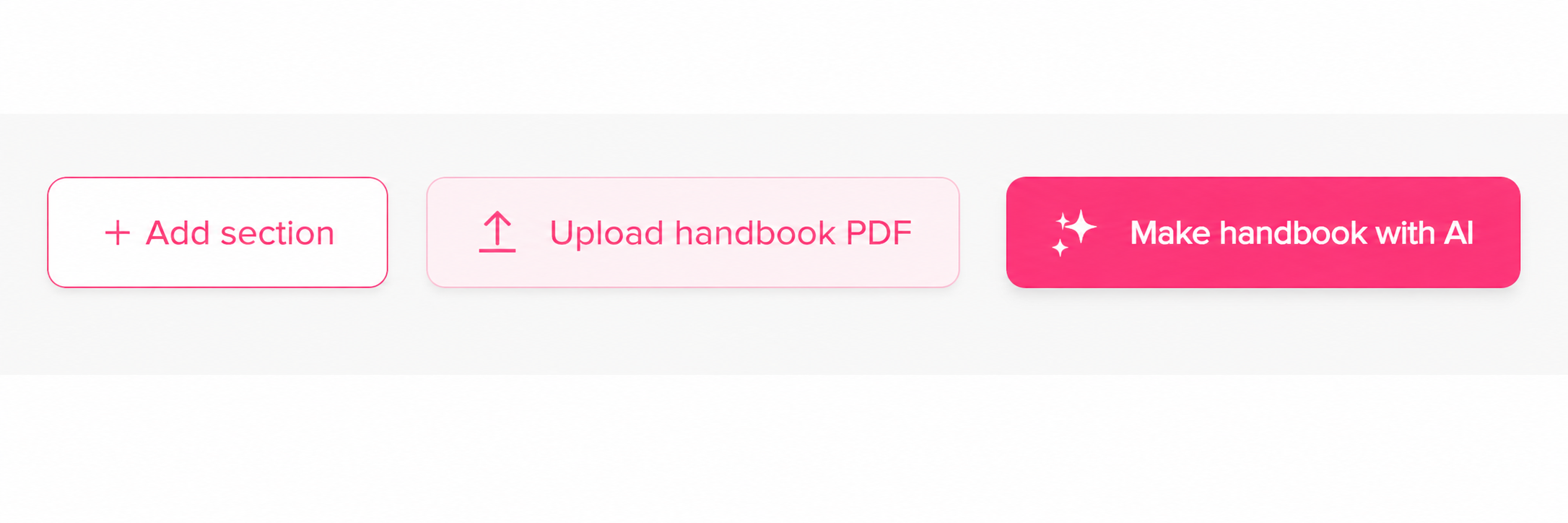
Click “Make handbook with AI” to compile everything into a branded PDF, or use “Upload handbook PDF” if you already have your own file. The result appears in a live preview with a branded cover page and numbered contents, and you can then use “Open” to view it full size or “Download” to save it for your team.