




For modern tech companies, Google Workspace isn’t just an email provider. It’s the operational backbone of the business. Gmail runs communication. Google Calendar drives scheduling. Google Drive stores documentation. Google Meet connects distributed teams.
So when it comes to HR management system, integration with Google Workspace isn’t a bonus feature, it’s a requirement.
The right HR tool should fit naturally into your team’s daily workflow. It should sync with calendars, respect user permissions, simplify approvals through email, and eliminate duplicate work. Most importantly, it should feel like an extension of your existing system, not another silo.

Below is a detailed look at the best HR tools that integrate with Google Workspace, starting with the one that stands out the most.
Day Off: The Cleanest Google Workspace Integration for Leave Management
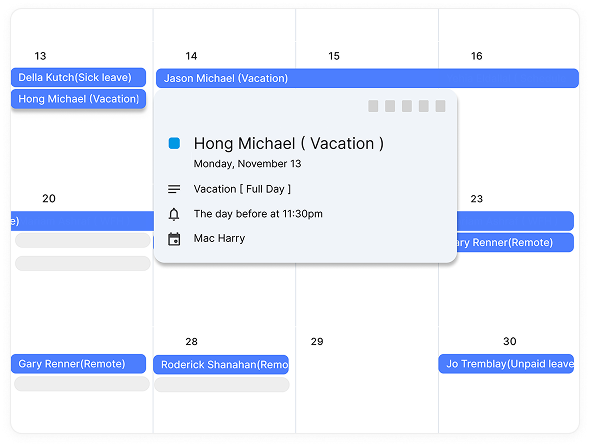
When a leave request is approved in Day Off, it can automatically sync to the employee’s connected Google Calendar.
That might sound like a small feature, but operationally, it makes a big difference.
In real day-to-day work, this means:
Approved PTO appears automatically as a calendar event
The absence blocks the employee’s availability
Shared team calendars reflect who is out
No one has to manually create or update calendar entries
Without this automation, teams rely on employees remembering to “block their vacation.” Sometimes they forget. Sometimes they add it to the wrong calendar. Sometimes they mark it as “busy” without context. Those small inconsistencies create confusion, especially during release weeks or client deadlines.
With calendar sync enabled, once leave is approved, visibility happens automatically. There’s no second step. No follow-up email from HR. No Slack reminder. It removes friction from a process that should be simple.
Shared Visibility Across Teams
When leave data flows directly into shared calendars, visibility improves across the entire organization.
Managers can open a team calendar and instantly see who is unavailable next week. Project leads can check coverage before committing to delivery timelines. Teams can avoid approving two backend engineers off during the same sprint without realizing it.
Instead of juggling spreadsheets, chat messages, and separate HR dashboards, availability becomes visible in the same tool teams already use to schedule meetings.
For tech companies running agile workflows, this clarity matters. Sprint planning becomes more accurate. Resource allocation becomes proactive instead of reactive. There are fewer “Oh, I didn’t realize you were off” moments.
It doesn’t just save time; it prevents planning mistakes.
OAuth-Based Secure Connection
Security and access control are critical, especially for companies using Google Workspace at scale.
Day Off typically connects to Google through secure OAuth authorization. That means:
Employees authenticate using their existing Google account
No passwords are shared or stored inside Day Off
Access permissions are controlled through Google Workspace
Connections can be revoked at any time by admins
From an IT perspective, this keeps identity management centralized. There are no extra credentials floating around, no separate password resets to manage, and no shadow access risks.
It aligns cleanly with how modern SaaS integrations are expected to work, secure, permission-based, and reversible.
Why This Matters for Tech Companies
For teams already operating inside Google Workspace, this integration feels natural because it fits into existing workflows instead of forcing new ones.
It:
Eliminates duplicate manual calendar updates
Improves accuracy across shared schedules
Reduces internal miscommunication
Supports coordination across time zones
Makes remote team planning more predictable
In growing tech companies, operational friction compounds quickly. Small inefficiencies, like manually updating calendars, scale into recurring coordination issues.
This integration isn’t about adding features. It’s about ensuring that once leave is approved, it’s visible where work actually happens: inside Google Calendar.
That alignment between system and workflow is what makes it valuable.
BambooHR: Comprehensive HR with Google Integration
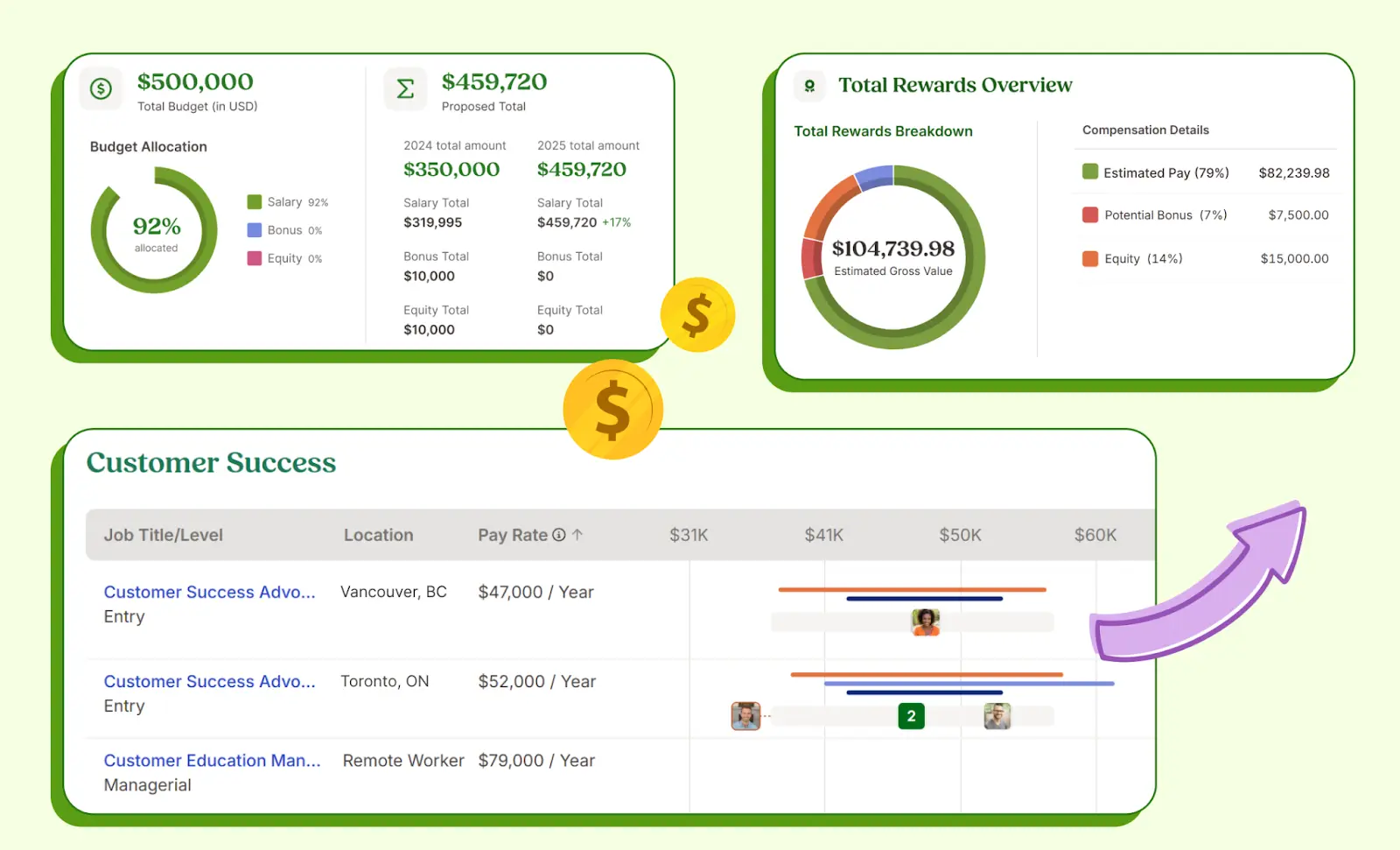
BambooHR is often one of the first platforms growing companies evaluate when they decide to formalize their HR processes. It’s built as a complete HR system, not just a leave tool, which makes it appealing to organizations looking to centralize employee data and workflows in one place.
How It Integrates with Google Workspace
BambooHR connects smoothly with Google Workspace in practical, everyday ways:
Google Single Sign-On (SSO): Employees log in using their existing Google credentials, simplifying access and improving security.
Calendar Syncing: Approved time off can sync with Google Calendar, helping managers and team members stay aware of availability.
Gmail Notifications: Leave requests, approvals, and HR updates are delivered directly via email, keeping communication within familiar channels.
Document Alignment: Employee documents stored in BambooHR can complement workflows that rely on Google Drive.
For companies already operating inside Google Workspace, this level of integration makes adoption easier. Teams don’t need to change how they communicate, the HR layer fits into their existing environment.
The Trade-Off
Because BambooHR is designed to manage the full employee lifecycle, from hiring to performance reviews, leave management is one feature among many.
That means:
The interface may feel more structured and layered.
Navigation can involve more steps.
Leave visibility is integrated, but not the primary focus.
In other words, you gain a powerful HR database and robust reporting tools, but if your core need is streamlined leave tracking and instant team-wide visibility, it may feel more comprehensive than necessary.
Best for: Companies that want a centralized HR suite connected to Google Workspace, covering everything from onboarding to performance, not just time off.
Workday: Enterprise-Grade HR & Finance
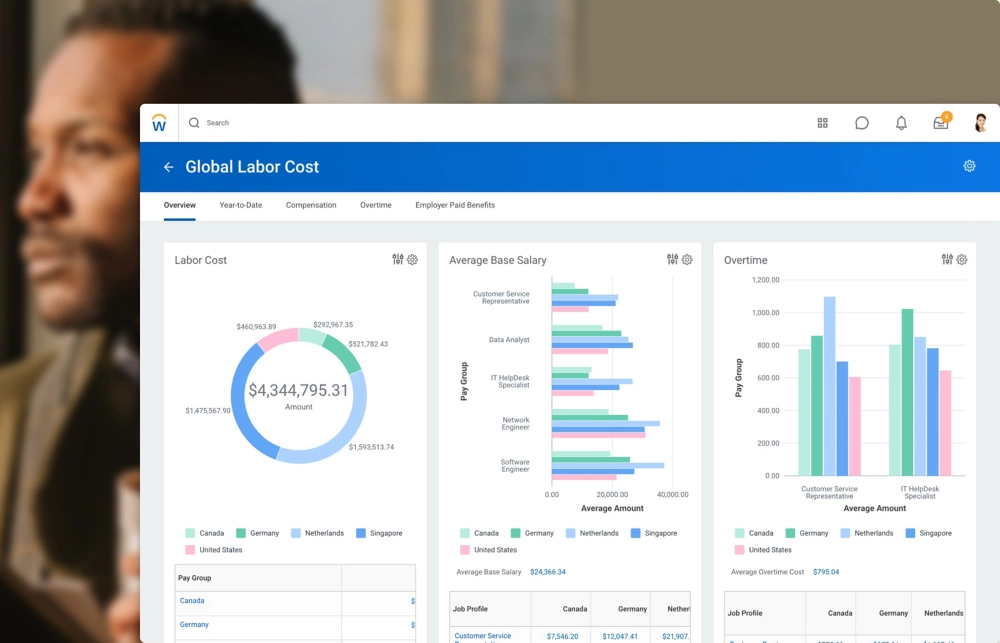
Workday is a powerful enterprise platform used by mid-sized and large organizations globally. It covers HR, finance, payroll, and workforce planning at scale.
Google Workspace Integration
Workday supports:
Google SSO authentication
Calendar syncing for time off
Gmail-based notifications
API-level integrations for broader system syncing
For large organizations using Google Workspace company-wide, this makes access management more consistent.
What Makes It Different
Workday isn’t just an HR system, it’s an enterprise infrastructure platform. It handles:
Workforce analytics
Talent acquisition
Compensation planning
Advanced reporting
However, it’s complex. Implementation can be lengthy, and it’s often more system than a startup or mid-sized tech company needs.
Best for: Large enterprises with structured HR operations and advanced reporting needs.
HiBob (Bob): Modern HR for Fast-Growing Teams
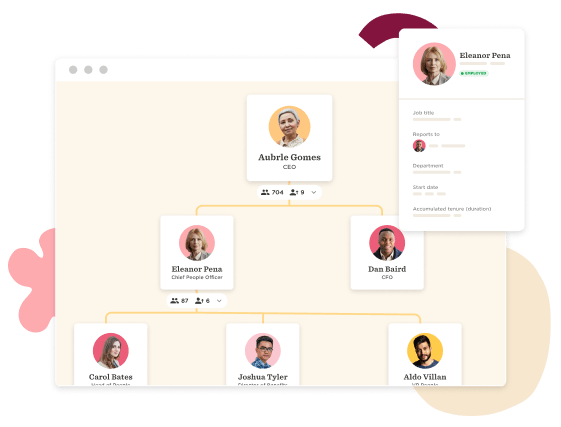
HiBob, commonly branded as “Bob,” is built for fast-growing, culture-driven companies. It positions itself as an HR platform that understands how modern tech teams operate.
Google Workspace Compatibility
HiBob integrates with Google Workspace in practical ways:
Google SSO authentication for simplified access
PTO syncing with Google Calendar to improve visibility
Gmail notifications for approvals and HR updates
Employee directory alignment with Google accounts
For distributed teams living in Gmail and Google Meet, this helps maintain workflow continuity.
What Makes It Attractive
HiBob focuses on people-centric features:
Performance management
Engagement surveys
Company announcements
Culture-building tools
Global workforce support
It’s visually modern and built for companies scaling across regions.
However, leave management is one feature among many. While it integrates well, it doesn’t position PTO visibility as its core differentiator.
Best for: Growth-stage tech companies looking for a balance of HR structure and employee engagement tools.
Personio: Structured HR for European SMBs
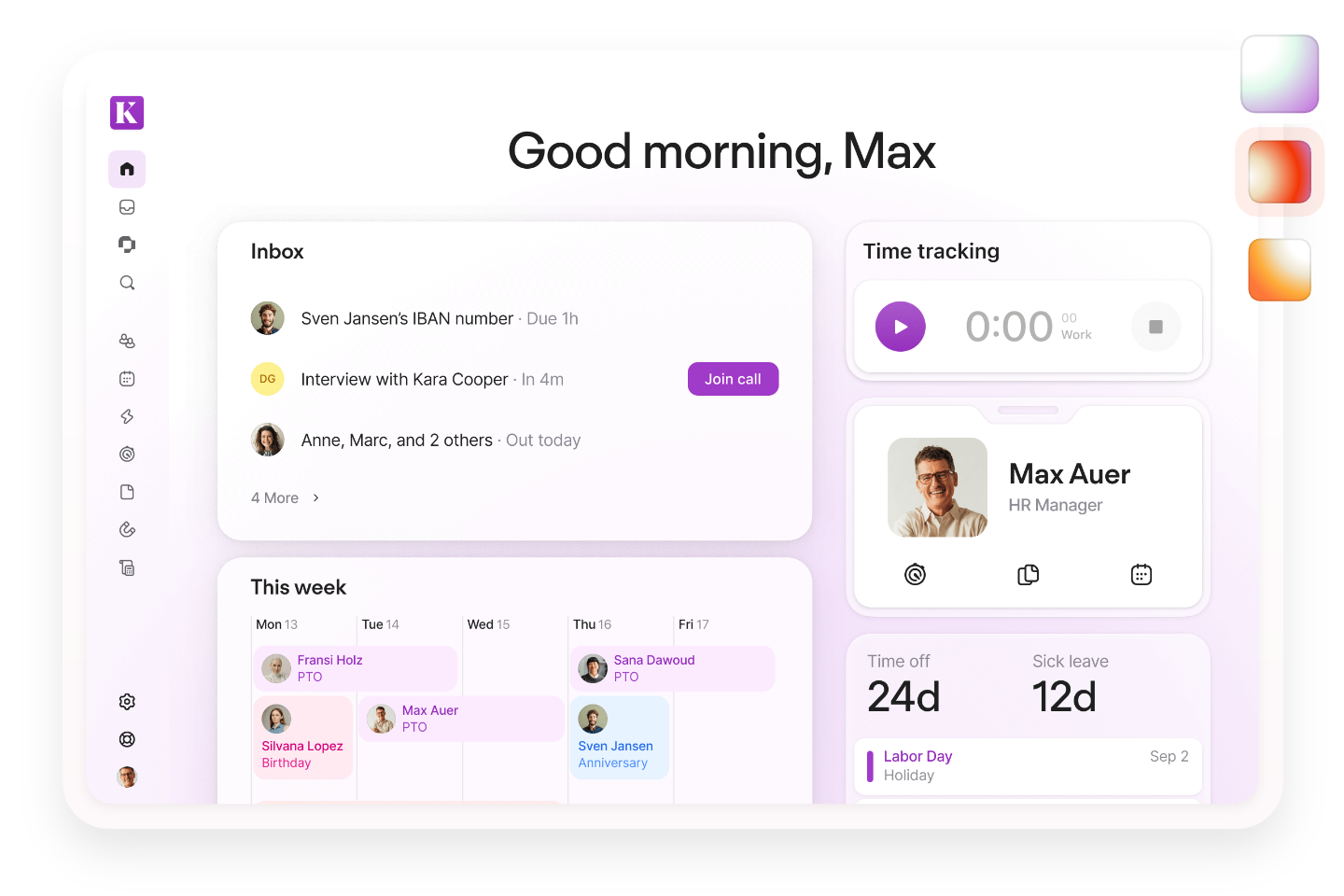
Personio has become a major HR player in Europe, particularly among small and mid-sized businesses aiming to professionalize HR operations.
Google Workspace Integration
Personio connects with Google Workspace through:
Google SSO login
Absence syncing with Google Calendar
Gmail notifications for requests and approvals
Google Meet integration for interview scheduling
For European companies already relying on Google for communication, this creates smoother onboarding and absence tracking workflows.
Strengths & Positioning
Personio offers:
Applicant tracking
Payroll preparation
Absence and attendance management
Employee document storage
Compliance support across European markets
Its leave management tools are structured and compliance-aware, especially important in countries with strict labor laws.
However, the interface is process-oriented. Companies prioritizing ultra-lightweight leave visibility may find it more structured than necessary.
Best for: European SMBs seeking a compliance-focused HR system that integrates cleanly with Google Workspace.
Zenefits: Benefits & Compliance-Focused HR
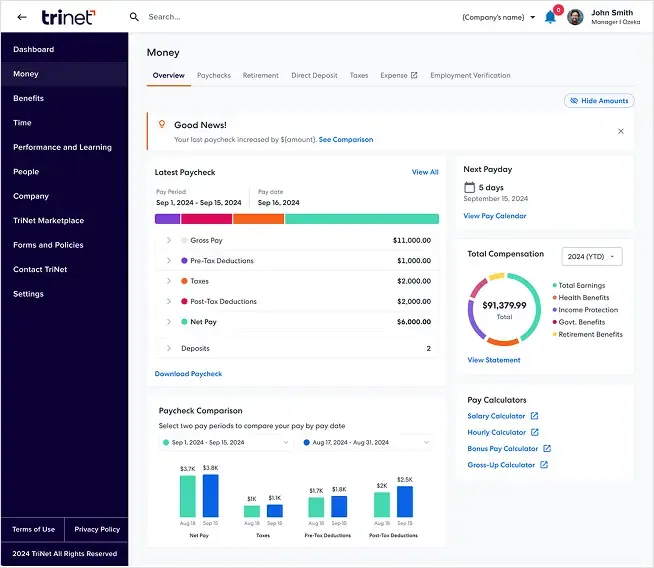
Zenefits built its reputation around simplifying benefits enrollment and compliance for U.S.-based companies. Over time, it expanded into a broader HR platform.
Google Workspace Integration
Zenefits integrates with Google Workspace through:
Google SSO authentication
Gmail-based alerts and approval notifications
Calendar syncing for PTO visibility
This ensures that time-off and compliance workflows align with employees’ day-to-day communication tools.
Where It Adds Value
Zenefits stands out in:
Benefits administration
Health insurance enrollment
Payroll integration
Compliance tracking
For HR teams managing complex benefits packages, centralization can reduce administrative burden.
That said, PTO tracking is positioned within the larger compliance and benefits structure. It’s functional, but not deeply specialized for team coordination.
Best for: U.S. companies prioritizing benefits management and compliance within a Google-based work environment.
Deputy: Scheduling & Workforce Optimization
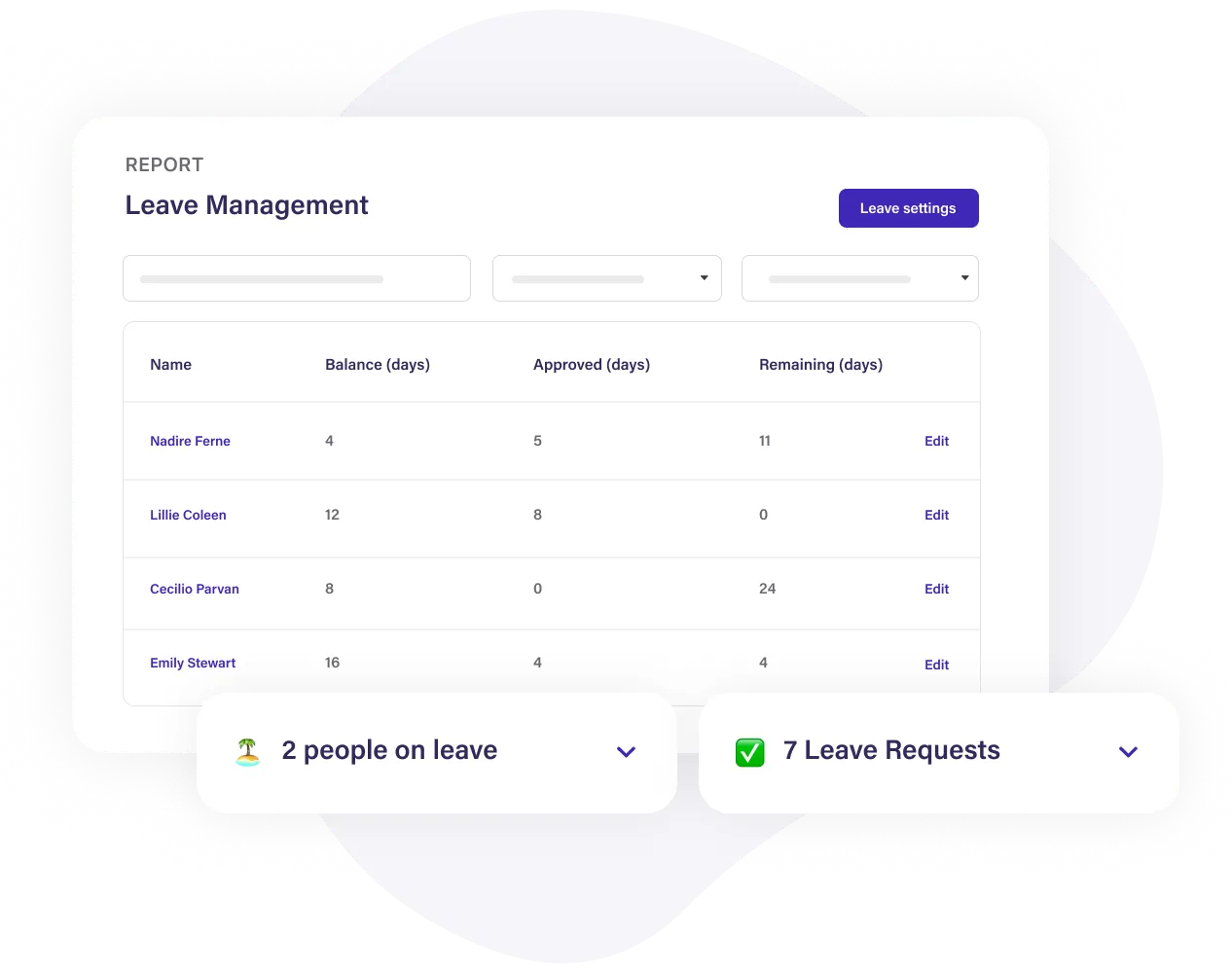
Deputy is less about traditional HR and more about operational workforce management. It’s particularly strong in industries where shift scheduling matters more than long-term HR analytics.
Google Workspace Compatibility
Deputy integrates with Google Workspace by offering:
Google SSO access
Shift and absence syncing with Google Calendar
Email-based scheduling notifications
For teams heavily dependent on shared calendars, this integration helps prevent coverage gaps.
Operational Strength
Deputy focuses on:
Shift scheduling
Attendance tracking
Labor cost optimization
Compliance with labor laws in hourly work environments
It’s ideal for operationally complex teams, but it’s not built as a full HR lifecycle system.
Best for: Retail, hospitality, healthcare, and operations-heavy teams needing detailed scheduling integrated with Google tools.
Namely: Mid-Market HR Structure
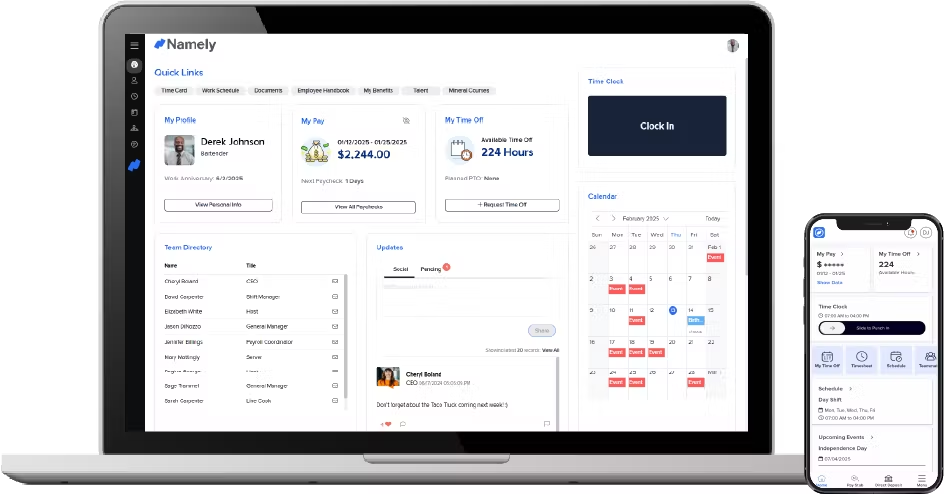
Namely is positioned for mid-sized companies that have outgrown entry-level HR tools but aren’t ready for enterprise-level systems like Workday.
Google Workspace Integration
Namely offers:
Google SSO authentication
PTO syncing with Google Calendar
Email-based approval notifications
Directory alignment with Google systems
This ensures authentication and scheduling remain centralized.
Where It Fits
Namely provides:
Payroll services
Benefits administration
Performance management
Compliance tracking
HR reporting tools
It’s structured and built for organizations formalizing internal processes.
However, like most full-suite HR systems, leave management exists within a broader administrative structure.
Best for: Mid-sized companies that need formal HR processes integrated into Google Workspace.
Frequently Asked Questions (FAQ)
Why is Google Workspace integration important for HR software?
For most modern tech companies, Google Workspace is where daily work happens. Email runs through Gmail, meetings live in Google Calendar, documents are stored in Drive, and authentication flows through Google accounts.
If your HR tool doesn’t integrate smoothly, it creates friction. Employees end up logging into separate systems, manually updating calendars, or duplicating information. Strong integration ensures HR processes happen inside the workflow your team already uses.
What does “Google Workspace integration” typically include?
Most HR platforms integrate with Google Workspace in a few key ways:
Google Single Sign-On (SSO) for secure login
Calendar syncing for approved time off
Gmail-based notifications for approvals and updates
User directory alignment with Google accounts
The depth of integration varies by platform. Some tools focus mainly on authentication, while others emphasize real-time calendar visibility.
Does Google Calendar replace the HR system?
No. Google Calendar reflects availability, but it is not the system of record for leave management.
HR platforms handle:
Leave policies
Accrual calculations
Approval workflows
Reporting and compliance
Calendar sync simply ensures that once leave is approved, it becomes visible where scheduling decisions are made.
Can managers approve leave directly from Gmail?
That depends on the platform. Many systems send email notifications to Gmail with quick access links to approve requests.
Tools like Day Off focus on minimizing friction, allowing managers to review and act quickly without navigating complex dashboards. However, approvals typically still occur within the HR system interface rather than directly inside Gmail itself.
Is Google Single Sign-On (SSO) secure?
Yes. Google SSO uses OAuth-based authentication, which means:
Employees log in using existing Google credentials
Passwords are not stored separately in the HR tool
Access can be managed or revoked centrally
IT maintains identity control within Google Workspace
For growing companies, this reduces security risks and simplifies onboarding and offboarding.
Which HR tool is best for Google Workspace users?
The best choice depends on your priorities.
If you want a lightweight, focused leave management tool with clean Google Calendar integration, Day Off is often the most streamlined option.
If you need a full HR suite covering onboarding, payroll, performance, and compliance, platforms like BambooHR, HiBob, or Personio may be better suited.
For enterprise-level infrastructure, Workday provides deeper analytics and finance integration.
The key question is whether your primary need is leave visibility or full HR lifecycle management.
How does calendar syncing improve team coordination?
When approved leave automatically appears in Google Calendar:
Managers can see availability instantly
Teams avoid overlapping absences
Sprint planning becomes more accurate
Meeting scheduling conflicts are reduced
Instead of relying on manual reminders, visibility becomes automatic and reliable.
Do all HR tools sync time off with Google Calendar automatically?
Not always. Some tools require manual setup, while others offer one-way syncing only after approval. The quality of synchronization can vary.
It’s important to confirm:
Whether syncing is automatic
Whether it supports shared calendars
Whether it reflects updates or cancellations in real time
These details affect how seamless the experience actually feels.
Is Google Workspace integration enough on its own?
Integration is important, but it’s not everything.
You should also consider:
Ease of use
Policy flexibility
Global compliance support
Reporting capabilities
Scalability as your team grows
A tool that integrates well but feels complex or slow will still create friction.
What’s the biggest mistake companies make when choosing an HR tool for Google Workspace?
The most common mistake is choosing based on feature count instead of workflow fit.
Some companies adopt large enterprise platforms when their real need is simple leave visibility and calendar accuracy. Others underestimate how important seamless integration is until miscommunication starts affecting planning.
The right tool should feel like a natural extension of Google Workspace, not an additional system your team has to remember to use.
Conclusion
Google Workspace is where modern tech teams live. It’s where meetings are scheduled, product discussions happen, documents are stored, and decisions move forward. So when it comes to HR software, integration isn’t a “nice to have.” It’s foundational.
The best HR tools don’t force your team to change how they work. They plug into your existing workflow. They sync with Google Calendar automatically. They respect Google authentication. They deliver notifications through Gmail. And most importantly, they eliminate duplicate steps instead of adding new ones.
Platforms like BambooHR, HiBob, Personio, and Workday offer strong Google Workspace compatibility within broader HR ecosystems. They are excellent choices for companies seeking full lifecycle HR management, payroll, compliance, and performance tracking.