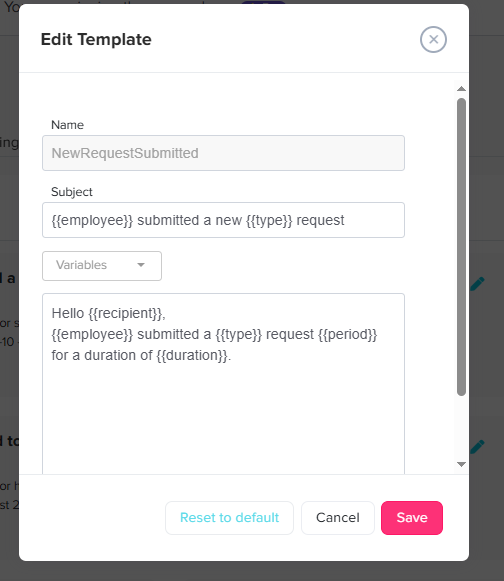
Admins can easily customize the automated emails sent to employees and approversfor different use cases. they can customize them to change teh language for example or to ann any extra information they need.
To customize an email template:
Go to Settings and select Email configurations.
Locate the specific email template you want to change from the list of approver and employee notifications.
Click the Edit icon next to the required email.
Modify the Subject line and the Email body to fit your needs.
Insert dynamic variables (such as the employee’s name, approver’s name, or request period) to automatically personalize the content of the message before saving.
If you ever need to revert your changes and go back to the original template, simply click Reset to default.