





Bulk Actions
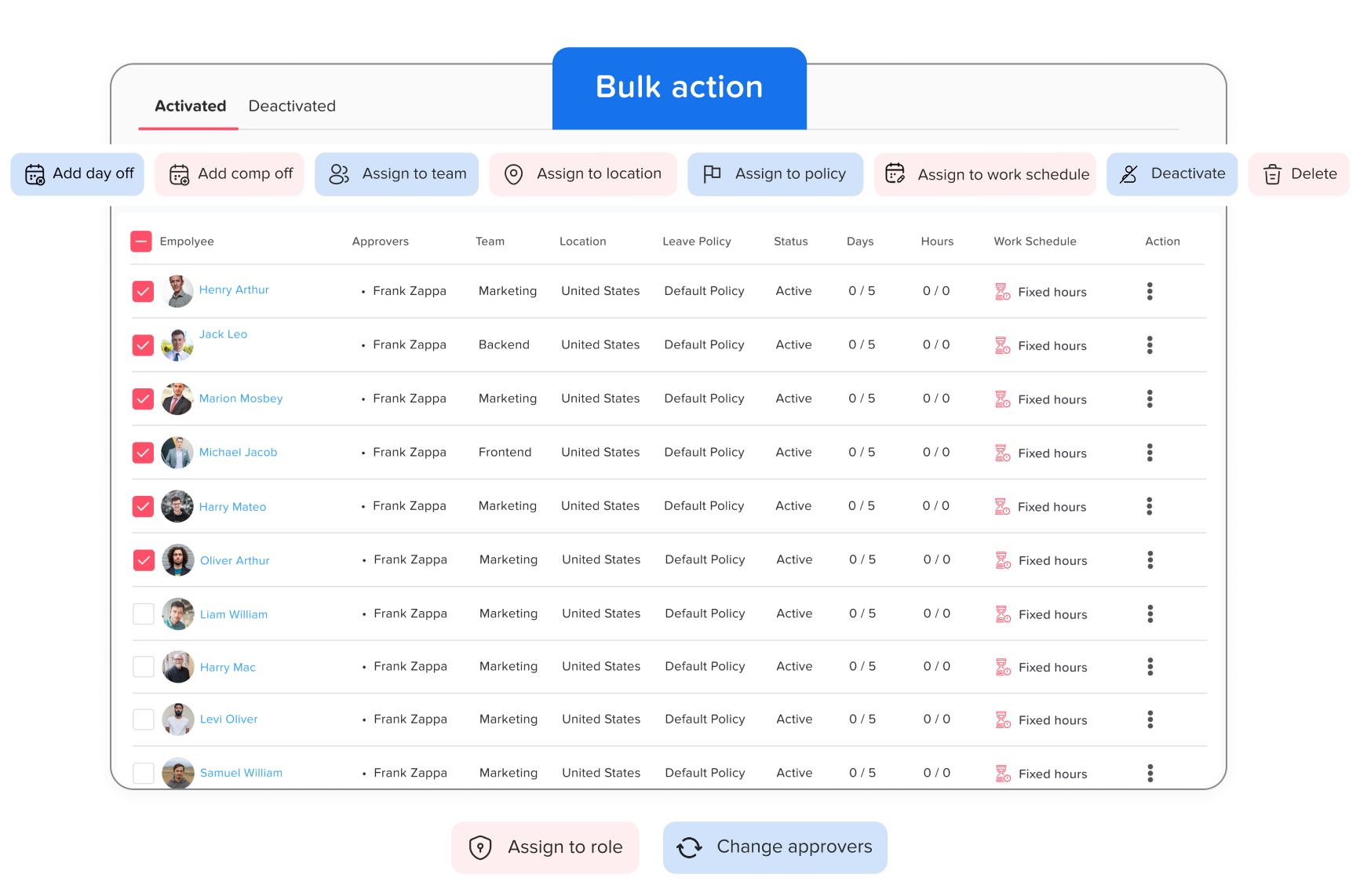
Day Off makes managing your team easier with powerful Bulk actions that let you quickly add time off or compensation, assign leave policies, and even remove multiple employees all at once.
Add Day Off & Comp Off
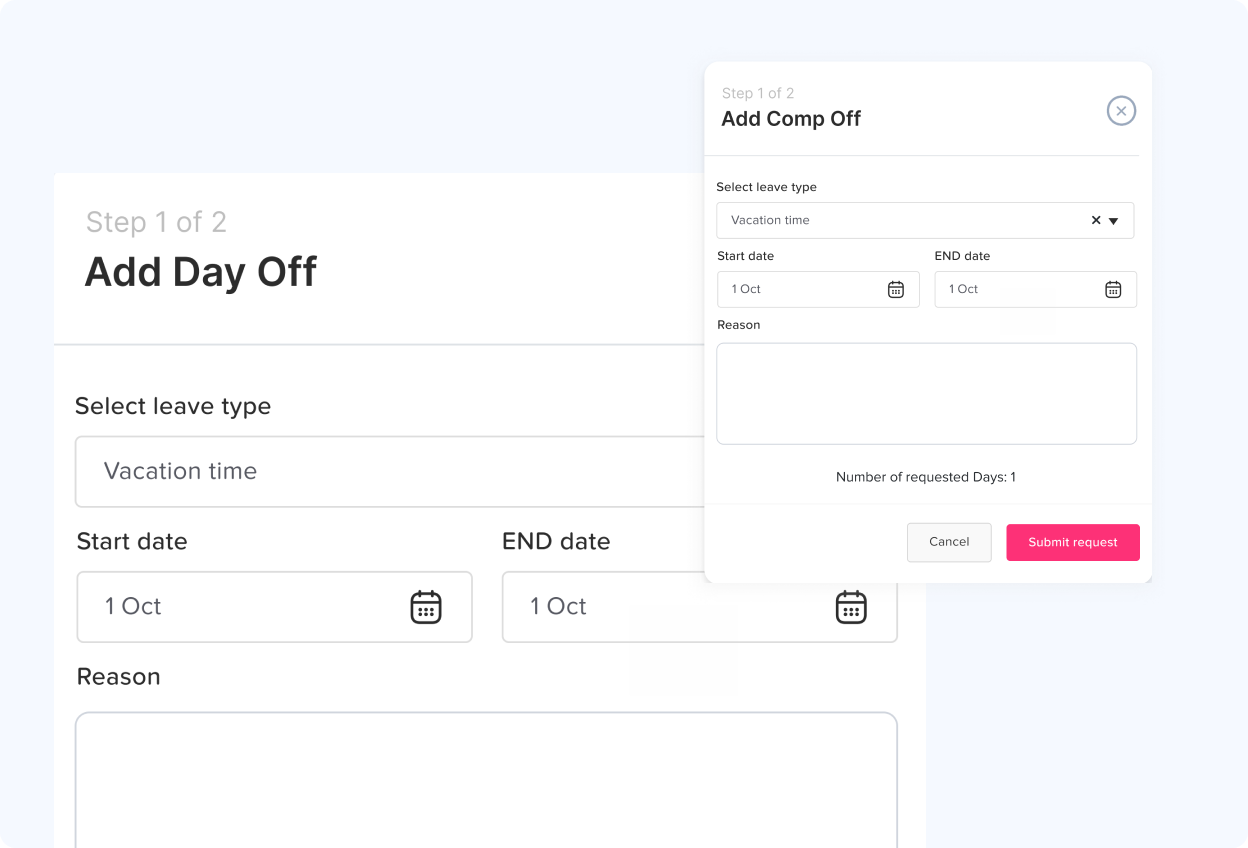
The Bulk Actions feature in the employee list lets you select multiple employees, by team, location, or leave policy, and grant them time off in one step by choosing the leave type, setting the dates, and adding an optional note.
Policy & Location
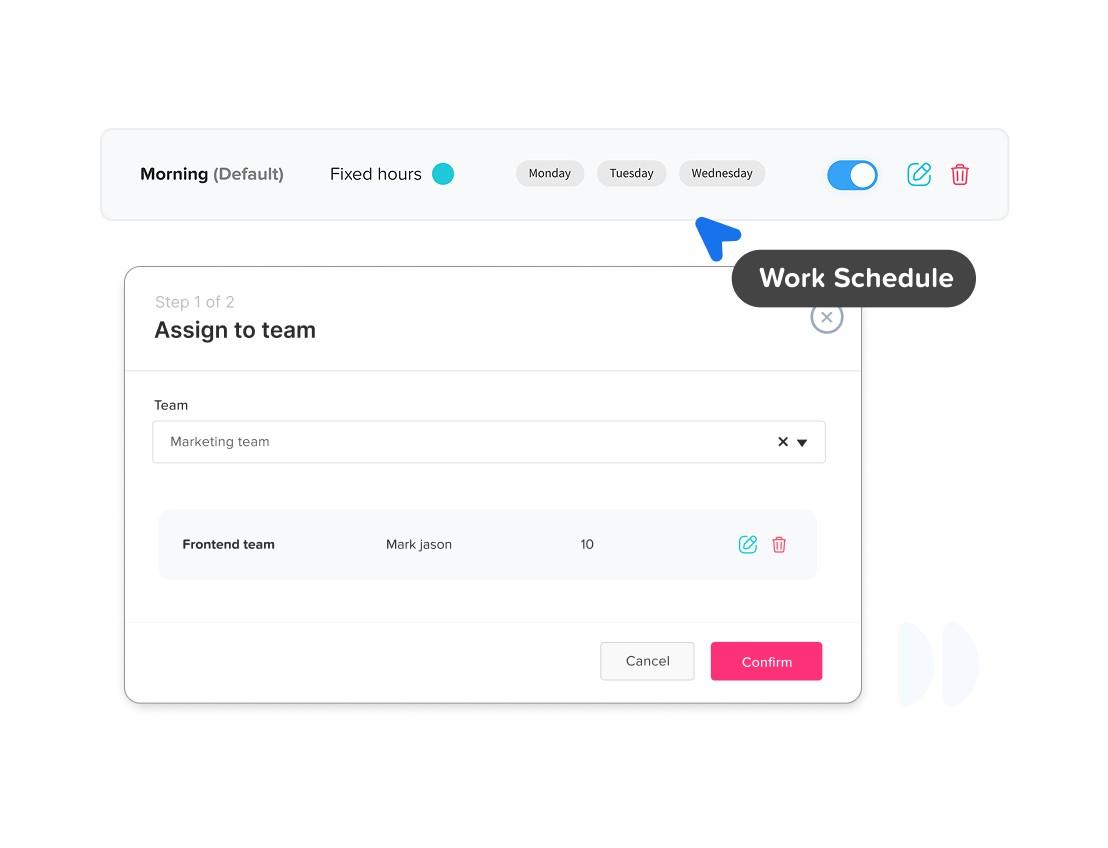
To assign or change the team for multiple employees, select them and click “Assign to Team,” then choose the desired team, employees will be updated accordingly and notified of the change.
Team & Work Schedules
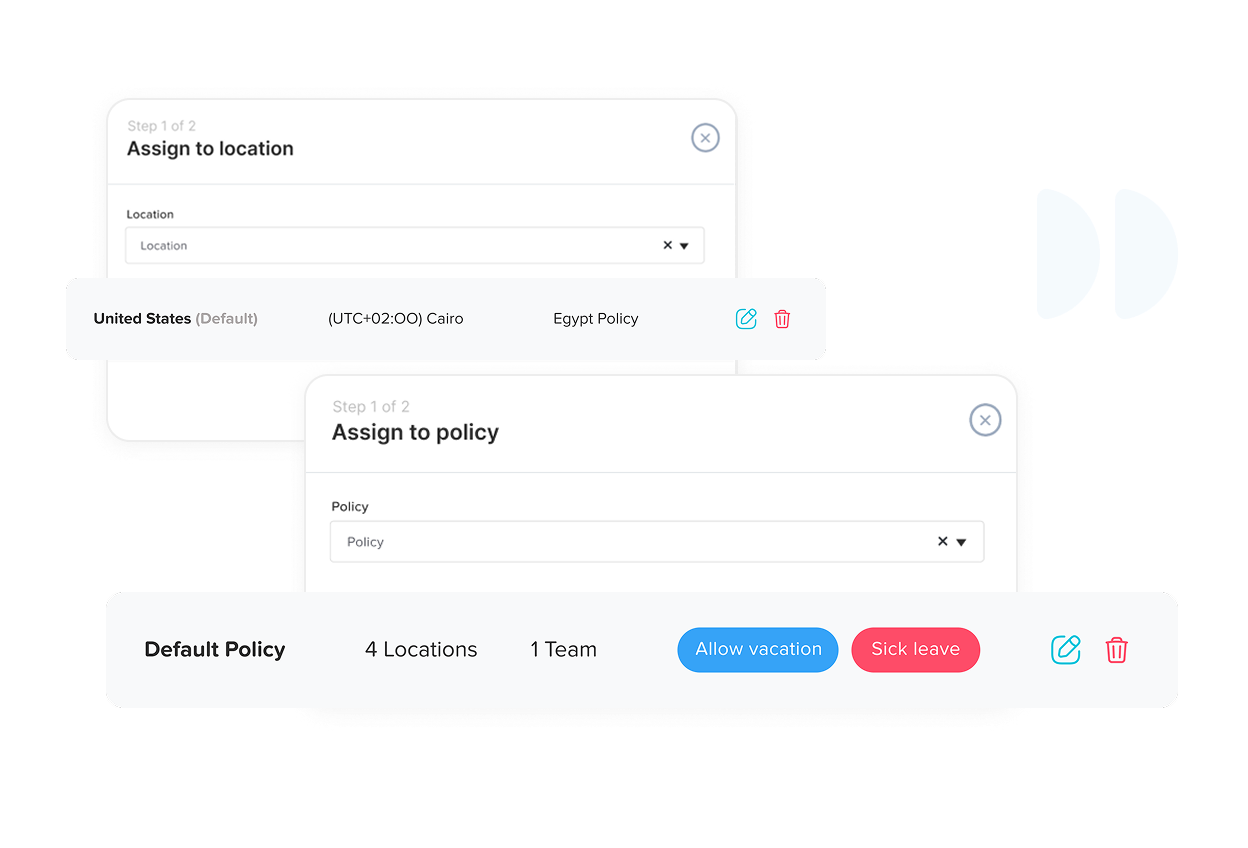
To manage the assignment of employees to different locations within your company, simply select the employees you wish to move and then click on “Assign to location.” Choose from any of the existing locations in your company.