


Remote Team Status Widget
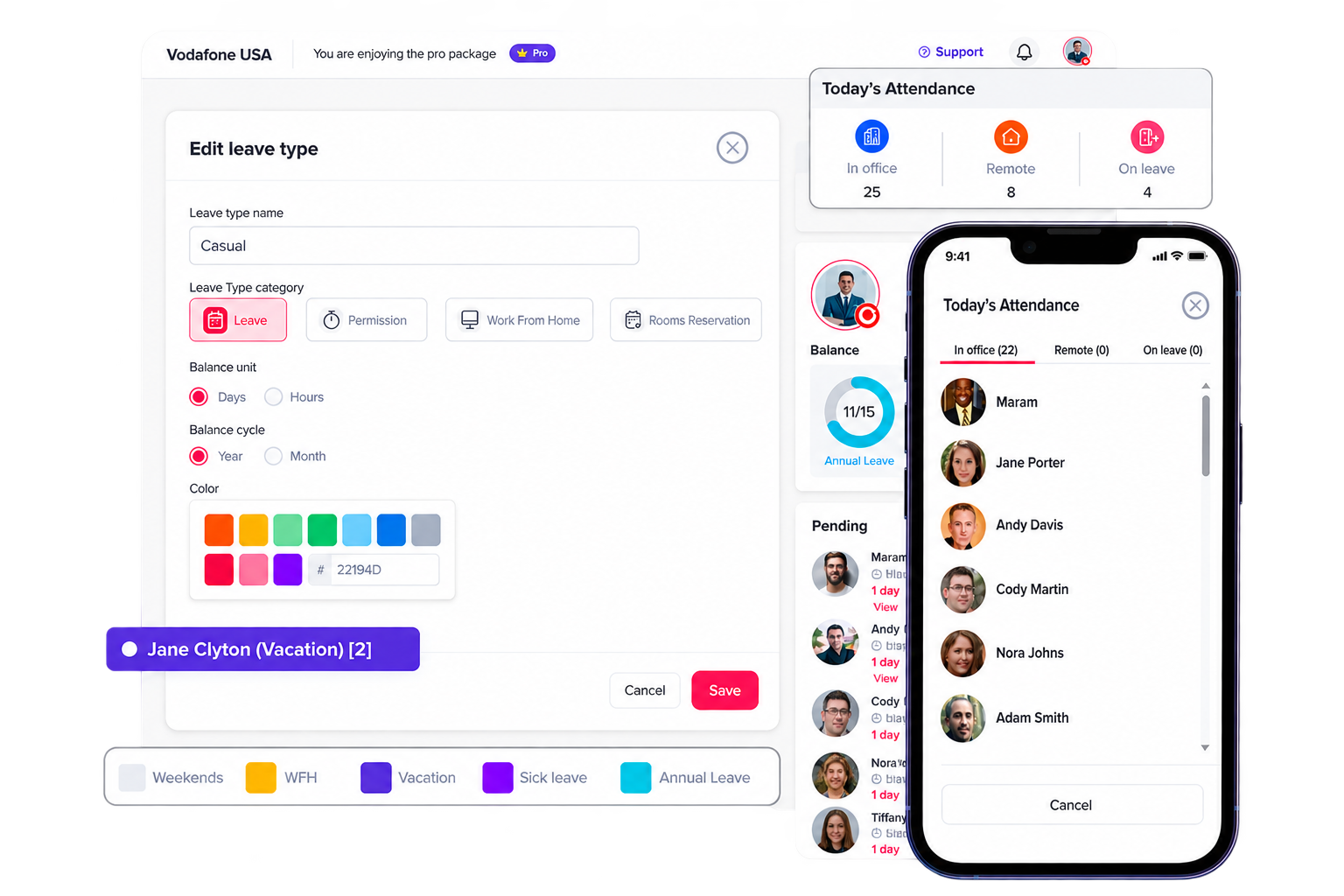
The “Today’s Attendance” widget gives a real-time snapshot of the team’s status for the day, showing at a glance how many employees are working in office, working remotely, or on approved leave.
Select the Leave Type Category
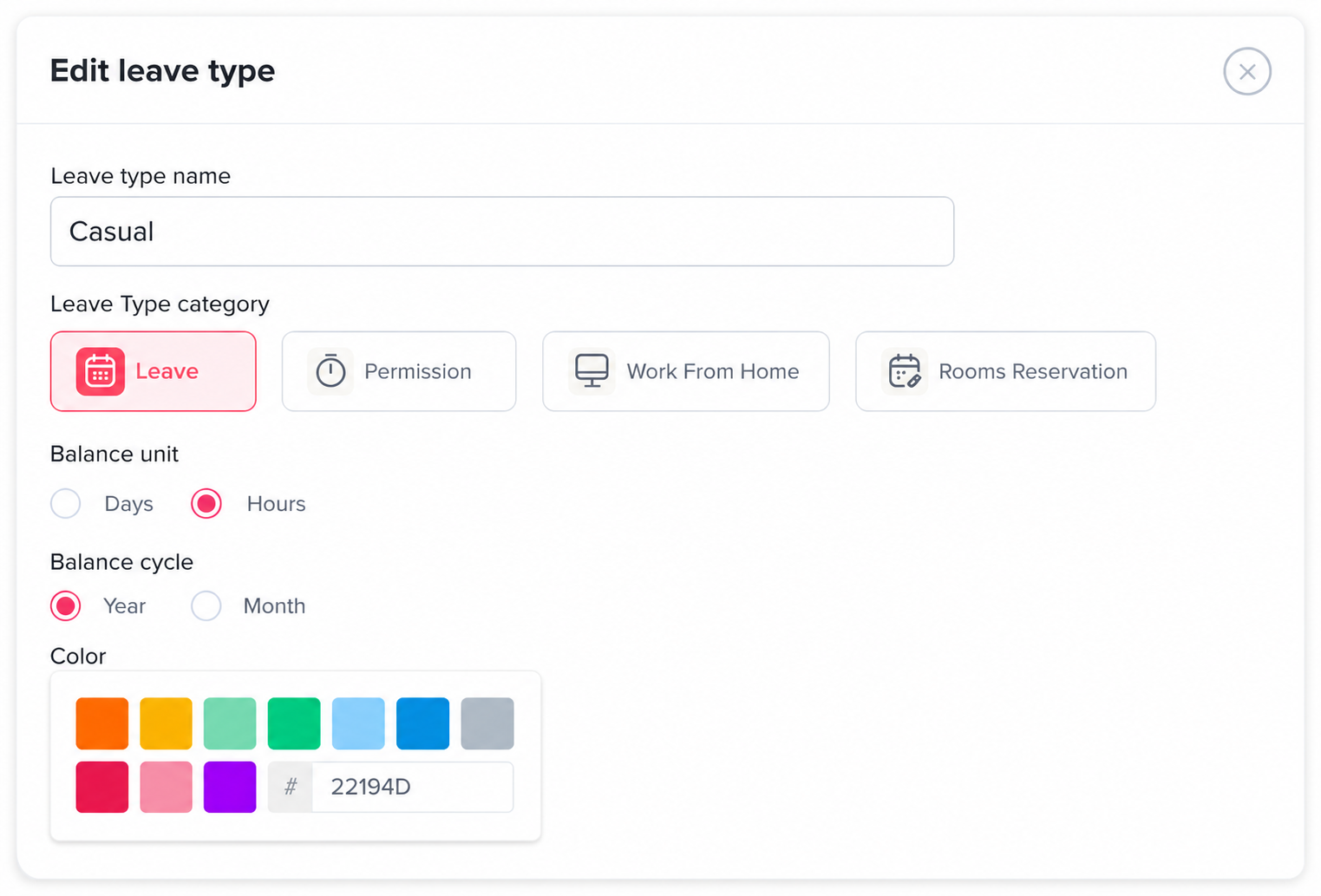
When an admin creates or edits a leave type, they can select its category. If the category is set to Remote, any employee who submits a request using that leave type will be counted as working remotely for the approved period.
View the Attendance Counter
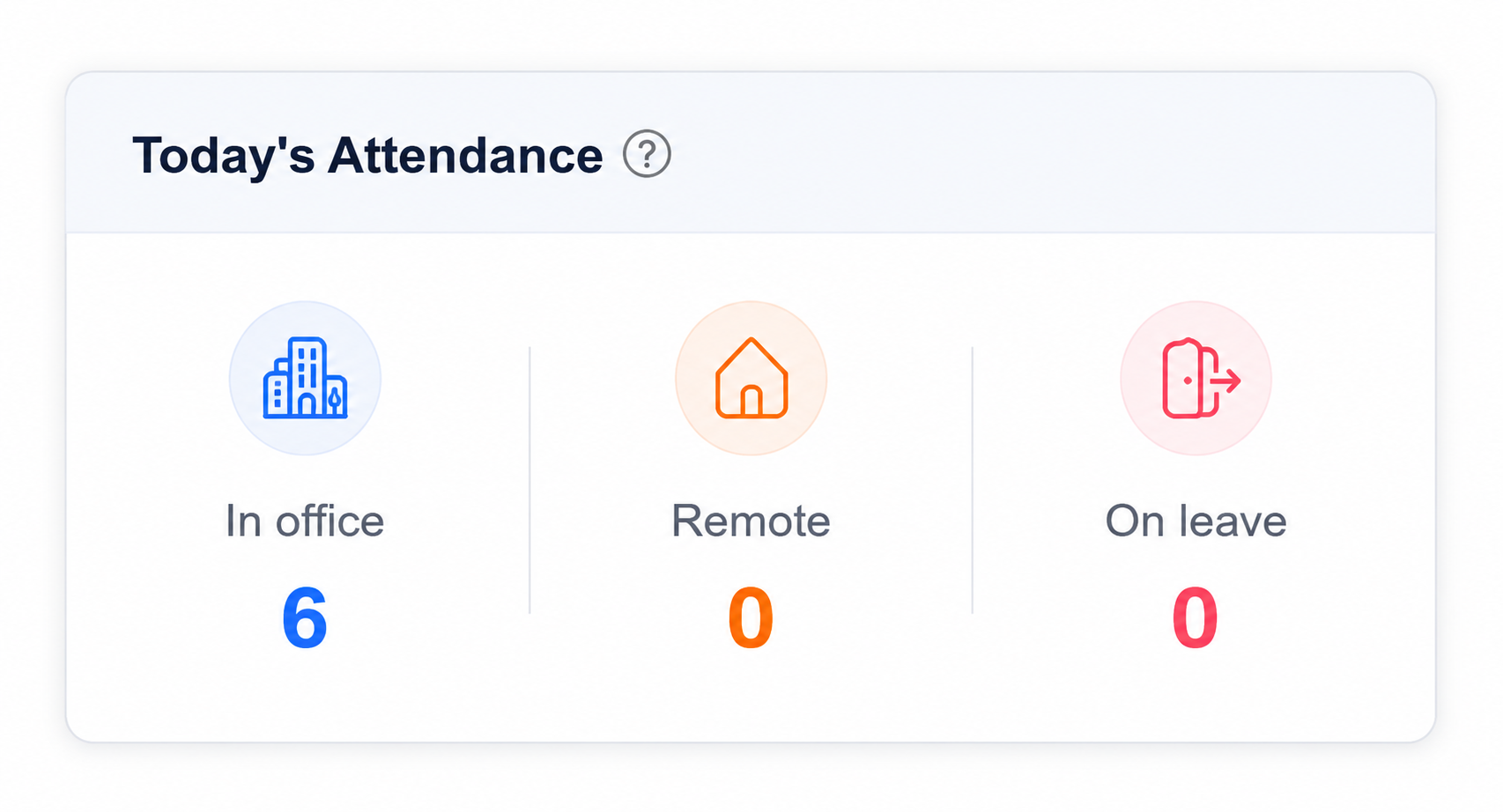
On the Home page, you can see the attendance counter showing how many employees are currently working from the office, working remotely, or on leave. This gives you a quick overview of your team’s daily availability.
See Who Is in Each Status
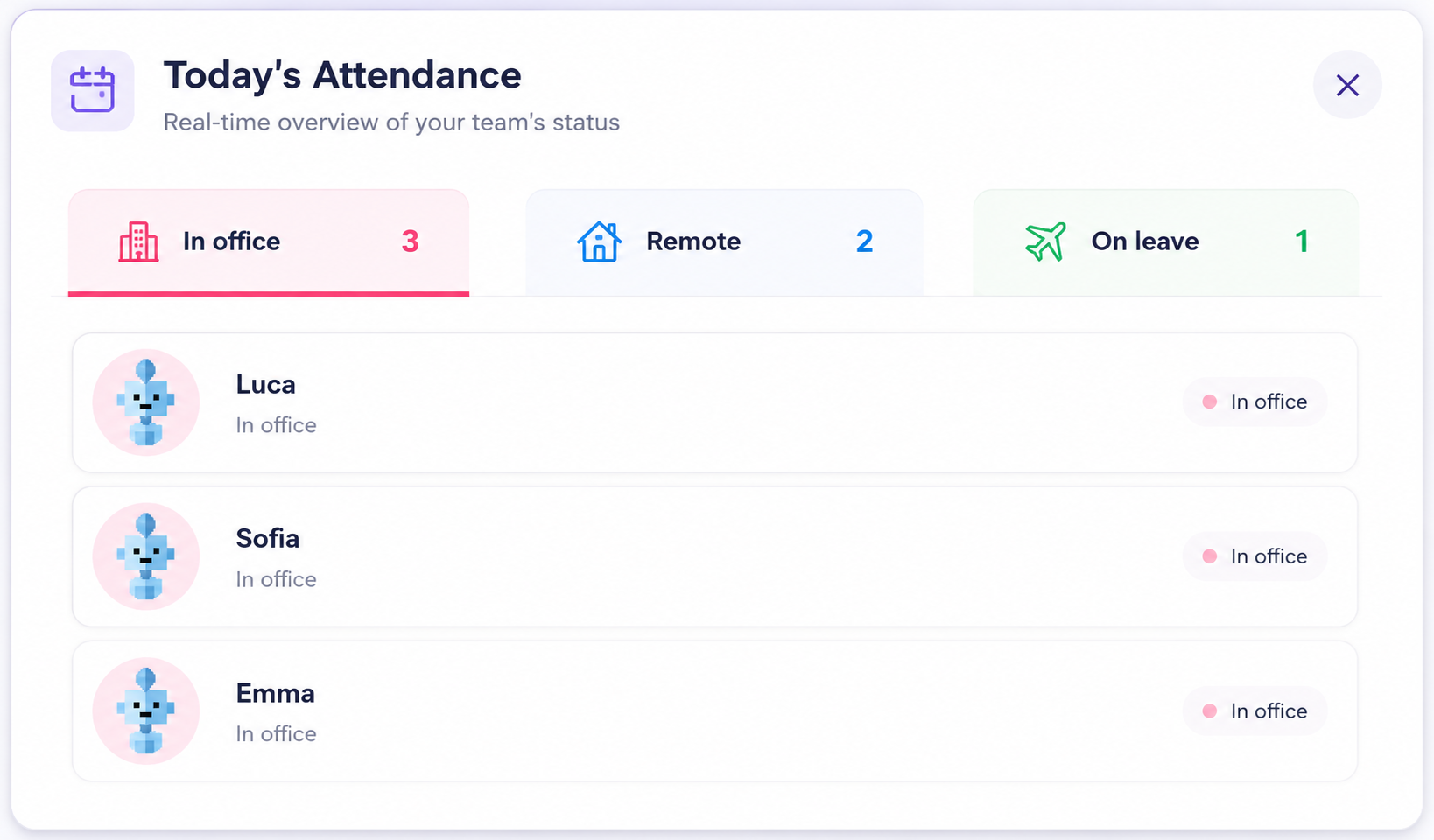
Click on any attendance status to view the employees included in that category. You can quickly see exactly who is in the office, working remotely, or on leave without checking each employee individually.