
Features · Calendars

Remote Team Status Widget

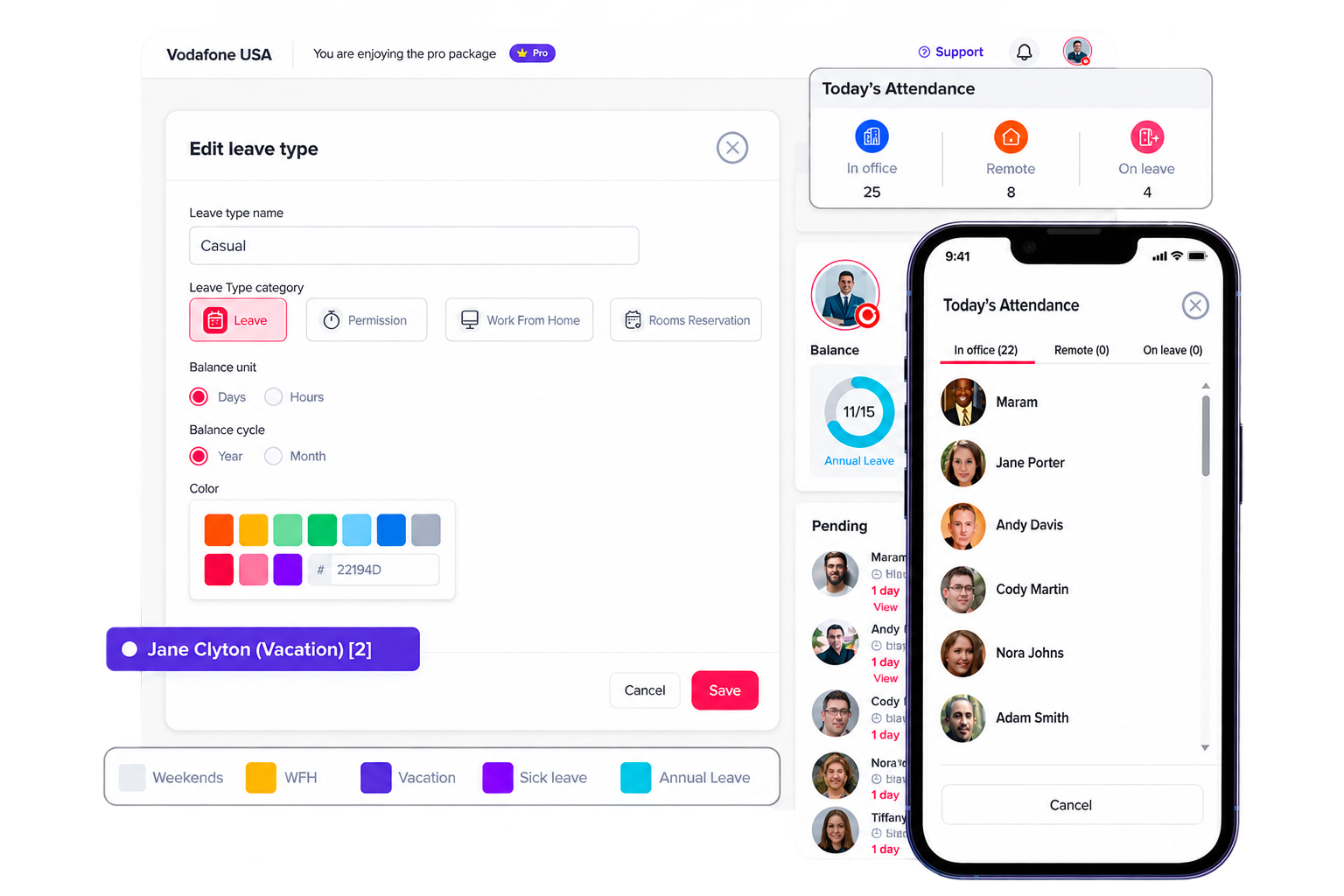
The “Today’s Attendance” widget gives a real-time snapshot of the team’s status for the day, showing at a glance how many employees are working in office, working remotely, or on approved leave.

Trusted by 60,000+ companies in 100+ countries

Remote Team Status Widget in the Day Off app
1

Select the Leave Type Category

When an admin creates or edits a leave type, they can select its category. If the category is set to Remote, any employee who submits a request using that leave type will be counted as working remotely for the approved period.
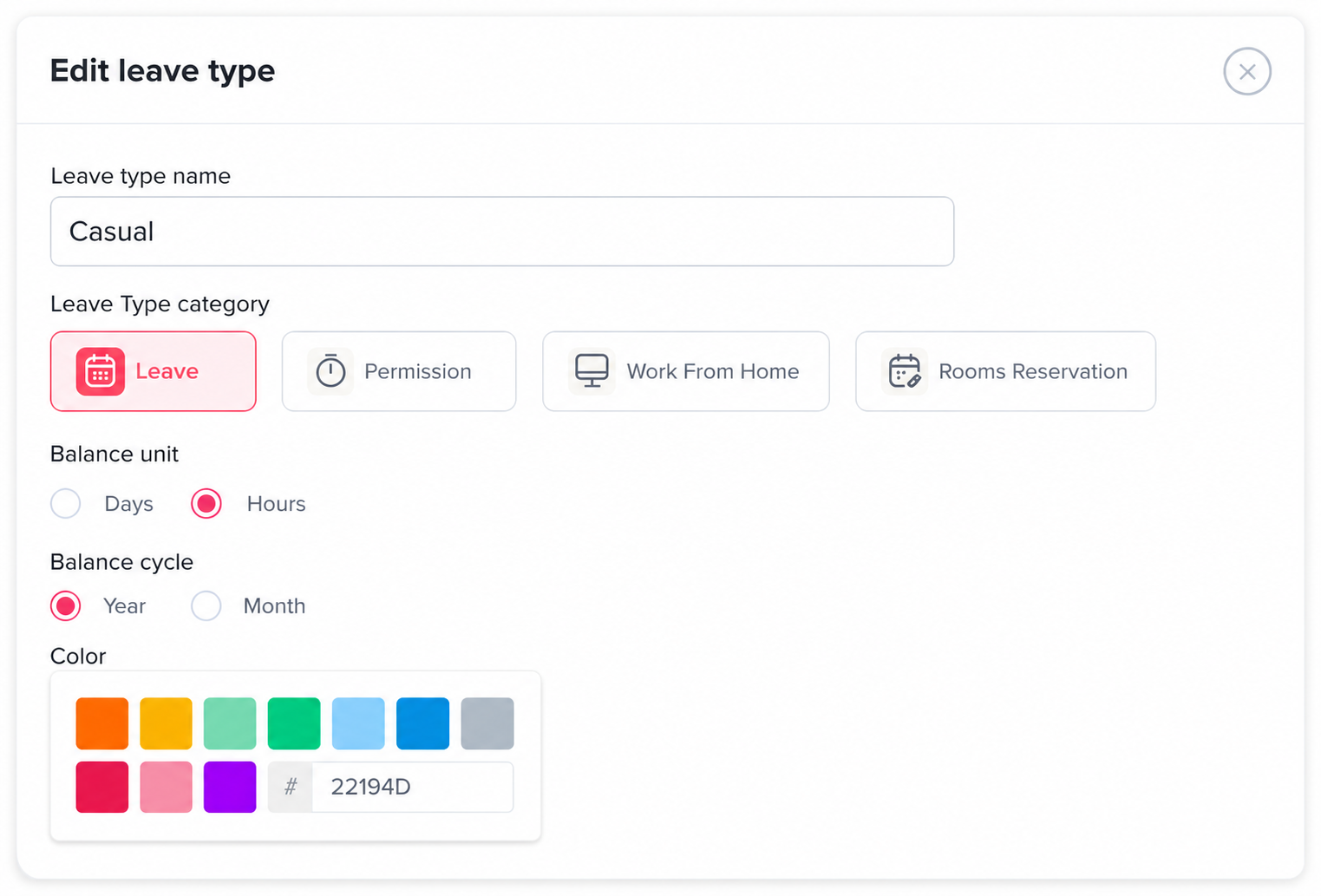
Select the Leave Type Category: Remote Team Status Widget in Day Off
2

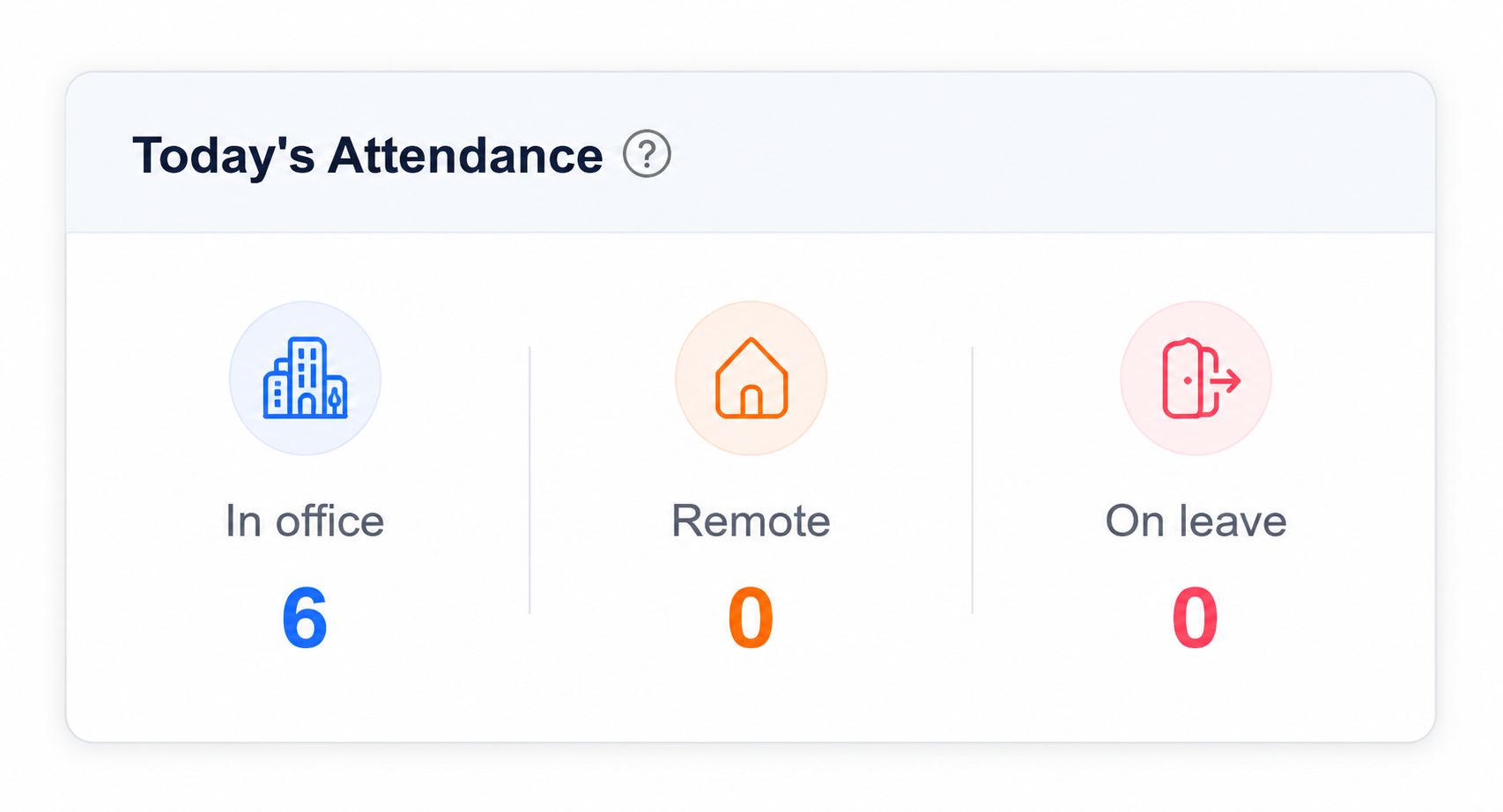
View the Attendance Counter

On the Home page, you can see the attendance counter showing how many employees are currently working from the office, working remotely, or on leave. This gives you a quick overview of your team’s daily availability.

View the Attendance Counter: Remote Team Status Widget in Day Off
3

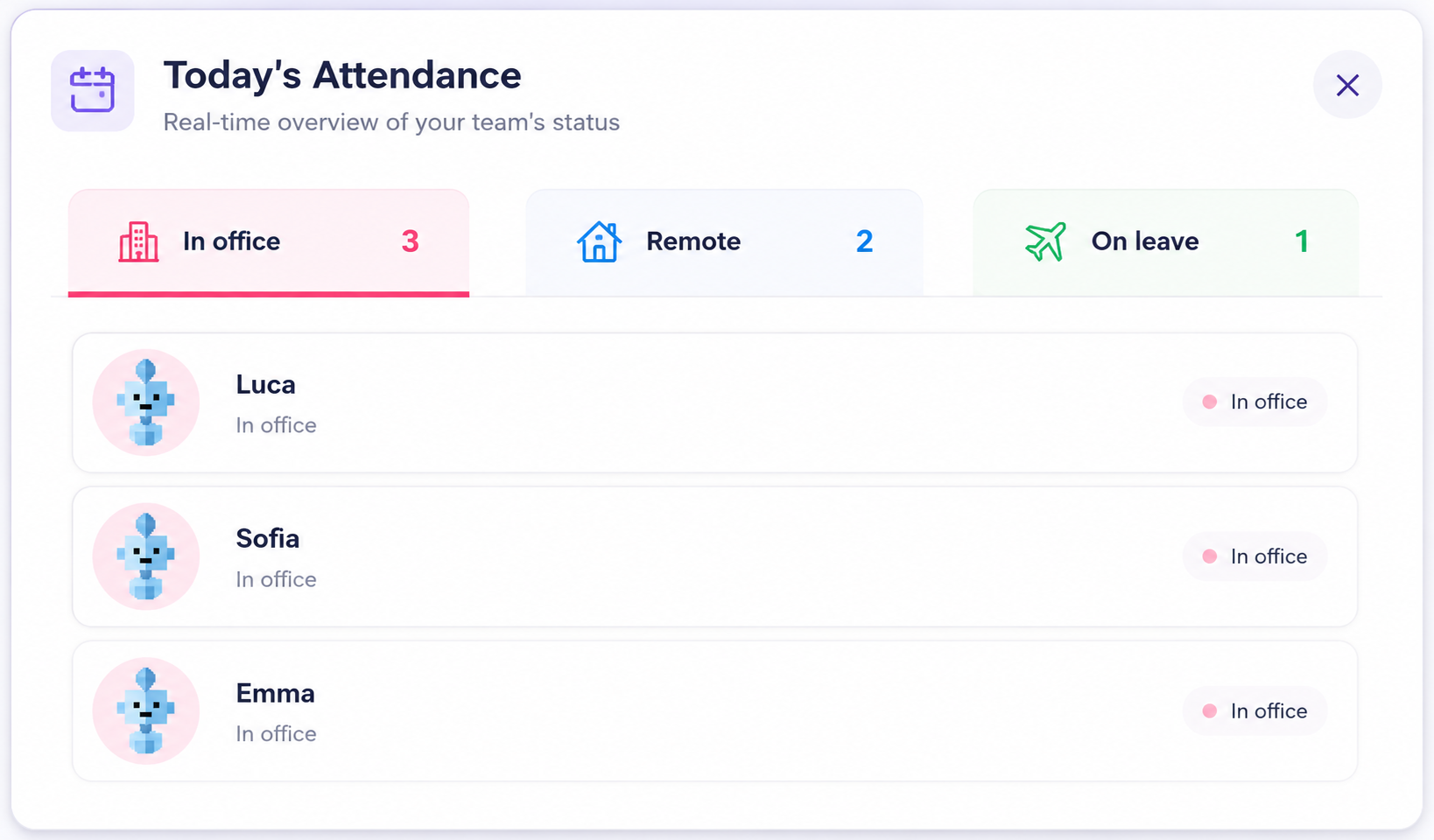
See Who Is in Each Status

Click on any attendance status to view the employees included in that category. You can quickly see exactly who is in the office, working remotely, or on leave without checking each employee individually.

See Who Is in Each Status: Remote Team Status Widget in Day Off

Make time off the easy part of your week

Join 60,000+ companies that track leave, PTO, attendance and work hours with Day Off. Free to start, no credit card needed.