Vacation Tracker Software That Keeps Your Team in Sync
Day Off gives every manager a real-time view of who’s on vacation and when. Employees request vacation time in seconds, managers approve in one tap, and the team calendar updates automatically, no spreadsheets, no group chats, no chasing anyone down.
What Is Vacation Tracking Software?
Vacation tracking software gives your team one place to request, approve, and monitor vacation time. Employees submit requests from their phone or browser, managers see the full team calendar, check who else is off that week, and approve in one tap.
It replaces the shared spreadsheet that nobody keeps updated, the Slack message that gets buried, and the back-and-forth email thread that eats up everyone’s Friday afternoon. Managers get visibility across the whole team. Employees always know exactly how many vacation days they have left. And the record updates itself.
How it Works?
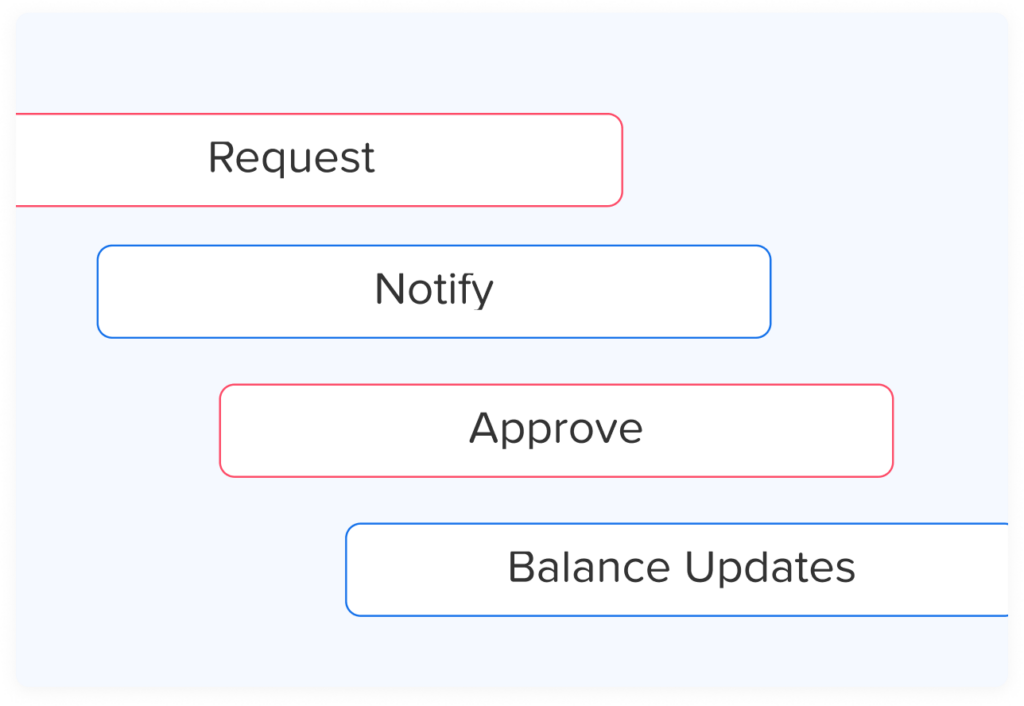
Employee submits a vacation request
An employee picks their dates, selects “Vacation” as the leave type, adds an optional note, and submits. The whole process takes about 20 seconds. No forms, no emails, no calendar invites.
Manager gets notified instantly
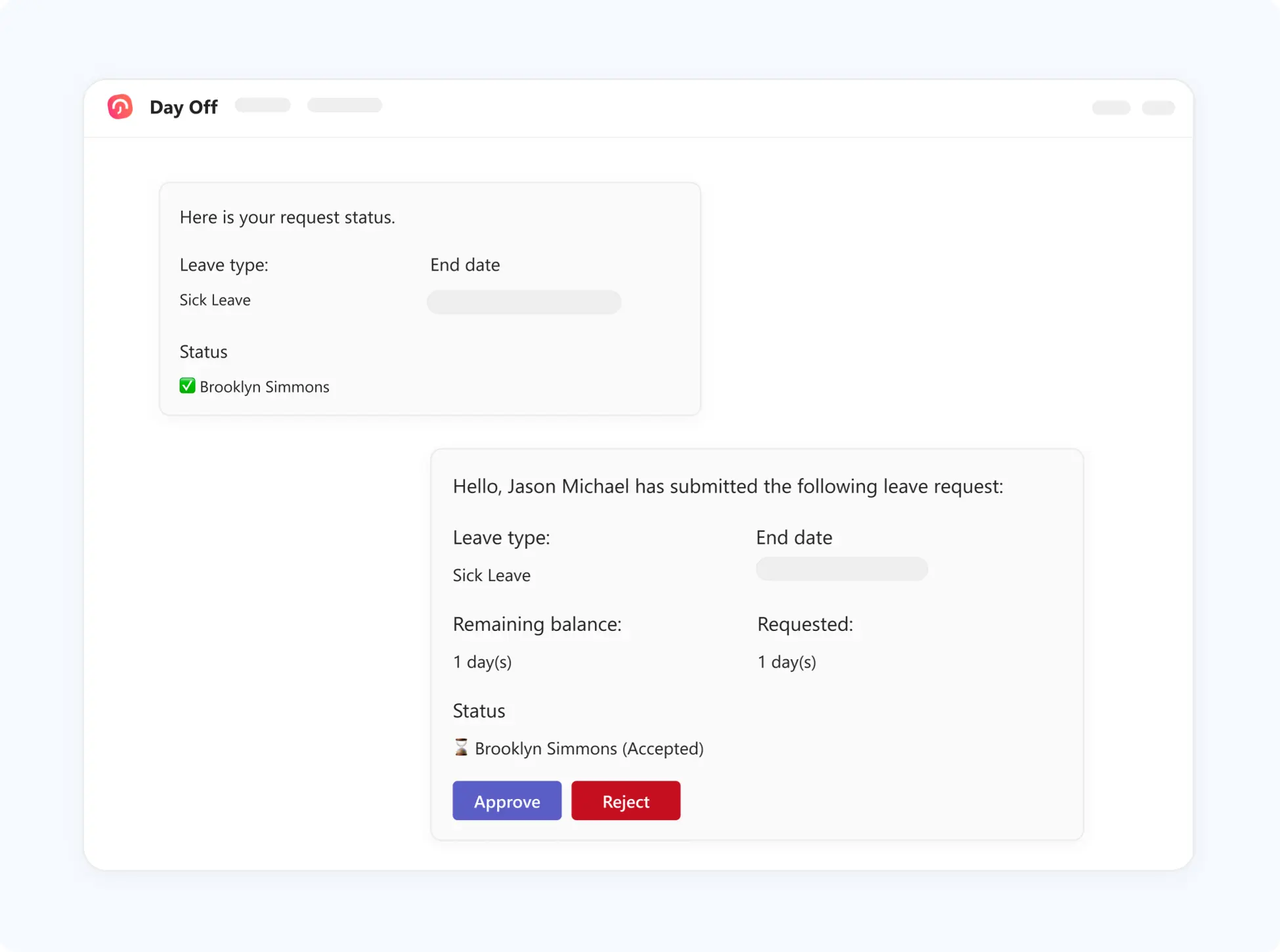
The manager receives a push notification or email the moment a request comes in. They can see the team calendar, check remaining vacation balance, and see who else is off all in one view before approving.
Balances and calendars update automatically
Once approved, the vacation days are deducted from the employee’s balance and the team calendar updates in real time. It syncs with Google Calendar, Outlook, and Microsoft Teams so everyone knows who’s off without logging into another app.
Approve or decline with one tap
The manager approves or declines directly from their phone or browser. The employee is notified immediately. No meetings, no back-and-forth, no digging through inbox threads to find the original request.
Integrations
Connect Day Off with tools your team already use. Keep Your Team in Sync Wherever They Work
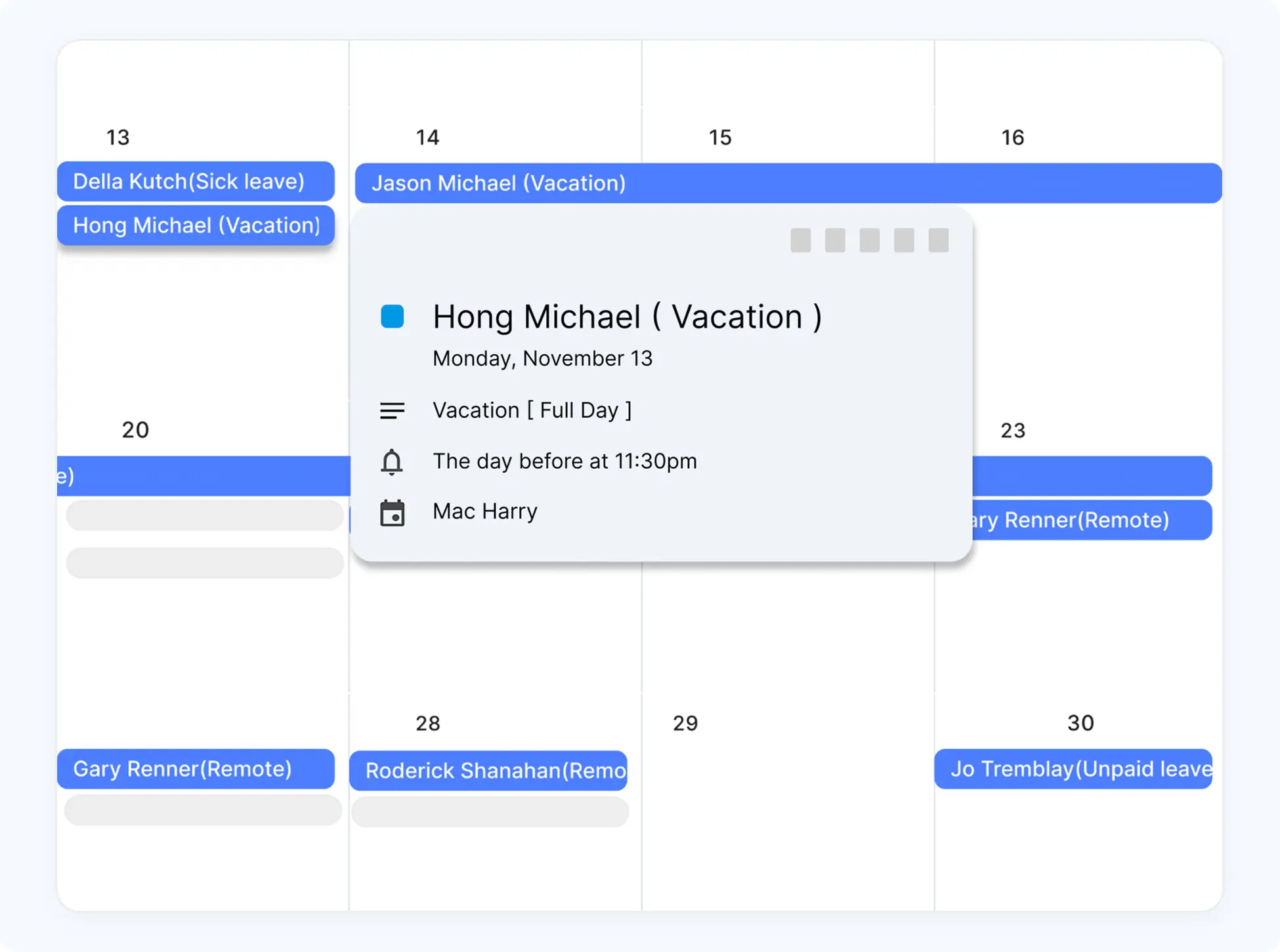
See who’s off, directly in Google Calendar
Approved PTO syncs to your team’s Google Calendar automatically. No manual updates, every absence is visible the moment it’s approved.
PTO approvals that sync straight to Outlook
Every approved leave request appears in your Outlook calendar automatically. No manual entry, no missed absences, your schedule always reflects who’s actually in.
Your team’s time off, visible in Slack
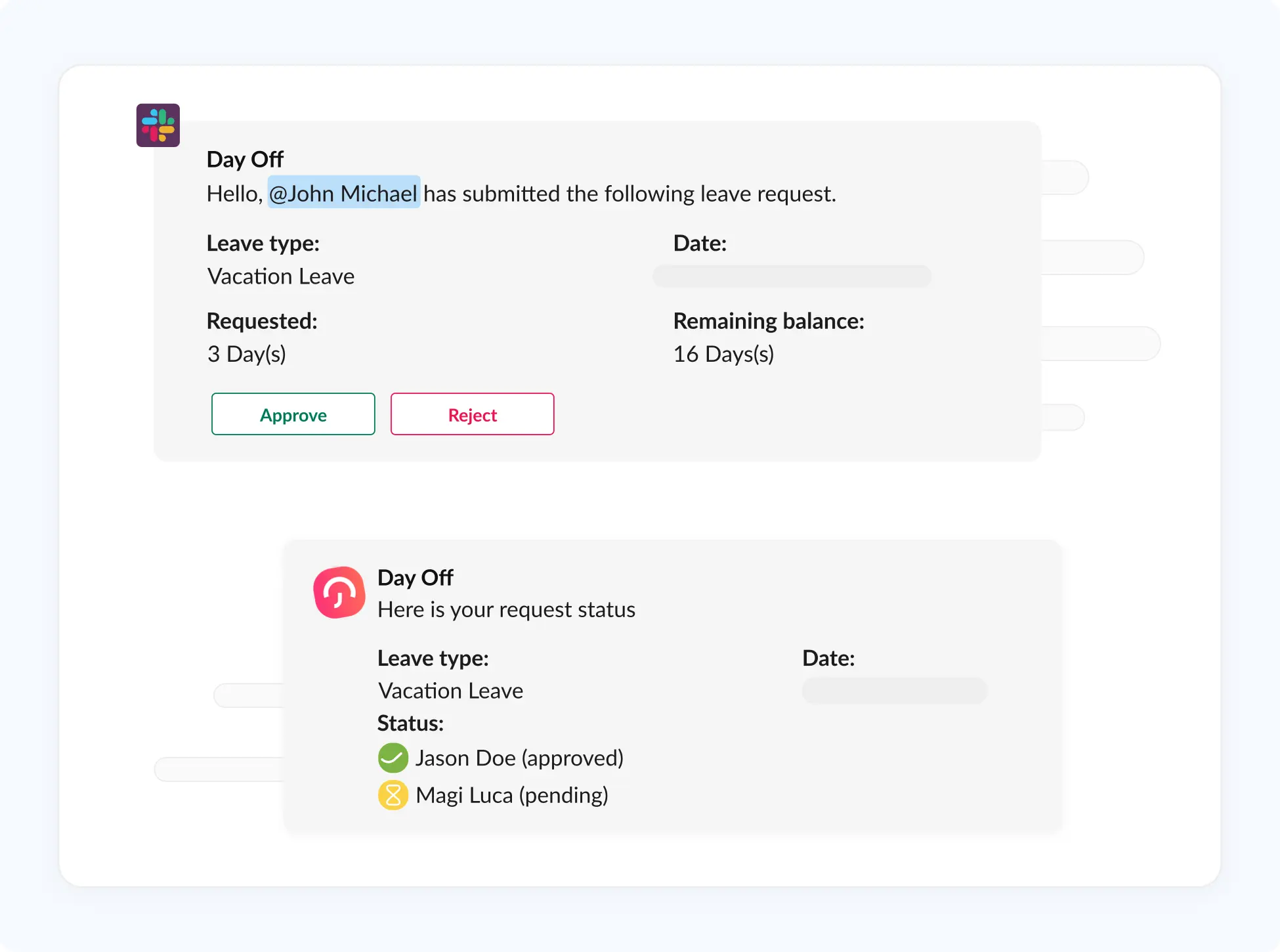
Leave requests and approvals post directly to your Slack channels. Everyone knows who’s off today without logging into a separate tool.
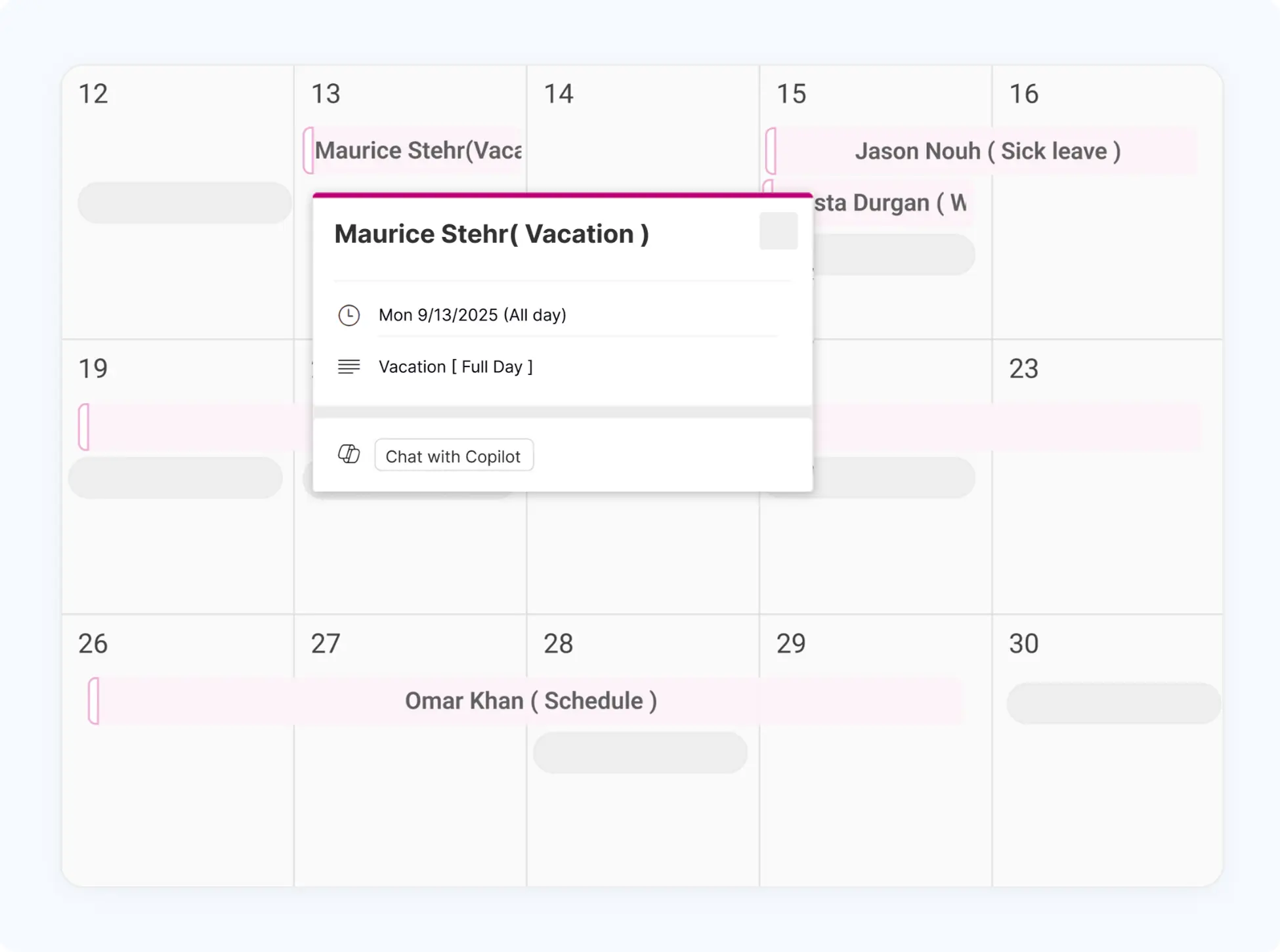
Manage time off directly in Microsoft Teams
Integrate Day Off with Microsoft Teams to manage leave requests, approvals, and team updates in one place, without disrupting your workflow.
Everything Your Team Needs to Track Vacation Time
Day Off handles the full vacation tracking workflow for HR teams, managers, and employees, without the complexity or cost of a full HRIS.
Vacation Request & Approval Workflow
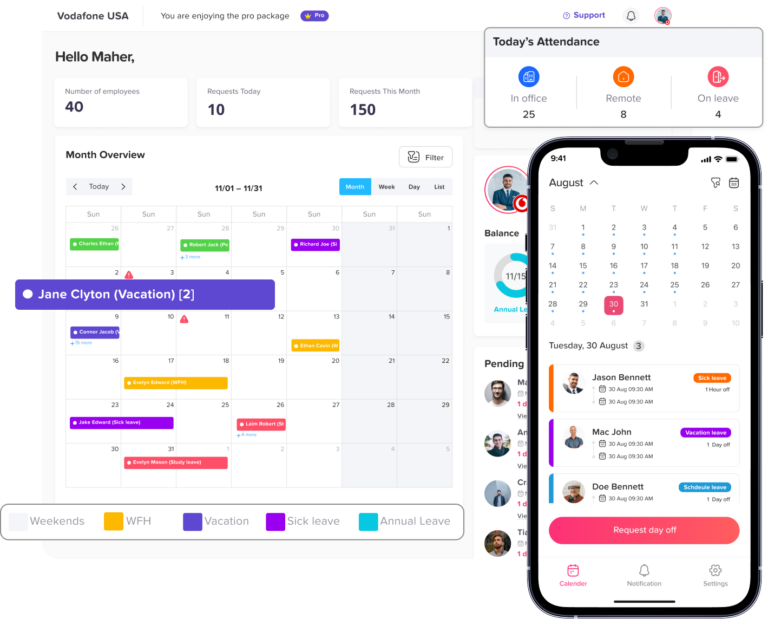
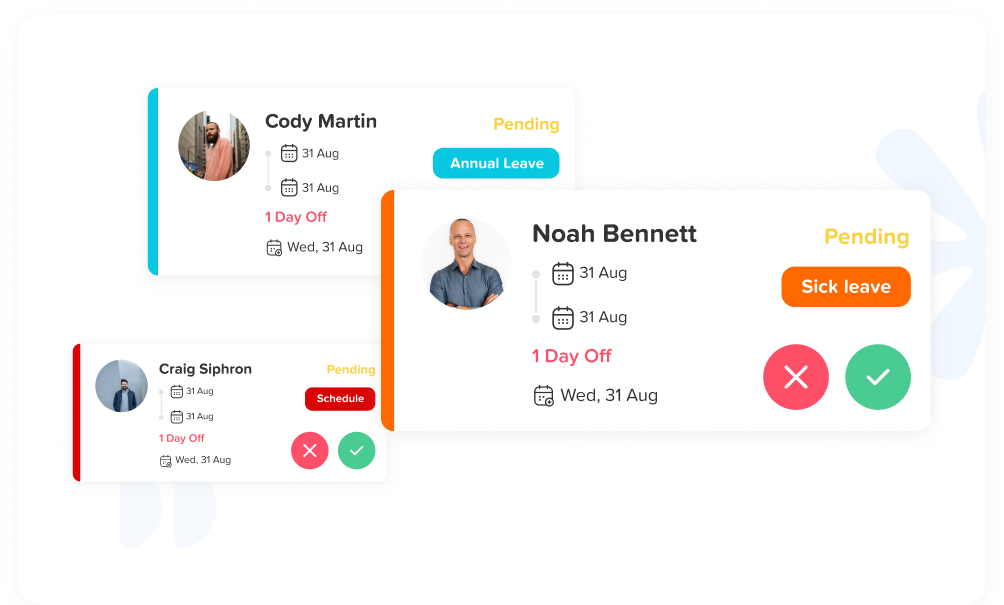
Employees submit vacation requests from the app in seconds. Managers approve with one tap and full context, team calendar, remaining balance, and any overlapping requests, right there in the notification.
Team Vacation Calendar
See every approved vacation and pending request across the whole team on a single shared calendar. Filter by department or individual. No one gets surprised by a gap in coverage again.
Vacation Balance & Accrual Tracking
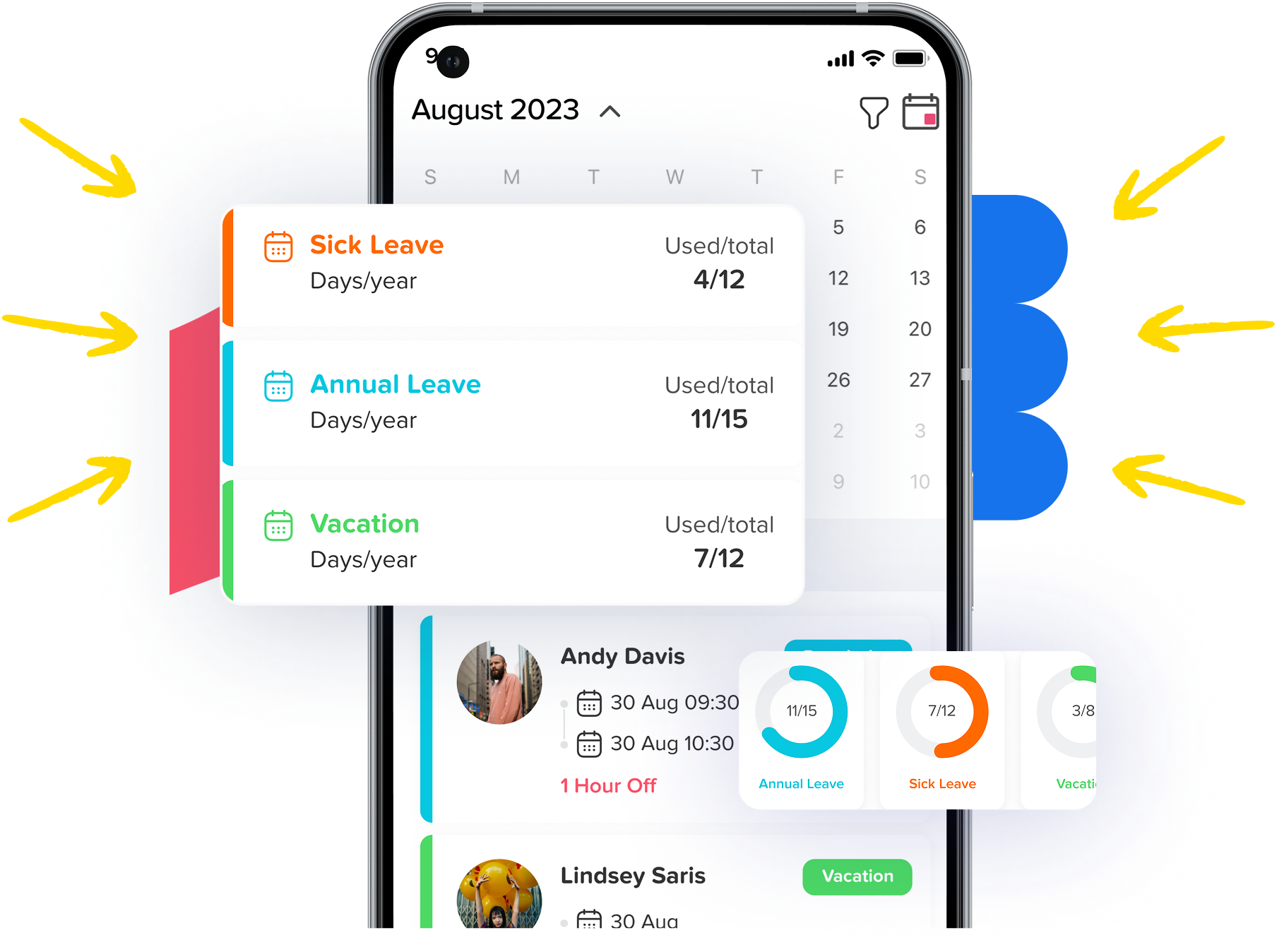
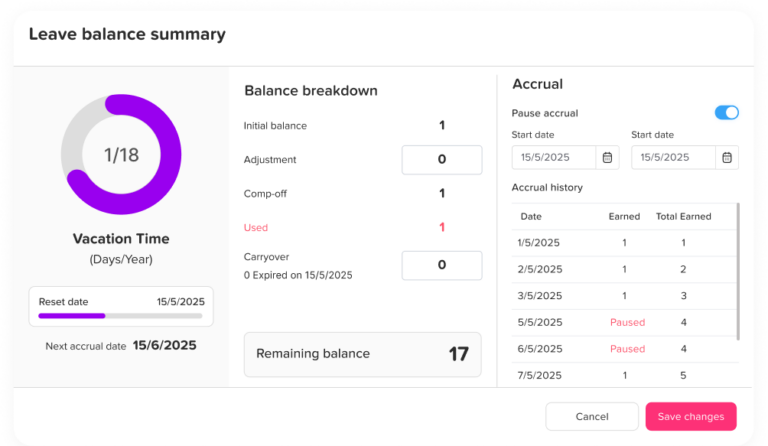
Configure your vacation policy once. Annual allowance, accrual rate, carryover rules and Day Off handles the rest. Balances update automatically. Employees see their exact remaining days at any time.
Employee Self-Service Portal
Employees check their vacation balance, view their request history, and see who else is off without contacting HR. Fewer “how many days do I have left?” messages. More time back for everyone.
Vacation Reports & Absence Analytics
Export vacation reports by employee, team, or date range. See absence trends at a glance, flag unusually high usage, and pull exactly what you need for payroll — without building it manually.
Public Holiday Management
Add public holidays for any country or region in one click. Day Off covers 180+ countries so whether your team is in one city or spread across six time zones, every calendar stays accurate.
This is a really useful app that fills a need in the market, we’ve got about 30 employees, and getting them all set up on the app was fast and easy.
Carlo Pannella
CFO, Lorne Park
I like how easy it is to set up and implement, employees are able to set up their accounts with their invite and use it without question, I’m able to make sure there’s no overlapping vacation and that people are able to take the required time off.
Josh L.
Manager
Day off is a great app, easy to manage and easy to set up, allows you to eliminate paper work and be more organized.
Janaina s.
Operador de atendimento
I love it, we’re a small company and it’s easy to let time off get way off track if not monitored, this solves all my issues with tracking and is easy for all of us at any time.
Stephanie B.
CEO
I can better plan the staff slack scale, and plan better in relation to scheduling vacations, and I don’t get lost when an employee is on sick leave.
Teri A.
CEO
Small Teams & Startups
When your team is small, the last thing you want is HR software that takes a week to configure. Day Off is free for teams under 10, takes 5 minutes to set up, and handles vacation tracking from day one. No training, no onboarding call, no credit card.
HR Departments at Growing Companies
As your headcount grows, tracking vacation manually gets painful fast. Day Off gives HR teams a single view of vacation time across all departments, with leave reports that are ready to export for payroll, no spreadsheet assembly required.
Remote & Distributed Teams
Your remote team spans countries, time zones, and different public holiday calendars. Day Off handles all of it. Country-specific holiday calendars, timezone-aware notifications, and a shared vacation calendar that gives everyone visibility wherever they work.
Who Uses Day Off for Vacation Tracking?
Whether you’re a startup, a growing company, or a distributed team, Day Off adapts to how your team works.
Frequently asked questions
Frequently Asked Questions
Vacation tracking software is a tool that manages vacation requests, approvals, and balances for your team. Employees submit requests through the app, managers approve them with full context, and balances update automatically. It replaces manual systems like shared spreadsheets, Google Calendar events, or email threads and gives everyone an accurate, real-time record of vacation time.
Vacation tracking software and PTO tracking software overlap significantly most tools, including Day Off, handle both. The main difference is focus: vacation tracking emphasizes the team calendar and scheduling visibility (who’s off, when, and whether coverage is covered), while PTO software tends to focus more on policy compliance and leave administration.
Yes and it’s free for small businesses with up to 10 employees. There’s no time limit on the free plan and no credit card required. Small teams get access to all core features: vacation requests, approvals, team calendar, balance tracking, and the mobile app. Most small teams are fully set up in under 5 minutes.
Day Off is free forever for teams of up to 10 employees. The free plan includes unlimited vacation requests and approvals, all leave types, the team vacation calendar, balance tracking, and iOS and Android apps. For larger teams, paid plans start at a low per-employee monthly rate. See our pricing page.
Yes. Day Off supports accrual-based vacation policies where employees earn vacation time over time rather than receiving a lump sum at the start of the year. You can set accrual rates, carryover limits, and waiting periods. Balances accrue automatically and employees always see their current earned balance.
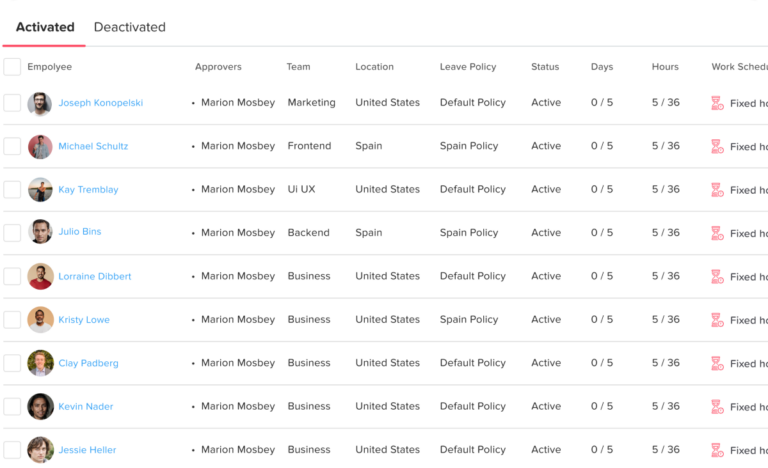
Day Off handles multi-country teams natively. You can assign each employee to a country or region, and Day Off applies the correct public holiday calendar automatically. Each location can have its own leave policy, accrual rules, and approval chain. This makes it straightforward to manage vacation tracking for distributed teams without maintaining separate systems per country.
Yes, we offer a free employee vacation tracker Excel template that works well for very small teams or as a starting point. That said, most teams that download it switch to Day Off within a month: once vacation requests have to move across email or chat, the spreadsheet stops being the source of truth almost immediately.
Ready to Start Tracking Vacation Time?
For everything you need in a vacation tracker, create and publish your account with Day Off.