


Public API Access
The Dayoff API connects your own applications to Day Off. Owners create named API keys from the Integrations area, then use them to read and manage employees, leave requests, balances, and calendar data, ideal for syncing Day Off with an HR system or internal tool.
Create your API key
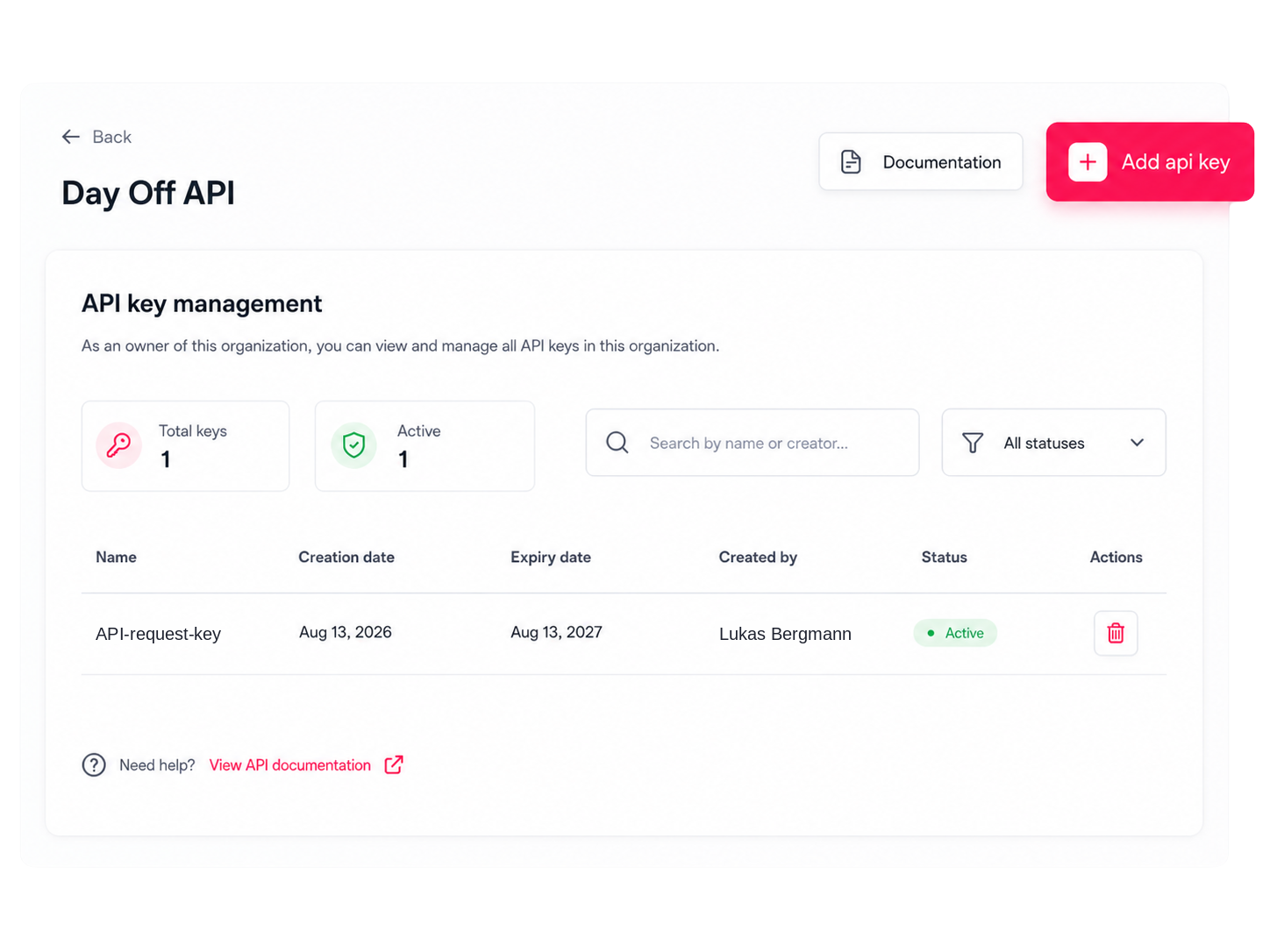
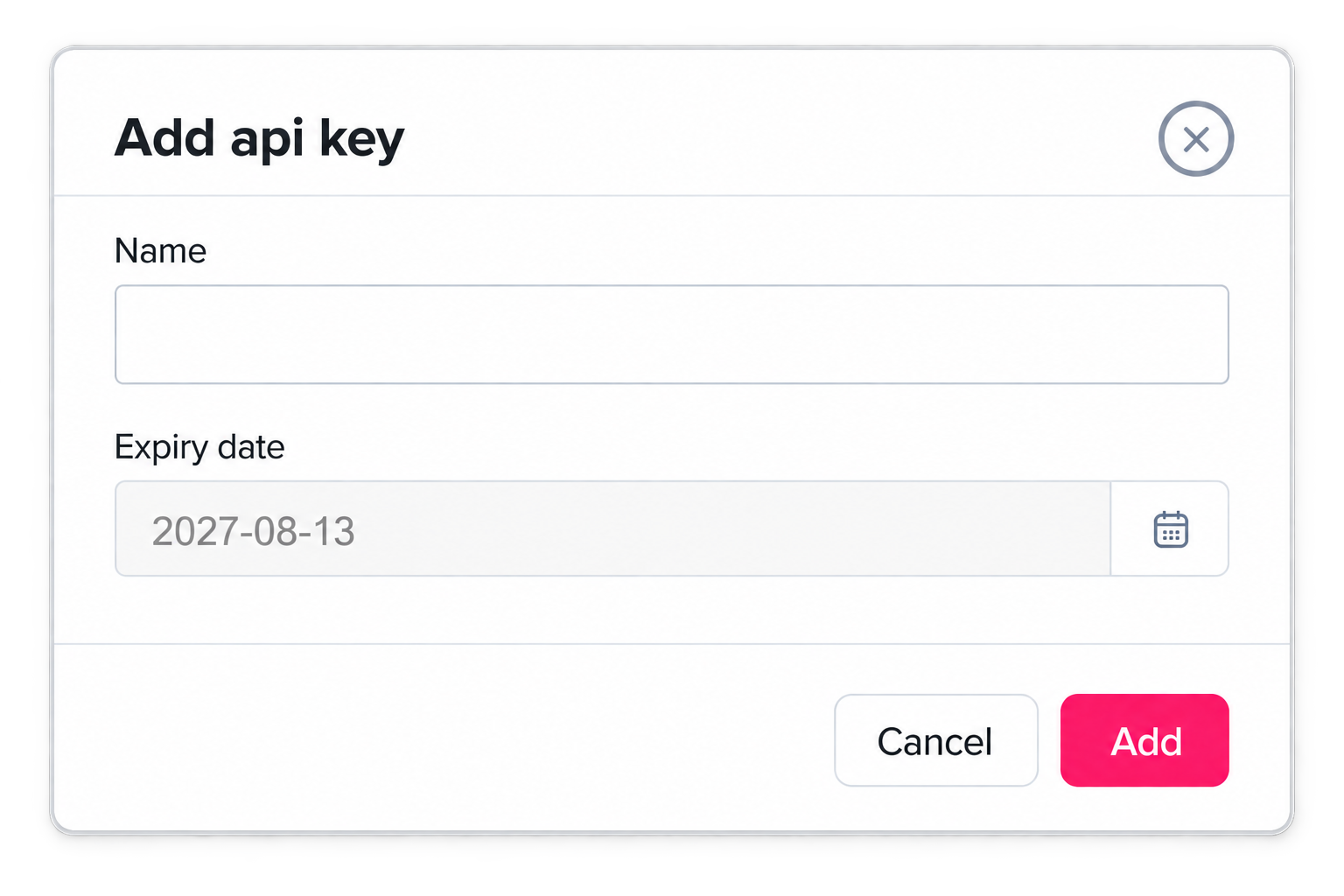
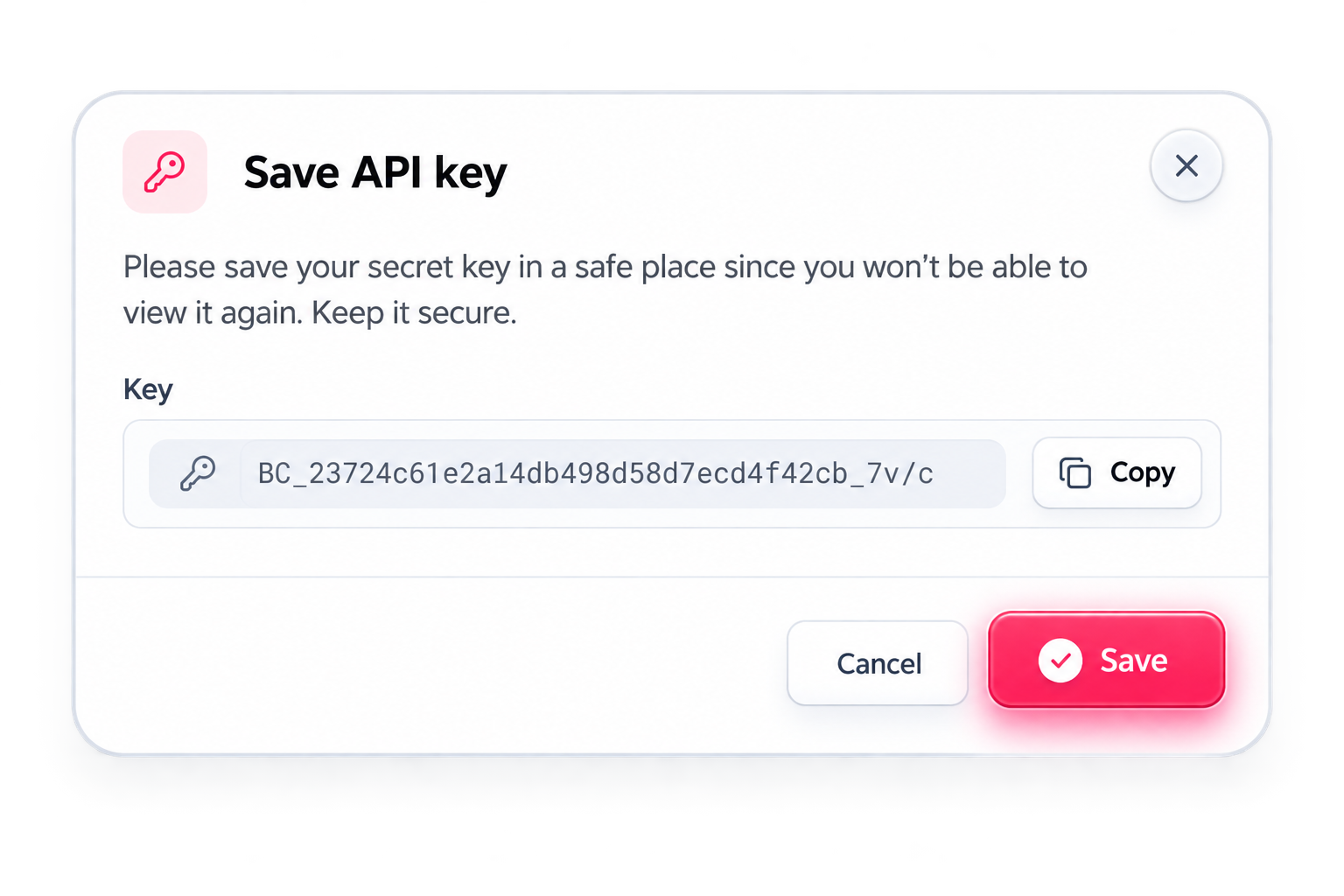
Go to Integrations, open the Dayoff API card, and you’ll land on the Day Off API screen where owners can view and manage every key belonging to the organization. Click “Add api key”, give it a name and an expiry date (it suggests one a year ahead), and save it. You can create a separate key for each app you want to connect, and rotate or revoke any of them later from the same screen.
Authenticate with that key
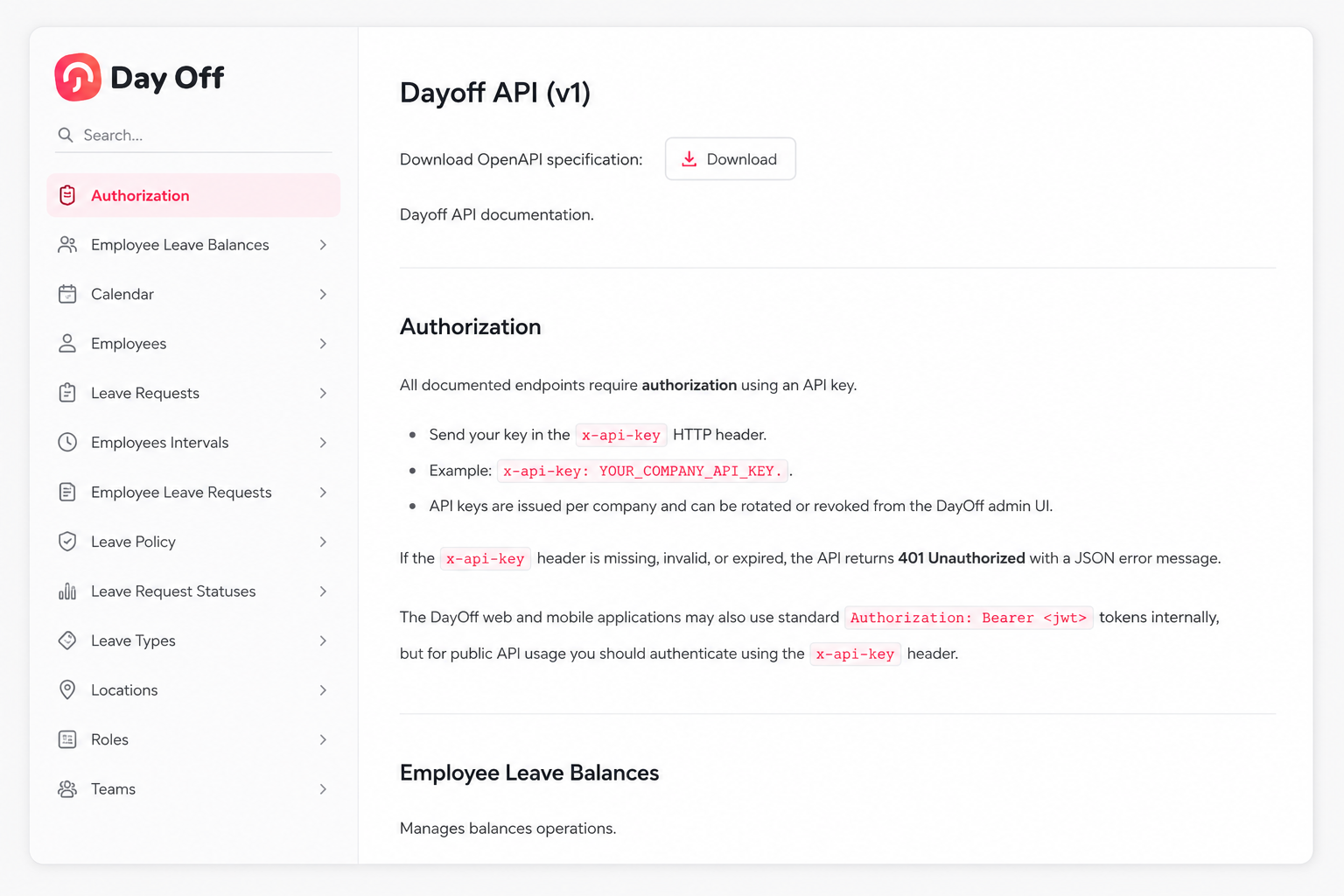
Every endpoint in the documentation requires the key to be sent in a dedicated API key header with each request. If the key is missing, wrong, or expired, the request comes back as unauthorized with a short error message. Keep the key on your server rather than in anything a browser or mobile app exposes, since it grants access to your whole company’s data.
Start calling the endpoints you need
The documentation covers employees, leave requests, leave balances, calendar events, and reference data such as leave types, statuses, policies, teams, locations, roles, work schedules, countries, and time zones. Every response comes back in the same shape, with results plus any errors or messages, and list endpoints support paging, filtering, and sorting. In practice you first fetch the reference items to get their identifiers, then use those identifiers when creating or updating records. You can also download the full specification from the docs page if you’d like to generate a client automatically.