





Time Tracker
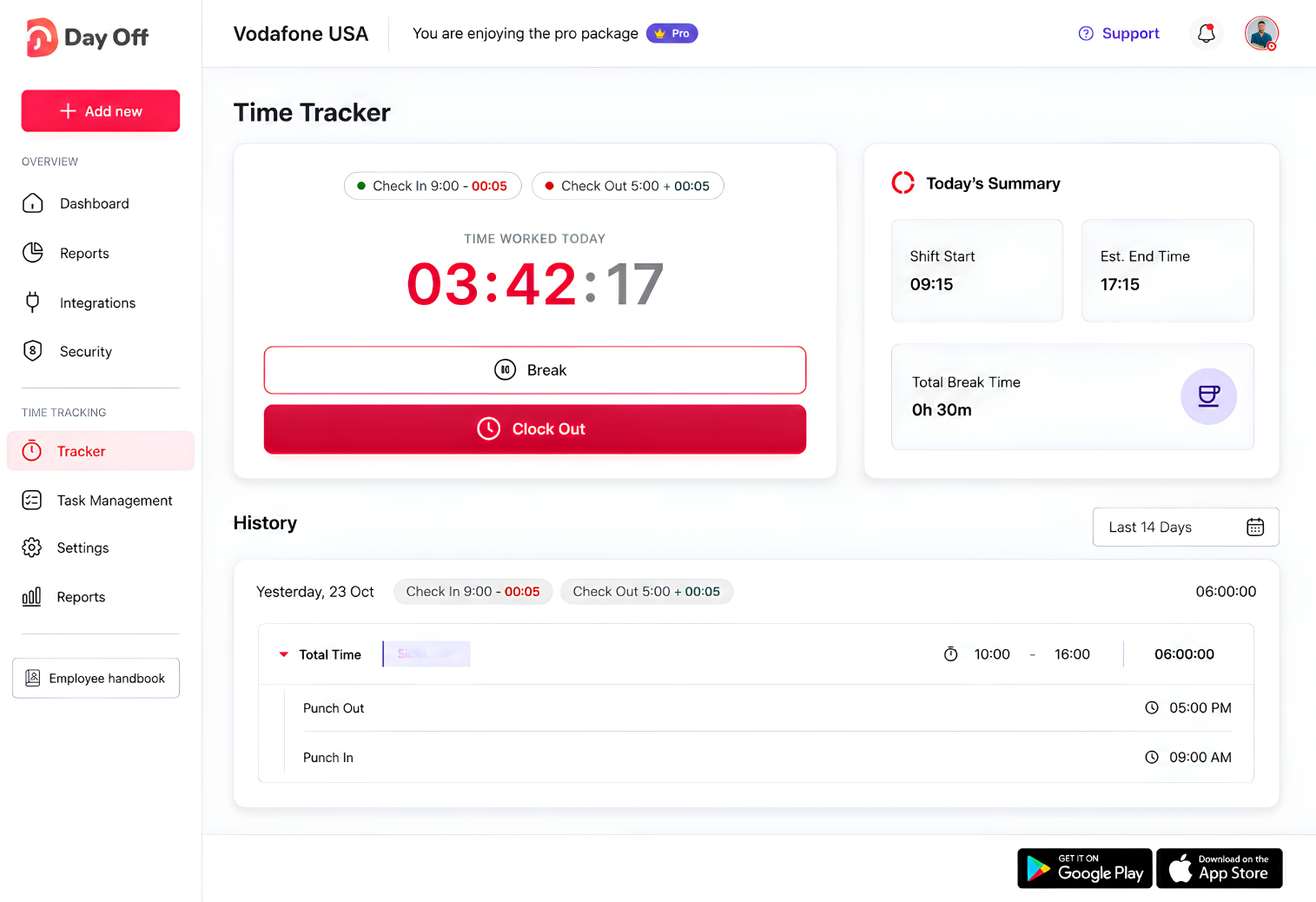
Track work as it happens with a simple start/stop timer that logs time against projects and tasks automatically. Every session is saved to an editable history log with accurate start and end times, daily totals, and billable tagging, giving teams a clear, reliable record of where their hours go.
Live One-Click Timer
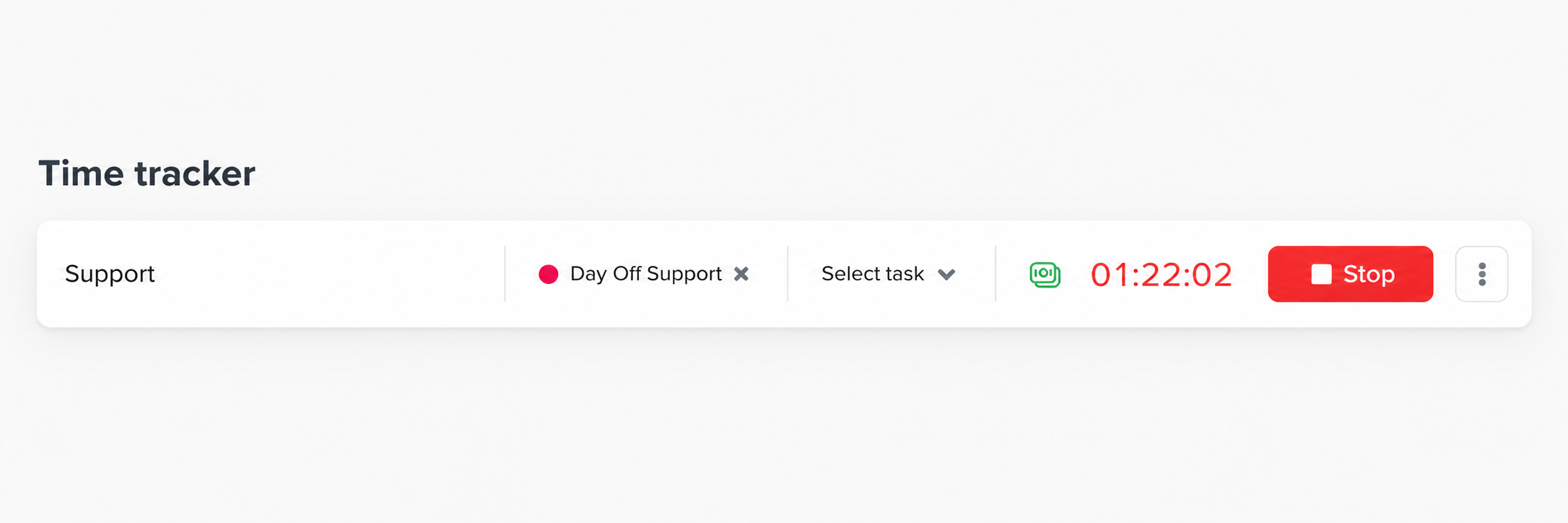
Right from the Tracker page, anyone can type in what they’re working on and hit start to kick off a live, running timer that counts up in real time. There’s no setup or extra steps required to begin logging work, and the timer stays visible even while navigating to other parts of the app, so it’s never accidentally left forgotten in the background.
Project & Task Tagging
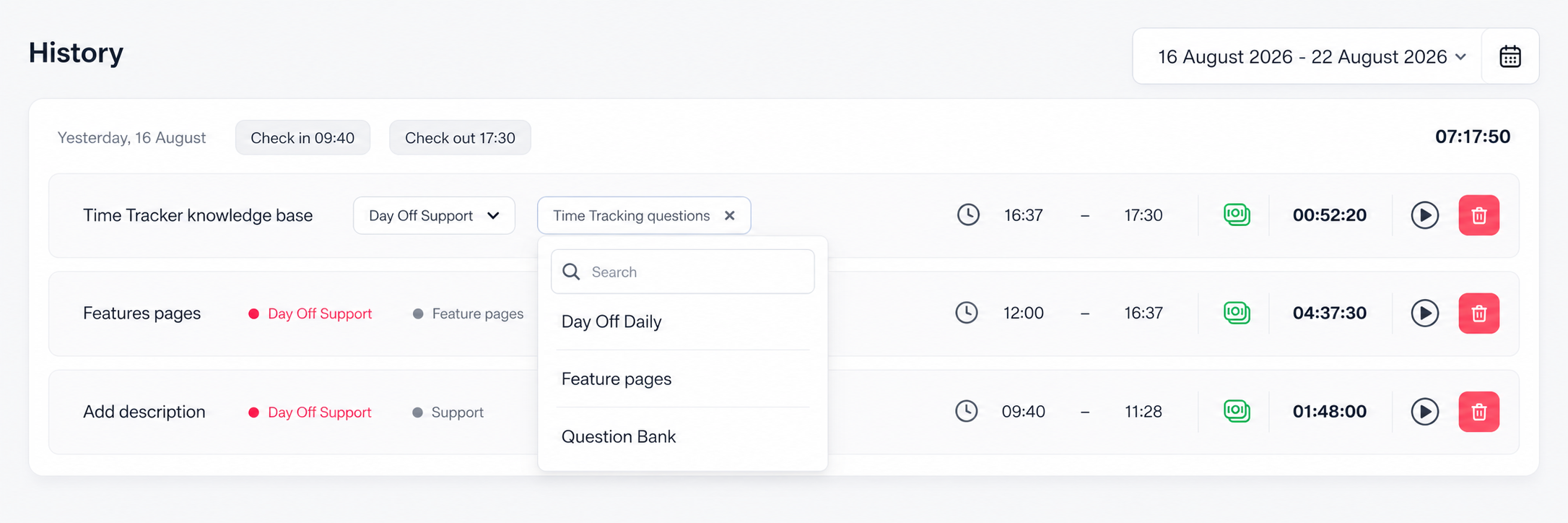
Every timed session can be tied to a specific project and, within that, a specific task, keeping tracked hours organized instead of just being a raw pile of minutes. This structure makes it possible to answer questions like how much time went into a particular client project or task at a glance, rather than having to piece it together after the fact.
Editable, Billable History Log
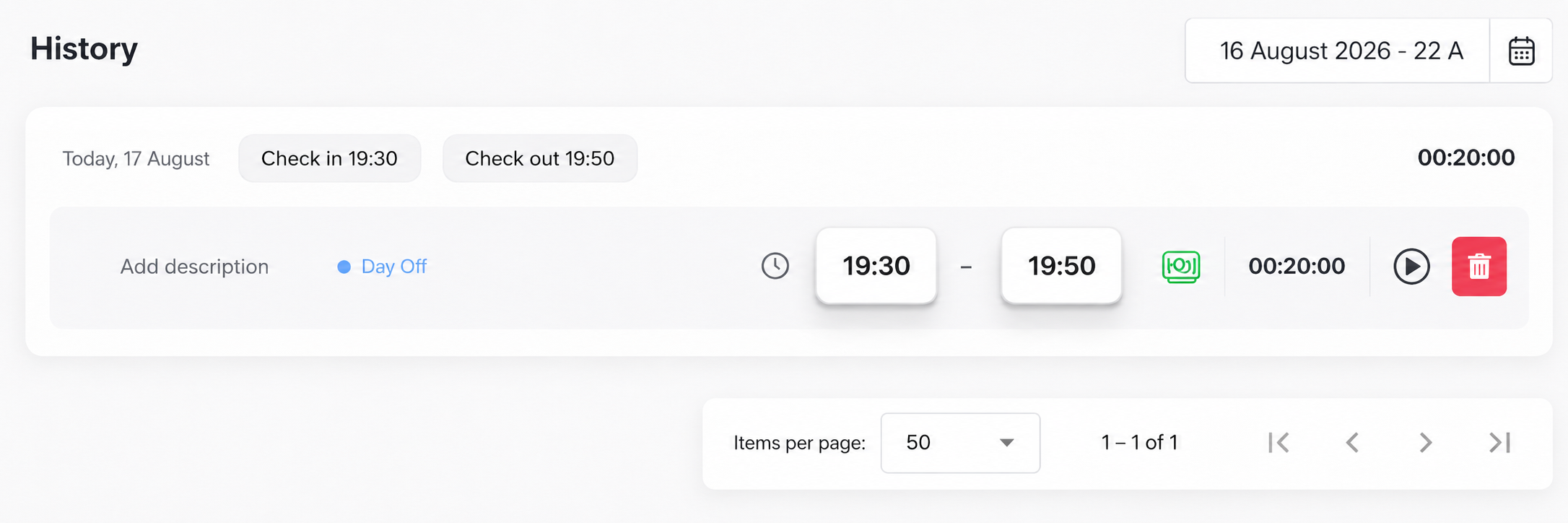
Once a session ends, it lands in a daily history log showing the description, project, exact start and end times, and total duration, all grouped automatically by day with a running daily total. Start and end times can be adjusted directly in place if a timer was left running too long or stopped too early, and each entry can be flagged as billable with a single click, making the log both accurate and ready for invoicing.