





Single Sign On (SSO)
Keep your company account secure and organized with flexible access controls, stronger authentication, and settings designed to protect your workspace and company data.
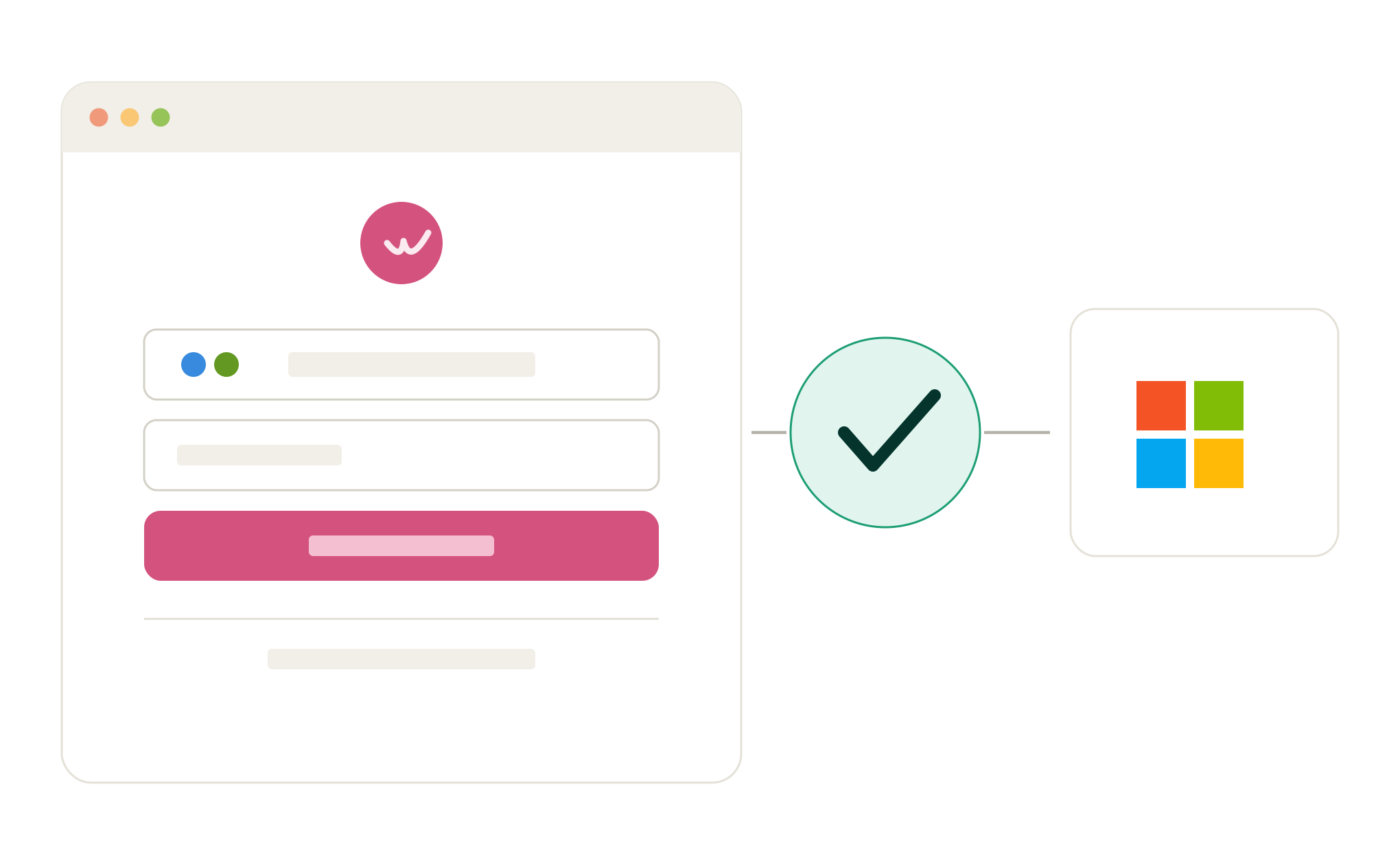
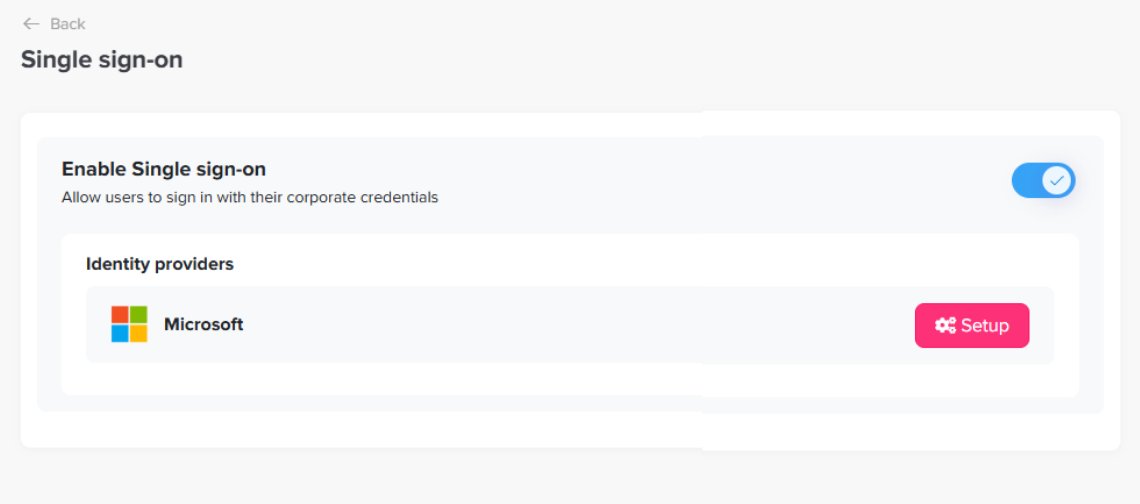
Set Up Microsoft SSO
Once SSO is enabled, select the Microsoft setup option and follow the steps to connect your organization. Grant the required permissions, complete the setup, and activate SSO for your company.
Link Employee Accounts with Microsoft
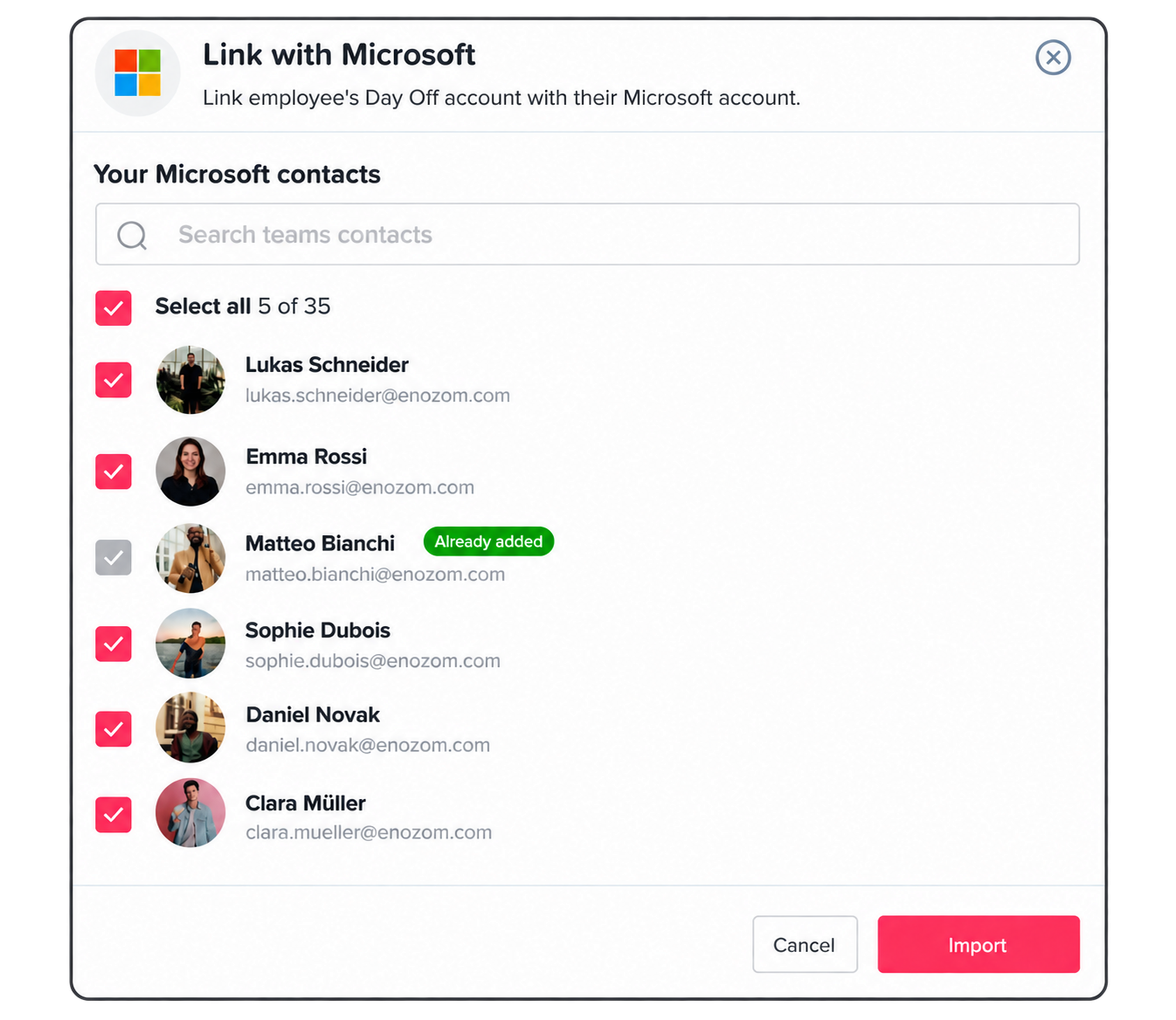
Admins can link employees’ Day Off accounts to their Microsoft accounts in just a few clicks. The Link with Microsoft panel pulls in your organization’s Microsoft contacts, so admins can search, select all, or pick specific employees to connect. Employees already linked are clearly marked as Already added, making it easy to import the rest of the team without duplicates.
Sign In With Your Work Account
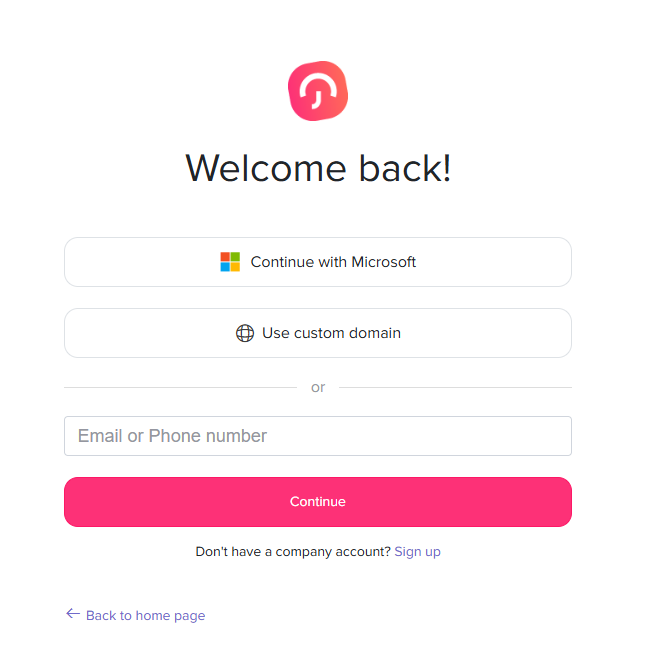
Once SSO is active, employees will see the Microsoft sign-in option when accessing Day Off. They can simply use their existing Microsoft work account instead of creating or remembering a separate Day Off password.