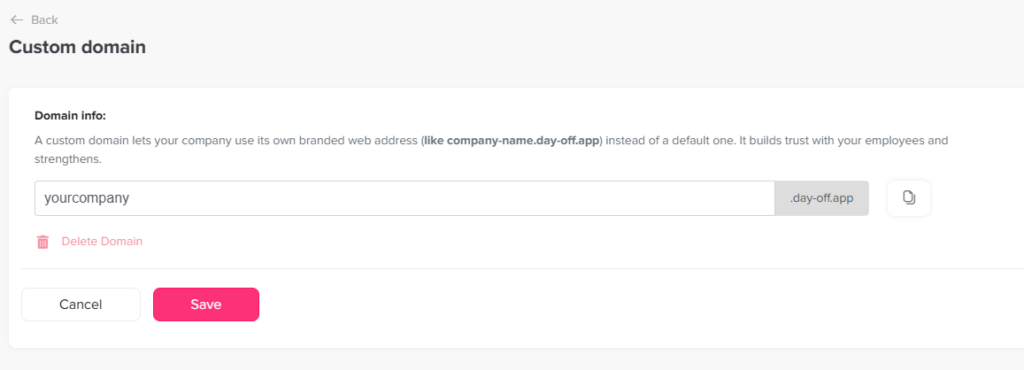
Main Security What is custom domain in Day Off? Print What is custom domain in Day Off? A custom domain in Day Off allows your company to access the platform using a personalized web address instead of the default Day Off URL. What Does It Mean? Instead of using the standard link (tracker.day-off.app), you can set up your own branded URL such as:yourcompany.day-off.appThis makes access more professional and aligned with your company identity. Why Use a Custom Domain? Using a custom domain helps you:Create a branded experience for your teamMake the platform easier to recognize and accessBuild trust with employees using a familiar company nameSimplify sign on by having a unique company specific link How to Enable a Custom Domain To set up your custom domain:Go to Security on the web versionFind the Custom Domain sectionEnter your desired domain (e.g., yourcompany.day-off.app)Check availabilitySave and activateOnce enabled, all users will be logged out and will be required to use the custom domain to login.