




70% Off for Pro Package
Start 2026 fully prepared with Day Off, the easiest way to manage employee vacations, PTO, and remote work.
For a limited time, enjoy 70% off your first 3 months when you upgrade to Day Off Pro using the promo code Save70.
Take advantage of this year-end offer to set up your company’s leave policies and workflows, and start 2026 organized and stress-free.
End of year offer!
save 70%
Discount applied for 3 months
SAVE70
Join over 50K+ companies across 100+ countries
“The app has been really useful for our team! Before Day Off, we had to email an admin, then put our PTO on a shared calendar. Now, our PTO request, approval, and tracking is much easier & better.”
Lauren
Non-Profit Organization Management
Customize your company settings
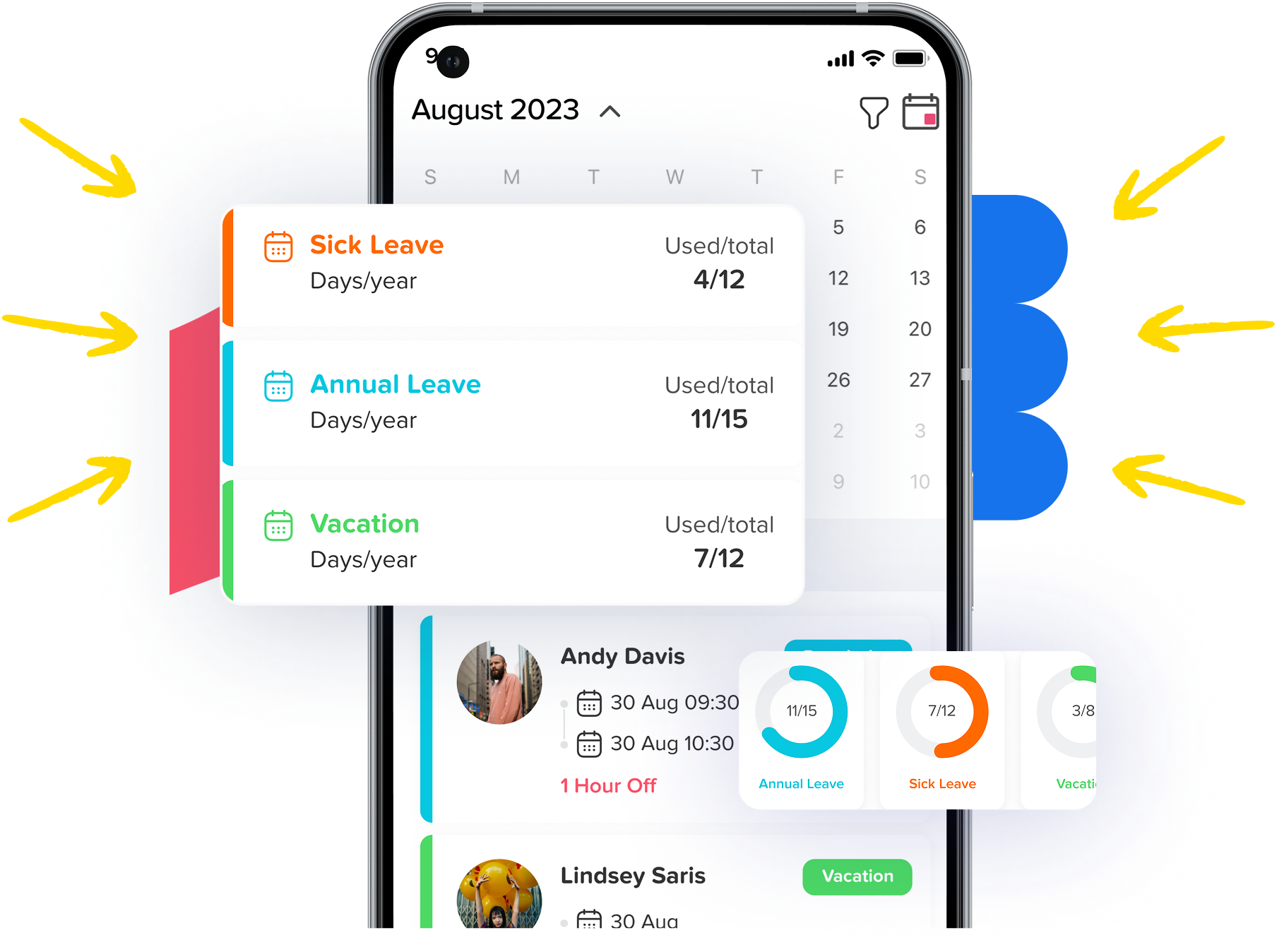
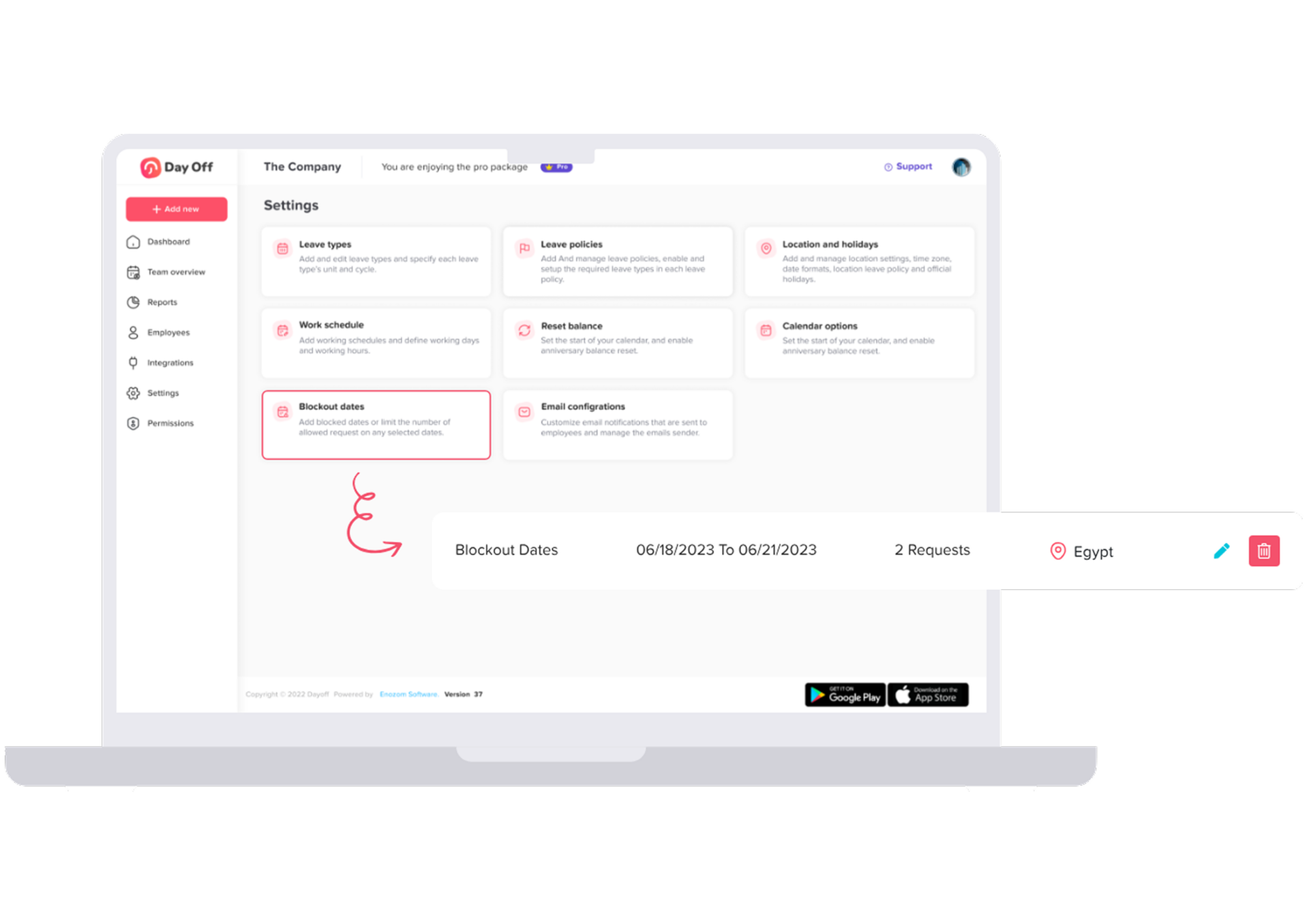
Every company is unique, so your settings should be too. Define working days and weekends, set leave balances, and add custom leave types. Give each team its own rules, adjust how employees view their leaves, and keep holidays up to date with just a few clicks.
Manage Leave Requests
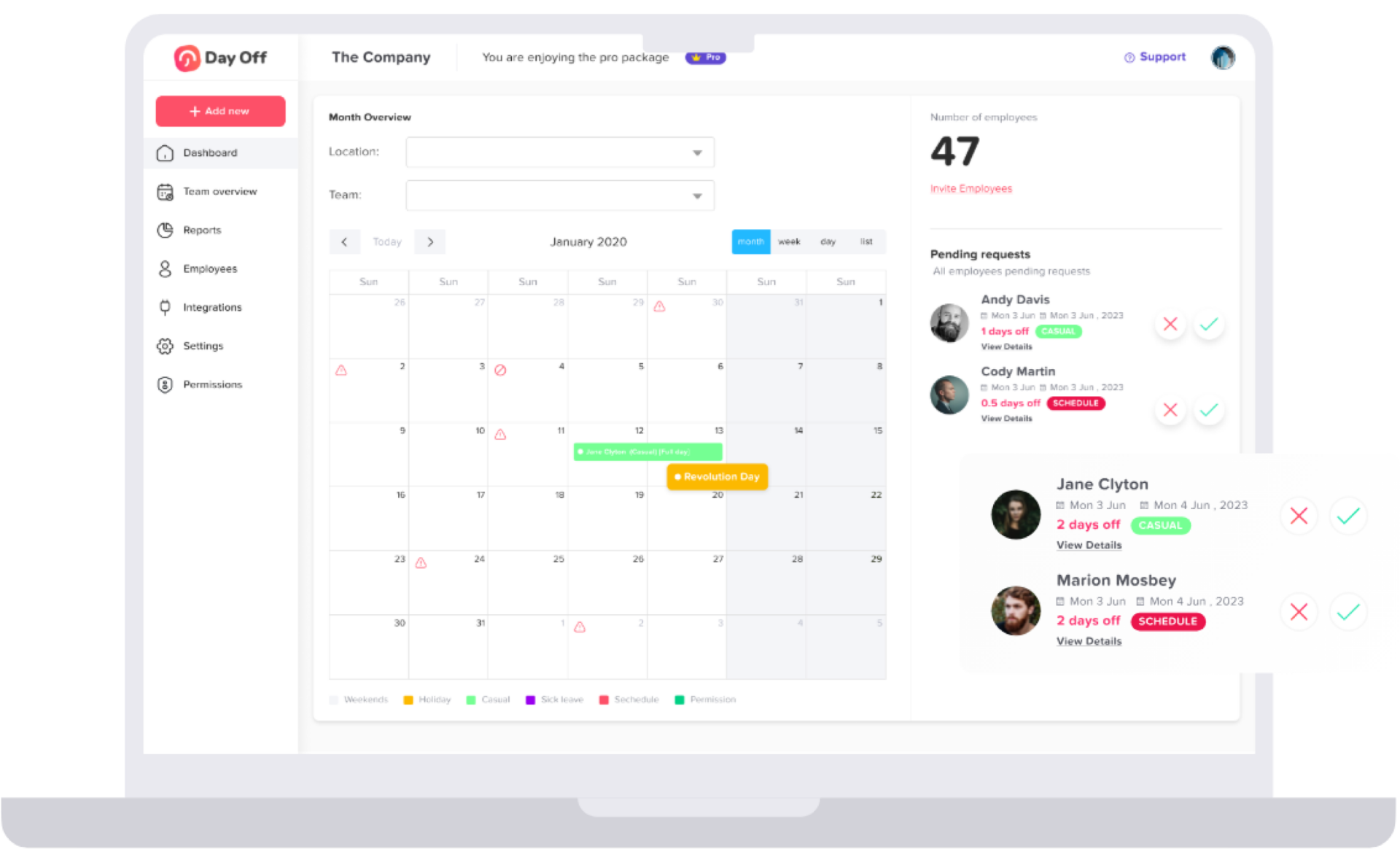
Track and approve time off with ease. View all team leaves in a calendar or list, with details like employee info, leave type, duration, and reason. Approve or decline requests in seconds, and export detailed reports by employee, team, or leave type to Excel.
Send Leave Requests
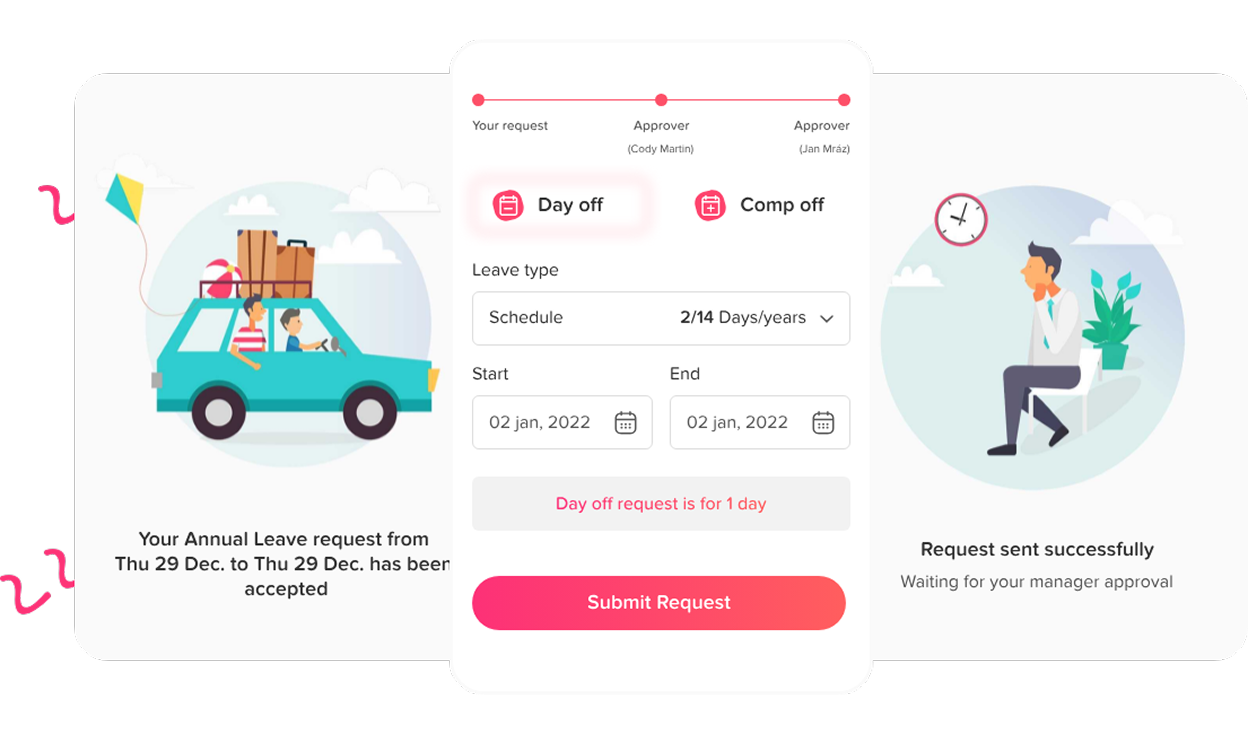
No more paper forms or endless waiting. Just pick your leave type, set your dates, and hit submit. You’ll be notified right away when it’s approved. Managers get an easy to manage inbox of requests, with simple one click approvals, even for multi-step approval flows.
The global impact of Day Off
Companies everywhere rely on Day Off to work smarter.
5M+
Requests Annually
Every year, millions of leave requests are managed effortlessly through Day Off.
700K+
Monthly active users
Teams of all sizes use Day Off daily to stay organized and productive.
50K+
Companies Trust Day Off
From startups to global enterprises, businesses rely on us to simplify HR processes.
100+
Countries Covered
A truly global platform, built for distributed and international teams.
Continuously updated with real adoption data from the Day Off platform.
Connect and sync with the tools you use daily
With Day Off, managers handle time off requests in Slack or Teams, employees track balance and submit time off, all synced with Google, Outlook, and your tools via API.
Everything You Need to Manage Time Off
Day Off makes leave management simple, connected, and secure, so your team can focus on what really matters.

Seamless Integrations
Sync with Google, Outlook, Slack, Teams, and more.

Custom Leave Management
Set policies and approvals that fit your team

Smart Reports & Notifications
Get instant alerts and clear insights anytime

Secure & Reliable
Enterprise-grade security and daily backups
Frequently Asked Questions
You can easily create your company account,
- Open Day Off,
- Click “create your team”,
- Add your email,
- Company’s name,
- HR name,
- Choose the country,
- Time Zone and password
- Then press “sign up”.
Afterward, you can set the company working days, the year starting month, Date format, add leave types then start adding employees. Your account is now ready!
Go to Company Settings, add or edit leave types and policies, configure working days, and set balance reset rules.
From the Employees section,
- Click Add Employee,
- Fill in their details,
- Assign teams/policies/approvers,
- Then send the invite
Or you can import employees by downloading blank excel file, add all your employees info in the sheet template, attach the file then upload and all your employees will be added on one time step.
To join your team, the HR manager in your team must send you an invitation to join, you will receive an invitation email with temp code, open the app, choose “Log in”, enter your email and press continue, you will be asked to enter the received access code, then set password page will be opened. Then you can complete your profile data such as your picture and phone number, just save your data, and you can now send leaves requests easily.