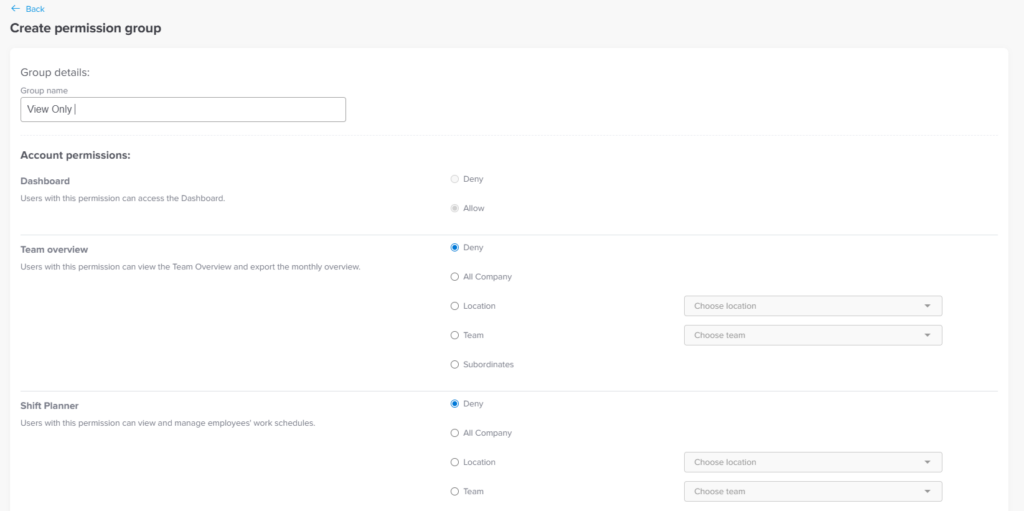
Main Permissions Can I create a "View-Only" role for our external accountant or auditor? Print Can I create a “View-Only” role for our external accountant or auditor? Day Off allows you to customize roles by selecting specific permissions, so you can give access without allowing any changes. Using the Web Version You can create a limited access role directly from the web platform.To set up a view only role:Go to SecurityGo to permissionsCreate a new permission groupSelect only view related permissions from the full Admin permission listAvoid enabling any edit, approve, or management permissionsAssign this role to the view only usersYou can allow access to:Employee profilesLeave balancesRequests and historyTeams, policies, and schedulesAll without giving the ability to modify anything.