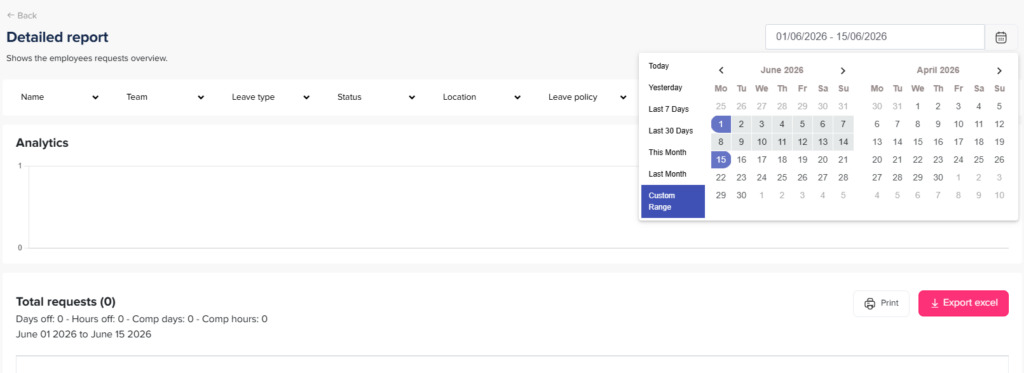
Main Reports How can I filter reports by date? Print How can I filter reports by date? Date filtering helps you analyze leave data within a selected timeframe, such as a month, quarter, or custom range. How to Apply Date Filters To filter a report by date:Go to the Reports sectionOpen the report you want (e.g., Detailed Report or Total Report)Select your desired date rangeApply the filter to update the results