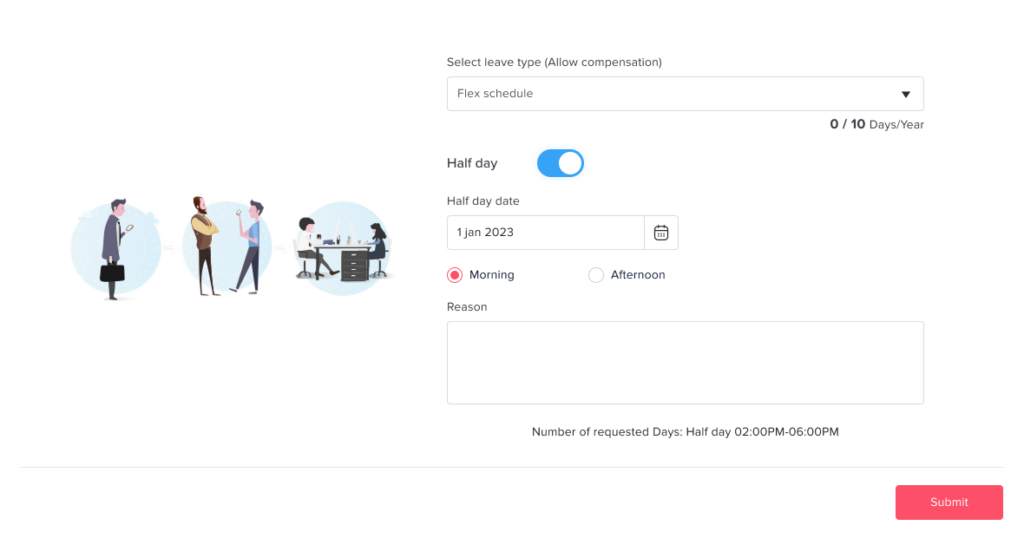
Main Requests How can I request a half day? Print How can I request a half day? You can easily request a half day in Day Off when submitting a leave request. Steps to Request a Half Day To request a half day:Go to the dashboardClick on “Add new”Click on “Add day off”Select the leave type (e.g., vacation, sick leave)Choose the dateSelect Half Day (Select morning or afternoon)Click Submit Request What Happens Next Your request is sent to the assigned approver(s)It follows the normal approval workflowOnce approved, only half a day is deducted from your balance Important Note The half day option must be enabled in your leave policyAvailability may depend on your company’s settings