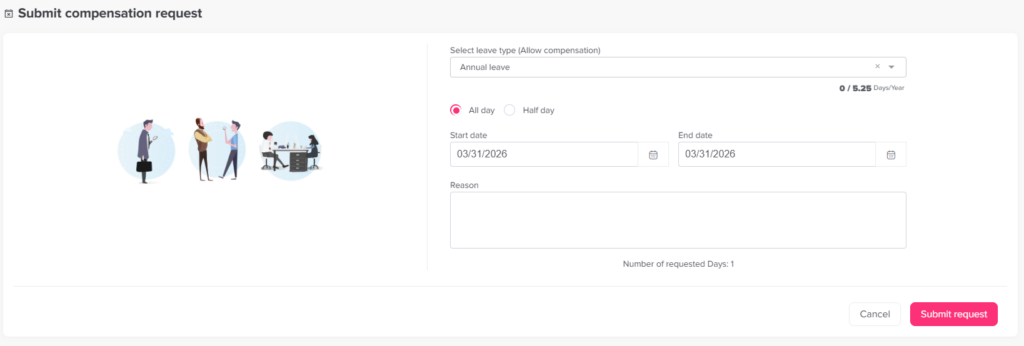
Main Requests How can I request comp/time off? Print How can I request comp/time off? Requesting Comp Off in Day Off is simple and follows the same process as any leave request. Steps to Request Comp Off To submit a comp off request:Go to the dashboard Click on “Add new”Select “Add Comp Off”Select the leave type that balance will be added onChoose the start and end date that you workedAdd a reason if needed (optional)Click Submit Request What Happens Next Your request is sent to the assigned approver(s)It goes through the approval workflowOnce approved, the time will be Added to your comp off balanceNow you can use this balance in time off requests. Important Notes Comp Off must be enabled in your leave policyYou need to have an available comp off balance to use it in later in time off. Web & Mobile You can request comp off from both web and mobileEverything is synced in real time