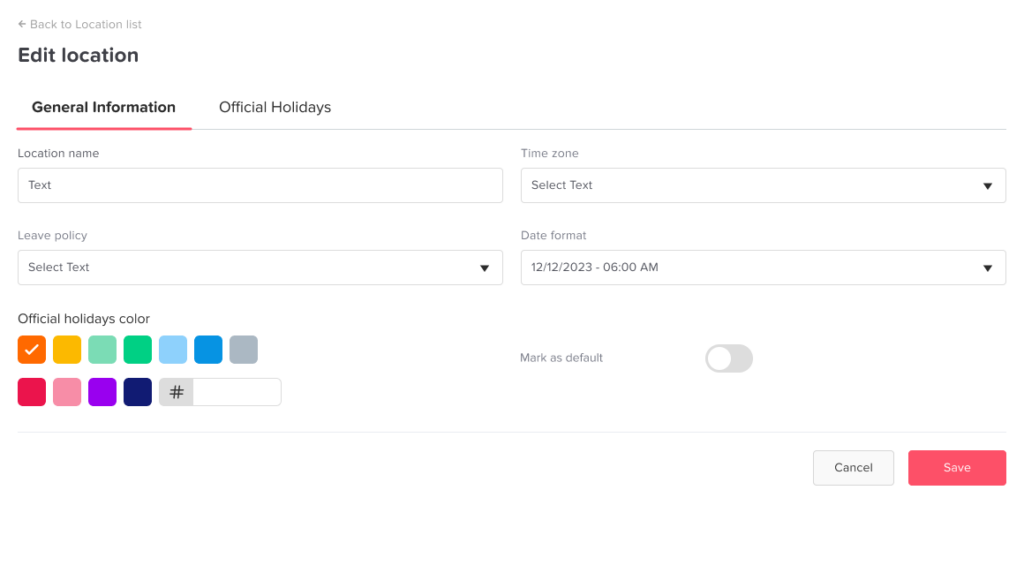
Main Locations and Holidays How to edit an existing location? Print How to edit an existing location? You can easily update any existing location in Day Off through the web platform. Steps to Edit a Location To modify a location:Go to Company SettingsGo to the Locations and holidays sectionFind the location you want to editClick on it or select EditUpdate the required details (e.g., name or settings)Click Save What Happens Next Changes are applied immediatelyUpdated information is reflected across all employees assigned to that locationReports and filters using that location will reflect the new details