





AI tools
Explore Day Off AI tools designed to simplify leave management, automate tasks, and improve everyday HR workflows.
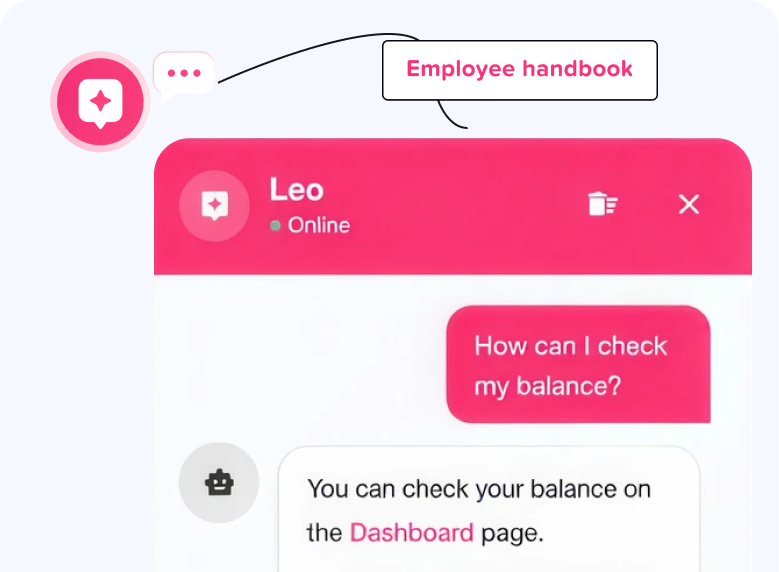
Can I clear or delete my chat history with Leo?
Learn how to clear the chat history in the Leo panel by starting a new chat, so you can ask a fresh question in Day Off’s AI assistant.
Can I customize or remove sections from the handbook?
Learn how to customize or remove sections from your Day Off AI employee handbook using Autogenerate toggles, the red x icon, and custom…
Can I upload my own handbook PDF instead of generating one with AI?
Already have an approved employee handbook? Learn how to upload your own handbook PDF to Day Off instead of generating a new one with AI.
Does Leo have access to my company's specific policies and data, or does it give generic answers?
Does Leo use your company’s policies and data, or give generic answers? Learn what Day Off’s AI assistant can see and when to contact…
How can I access the AI Tools section?
Learn how to access the AI Tools section in Day Off from the left-hand menu and start the Employee Handbook generator to save time on…
How do I add a custom section to the handbook?
Learn how to add a custom section to your Day Off AI employee handbook, name it, set Autogenerate, and remove it if you no longer need it.
How do I close the AI chat window?
Learn how to close the AI chat window in Day Off with one click, reopen Leo later, and start a new chat when you want a fresh conversation.
How do I generate an employee handbook using AI?
Learn how to generate an employee handbook using AI in Day Off: choose sections, set Autogenerate toggles, create the draft, and preview…
How do I open the AI chat assistant?
Learn how to open Leo, the AI chat assistant in Day Off, from the top bar, ask your first question, and get quick guidance without leaving…
How do I preview the handbook before finalizing it?
Learn how to preview the handbook in Day Off after generating it with AI, what to check, and how to fix sections before you download or…
How does the "Autogenerate" option work for each section?
Learn how the Autogenerate option works for each section of the Day Off AI employee handbook, when to keep it on, and when to switch it off.
How to Add an Employee Handbook
Learn how to add an employee handbook in Day Off: generate a customized PDF with AI from your company data, or upload the handbook you…
Is Leo available 24/7, or does the "Online" status mean it depends on availability?
Is Leo available 24/7? Learn what Leo’s Online status means, when you can use Day Off’s AI assistant, and when to contact the support team…
What kind of questions can I ask Leo, the virtual assistant?
Find out which questions to ask Leo, the Day Off virtual assistant: setup help, where to find settings, how features work, and when to…
What sections are included in the AI-generated employee handbook by default?
See the default sections in the Day Off AI-generated employee handbook, what each one covers, and how to customize, remove, or add sections.
Why is the "Leave policy and time off" section always included and not editable?
Learn why the leave policy section of the Day Off AI handbook is always included and not editable, and how to update it through your leave…
Does Leo have access to my company's specific policies and data, or does it give generic answers?
Does Leo use your company’s policies and data, or give generic answers? Learn what Day Off’s AI assistant can see and when to contact…
Make time off the easy part of your week
Join 60,000+ companies that track leave, PTO, attendance and work hours with Day Off. Free to start, no credit card needed.