

full-logo
  • Home
  • Features
        • Employees management

          employees

          Employees management

          Centralized system for managing employee leave.

          approvals

          Approval workflow

          Quick leave approvals with two approvers.

        • International Teams

          location

          Multi locations

          Customize locations, schedules, and track globally.

        • Reports

          reports

          Detailed Reports

          Track all employee leave requests easily.

        • Calendars

          dashboard

          Dashboard calendar

          View holidays and leaves in calendar.

          accrual

          Blockout dates

          Limit time-off during critical periods.

        • Policies

          leave-policies

          Leave policies

          Set multiple leave policies with different rules.

          accrual

          Accrual

          Set different accrual rates for different leave types.

          carryover

          Carryover

          Set different carryover rules for each leave policy.

        • Integrations

          dashboard

          Google calendar

          Sync time-off with Google Calendar automatically.

          accrual

          Outlook calendar

          Sync approved time-off with Outlook Calendar.

          slack

          Slack

          Boost productivity with Slack leave management.

          dashboard

          MS teams

          Manage leave and updates within Teams.

        • See all features
  • Pricing
  • Resources
        • Help & Resources

          knowledge

          Knowledge base

          Centralized information empowers learning.

          faq

          FAQ

          Quick answers simplify doubts, guiding users.

        • Product Updates

          log

          Change log

          Track updates, improvements, and progress.

          roadmap

          Product roadmap

          Future plans reveal direction and vision.

        • Insights & Stories

          success

          Success stories

          Real experiences inspire trust and motivation.

          blog

          Blog

          Expert perspectives to elevate your workflow.

        • Why Day Off

          success

          Compare

          Check why Day Off is the right tool for your team.

  • Support
  • English
    • English
    • Deutsch
  • Login
  • Create your team
Day Off Knowledge Base
  • Work schedules

    • Can I customize schedules for part-time or remote employees?
    • Can I temporarily edit an employee's work schedule?
    • How do I set working days and weekends?
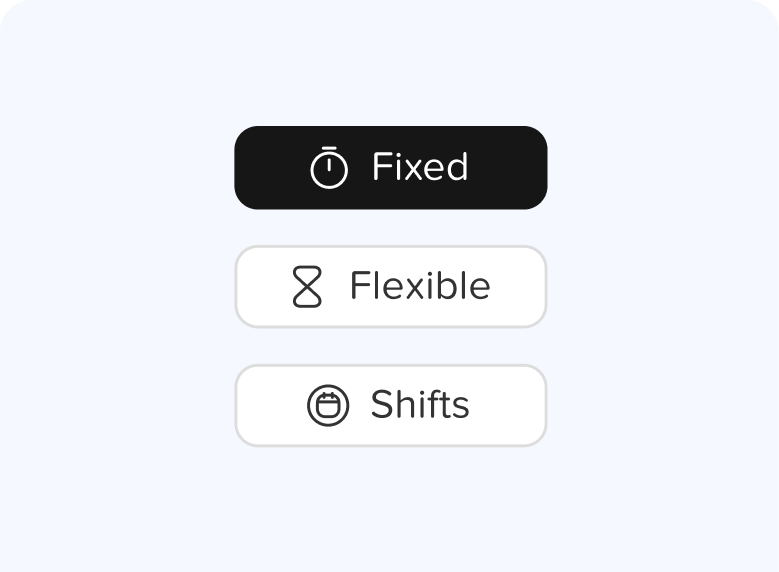
    • How to set a flexible hours schedule?
    • How to set a shift-based schedule?
    • How to set different working days for different employees?
    • How to set the working hours?
    • What are work schedules in Day Off?
  • Main
  • Work schedules

Work schedules

Set working days, hours, and rotating shifts, and assign each employee to a schedule that fits their role.

Articles

Can I customize schedules for part-time or remote employees?
Can I temporarily edit an employee's work schedule?
How do I set working days and weekends?
How to set a flexible hours schedule?
How to set a shift-based schedule?
How to set different working days for different employees?
How to set the working hours?
What are work schedules in Day Off?

Ready to build your company ?

Put everything you learned into action. Create and publish your content with

Get started
full-logo
capterra-logo
  • LinkedIn
  • Instagram
  • Facebook
  • Twitter

Integration

  • Google calendar
  • Outlook
  • Slack
  • Microsoft teams

Downloads

  • Day Off for Android
  • Day Off for iOS

Support

  • Knowledge Base
  • FAQ
  • Contact Us

© Copyright 2026 Day Off

Security

Privacy Policy