





Day Off Knowledge Base
-
Employees
- Can I request leave for past dates?
- How can I check my leave balance?
- How can I check the status of my request?
- How do I change my password?
- How do I check public holidays and weekends?
- How do I update my personal information?
- How do I upload or update my profile picture?
- How do I view my leave history?
Print
Keeping your profile picture up to date helps your team easily recognize you and adds a personal touch to your account.
To upload or update your profile picture in Day Off “Web Version”
- Click on your profile picture
In the top-right corner of the screen, click on your current profile picture or avatar to open the account menu. - Go to “My Account”
From the dropdown menu, select My Account to access your profile settings. - Click on the camera icon
Hover over your profile picture and click on the camera icon that appears. This allows you to upload a new image. - Choose your image
Select a photo from your device. For best results, use a clear and properly sized image. - Save your changes
Once uploaded, make sure to save your profile to apply the new picture.
Note: Supported file formats and size limits may vary. If your image doesn’t upload, try using a smaller or different file format.
How do I upload or update my profile picture on mobile?
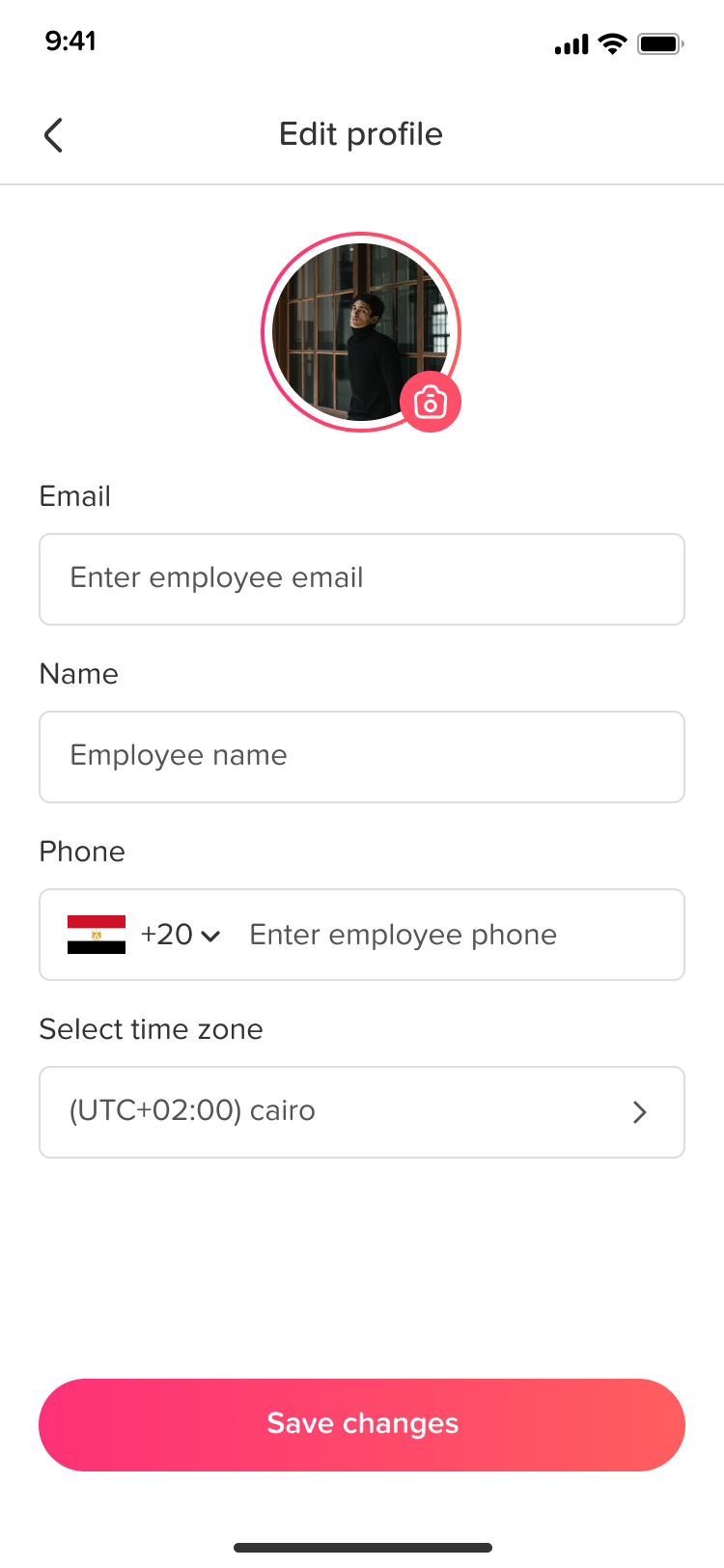
Adding or updating your profile picture helps your team easily recognize you and makes your account feel more personal.
- Open the main menu
From the bottom of the screen, tap on the menu icon to open the main navigation menu. - Go to Settings
Tap on Settings to access your account and profile options. - Tap on your profile picture
In the Settings screen, tap on your current profile picture. This will prompt you with options to update your photo. - Choose how to upload your picture
Select whether you want to open your camera to take a new photo or choose an existing image from your gallery. - Confirm and save
After selecting or taking your photo, confirm your choice and save the changes to update your profile picture.
Note: If you’re unable to upload an image, make sure the app has permission to access your camera and photos.
If you face any issues while updating your profile picture, feel free to contact your HR administrator or support team. Keeping your profile updated helps create a more connected and engaging workplace experience.
On this page