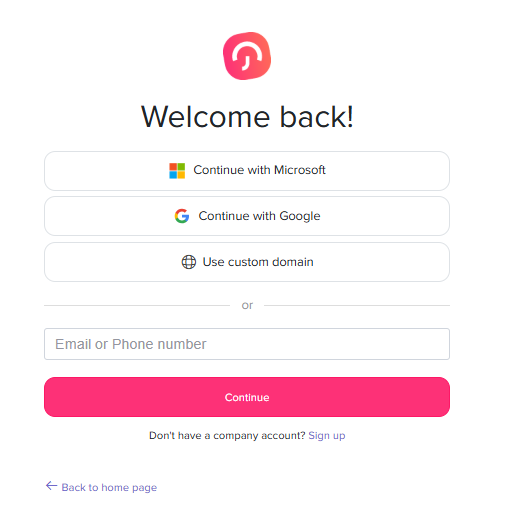


Yes, Day Off supports Google SSO (Google Single Sign On), allowing your team to log in securely using their Google work accounts.
What Google SSO Means for Your Team
With Google SSO enabled:
- Employees can sign in using their Google accounts
- No need to create or manage separate passwords
- Authentication is handled through your organization’s Google Workspace
How It Works
Once SSO is activated:
- A Google login option appears on the login page
- Users simply sign in with their work account
Why Teams Use Single Sign-On
Single sign-on keeps account access simple for everyone. Instead of remembering another password, employees open Day Off and continue with the same work account they already use for email and calendars. This makes it quicker to check balances, submit leave requests, and approve time off.
For admins and IT teams, it also means fewer password reset requests and more control. Access is tied to your Google Workspace accounts, so when someone leaves the company and their work account is disabled, they can no longer sign in with it.
Setting Up Google SSO
An admin needs to turn on SSO for your workspace before employees can use it. Follow the steps in our guide on how to enable single sign-on, then let your team know they can start signing in with their work accounts.