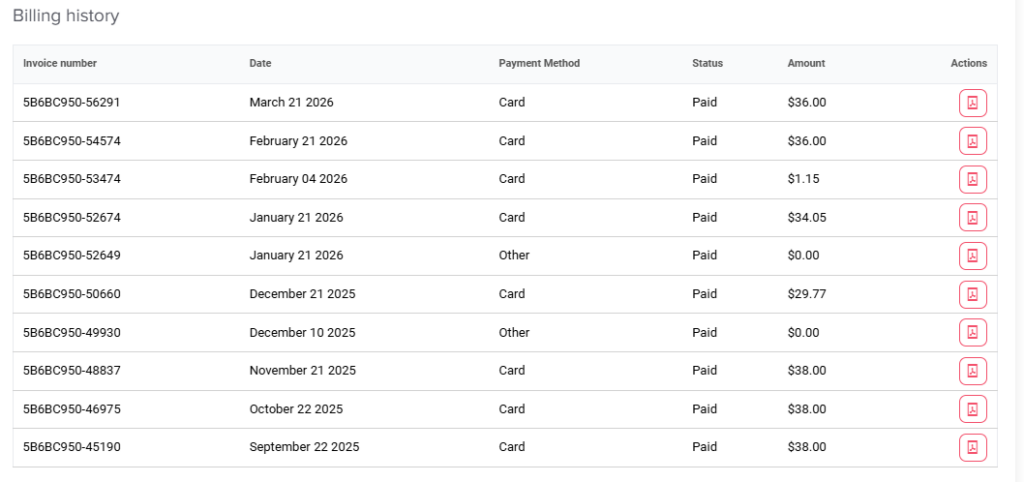
Main Billing How do I view or download my invoices? Print Admins can easily view their billing history and download past invoices directly from the system. Click your profile picture in the top-right corner and select Billing.Scroll down to find your Billing History, which shows the list of invoices.The list shows the invoice number, date, payment method, payment status, and teh invoice amount.Click the Download icon under the actions column next to the required invoice to download it as a PDF file.