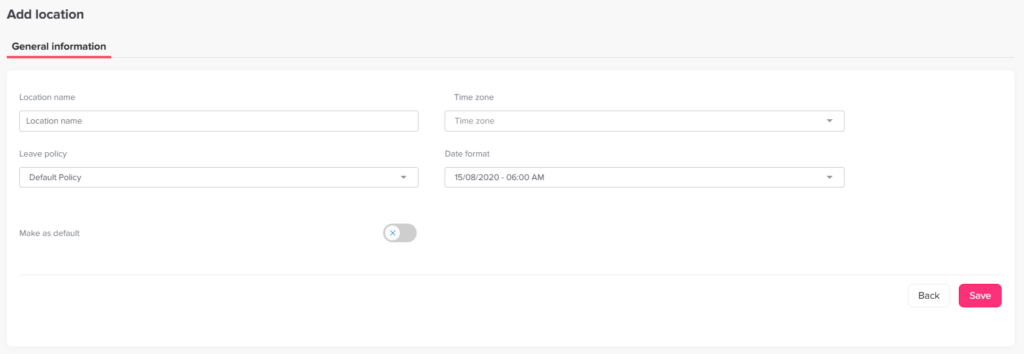
You can easily add your company’s main location, and in the pro plan to add multi location in Day Off to organize employees based on offices, countries, or regions.
Steps to Add a Location
To create a new location:
Go to Company Settings on the web version
Navigate to the Locations and holidays section
Click on “Add new location”
Enter the location name
Configure any related settings if needed
Click Save
Why Use Locations?
Adding locations helps you:
Organize employees by office or region
Apply different leave policies per location
Filter reports and data based on location
Manage global or distributed teams more efficiently