Day Off Knowledge Base
-
Locations and Holidays
Print
In Day Off, you can customize holidays for individual employees directly from their profile even if holidays are assigned based on location.
Steps to Add a Holiday for an Employee
To add a custom holiday (e.g., birthday):
- Go to the Employees Overview
- Open the employee’s profile
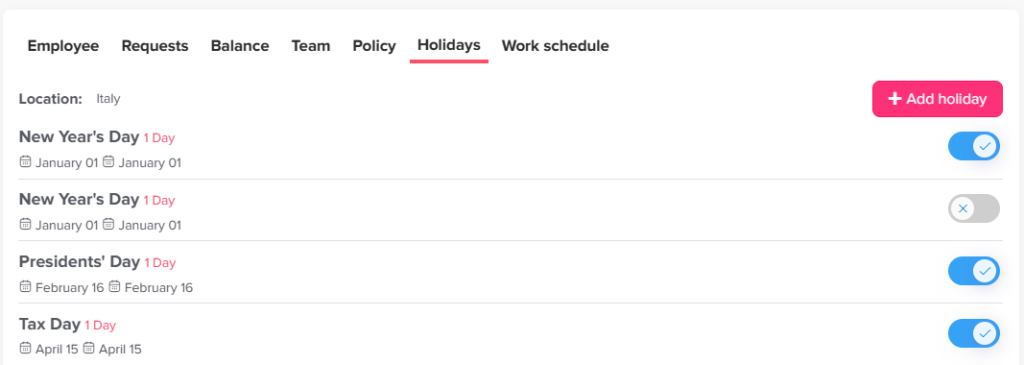
- Go to the Holidays section
- Click on “Add Holiday”
- Enter the holiday name (e.g., Birthday)
- Select the date
- Save
This holiday will apply only to that employee.
Managing Existing Holidays
You can also customize existing holidays:
- Go to the employee’s profile
- Go to Holidays section
- You will see holidays assigned via location
- You can deactivate specific holidays for that employee
This allows full flexibility even if the employee is part of a location with predefined holidays.
Use Cases
- Add personal holidays (e.g., employee birthdays)
- Remove holidays that don’t apply to a specific employee
- Customize exceptions without changing the entire location
On this page