





Clients and Billable Rates
Clients lets you organize tracked time around the people you work for. Add each client with their own currency and hourly rate, link them to projects, and flag time entries as billable, so the hours your team logs are ready to report on and invoice.
Client Profiles with Currency and Rate
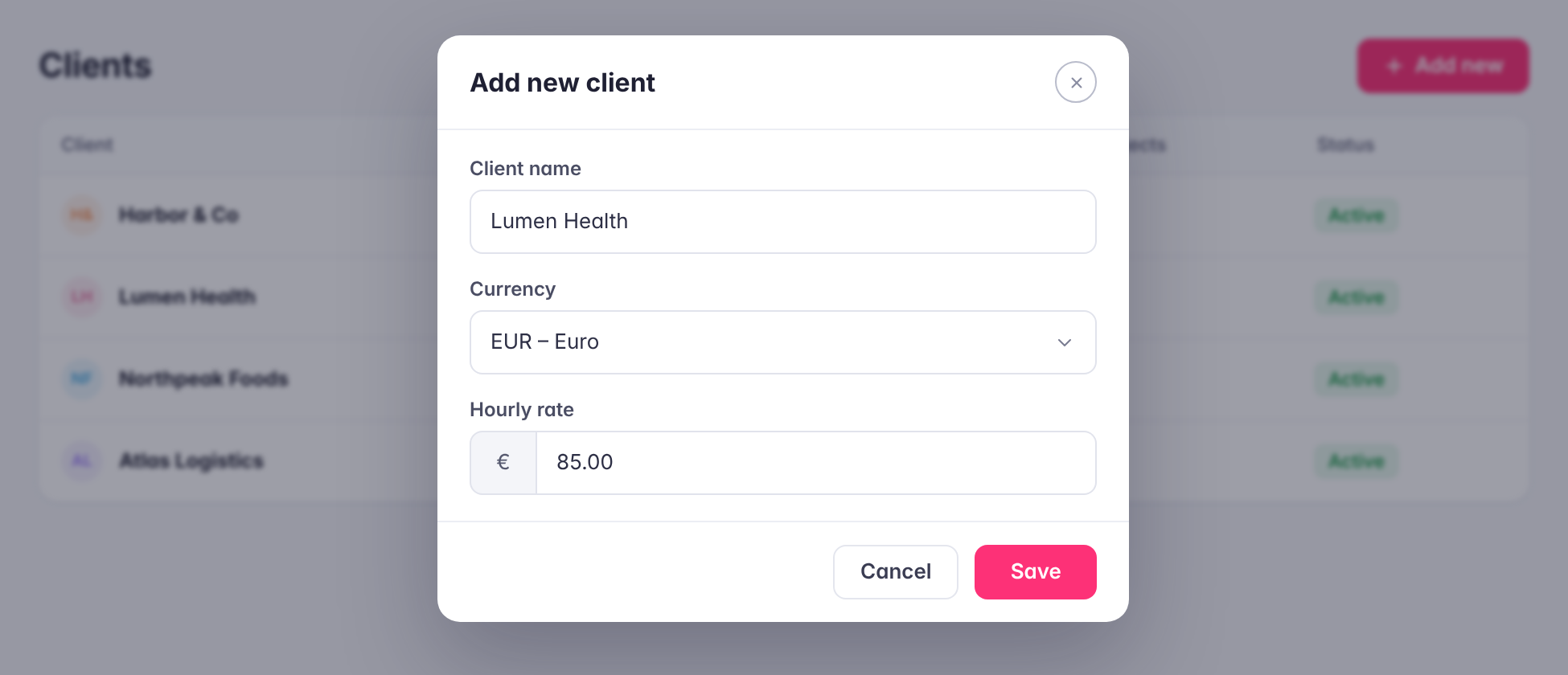
Add clients from the time tracker settings and set the currency and hourly rate you charge each one. Agencies and service teams working with clients in different countries can keep every client’s rate in its own currency instead of converting by hand.
Projects Linked to Clients
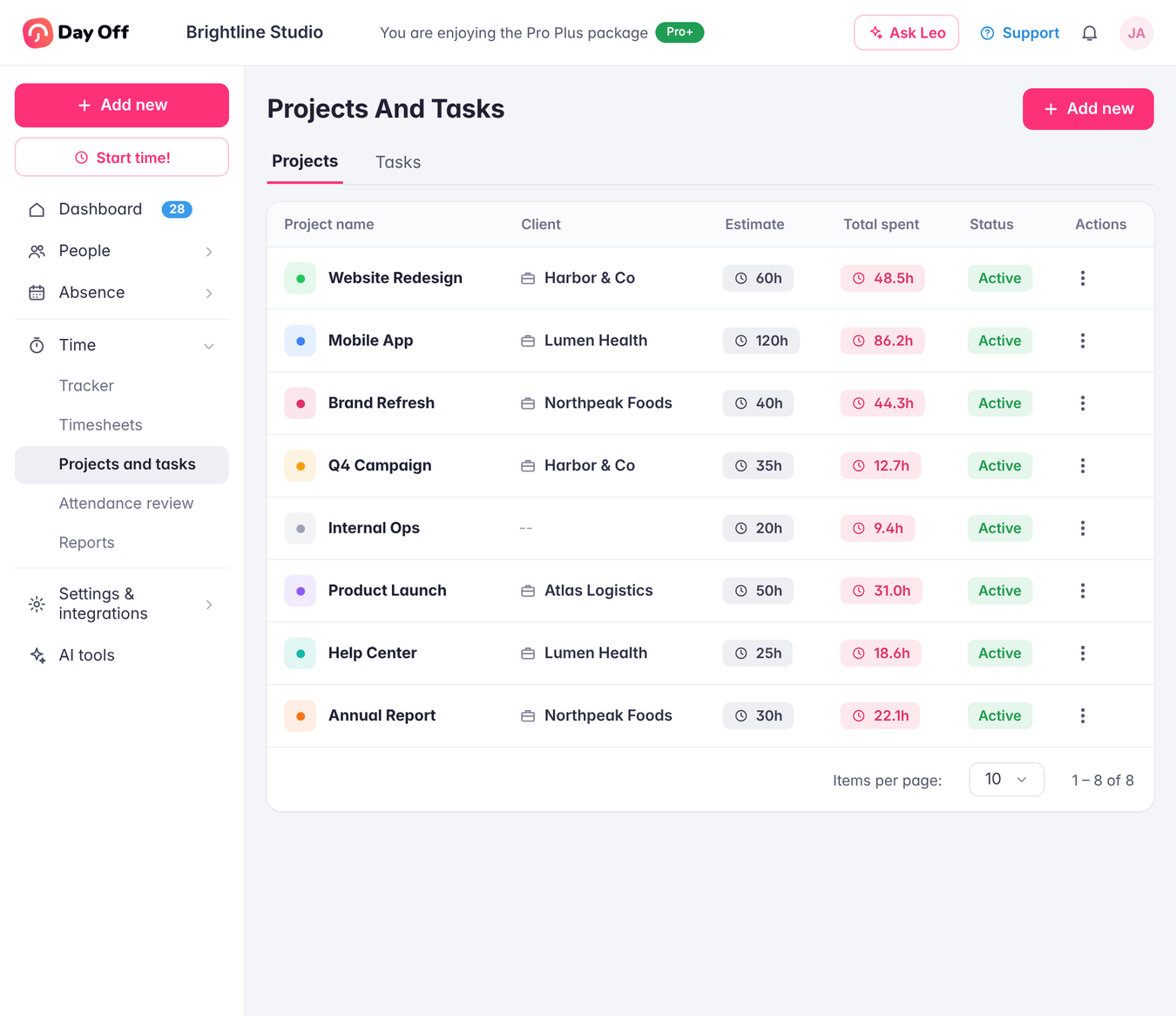
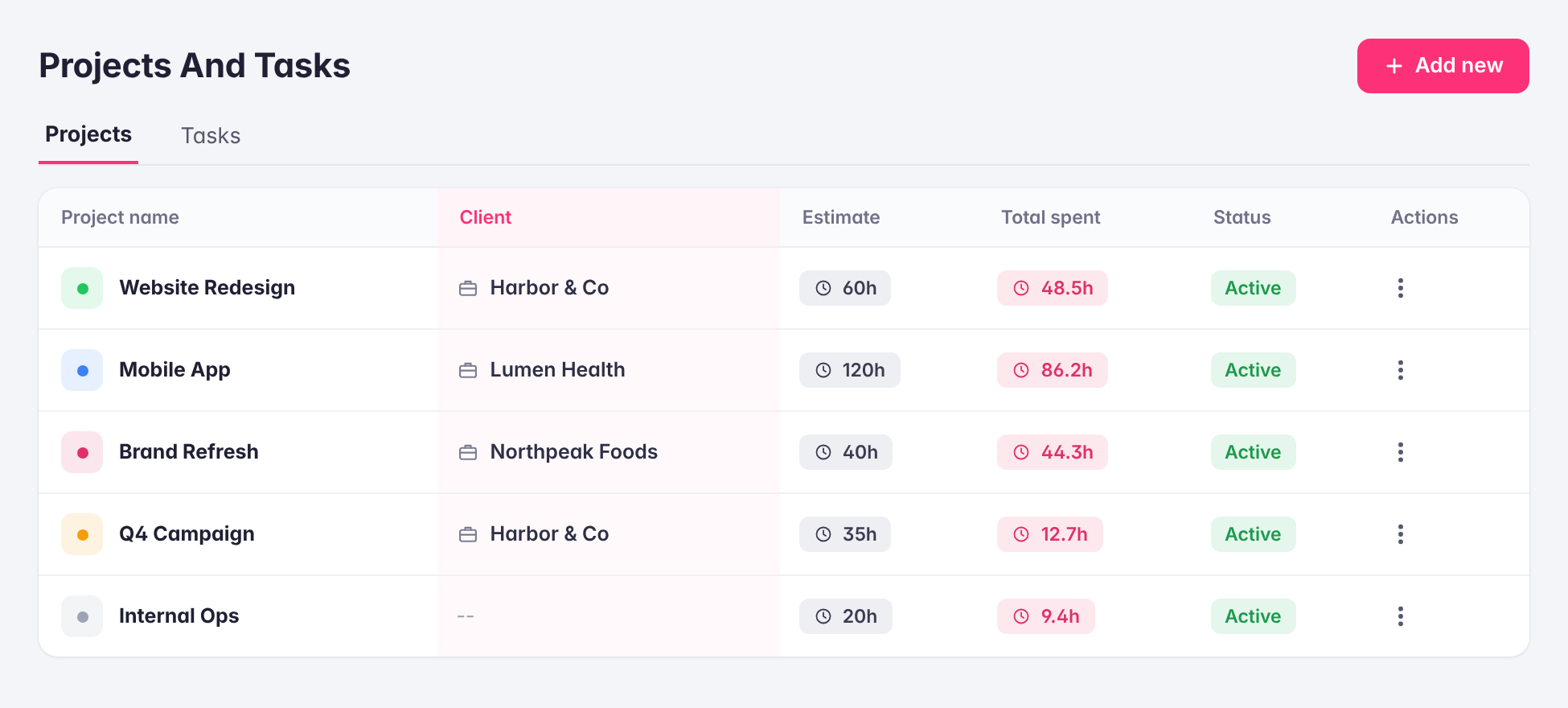
Assign projects to a client, and the client appears next to each project on the Projects page, alongside its time estimate and total time spent. It’s an easy way to see how much work is going into each client relationship and whether projects are staying within their estimates.
Billable Time Entries
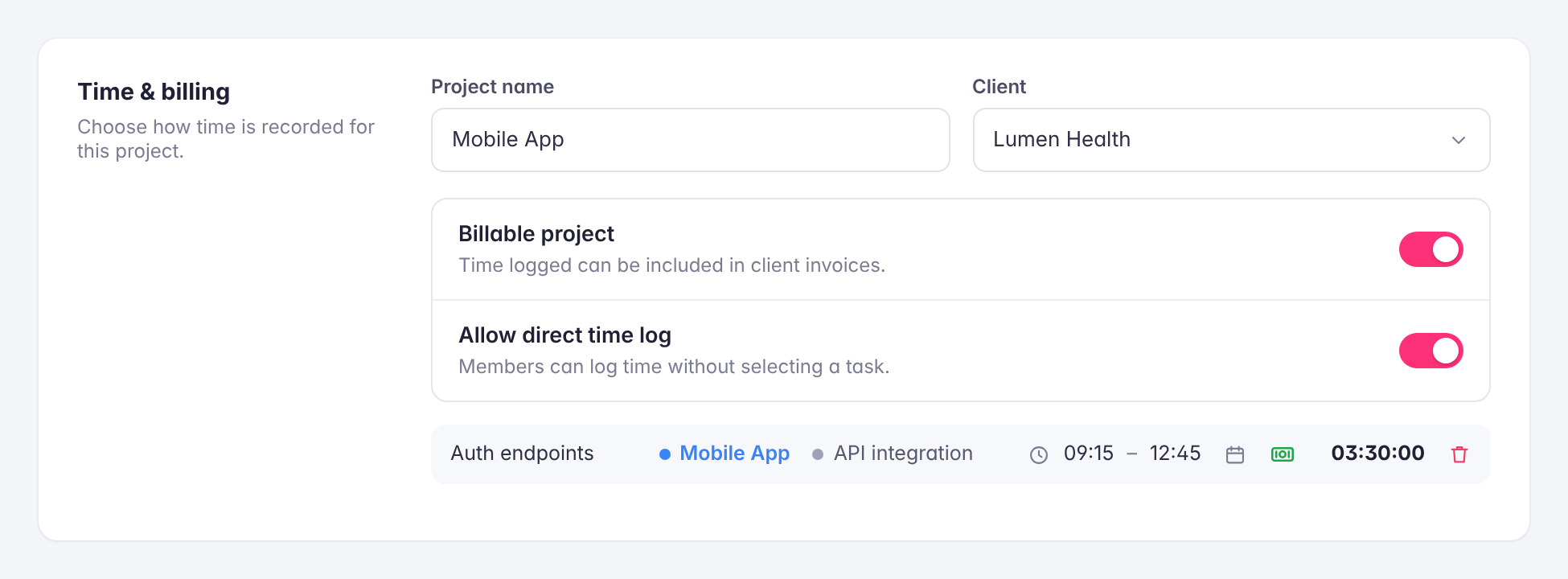
Every time entry can be marked as billable with one click, from the Tracker or from the day view in Timesheets. Billable and non-billable work stay clearly separated, so internal tasks never end up on a client’s invoice.
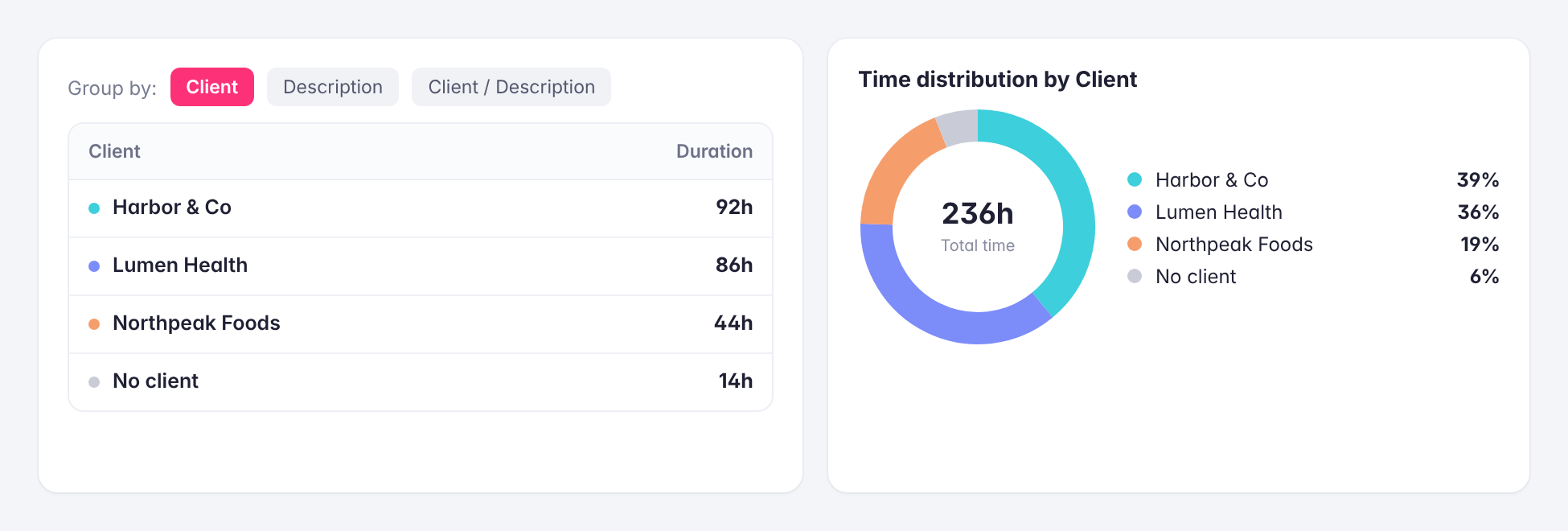
Client-Level Reporting
Filter time reports by client to see every hour logged for them across projects, tasks, and team members, or group the Summary report by client to compare where time is going. Export the results to Excel to share with the client or hand to finance for invoicing.