





Day Off Knowledge Base
-
Work schedules
- Can I customize schedules for part-time or remote employees?
- Can I temporarily edit an employee's work schedule?
- How do I set working days and weekends?
- How to set a flexible hours schedule?
- How to set a shift-based schedule?
- How to set different working days for different employees?
- How to set the working hours?
- What are work schedules in Day Off?
- What Is the Shift Planner?
Print
Working days and weekends are managed through your Work Schedules. When you first create your company in Day Off, you will be prompted to set a default schedule that automatically applies to all employees.
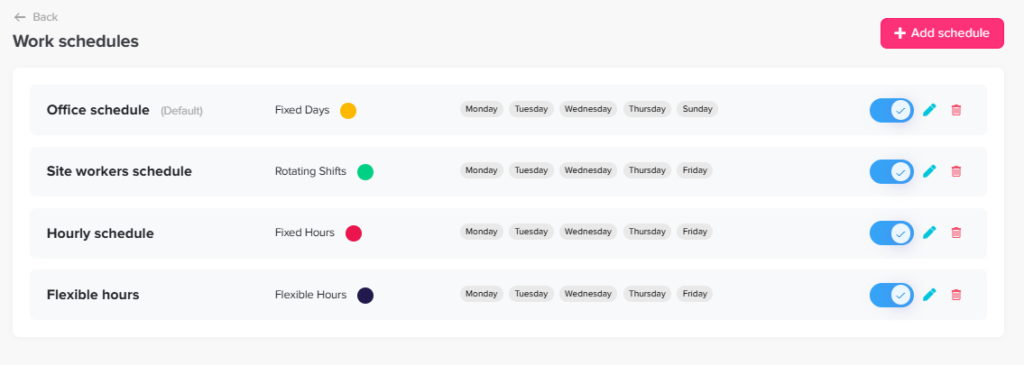
As an admin, you can easily edit this default schedule or create brand-new ones by following these steps:
- Navigate to Settings & integrations → Settings and select Work schedules.
- Click to edit your existing default schedule or select the option to add a new one.
- Enter or update the schedule’s core information, including the Name, Week Start Day, and Color. You can also choose to mark it as your Default schedule here.
- Select your required Schedule Type (Fixed Days, Fixed Hours, Flexible Hours, or Rotating Shifts).
- Toggle ON the specific working days for this schedule, and leave the designated weekends toggled OFF.
On this page