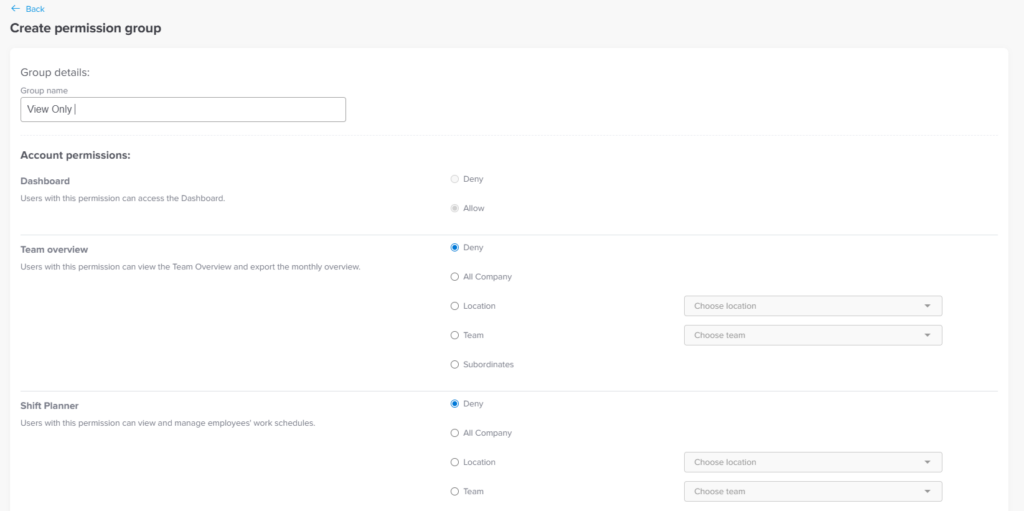
You can create a limited access role directly from the web platform.
To set up a view only role:
- Go to Settings & integrations → Security
- Go to permissions
- Click Add permission group
- Select only view related permissions from the full Admin permission list
- Avoid enabling any edit, approve, or management permissions
- Assign this role to the view only users
You can allow access to:
- Employee profiles
- Leave balances
- Requests and history
- Teams, policies, and schedules
All without giving the ability to modify anything.