Print

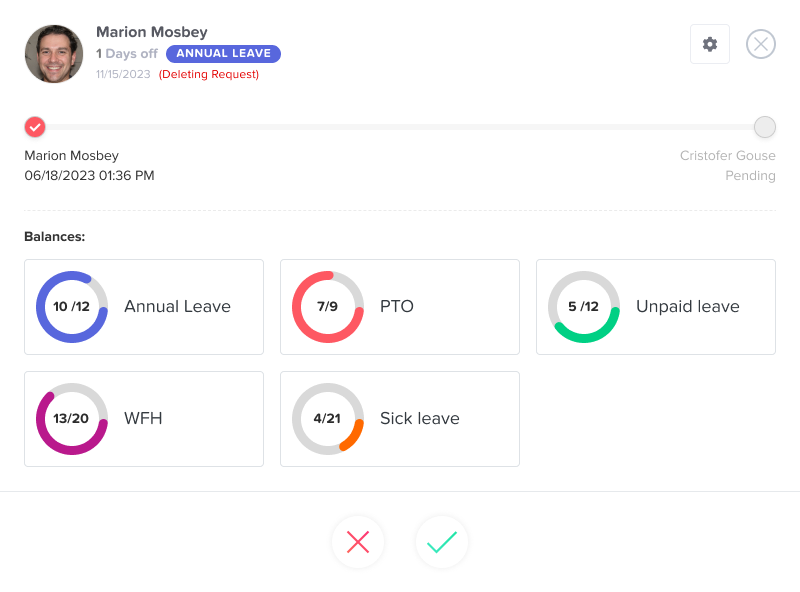
Can a manager view the balances of their team?

Day Off allows managers to monitor their team’s time off balances so they can make informed approval decisions and avoid scheduling conflicts.

Steps to Enable This Access

To allow a manager to view team balances:

  • Go to Security
  • Go to Permissions
  • Create/edit a custom role
  • Enable permissions such as:
    • View employee data
    • View Leave Balances
    • Manage employee leave requests
  • Click Save

Then assign this role to the manager:

  • Go to Employees Overview
  • Open the employee’s profile
  • Select the updated Role
  • Click Save

Summary

  • Managers can view their team’s leave balances
  • Available on both web and mobile
  • Helps with smarter approvals and better planning

This ensures managers have the visibility they need to support their teams effectively.

On this page