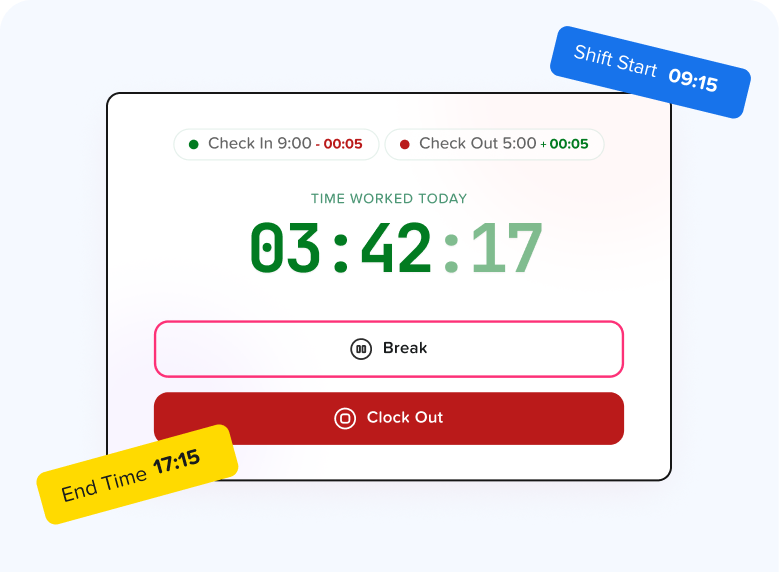
Marketing graphic showing the Day Off Time Tracker interface with a running timer, check-in/out times, and a "Shift Start 09:15" callout Time tracker

Learn how to track work hours, manage timesheets, and monitor employee time accurately with Day Off.

Articles

Admin. Can I Edit an Employee's Time?
Admin. How Do I Find Timesheets Waiting for My Approval?
Admin. How to Approve, Reject, or Undo Timesheets
Admin. How to Create a New Task
Admin. How to Find a Specific Task in a Long List
Admin. How to Set Up Timesheet Approval, Editing, and Visibility
Admin. Who Can See Timesheets in Day Off?
Can I see just my own time report instead of the whole company's?
Can I view my employees' tracked time or time worked on a specific project
Employee. Can I Change My Clock-In or Clock-Out Time?
Employee. How Can I Add a Task?
Employee. How Do I Submit My Timesheet?
Employee. How to See What Tasks You've Been Assigned
Employee. I Clocked Out by Mistake. How Do I Continue My Day?
Employee. My Timesheet Was Rejected. What Should I Do?
Employee. Timesheet Statuses and Common Questions
Employee. Why Can't I Find a Certain Project in the Tracker's "Select Project" List?
Employee. Why Is the Submit Timesheet Button Greyed Out?
How Do Breaks Work on My Timesheet?
How Do I Add Missing Time or Edit an Entry on My Timesheet?
How Do I Filter A Report By Employee, Client, Project, Task, Team, Location, or Description?
How do I filter attendance by employee, team, or location, and change the date range?
How do I start tracking time on a task?
How do I switch the whole company between "Clock in/Clock out" and "Task tracker" mode?
How is the Attendance review page organized, and how do I read it?
How to Add a New Client, and Why It's Useful
How to Change the Date Range Being Reported On
How to Create a New Project (and What Each Field/Toggle Does)
How to Edit, Deactivate, or Delete a Client (and the Real Difference Between Them)
How to Export or Print a Report (and What Format You Get)
How to Filter or Search the Client List
How to Find, Filter, Edit, Deactivate, or Delete a Project
How to Print or Export a Timesheet to Excel
How to Read the Timesheets Page and Use Its Filters
How to Stop the Timer in Day Off
How to View or Change the Date Range of Your Time History in Day Off
What does the "Billable" icon mean in the Detailed report, and how is it determined?
What's The Difference Between The Detailed And Summary Reports, And When Should I Use Each?
What's the Difference Between the Two Time-Logging Modes, and Where Do I Manage This?